Over the past year, we rebuilt much of the core WRITER experience to help business users create and manage increasingly complex agentic work, without the help of a technical partner. Marketers, field reps, and other non-technical users can now build playbooks that automate complex multi-step work, generate live dashboards and microsites, and run entire campaigns end-to-end — all from the main app, not in a separate builder.
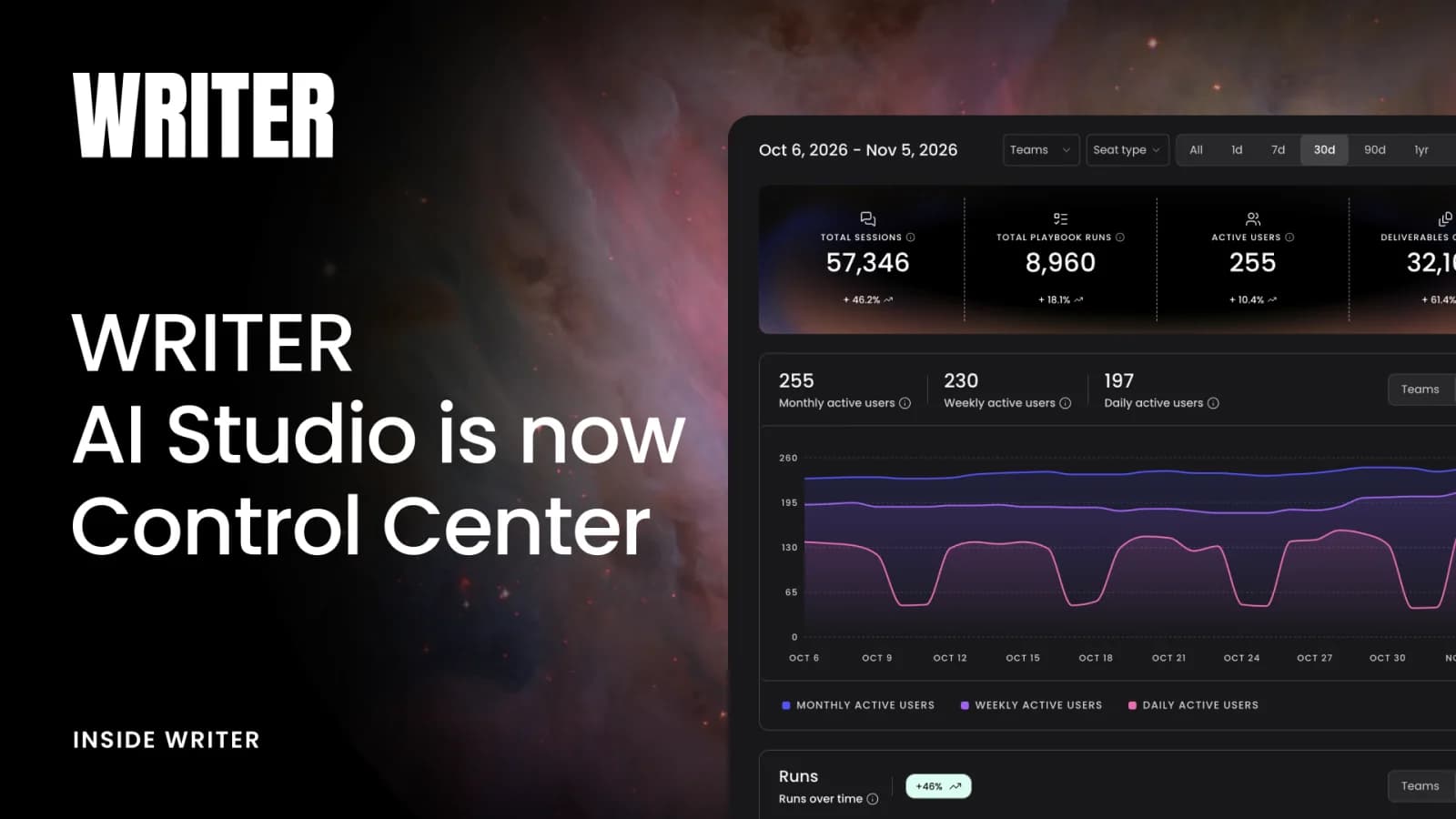
As that building experience moved into the core product, the part of the platform we used to call AI Studio shifted in a different direction: governance. It became the place where the leaders managing their teams’ rollouts, as well as their security and IT partners, can get the visibility and control they need to understand how WRITER is being used across their organization, scale what’s working, manage costs, and govern agents.
The promise of agentic AI is that agents run real work unattended, completing multi-step workflows, taking actions across connected systems, and delivering finished outputs without per-step human prompting. For a Fortune 500 in a regulated industry, that promise is exciting but also raises some serious questions. You can’t deploy agents that take actions in connected systems if you can’t answer: Who can access what? What can agents do? Which systems can they touch? Where does data flow? Can we audit what happened?
WRITER’s position is that governance isn’t in tension with autonomy – it’s what makes autonomy deployable. Granular visibility and control over users, agents, connectors, and data lets IT give agents the access they need to do real work, with confidence that the right policies and guardrails are being enforced at runtime.
AI Studio was the hub for agent governance in WRITER. The name just hadn’t caught up to what the product had become.
The rename comes with a redesigned navigation that captures the range of business admin, security, and IT needs to support a governed agentic deployment. Depending on your admin role, you may only see some of these features:
- Home: your org’s adoption and usage at-a-glance
- Activity: session logs, user feedback, and agent observability
- Build: everything team leaders need to manage and scale agents, from Playbook and Skill governance to team libraries
- Integrations: where you’ll manage configurations for connectors, integrated apps (like Slack or Microsoft Teams), extensions, and third party data connections
- Security and Compliance: access and provisioning, encryption, API keys and secrets, and org-level security policies
- Billing: view consumption data, set cost controls and alerts, and see your latest billing information
- Settings: manage users and roles, customize profiles for different teams that require different features and capabilities enabled, set up custom branding for your WRITER experience, and more
If you’re an admin, you’ll see the new Control Center navigation the next time you log in. Your existing configurations, permissions, and settings are unchanged – only the name and navigation are new. The learn more about a feature in Control Center, see the WRITER Knowledge Base and developer documentation.