Most two-factor authentication (2FA) tutorials start at login. After the password comes a temporary code, and only once that checks out does the app create a session.
That's login 2FA. It's a solid pattern, and for many applications, it's the right default.
But it's not the only place you can require a second factor.
When you're deciding where in your application to require additional verification, placement matters. You can require it at the session boundary, as part of login, or at the action boundary, immediately before a sensitive operation.
Which approach fits depends on what you're actually protecting.
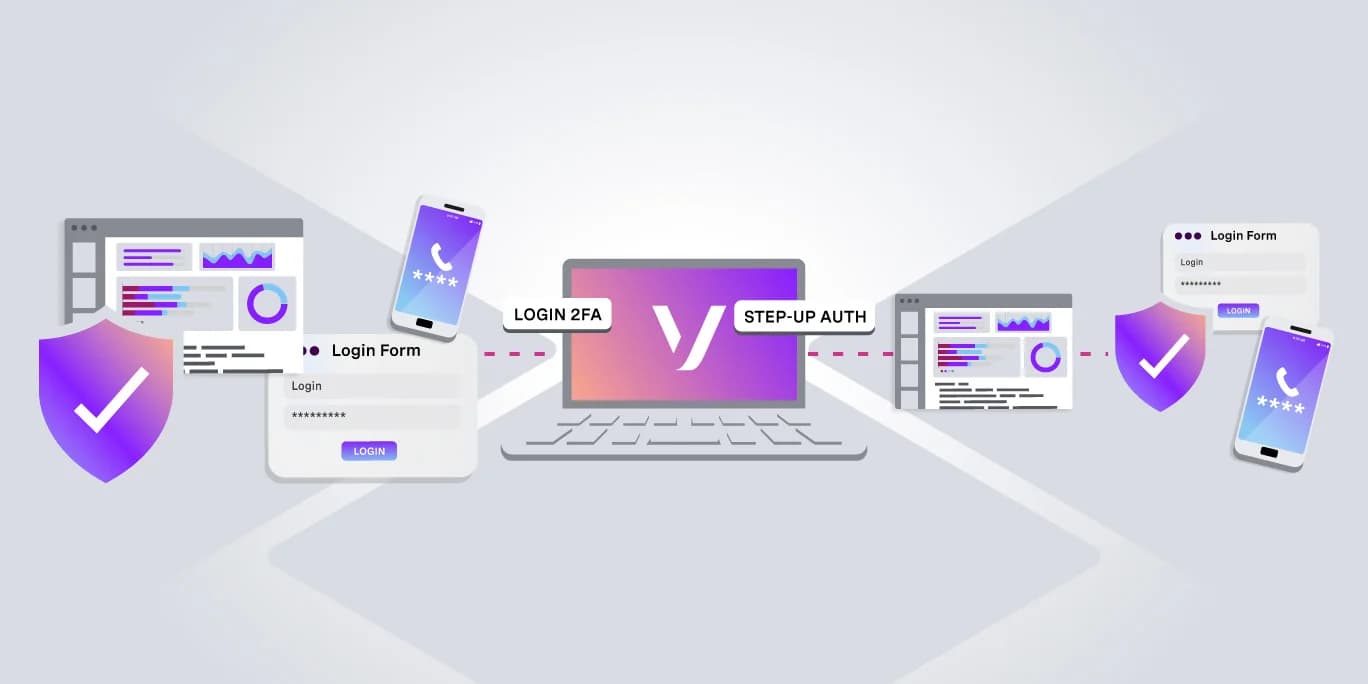
Login 2FA places the second factor before the session exists. Step-Up Auth lets the session run normally and only requires a code at the action that needs it.
Two Different Threat Models
What Is Login 2FA?
Login 2FA requires a second factor before the application grants an authenticated session. The user enters their password, receives a verification challenge, and gains access only after both factors succeed.
This protects against stolen credentials because a stolen password alone is no longer enough to log in.
What login 2FA doesn't protect is a session that's already valid. Application sessions may remain active long after login, depending on how they're configured. If an attacker obtains a valid session cookie (for example, through cross-site scripting (XSS), an unattended shared device, or a compromised connection) the login challenge has already happened.
As far as the application is concerned, that session is authenticated.
Login 2FA makes sense when most of the application warrants additional protection, such as an administrative dashboard, financial application, or healthcare portal. If your threat model is "this person should not get an authenticated session without proving possession of another factor," the session boundary is the right place to require it.
What Is Step-Up Authentication?
Step-up authentication moves additional verification away from login and places it immediately before specific sensitive actions.
The session works normally. The user logs in, browses, and performs low-risk operations. When they attempt something higher risk (such as transferring money, rotating an API key, or revealing a recovery code) the application requires another verification step before continuing.
After verification succeeds, the application can record that recent authentication for a short period. Protected actions can accept it until that short time-to-live (TTL) expires. For especially sensitive operations, you can make the verification single-use instead.
For most of the session, extra verification may be unnecessary. It becomes important only for the handful of actions that carry more risk.
Step-up authentication can also reduce the impact of a stolen session. An attacker who gains access to an authenticated session may still be unable to perform a protected operation if they can't satisfy the additional verification challenge.
That protection isn't absolute. If an attacker steals a session during an active step-up window, they may inherit its recently verified state as well. That's why the verification window should be short and why especially high-risk actions may warrant per-action verification.
Here's what the pattern can look like in Django. A mixin can require recent verification before a class-based view runs:
LoginRequiredMixin handles users who haven't authenticated. VerificationRequiredMixin adds the second check only for authenticated users who don't have a recent step-up verification.
Views that don't need that additional protection can continue using LoginRequiredMixin directly.
Side-by-Side Comparison
Question
Login 2FA
Step-Up Authentication
When does verification happen?
During login, before authenticated access is granted
Immediately before a protected action
What is the primary threat?
A stolen password or other compromised login credential
Misuse of an already authenticated session
Where is the additional friction?
At login
Only at sensitive actions
Does it help with stolen session cookies?
Not after the authenticated session already exists
It can protect gated actions if the attacker can't satisfy the additional factor
Does it help with stolen passwords?
Yes. A password alone isn't enough to log in
Not at login by itself, but protected actions can still require another factor
Best fit
Most of the application is sensitive
A smaller number of actions carry disproportionate risk
Choosing the Right Pattern
Start by asking what percentage of your application's actions are sensitive.
If the answer is most of them, login 2FA makes sense. The added friction is proportionate because much of the application justifies the extra verification.
If only one or two operations carry significant risk, step-up authentication can keep the rest of the experience cleaner. There's little reason to add friction to every login because of a single sensitive operation.
Then consider your threat model.
Stolen credentials are primarily a login-level problem. Misuse of an already authenticated session is an action-level problem. If your application needs protection against both, you can combine the two patterns.
Login 2FA protects access to the account. Step-up authentication adds another gate around the actions that matter most.
One implementation detail is especially important: don't store recent verification as a Boolean such as:
That value can remain valid for as long as the session does unless you explicitly clear it.
Instead, store the time at which verification succeeded and compare it with a short TTL:
In this example, step-up verification remains valid for five minutes regardless of how long the user's main session stays open.
Five minutes is only an example. Choose the window based on the sensitivity of the action, your user experience, and your security requirements.
For particularly high-risk operations, you can also clear stepup_verified_at after the action succeeds so that each protected operation requires a fresh verification.
Implementing Both With the Vonage Verify API
Both patterns can use the same Vonage Verify API flow:
- Start the verification from your backend, using the phone number associated with the user in your application rather than a phone number supplied by the client.
Start the verification from your backend, using the phone number associated with the user in your application rather than a phone number supplied by the client.
- Store the returned request_id in server-controlled state, such as a server-side session or database record. Bind it to the user and current session. For step-up authentication, also bind it to the specific transaction or action being authorized.
Store the returned request_id in server-controlled state, such as a server-side session or database record. Bind it to the user and current session. For step-up authentication, also bind it to the specific transaction or action being authorized.
- Ask the user for the verification code.
Ask the user for the verification code.
- Send only the submitted code to your backend. Your backend retrieves the corresponding request_id from its own server-side state and checks the code with the Verify API.
Send only the submitted code to your backend. Your backend retrieves the corresponding request_id from its own server-side state and checks the code with the Verify API.
- Grant the appropriate access when verification succeeds, then clear the pending verification state so it cannot be reused.
Grant the appropriate access when verification succeeds, then clear the pending verification state so it cannot be reused.
The Verify API doesn't need to know whether you're using that verification at login or before a sensitive action. Your application decides where the verification occurs and what access successful verification grants.
There are two important security rules to keep in mind. First, verification should always be initiated by your backend rather than directly from the browser or mobile client. This keeps your API credentials and verification lifecycle under server control.
Second, never accept a request_id from the client when checking a verification code. The request_id used for the check should always come from the server-side state your application created when the verification began. Otherwise, a client could potentially submit a request_id associated with a different verification attempt, user, or session.
Here's an illustrative Python example using SMS:
Store the returned request_id in server-controlled session or database state while the verification is in progress. Bind it to the user and current session and, for step-up authentication, to the specific transaction being authorized. When the user submits their code, retrieve the request_id from that server-side state rather than accepting it from the client.
If check_verification() returns False, don't grant access to the protected operation. Show the user an appropriate verification error rather than exposing raw provider error details.
For login 2FA, start this flow after the password has been validated but before granting normal authenticated access. The Add Two-Factor Authentication With Node.js and Express tutorial demonstrates that pattern.
For step-up authentication, start the same flow when the user reaches an operation that requires additional verification. Middleware, a decorator, or a framework-specific mixin can check for a recent verification and redirect to the verification flow when needed.
A companion Django tutorial can cover the complete implementation, including session management, redirect validation, security edge cases, and testing without sending real messages.
Whichever pattern you use, production applications should also consider rate limiting, cross-site request forgery protection, safe redirect handling, and binding the verification request to the correct authenticated user and phone number.
Beyond SMS: Silent Authentication
The examples above use a one-time password (OTP) delivered through SMS. That requires generating a user-visible code, delivering it to the device, and asking the user to transcribe it back into the application.
Silent Authentication takes a different approach. Instead of asking the user to enter a code, it uses the mobile network to verify possession of the phone number.
That can reduce user friction because there's nothing to copy from a message or notification.
The same architectural distinction still applies. You can use the verification at login or immediately before a sensitive action.
For example, a workflow can attempt Silent Authentication first and fall back to SMS:
If Silent Authentication succeeds, the application can continue without asking the user to enter an OTP. If the workflow falls back to SMS, the standard code-entry flow applies.
Coverage and production requirements can vary by market and configuration. Check the current Network Features Availability Table and Network Registry documentation before deploying the feature to production.
The Silent Authentication concept guide covers the architecture and privacy considerations in more detail.
Can You Use Login 2FA and Step-Up Authentication Together?
Yes.
In fact, the two patterns can complement each other as part of a broader multifactor authentication (MFA) strategy.
A financial application, for example, might require login 2FA before granting an authenticated session and then require step-up authentication again before a fund transfer.
Those two checks address different points in the application's security model.
The first protects access to the account. The second protects a particularly sensitive operation inside an authenticated session.
Using MFA at login doesn't mean every sensitive action inside the resulting session has to rely on that earlier verification. Step-up authentication lets the application require fresh additional verification when the risk of a particular action warrants it.
The Vonage Verify API can support both patterns. What changes is when your application triggers the verification and what access it grants after verification succeeds.
Login 2FA and Step-Up Authentication: Key Takeaways
- Login 2FA protects the session boundary. Use it when gaining access to the application itself warrants an additional factor.
Login 2FA protects the session boundary. Use it when gaining access to the application itself warrants an additional factor.
- Step-up authentication protects individual actions. Use it when a smaller number of operations carry higher risk than the rest of the application.
Step-up authentication protects individual actions. Use it when a smaller number of operations carry higher risk than the rest of the application.
- They aren't mutually exclusive. Applications that need protection at both the login and action boundaries can combine them.
They aren't mutually exclusive. Applications that need protection at both the login and action boundaries can combine them.
The important design question isn't simply whether your application should use 2FA. It's where the additional verification belongs based on what you're trying to protect.