If Rails has a founding religion, it’s convention over configuration. One of its firmest commandments: keep your controllers thin. A controller action should receive a request, coordinate the response, and get out of the way. It shouldn’t also be responsible for instantiating and configuring an API client. That’s a separate concern, and mixing it in violates the Single Responsibility Principle that Rails architecture is built around.
So you might be doing this over and over throughout your code:
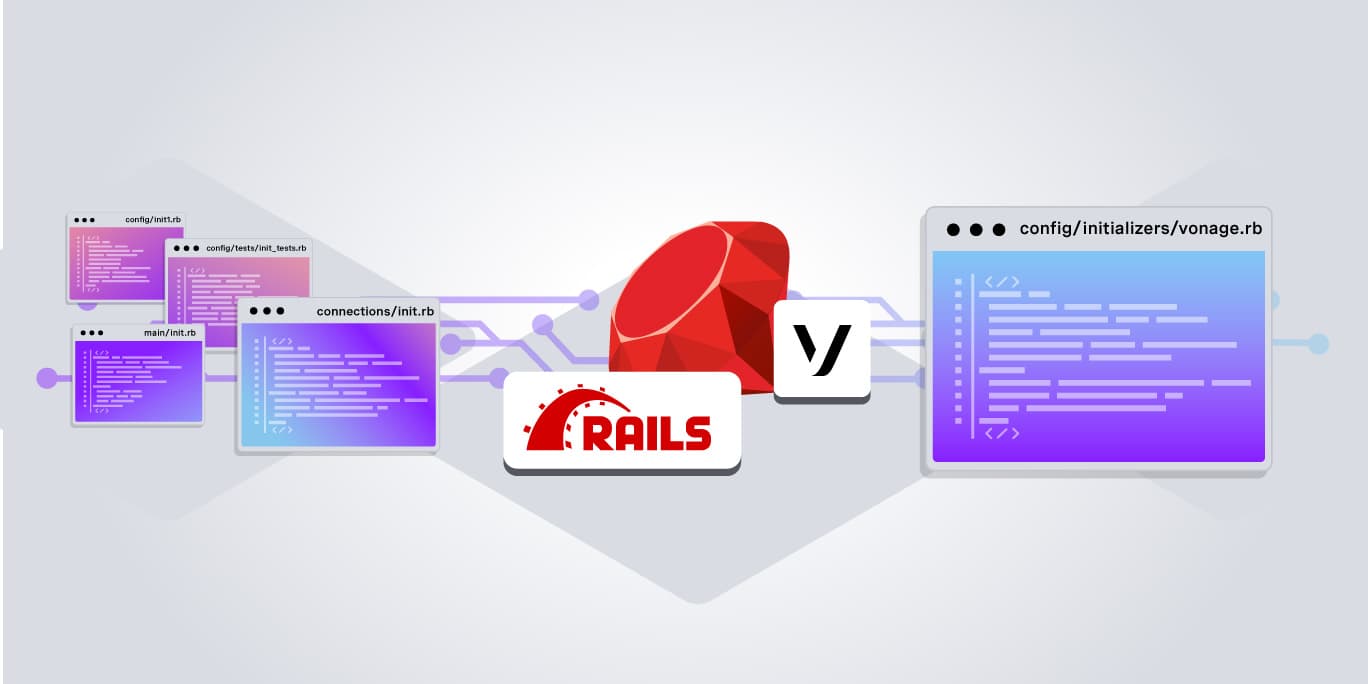
The vonage-rails gem solves this the Rails way: one generator command drops an initializer into config/initializers/, boots a global Vonage client at startup, and gets out of your controllers’ way.
This tutorial walks through setting up a Rails initializer with the vonage-rails gem, configuring your credentials with environment variables, and building a working endpoint that sends a text message via the Vonage Messages API, demonstrating how Rails initializers keep SDK setup out of your controllers and in the right place.
TL;DR Sample code on GitHub
TL;DR Sample code on GitHub
Prerequisites
Before starting, make sure you have:
- Ruby 3.x installed (check with ruby -v)
Ruby 3.x installed (check with ruby -v)
- Rails 6.1 or later
Rails 6.1 or later
- A Vonage account with a Vonage application, application ID, and private key
A Vonage account with a Vonage application, application ID, and private key
If you haven’t created a Vonage application yet, head to the Vonage Dashboard, create a new application, and enable the Messages capability. When prompted, generate a public/private key pair and download the private key file. Keep both handy. You’ll need them shortly.
When creating the Vonage application, the Dashboard will prompt you for inbound and status webhook URLs. Use placeholder values for now (for example https://example.com/webhooks/inbound and https://example.com/webhooks/status). You can update them with real URLs once your app is deployed.
- To create an application, go to the Create an Application page on the Vonage Dashboard, and define a Name for your Application.
To create an application, go to the Create an Application page on the Vonage Dashboard, and define a Name for your Application.
- If you intend to use an API that uses Webhooks, you will need a private key. Click “Generate public and private key”, your download should start automatically. Store it securely; this key cannot be re-downloaded if lost. It will follow the naming convention private_<your app id>.key. This key can now be used to authenticate API calls. Note: Your key will not work until your application is saved.
If you intend to use an API that uses Webhooks, you will need a private key. Click “Generate public and private key”, your download should start automatically. Store it securely; this key cannot be re-downloaded if lost. It will follow the naming convention private_<your app id>.key. This key can now be used to authenticate API calls. Note: Your key will not work until your application is saved.
- Choose the capabilities you need (e.g., Voice, Messages, RTC, etc.) and provide the required webhooks (e.g., event URLs, answer URLs, or inbound message URLs). These will be described in the tutorial.
Choose the capabilities you need (e.g., Voice, Messages, RTC, etc.) and provide the required webhooks (e.g., event URLs, answer URLs, or inbound message URLs). These will be described in the tutorial.
- To save and deploy, click "Generate new application" to finalize the setup. Your application is now ready to use with Vonage APIs.
To save and deploy, click "Generate new application" to finalize the setup. Your application is now ready to use with Vonage APIs.
Create a New Rails API App
Start with a fresh Rails API app:
The --api flag keeps the project lightweight by stripping out views and browser middleware you won’t need for a backend messaging service.
Add the Gem
Open your Gemfile in your editor and add:
Note the underscore in vonage_rails — the gem name uses underscores in the Gemfile, not hyphens. Save the file, then run:
View on GitHub: Gemfile
vonage_rails ships with dotenv-rails as a runtime dependency, so it installs automatically. One thing worth knowing: because it’s a runtime dependency (not scoped to :development or :test), .env files will be loaded in all environments, including production. In production, it’s preferable to set environment variables directly through your platform’s secrets manager or config rather than relying on a .env file.
Set Up Your Environment Variables
Place your private key file in the root of the project. Then create a .env file in the root:
View on GitHub: .env.example
Replace your_application_id_here with the application ID from your Vonage Dashboard, and make sure private.key matches the filename you downloaded. Replace 447700900000 with the Vonage virtual number linked to your Vonage app.
Note: the value for VONAGE_PRIVATE_KEY is the path to your private key file, not the key contents. Vonage.setup reads the file automatically.
Before committing anything, add both files to .gitignore:
View on GitHub: .gitignore
Run the Initializer Generator
With the gem installed, run the generator:
This creates config/initializers/vonage.rb.
The Generated File
Open the file and you’ll see a Vonage.setup block with five explicit ENV lookups:
How It Works
At boot time, Rails loads the initializer, calls Vonage.setup, and configures the Vonage module. The gem uses Ruby’s Forwardable module to delegate every method call on Vonage to the underlying Vonage::Client instance. The Vonage constant is the module itself, not a reassigned client instance, which is why Vonage.messaging, Vonage.voice, and the rest all work correctly.
From here, any controller, service, or background job has access to every API the Ruby SDK supports through the same Vonage constant:
Constant
API
Vonage.messaging
Messages API (SMS, MMS, WhatsApp, RCS)
Vonage.voice
Voice API
Vonage.verify
Verify API
Vonage.numbers
Numbers API
Vonage.number_insight
Number Insight API
Vonage.account
Account API
Vonage.applications
Applications API
Vonage.conversations
Conversation API
Vonage.subaccounts
Subaccounts API
Vonage.redact
Redact API
Vonage.sms
SMS API (legacy)
This table shows a commonly used subset. The Ruby SDK currently exposes 29 delegated namespaces in total. Delegation is set up once at gem load time against Vonage::Client.instance_methods(false). When the SDK adds a new API, it becomes available through Vonage after running bundle update vonage and restarting the server.
Build the Endpoint
With the initializer in place, wire up a controller and route.
Generate a controller:
This creates the controller file and also injects get "messages/create" into config/routes.rb. Replace the entire contents of config/routes.rb with the correct POST route:
View on GitHub: config/routes.rb
Now update the controller action to send a text message using the global Vonage constant:
View on GitHub: app/controllers/messages_controller.rb
A successful Messages API response includes a message_uuid. If that field is present, the message was accepted for delivery. Error handling for network failures and API errors is omitted here for brevity; the complete repository includes a fuller implementation.
Start the server:
In a second terminal, send a test request. The to parameter is a real mobile destination number in E.164 format that you want to message:
With valid credentials, you’ll get back {"status":"sent","message_uuid":"..."} and a text message on the destination number.
Things Worth Knowing
Testing
You don’t want live API calls firing in tests. First, add rspec-rails to your Gemfile:
Then run:
Stub the Vonage constant at the method level using a test double:
This keeps the suite fast, removes the credential requirement from CI, and keeps assertions focused on controller behavior.
Note: Confirm Vonage::Messaging against your installed SDK version before using instance_double. If the class name differs, RSpec will flag the mismatch immediately.
Note: Confirm Vonage::Messaging against your installed SDK version before using instance_double. If the class name differs, RSpec will flag the mismatch immediately.
API Key and Secret
Not all Vonage APIs require an API key and secret. The Messages API uses JWT authentication (your application ID and private key), so leaving those ENV vars unset is fine here. For APIs that do require them, check the Vonage API documentation and add them to your .env when needed.
Vonage.messaging.send Shadows Object#send
This is the SDK’s own design, and it works, but it surprises people the first time they see it. Vonage.messaging.send(...) is not Ruby’s built-in Object#send method. It’s the Vonage Messages API send endpoint exposed as a Ruby method. If you’re debugging and trying to call a method dynamically using Object#send, use public_send instead to avoid the collision.
Multiple Vonage Clients
The Vonage constant is a single configured instance. If your app needs two separate clients, like one for messaging and another for a different Vonage application with separate credentials, define a second named constant in the same initializer. Because Vonage.setup does the File.exist? path resolution, but raw Vonage::Client.new does not, you need to pass key contents directly when bypassing setup:
This is an edge case for most apps, but it’s worth knowing the pattern before you need it.
Conclusion
The vonage-rails gem does one thing well: it puts Vonage client setup where it belongs, in an initializer that runs once at boot. Your credentials stay in the environment, your controllers stay focused on application logic, and every Vonage API is one method call away from anywhere in the app.