Task management tracks whether a piece of work got done. Project management tracks whether all the finished pieces add up to the result someone asked for. Many a times, you learn the difference the hard way. Every task on the list shows closed, and the team still ships the launch a week late.
PMI’s latest research puts a number on that gap. Its 2026 Pulse of the Profession found that 31% of complex projects fail to deliver the full benefits they promised. That’s more than twice the rate for projects overall. PMI also found that more than half of all projects now count as complex. And they subtitled the report “From Navigating Tasks to Navigating Systems.”
We’re wired to sort work by size, so small things are tasks and big things are projects. Size says little about how much coordination the work needs. In this blog, we employ a sharper test, based on ownership, and show what happens when a team runs a project like a to-do list.
Short answer: Use task management when one person can finish the work without waiting on anyone else or making a decision outside their authority. Add project management when the work needs handoffs, approvals, or decisions no single assignee can make alone, or when it has to deliver a defined result by a set date. Most teams need both, with every task linked to the project it serves.
What Is the Difference Between Task Management and Project Management?
Task management is how a person plans, prioritizes, and finishes individual pieces of work. Project management is how a team coordinates many of those pieces toward one outcome by a deadline. It also covers the dependencies and decisions that sit between them. A task has one owner and a clear finish line. A project has a lead who answers for the outcome, whether or not they also own tasks inside it.
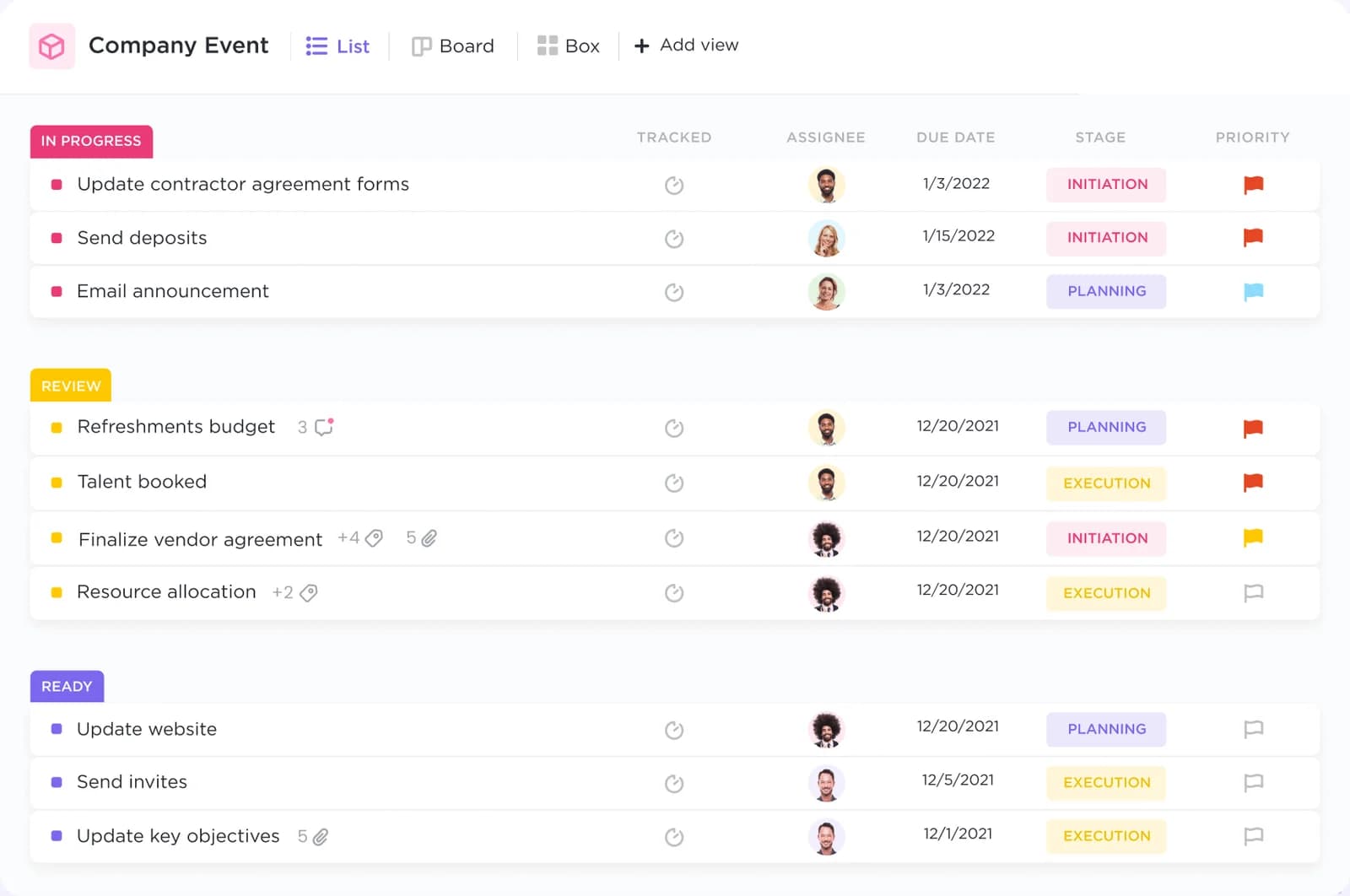
Here’s how tasks roll up into a project:
What Is Task Management?
Task management is the practice of capturing, prioritizing, assigning, and completing individual units of work. It covers due dates, priorities, and reminders. Strong task management skills come down to knowing what to do next and what is already late.
Take a customer support lead who starts each morning with 40 open tickets. They sort the tickets by urgency, assign 12 to the team, and keep three escalations. Each ticket has one owner, one finish line, and no link to the others. As a lead, they don’t need a timeline or a dependency map to close a password-reset ticket.
Task management fits personal work and recurring operations. It also fits small, independent pieces that one person can see through. A to-do list or a simple task board covers most of it. It’s also the layer every project ends up resting on, because a project only moves when someone finishes a task.
Where it taps out: A flat task list shows each item in isolation. It can’t show that the design review is blocking three other tasks. It also can’t warn the team that a late vendor will push the launch. Once the work depends on other work, a flat list hides the risk.
What Is Project Management?
Project management is the discipline of planning and coordinating a temporary effort so it delivers a specific result. PMI defines a project as “a temporary endeavor undertaken to create a unique product, service, or result.” That definition says nothing about size or headcount. A one-week product launch qualifies, and so does a single-operator project with multiple moving pieces. But a monthly report that a finance analyst produces on a recurring basis does not, because it’s neither temporary nor unique.
Project management adds the layers a task list leaves out. Those include project scope, sequencing, project milestones, resource allocation, dependencies, and risk. It also adds a person who answers for the whole outcome. That person may own tasks too, but their main job is keeping the tasks connected.
Consider a marketing manager who owns a website relaunch due in eight weeks. The copywriter can’t start until the strategist signs off on messaging. The developer can’t build until the designer hands over approved mockups. Legal has to review the pricing page before launch. Each person owns their tasks, but only the marketing manager owns the order they happen in and the date they land on.
Where it taps out: Project structure costs time. Picture a kickoff and weekly status reviews for work one person can finish in an afternoon. That ceremony slows the person down. Add that overhead only when coordination is the hard part.
Project vs. Task: How Do You Tell Them Apart?
A piece of work needs only task management when one person can finish it without waiting on anyone or deciding anything outside their authority. If it fails either condition, it needs project-level coordination, whatever its size: a lead, mapped handoffs, and a date. We call this the single-owner test.
Why size is the wrong test
Most checklists on this topic score work by duration and headcount. More than a few days, or more than one person, means project. Those rules misfire in both directions.
A 30-minute press release update needs sign-off from the CEO, the PR agency, and legal. On a size test, it’s a task. In practice, a comms manager who treats it like one will chase three approvers on launch morning.
Meanwhile, a senior engineer can spend two weeks alone on a database migration she fully controls. By PMI’s definition it’s a project, but she makes every call herself, so a checklist and a rollback plan cover the coordination it needs. A kickoff meeting would only slow her down.
Teams pay more for the first mistake. When a team lead files coordination-heavy work as a task, the approvals and handoffs stay invisible until they’re late.
The single-owner test
Ask two questions about any piece of work before you file it:
Can one person finish it without waiting on someone else’s output? If the work needs another person’s file, data, or approval before it can move, there’s a task dependency to manage.
Can that person make every decision it requires? If a budget call or a scope change sits above their authority, someone else has to decide. Someone also has to schedule that decision.
Two yeses mean a due date and a priority are enough. One no means the work needs project-level coordination, even if it’s small. Name a lead, map the dependency or decision, and give it a date of its own.
Six pieces of work, classified
Treat the verdicts as a guide to how much structure to add. Teams that over-correct tend to turn the last row into a monthly project. Recurring work with fixed handoffs is a process, and a recurring task built from a template handles it with far less setup.
When does a task become a project?
A task needs promoting once it starts failing the single-owner test. Watch for three signals. The assignee starts adding subtasks for other people. Teammates leave “waiting on” comments. The assignee pushes the due date twice while waiting on someone else.
When a manager sees those signals, she should promote the task. Give it a lead, split it into owned tasks, and set a milestone date. Teams that wait until the deadline to make that call usually find out the work was a project all along.
Take the press release from earlier. The comms manager filed it as a task, then started adding subtasks for the CEO, the PR agency, and legal. Promoting it takes four steps:
- Name a lead. The comms manager owns the release date, not just the draft
- Add each approval as a task. The CEO, agency, and legal reviews each get an owner and a due date
- Link the approvals as dependencies. A late legal review then moves the publish date instead of hiding behind it
- Set the publish time as a milestone. Everyone can see the date the approvals have to land before
The Completion Illusion: Why Teams Miss Deadlines When Every Task Is Done
The completion illusion is what a team sees when its task list reports 100% done while the team misses the project date. It happens when a lead assigns every task and leaves the handoffs between them unassigned. A review, an approval, or a decision that the lead never added to the list can’t show up as late.
Here’s an illustrative example: a product launch that a team lead ran as a flat task list.
Before: Maya, the lead, assigned 18 tasks across design, engineering, marketing, and support. Each person closed their tasks on time. The designer delivered mockups on Tuesday, but the lead never assigned the review, so engineering waited until Friday to start. Marketing finished the launch email, but legal never saw it. The team launched a week late, and the dashboard showed every task green the whole time.
After: On the next launch, the lead added the review and the legal check as their own tasks with named owners. She mapped each dependency, linking every review to the task it was blocking, and set a launch milestone. When the review ran a day late, engineering’s start date moved with it. The lead saw the risk on Wednesday instead of launch day.
Unassigned handoffs also add to the noise teams already deal with. Microsoft’s 2025 Work Trend Index found that the 20% of Microsoft 365 users who receive the most pings are interrupted roughly every two minutes during core work hours, by a meeting, email, or chat. In a separate survey in the same research, 48% of employees said their work feels chaotic and fragmented. Tracking reviews and approvals as tasks lets the team see who is waiting on whom, instead of chasing each other for status.
Plus, found that projects run with a framework succeeded 72% of the time, against 61% without one. Even so, 35% of project professionals used no framework on their most recent complex project.
Galen Low, co-founder of The Digital Project Manager, puts the gap plainly:
In other words, completing the steps and following a plan doesn’t mean a project will achieve its outcome.That gap is why the measure of success has to sit outside the task list. A launch date measures delivery. Customer adoption or fewer support requests measure whether the launch helped.
In other words, completing the steps and following a plan doesn’t mean a project will achieve its outcome.
In other words, completing the steps and following a plan doesn’t mean a project will achieve its outcome.
That gap is why the measure of success has to sit outside the task list. A launch date measures delivery. Customer adoption or fewer support requests measure whether the launch helped.
When Is Task Management Enough, and When Do You Need Project Management?
Task management is enough when every piece of work passes the single-owner test. You need project management when even one piece fails it, and the outcome depends on getting the order right, or when the work has to deliver a defined result by a set date.
Stick with task management if:
- You’re a freelancer or solo operator whose deliverables don’t wait on client approvals or other contributors
- Your team handles a queue of independent requests, like support tickets or IT help desk work
- The work recurs on a fixed pattern, like weekly payroll or a monthly newsletter
Move to project management if:
- Two or more teams have to hand work to each other, like design to engineering to QA
- A stakeholder outside the team has to approve something before it ships, which calls for a defined approval workflow
- A client, regulator, or event fixes the deadline, and you can’t move it
- The budget or headcount is shared with other work, and someone has to decide who gets it
- The work has to deliver a defined result, even if one person does all of it, like a system migration
If two or more of those apply, start with a project plan that names the lead, the milestones, and the handoffs before anyone starts on tasks.
Pro Tip: Run both if you manage a team that ships projects and still handles daily requests. Many marketing, product, and agency teams work this way. The project lead plans the milestones, and each person manages their own tasks inside them.
Where does work management fit?
Work management is the umbrella over both. It covers projects, recurring processes, and one-off tasks across a whole team or company. With it, a department head can see everything their people are working on in one view. Vendors such as monday.com use the term to describe that wider scope. In practice, work management is task management and project management sharing one system.
Common Mistakes When Teams Mix Up Tasks and Projects
Most of these mistakes come from a manager picking the wrong level of structure for the work in front of them.
1. Running a project as a flat task list
What it looks like: Every task shows on time, and the team still misses the deadline. The fix: Add the handoffs and approvals as tasks with owners, and link each one to the task it blocks.
2. Wrapping simple work in project ceremony
What it looks like: A manager gives a two-hour job a kickoff meeting, a status column, and a weekly check-in. The fix: Run the single-owner test. If the work passes, give it a due date and leave the owner alone.
3. Assigning every task and leaving the outcome unassigned
What it looks like: People answer “my part’s done” when the launch is late. The fix: Name one person who answers for the result, even if they also own some of the tasks. That’s the “accountable” role in a RACI matrix.
4. Keeping tasks and the project plan in different tools
What it looks like: The plan lives in a slide deck. The tasks live in a separate app, so the project manager has to chase updates in chat. The fix: Link each task to the milestone it serves, in the same system.
5. Promoting a task to a project too late
What it looks like: The assignee adds subtasks for four people to a “quick task” and pushes its date twice. The fix: Treat the first “waiting on” comment as the signal to name a lead and set a milestone.
Task Management Software vs. Project Management Software: What the Labels Mean
Task management software helps individuals and small teams track what they have to do. Project management software adds timelines, dependencies, and resource views so a lead can coordinate many people. The labels blur, because vendors use the word “project” loosely. Here’s what each type of tool means by it:
Todoist shows how loose the labels get. It calls a group of related tasks a “project,” and its free Beginner plan allows up to five active projects, while its Pro plan allows up to 300. A Todoist user with five “projects” may have five task lists that a project manager wouldn’t call projects at all. Check the labels when you compare options such as Todoist and Microsoft To Do.
Jira sits in the middle. Atlassian’s documentation describes three default hierarchy levels: epics, standard work items, and subtasks. Stories and tasks sit at the standard level, and Atlassian describes a story as “the smallest unit of work that needs to be done.” So an engineering team using Jira for project management can track sprint tasks and release-level epics in the same place, depending on how an admin configures it.
Scheduling tools sit at the far end, where the Gantt chart is the main view. When a team lead picks a tool, the single-owner test is a useful filter. If most of the team’s work fails it, a plain task app will hide the handoffs.
How ClickUp Handles Tasks and Projects in One Place
ClickUp keeps tasks and the project they belong to in one Workspace, so a team lead can run the single-owner test and act on the answer without switching tools. Here’s how the product launch from the completion illusion example would run in ClickUp, from the first task to launch day.
Plan the launch in a List with owned tasks
Start with a ClickUp List for the launch. Each piece of work becomes a ClickUp Task with one owner and a due date, and larger pieces break down into tasks and subtasks.
This is where the first fix from the example happens. The design review and the legal check become tasks of their own, with named owners, instead of steps someone assumes will happen. A custom status such as “In review” makes it clear when work is waiting on someone else.
Link the handoffs with dependencies and a milestone
ClickUp Task Dependencies mark one task as blocking another, so the review blocks engineering’s build and the legal check blocks the launch email. With rescheduling dependencies turned on, moving a blocking task’s date shifts every dependent task by the same number of days. The setting needs a due date on the blocking task and a start date on the blocked one.
Mark the launch as a milestone and open the Gantt view. Dependencies show as lines between tasks, so when the review runs a day late, the lead sees engineering’s start date move with it and knows which date is at risk.
Ask Brain² what’s holding up the launch
Tasks, comments, and Docs give ClickUp Brain² the project context it needs. The lead can ask, “Which tasks are blocking the launch milestone, and who owns them?” and get an answer drawn from the List, instead of opening each task.
Brain² can also draft the weekly status update from the same records: what shipped, what slipped, and which approvals are still open. The lead checks the draft against the tasks before sending it to stakeholders.
Hand routine follow-ups to a Super Agent
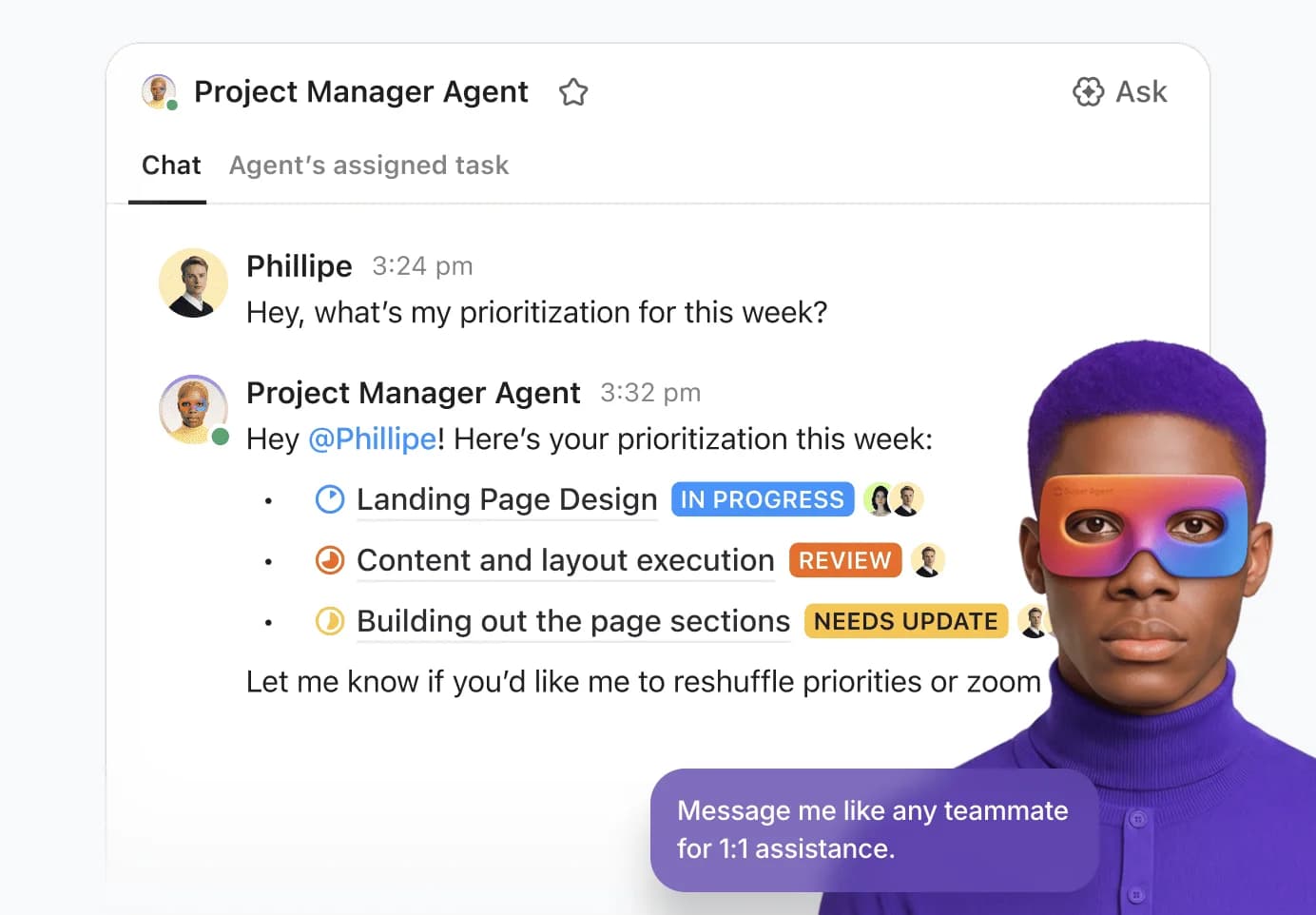
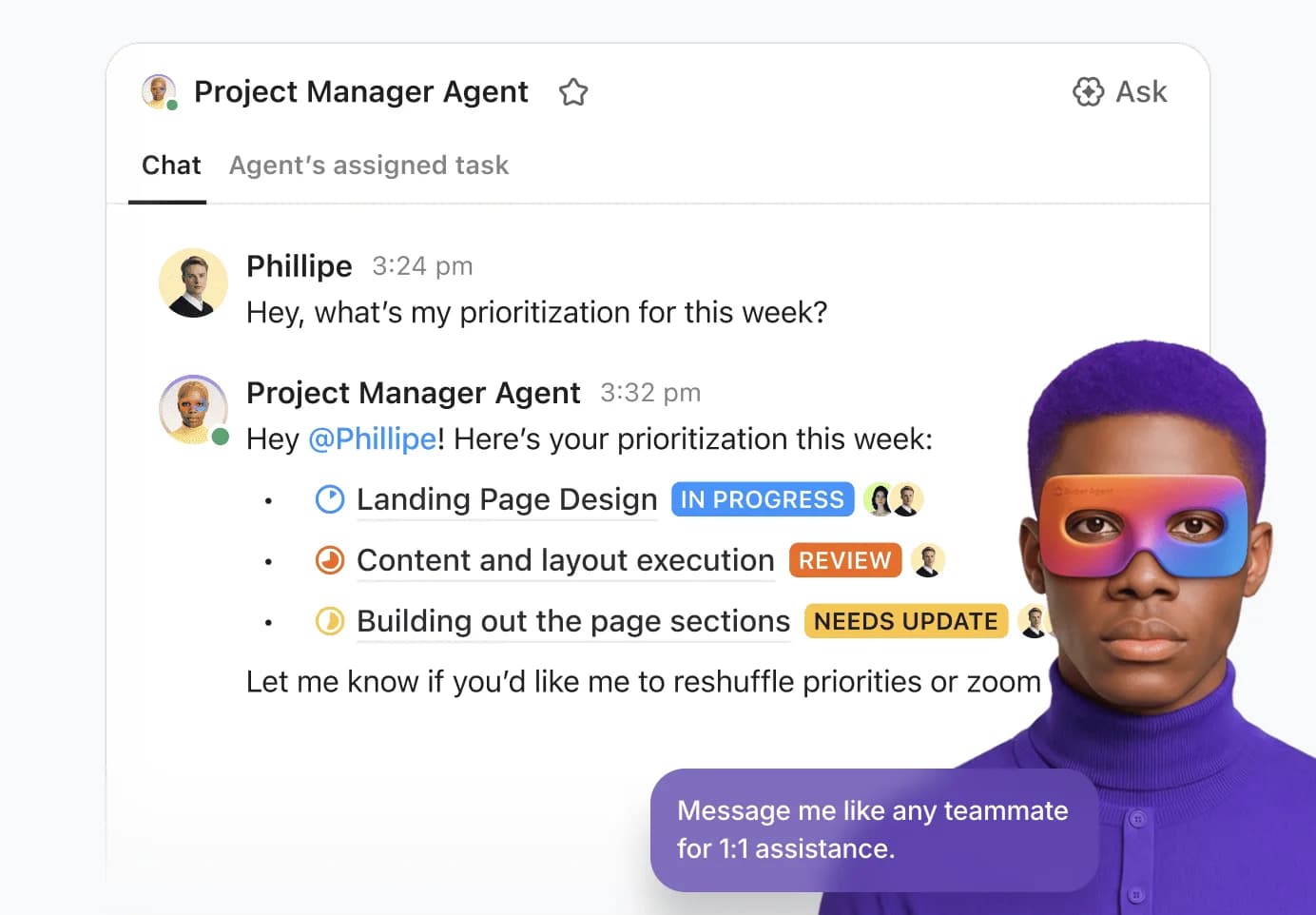
ClickUp Super Agents take on the follow-ups that usually fall to the project lead. An Automation can trigger an agent when a task moves to “In review.” The agent assigns the reviewer listed in the project’s ownership table and comments with a review deadline.
A second agent can run on a schedule, posting a Friday summary of overdue reviews in the project channel. Write the limits into its instructions: it can assign and comment, but it proposes date changes for the lead to approve rather than making them. Our guide to ClickUp Super Agents covers setup in more detail.
Track the project on a Dashboard or an Artifact
ClickUp Dashboards roll up the List’s tasks by status, owner, and due date. A department head can see open reviews, overdue tasks, and progress toward the milestone without asking for an update. That’s the gap the completion illusion hides: a view of the work between tasks, not just the tasks themselves.
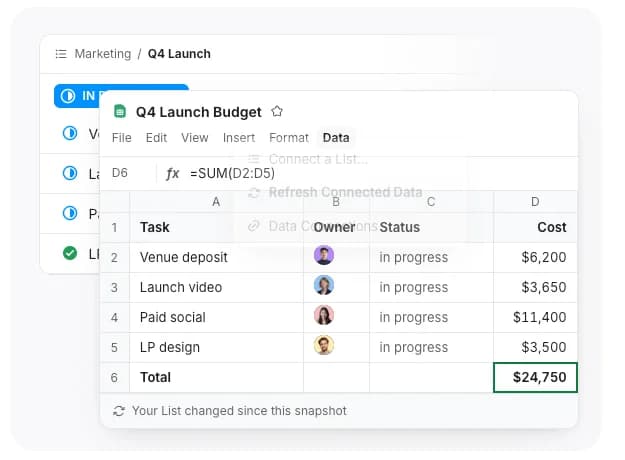
When the standard cards don’t show what the lead needs, ClickUp Artifacts (beta) fill the gap. The lead can ask Brain² to build one from a prompt, such as “Build a launch readiness tracker that lists every task waiting on a review or approval, who owns it, and how many days it has waited.” Brain² builds the tracker from the launch List’s tasks.
A Live Artifact reads Workspace data each time it opens, so the tracker reflects current task status without anyone updating it by hand. Each viewer sees only the tasks they have permission to access, which keeps a tracker shared with stakeholders from exposing private work.
Use a Dashboard for the standing view the team checks every day. Use an Artifact for a view that answers one specific question, like launch readiness, or for a page you’d otherwise build as a slide before the steering meeting. Creating and editing Artifacts uses AI credits.
The video below walks through how ClickUp’s team tracks day-to-day tasks, priorities, and reminders.
Where it taps out
ClickUp offers more structure than a solo to-do list needs. An admin has to decide how ClickUp Spaces, Folders, and Lists map to the team’s work. Some options, such as nested subtasks, stay off until an owner or admin enables them. Brain² and Super Agents also depend on your plan, and agent runs use AI credits.
A freelancer tracking 20 personal tasks will get started faster in a simple task app. ClickUp fits best when a team runs projects and daily tasks side by side and wants both in the same system.
Task Management vs. Project Management: The Bottom Line
Task management answers whether the work got done. Project management answers whether the finished work adds up to the result.
The difference shows up in the gaps between tasks. Task management keeps each piece of work moving, while project management makes sure the reviews, approvals, and decisions between those pieces have owners and dates. Before your next status review, run the single-owner test on the work in flight. Anything that waits on someone else’s output or a decision above its owner needs a lead, a mapped handoff, and a date of its own.
Most teams need both, connected. A project manager who can’t see the tasks ends up chasing status in chat. A task owner who can’t see the project misses the handoff someone downstream is waiting on. Try ClickUp for free to keep both in one place.
Frequently Asked Questions
Can one person manage a project?
Yes. PMI defines a project by being temporary and unique, not by team size. An engineer running a two-week database migration alone is managing a project. They need a much lighter structure than a team would: a checklist, a milestone date, and a rollback plan, without kickoff meetings or status reviews.
When should you use subtasks instead of a separate project?
Use subtasks when the pieces share the parent task’s owner and outcome and don’t need a schedule of their own. Move the work into its own project when the pieces need different owners, their own milestones, or handoffs between teams. Subtasks assigned to several people are usually the first sign that a task has outgrown its level.
How do you measure project success beyond completed tasks?
Measure whether the project delivered the result it was started for. For a launch, that might be customer adoption, fewer support requests, or revenue from the new feature. Track scope, schedule, and budget alongside that result, since a project can finish on time and still miss the benefit it promised.
Are project phases the same as process groups?
No. Phases are the sequential stages of a specific project, such as discovery, design, build, and launch. PMI’s five process groups are initiating, planning, executing, monitoring and controlling, and closing. They describe categories of activity that can repeat within each phase, so a single phase can include planning and monitoring work of its own.
What is the difference between a project manager and a task manager?
A project manager answers for the overall outcome. They coordinate dependencies, schedules, and decisions across everyone working on the project, and they may own tasks of their own. “Task manager” usually refers to a tool, or to a person managing their own work or a team’s queue of independent requests, without that cross-team accountability.
Everything you need to stay organized and get work done.