Introduction
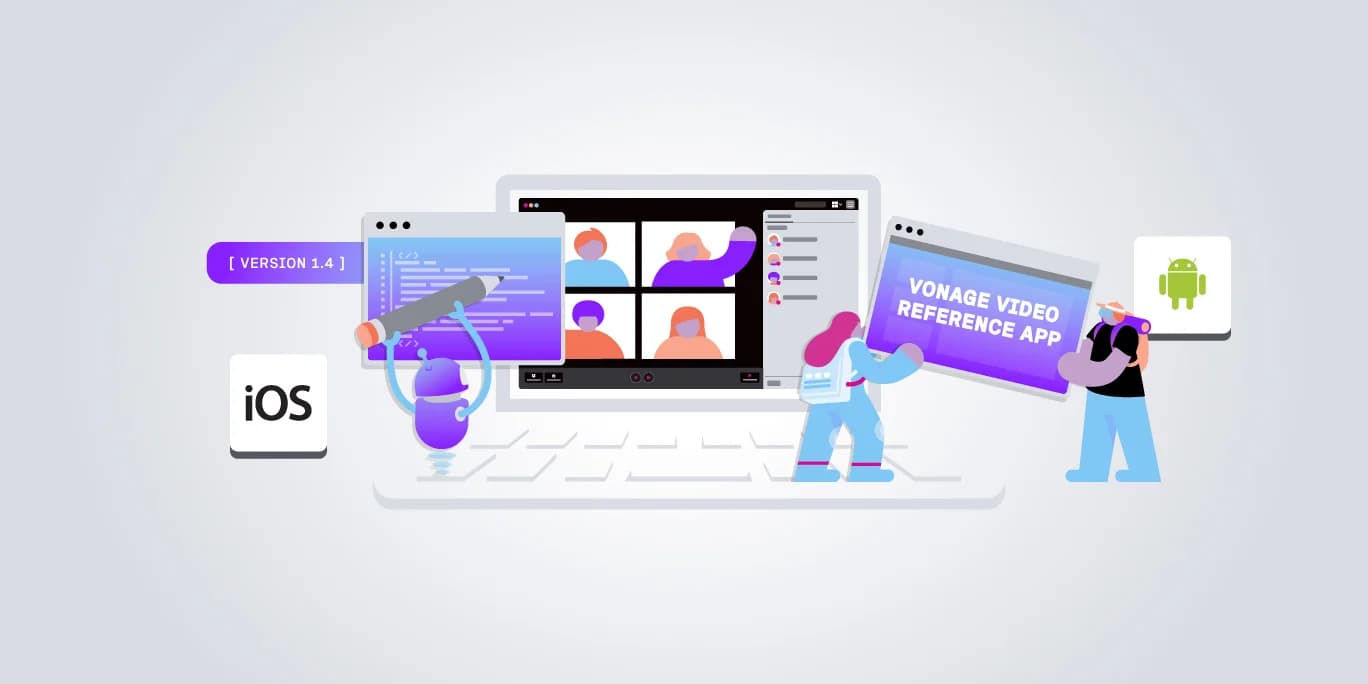
The Vonage Video Reference App (VERA) demonstrates production-ready implementations built with the Vonage Video API. Version 1.4.0 is now available for iOS and Android.
This release introduces a shared authentication foundation with Okta support, flexible configuration and theming tooling on both platforms, and several iOS-specific architectural improvements that enhance performance and prepare the app for future capabilities.
iOS
Multi-Session Call Foundation
The relationship between calls and sessions has been refactored so that a call can support multiple sessions in the future. This architectural change has no visible impact on the current user experience, but it removes a structural limitation and opens the door to more advanced call scenarios.
SwiftUI Observation API
The iOS app has migrated from ObservableObject to the @Observable macro from the Swift Observation framework. This reduces unnecessary view re-renders and improves UI performance, which is particularly noticeable in more complex meeting room layouts.
iOS 17 Minimum Support
The minimum supported iOS version has been raised from iOS 16 to iOS 17. This allows the app to take full advantage of the newer Swift and SwiftUI APIs that underpin several improvements in this release, including the @Observable migration above.
Android
Configurable Meeting Room Experience
Meeting room controls are now configurable. You can specify settings for controls, picture-in-picture, initial layout, and custom speaker-test content through the new configuration API, making it possible to tailor the meeting room experience to your integration requirements.
Runtime Feature Configuration
App-config controls are now available for meeting-room capabilities and the initial audio/video state. You can configure which features are active and set the default audio and video state for participants when they join, all at runtime without code changes.
Configuration Tooling
A schema-driven terminal user interface (TUI) is now available for editing and validating application and theme configuration. This tooling speeds up configuration iteration and confirms that your configuration is valid before it reaches runtime.
Bug Fixes
Version 1.4.0 also includes a number of bug fixes. For the full list, consult the Android v1.4.0 release notes and iOS v1.4.0 release notes on the Vonage Developer Portal.
Getting Started
To access the code in this release, you can clone the and repositories from GitHub.
To learn more about the APIs used in these apps, explore the Vonage Video API documentation.
Conclusion
VERA for iOS and Android continues to evolve as a production-ready reference for building mobile video applications with the Vonage Video API. Version 1.4.0 establishes a shared authentication foundation, adds flexible configuration and theming capabilities, and makes targeted architectural improvements that improve performance and prepare both apps for future enhancements.