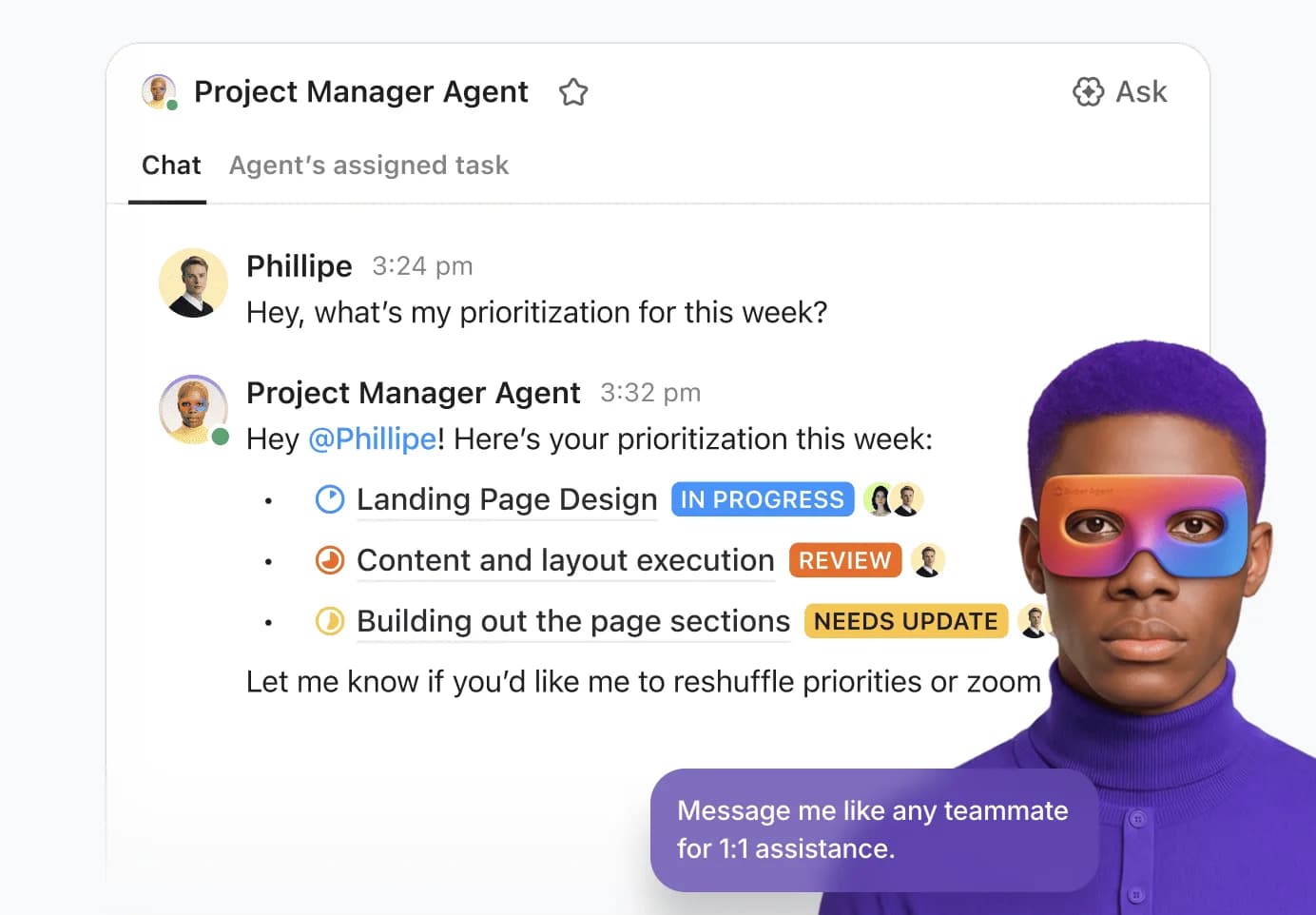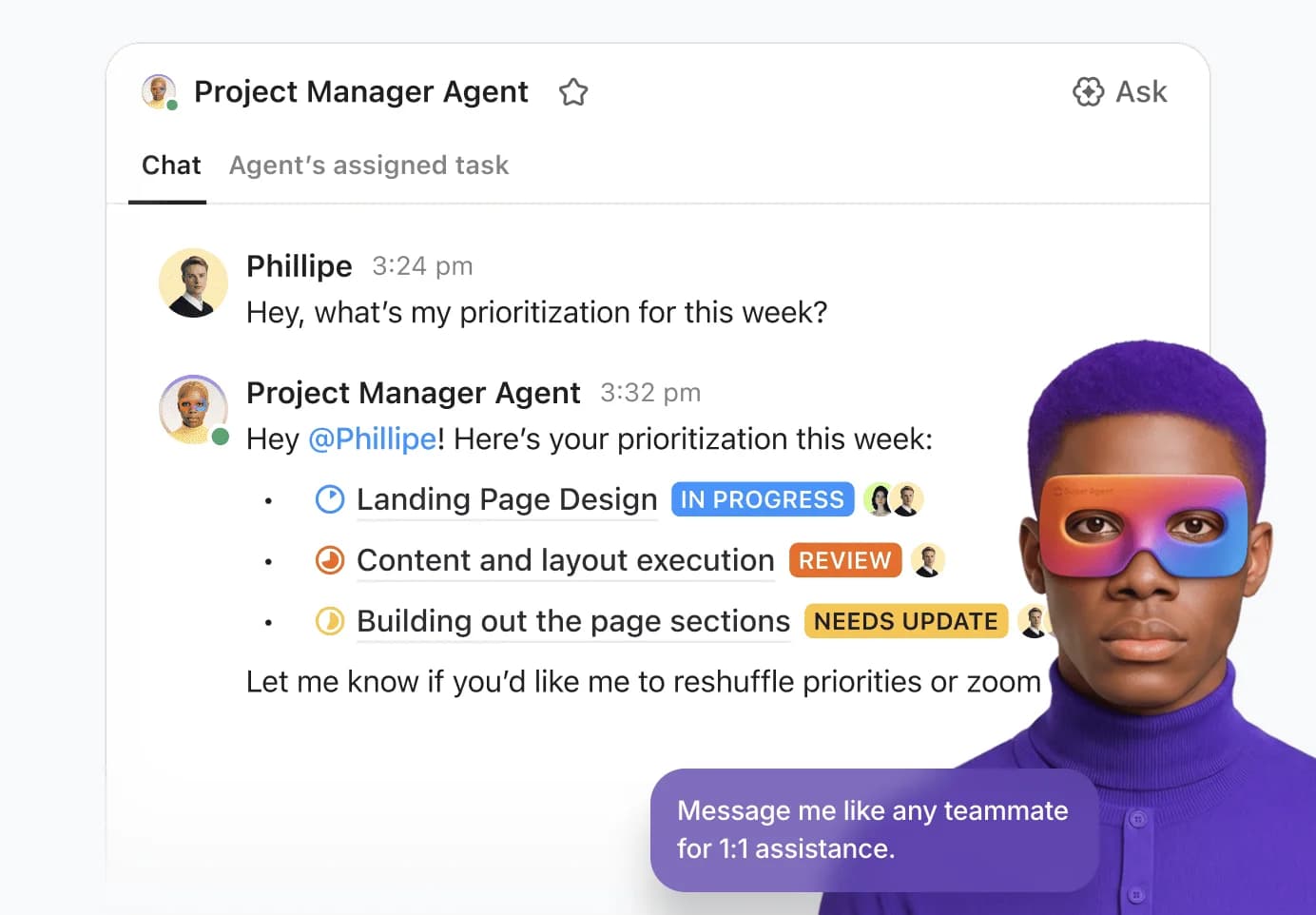
As a project manager, you spend a lot of time collecting updates, following up on overdue tasks, reviewing risks, and keeping people informed. Using AI in project management transforms this routine work. Which leaves you, as the PM, with more time for decisions, stakeholders, and the work that keeps projects moving.
There’s undeniable evidence of its impact, too. The Project Management Institute’s 2025 Step Up study found a 17-point increase in project success among professionals who integrate AI into their workflows.
But those gains take some groundwork. AI needs full project context, clear instructions, and someone to review its output. Otherwise, you may spend more time checking its work than you save.
This guide covers how to use AI in project management, from planning tasks and spotting risks to setting up AI agents for recurring workflows. We’ll also look at where human judgment is non-negotiable, common mistakes to avoid, and ways to measure whether AI is improving your projects.
TL;DR: AI in project management helps you plan work, track progress, identify risks, and automate recurring tasks. But to get real value from AI, you need to choose the right workflows and give it enough project context.
A good AI project management setup starts with three things: complete project information, clear instructions, and a human who’s finally responsible for the output.
Here’s how to put that into practice:
- Start with low-risk work: Use AI for simple, repeatable workflows to begin with. For example: drafting status reports, summarizing meetings, or flagging potential delays before letting it make changes to project tasks
- Choose the right level of automation: Use simple automations for routine reminders and AI agents for workflows that involve interpreting information or handling multiple steps
- Plan for exceptions: Decide what happens when AI encounters missing details, conflicting instructions, or decisions that need approval
- Measure the time saved: Account for reviews, corrections, and workflow maintenance before expanding AI across more projects
Get into the habit of documenting why project decisions change. That history gives AI more context for future work and helps you spot recurring issues across projects.
What Does AI in Project Management Do Well?
AI handles the pattern-heavy, repetitive admin of project management well, but struggles with trade-offs and committing to decisions that require nuance and human judgment. It is great at tasks like turning meeting notes into action items, drafting status reports from task activity, breaking down project briefs, and flagging potential risks before they turn into bigger problems.
But many parts of project management still need your judgment and your taste. AI might spot that a deadline is slipping, for example, but deciding whether to move the launch date, reduce the scope, or ask for more resources is still your call.
The common thread is accountability. AI can help you prepare and evaluate options, but it can’t be held accountable when something goes wrong. Someone still needs to make the final call and take responsibility for the outcome.
If you’d rather watch than read, this walkthrough describes how AI in project management works inside a real workspace:
Why Is Skipping AI the Riskier Choice Now?
The simple answer is that project managers using AI can get a lot more done with less. For example, if your AI has full project context, then it can completely take over human tasks like:
- Drafting a weekly status report based on completed tasks, missed deadlines, and open blockers
- Responding to quick questions from your team members by scanning and finding a decision buried in weeks of project discussions
- Monitoring risks daily and flagging overdue dependencies that may affect the next milestone
With AI handling all of the above and more, you spend less time gathering information, and more time on planning, resolving issues, and working closely with stakeholders.
That said, simply adding AI to a workflow doesn’t guarantee better results. ClickUp’s 2025 AI sprawl survey of more than 1,000 knowledge workers found that 44.8% of respondents said their teams had abandoned at least some AI tools adopted within the previous year.
That’s a good reminder to be selective. Start with a problem you can identify and measure. If status reports take too long to prepare, try using AI to draft one. If missed dependencies keep delaying projects, see whether an AI-powered risk scan helps you spot them earlier. If new team members constantly have questions about SOPs, consider building an AI agent to answer them.
Once you’ve found a task where AI saves time, you’ll have a better sense of where else it could help.
Why Does AI in Project Management Disappoint So Often?
The main reason why AI often disappoints in project management is that it doesn’t know everything a project manager would know. AI can produce a convincing project report in seconds, but that doesn’t always mean the information is accurate or the recommendations make sense.
Three issues tend to get in the way: incomplete project context, instructions that leave too much room for assumptions, and lack of clarity on which human reviews and owns the results.
The context problem
AI needs to understand what’s happening across your project to give you the right answers. And that gets difficult when your tasks live in one tool, decisions are buried in chat or Zoom calls, and important updates never make it into the project documentation.
There’s also information that people know but haven’t written down. A project manager might know that a vendor has repeatedly missed commitments or that a stakeholder expects an early warning about delays. AI won’t necessarily account for those details unless you share them.
The problem grows when project information is scattered across different tools. ClickUp’s AI sprawl survey found that:
- 34.4% of workers used AI without any integration into their projects, documents, or chats
- 46.5% switched between two or more AI tools to complete a single task
When every new prompt requires you to explain the project again, much of the time you hoped to save goes into supplying context. And even then, you risk leaving out important details that could change the AI’s recommendations.
This is one reason context sprawl can become a serious productivity problem.
The sycophancy problem
Another challenge is that AI can be overly agreeable, particularly when your question already suggests the answer you’re hoping to hear.
This behavior, known as AI sycophancy, became a public issue in April 2025 when OpenAI rolled back a GPT-4o update because the model had become excessively flattering and agreeable.
For project managers, that tendency can affect how you assess risks and make decisions.
Say you ask an AI assistant, “We’re still on track for Friday’s launch, right?” It might focus on progress that supports that assumption while not accounting for unresolved dependencies as seriously. A better approach is to ask it to assess the deadline against the available task data, identify what could delay delivery, and explain any missing information.
You can build those expectations into your AI instructions, which we’ll cover later.
The ownership problem
Even accurate AI output can cause problems when nobody is responsible for checking it.
Suppose an AI agent updates a project deadline based on a delayed dependency. The change might make sense according to the task data, but it could also affect a client commitment that the agent knows nothing about.
Someone needs to decide whether the change is appropriate, approve it, and communicate the impact. The same principle applies to reports, forecasts, and resource recommendations. Decide who reviews each type of AI output and which actions require approval before they happen.
A better approach: The three-input rule
Before choosing an AI tool or setting up an automated workflow, make sure you have three things in place:
- Context: A reliable source of current project information, including tasks, documents, discussions, and decisions
- Instructions: Clear rules for what AI should do, which sources it should use, and when it should question assumptions or flag uncertainty
- Owner: A named person who reviews important outputs, approves decisions, and takes responsibility for the results
We’ll use this three-input rule throughout the next six steps to help you introduce AI into your projects without losing control of the work.
How to Use AI in Project Management: Six Steps
Implementing AI in project management comes down to these six steps: bringing your project information together, deciding what AI should handle, setting clear instructions, starting with low-risk tasks, introducing AI agents, and measuring the results.
This is how to put each step into practice, regardless of the tools you use.
Step 1: Feed all your project data before you add AI
Start by feeding all your tasks, decisions, chats, and project documents into AI, so it has full context of your project.
Picture a status report drafted from your task tracker while an important decision sits in a chat thread from Tuesday. The AI reports the old plan, and nobody catches the mistake until a stakeholder asks why the update contradicts what they approved. You don’t necessarily need to move everything into one tool, but you do need a reliable way to keep project information connected and current.
For a small project, a shared drive and spreadsheet might be enough, provided everyone records decisions and updates it consistently. Larger projects may benefit from a work management platform that connects tasks, documents, and conversations.
Whichever setup you choose, keep your project documentation up to date. Even a capable AI assistant will struggle if the information it relies on is outdated.
Step 2: Sort project work into three lanes
Before you start automating tasks, decide what AI can handle independently, what needs your review, and what should remain a human decision.
You can sort project work into three lanes:
These boundaries don’t need to be permanent. As you become more confident in AI’s output, some tasks may move from Draft to Automate. And that’s okay. If you start to see errors, move them back until you’ve addressed the problem.
Review these categories periodically, particularly when you introduce new AI capabilities or change existing workflows.
Step 3: Write instructions that give AI permission to disagree
Turn your expectations into standing instructions instead of retyping them in every prompt. This is the instruction input, and it’s your defense against AI sycophancy.
For a project management assistant, consider instructions such as:
- If a deadline looks unrealistic based on task estimates and history, say so and show the reasoning
- Answer only from available project data; if the information isn’t there, say “not in the workspace”
- Name the source task, document, or message for every claim in a status report
- Never mark a risk as resolved without approval from its owner
- When my question contains an assumption, check that assumption before answering
That last instruction is particularly important. Like in the previous example, if you ask, “The launch on track, right?” you’re already assuming everything is going according to plan. AI may follow that framing and overlook information that suggests otherwise.
By asking it to check and question your assumptions, you encourage a more critical assessment of the project.
For more detailed guidance, including instructions for autonomous agents, see our guide to prompting AI agents.
Step 4: Start with low-risk, read-only work
Your first AI workflows should be simple until you get more comfortable with handing over complex tasks. Use AI to gather, analyze, or draft information without changing live project tasks, deadlines, or assignments.
A weekly project status report is a good starting point. AI can pull completed tasks, missed deadlines, and open blockers into a draft. You then review the details, look for mistakes, explain what the numbers mean, and decide which issues need your stakeholders’ attention.
Once you’re comfortable with that process, try AI-assisted risk scans. For example, ask AI to identify tasks that have missed their deadlines twice, dependencies blocked by overdue work, or people assigned to multiple critical-path tasks. To check repeated delays, AI needs due-date history. To assess workload, it needs current task estimates and team capacity data. Ask it to flag any missing information rather than assume the data is complete.
Review the findings and add relevant risks to your risk management plan. The goal here is to see how reliably AI can support your existing work before giving it permission to make changes.
Step 5: Add agents only where a trigger, a scope, and a checkpoint exist
Once you’ve found repeatable workflows with clear rules, introduce AI agents to handle some of the steps automatically. Unlike an assistant that responds to individual prompts, an AI agent can carry out a sequence of actions toward a defined goal, sometimes in response to an event or trigger.
For seasoned AI-native PMs, AI Agents are a gamechanger.
AI Agents save 3 weeks of a project manager’s time
For instance, the enterprise program team at Information Services Group (ISG) reclaimed approximately 16 days of manual work in a single month using ClickUp AI and Super Agents. The agents completely took over the work of tracking deadlines, flagging at-risk tasks, and sending assignment notifications.
That’s more than three working weeks of effort freed up for decisions, planning, and work that needs human judgment.
Before setting one up, define three things:
- Trigger: What starts the workflow, such as a new project request or an overdue task
- Scope: What information the agent can access and which actions it’s allowed to perform
- Checkpoint: When the agent needs human approval before continuing
An intake agent that checks incoming requests, identifies missing details, and routes them to the right queue is a sensible starting point. An agent that reassigns work across departments or changes project deadlines without approval carries much more risk.
Once individual agents are working reliably, try connecting them into larger workflows. Our guide to multi-agent workflows explains when these handoffs make sense and what to watch out for.
Step 6: Measure time saved and project outcomes
AI-generated reports can appear faster, but still take time to check and correct. Measure the full workflow, including reviews, corrections, and maintenance, before deciding whether AI saves time.
To see whether AI is improving your projects, track two or three metrics before and after introducing it.
Some practical measures include:
- Hours spent preparing status reports each week
- Time between a dependency slipping and someone flagging it
- Time spent reviewing and correcting AI-generated documents
- On-time delivery rates across comparable projects
For example, if a status report previously took two hours and now takes 10 minutes to generate and review, that’s a massive improvement. But if the draft takes 10 minutes to produce and another hour to correct, the gains are not as impressive, and you’ll need to adjust the workflow.
Review the results after a few weeks for routine tasks. Broader outcomes, such as project delivery rates, may need a longer period and more comparable projects before you can draw conclusions.
If you’re not seeing meaningful improvements, revisit the context, instructions, and ownership rules you established earlier. You can also follow a structured approach to move AI from pilots to scale once you’ve identified workflows that consistently deliver results.
What Does Good AI Project Management Look Like in Practice?
The six steps above only give you a framework. Here are three examples of how AI project management looks in practice. Each one shows where your judgment still matters.
Example 1: The Friday status report for a website relaunch
Context: A project manager leads a website relaunch with a 12-person team and an external design agency. Every Friday, she spends hours gathering updates from task comments and chats before reporting to the marketing VP.
How AI helps: With access to the project’s tasks and decision log, AI prepares a status report with source references. It summarizes completed work, highlights delays, and lists open issues.
Where human judgment matters: During her review, the manager spots a problem. AI has described the agency’s delayed wireframes as a minor issue because the task deadline was moved. She knows the delay affects the launch schedule. She corrects the report and explains the impact before sending it.
Example 2: A morning risk scan before a product launch
Context: A product team is six weeks from launch, with 140 open tasks across engineering, marketing, and support. The project manager needs to spot issues early enough to act on them.
How AI helps: A daily risk scan checks for repeated deadline slips, blocked dependencies, and workload conflicts. One morning, it flags that the help-center articles depend on a feature specification that’s still under review.
Where human judgment matters: The project manager knows the specification’s owner will be away the following week. That detail is missing from the project data. She brings the review forward and records the decision, giving future scans more accurate context.
Example 3: An intake agent for a marketing operations team
Context: A marketing operations lead receives 5 to 10 campaign requests a week. Many arrive with missing budgets or deadlines, creating extra follow-ups before work can begin.
How AI helps: An intake agent runs whenever a new request arrives. It checks the submission against the campaign brief, asks for missing details, and tags the request by channel before placing it in the right queue.
Where human judgment matters: The agent leaves priorities untouched. Every Monday, the operations lead reviews the requests, checks available capacity, and decides which campaigns should move forward based on quarterly goals.
Scaling webinars with Super Agents
Every new ClickUp webinar used to need 4 to 5 hours of intake work: tasks, subtasks, aligned dates, a messaging brief, dry runs, and follow-up.
Arianna Young, Principal of Demand Marketing at ClickUp, handed that to a Super Agent called Webinar Wally. She tags Wally, and it builds the full task tree, applies naming and date rules, asks for missing details and drafts the brief for her review.
Nothing downstream starts until she approves it. Setup now takes under an hour, and webinar output is up 10x. The agent handles structure and routing. Arianna keeps the judgment calls.
Should AI Agents Run Parts of Your Projects?
Yes, AI agents should run he parts of your projects that are repeatable, follow clear rules, and don’t require the agent to make high-stakes decisions on its own.
Before introducing an agent, consider what the task needs. A simple automation can send an overdue-task reminder. An AI agent may be a better fit when the work involves interpreting information, handling different requests, and taking several steps to complete a task.
It pays to be selective. In June 2025, Gartner predicted that over 40% of agentic AI projects would be canceled by the end of 2027, citing rising costs, unclear business value, and inadequate risk controls.
Gartner also warned about agent washing, where vendors market existing chatbots and automation tools as AI agents without adding substantial agentic capabilities.
For your projects, look for a workflow where:
- The same type of work comes up regularly
- The agent has clear rules and enough information to act
- Its actions are easy to review or reverse
- A person approves changes that affect deadlines, budgets, or resources
Will AI Replace Project Managers?
No. AI can automate parts of project management, including reporting, deadline tracking, and gathering updates, but it cannot replace project managers. Project managers are the human in the loop and remain 100% responsible for competing priorities, stakeholder negotiations, and delivery decisions.
That responsibility includes checking the work AI helps produce. In October 2025, Deloitte Australia agreed to partially refund the Australian government after a report it delivered contained fabricated research references and an incorrect quotation from a court judgment. Deloitte later disclosed that it had used Azure OpenAI to prepare the report, though it didn’t confirm that AI caused the errors.
The incident is a reminder that the organization delivering work remains accountable for its accuracy, regardless of the tools involved.
As Antonio Nieto-Rodriguez, PMI Fellow and former PMI chair, wrote in PM World Journal:
The challenge is no longer finding answers. The challenge is deciding which answers matter.
The challenge is no longer finding answers. The challenge is deciding which answers matter.
For project managers, that means building judgment, negotiation, and leadership skills while learning to work with AI.
How We Use AI for Project Management in ClickUp
The three-input rule becomes much easier to follow when your project data, AI instructions, and workflows live in one place. ClickUp brings these together, helping you use AI across your projects while keeping people involved in important decisions.
Here’s how each part works.
1. Context: Give AI access to your project work
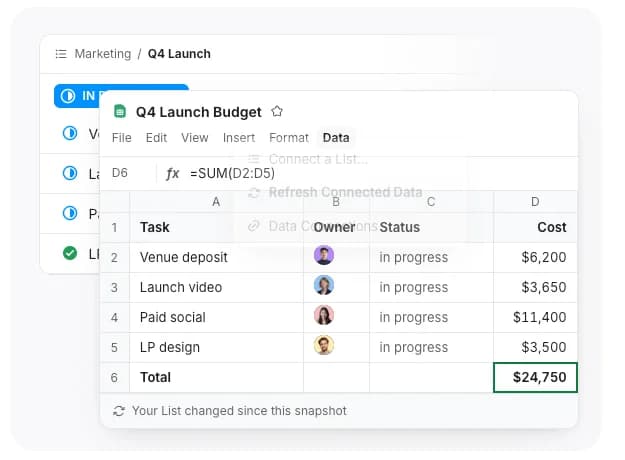
Brain² works with the tasks, Docs, and Chat conversations in your workspace. Ask it to summarize project progress, identify overdue work, or draft status reports based on your project data.
It can also turn your project information into interactive prototypes, slide decks, dashboards, and custom apps through ClickUp Artifacts. For instance, you could turn a project brief into a live clickable report or stakeholder presentation using your existing project data.
ClickUp Enterprise Search further finds relevant information across connected apps, saving you the work of gathering it yourself.
2. Instructions: Set clear rules for how AI works
ClickUp AI Skills let you save reusable instructions for Brain² and Super Agents. You could create a Skill that requires AI to cite project sources, flag unrealistic deadlines, and check for missing information before preparing a status report.
The Skills Hub lets you manage these instructions and enable them for specific users or Super Agents, keeping recurring workflows consistent.
3. Owner: Assign a human reviewer to each agent workflow
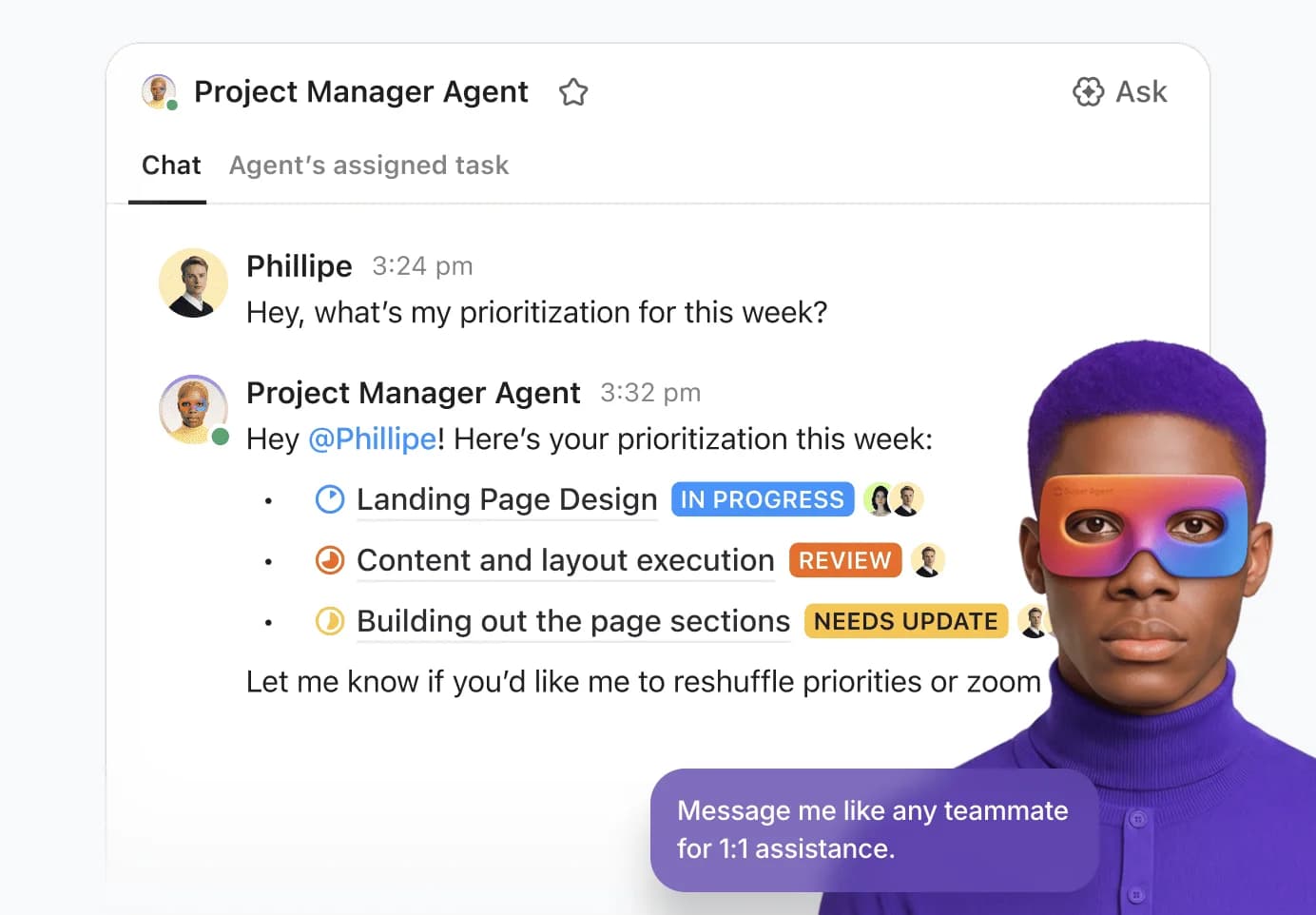
ClickUp Super Agents are AI teammates that work alongside your team. While Brain² helps you research, analyze, and create project deliverables, Super Agents can take on recurring responsibilities, respond to triggers, and carry out multi-step workflows.
To get started, use the:
- Project Status Reporter Super Agent: Generates project progress summaries and flags blockers that stakeholders need to know about
- Risk Assessment Analyzer Agent: Monitors deadlines, workload, and dependencies to identify emerging project risks and suggest mitigation steps based on their severity
Each Super Agent has configurable instructions, triggers, tools, and permissions. Assign a human owner to review its output and approve important changes. Specify which actions need approval in the agent’s instructions, such as changing deadlines, reassigning work, or sending stakeholder messages. Review its activity log to check what it has done.
Pay attention to knowledge permissions, too. If an agent has access to private project information, it may use that information when responding to people who can trigger it, even if they can’t access the original source.
How ClickUp uses AI agents for its Help Center, reduced scoping time by 90%
ClickUp’s Help Center has 1,178 live articles, and the product changes almost daily.
Scoping time dropped about 90%, and publishing a major feature went from 3 hours to 1. The agents do the discovery. Brad makes the call.
ClickUp pricing
Free Forever
Free Free
Key features
60 MB Storage
Unlimited Tasks & Subtasks
Unlimited Free Members
Collaborative Docs
Kanban Boards