Rolling out an AI coding agent to one developer is simple. Rolling it out to an entire engineering organization is a credentials problem. Every developer who wants their agent to check its work against your quality gates creates a personal access token, pastes it into a JSON file on their laptop, and hopes it never lands in a repository. Those tokens live outside anything your security team manages. Platform teams can't roll the setup out centrally. And some clients don't let you set an authorization header at all.
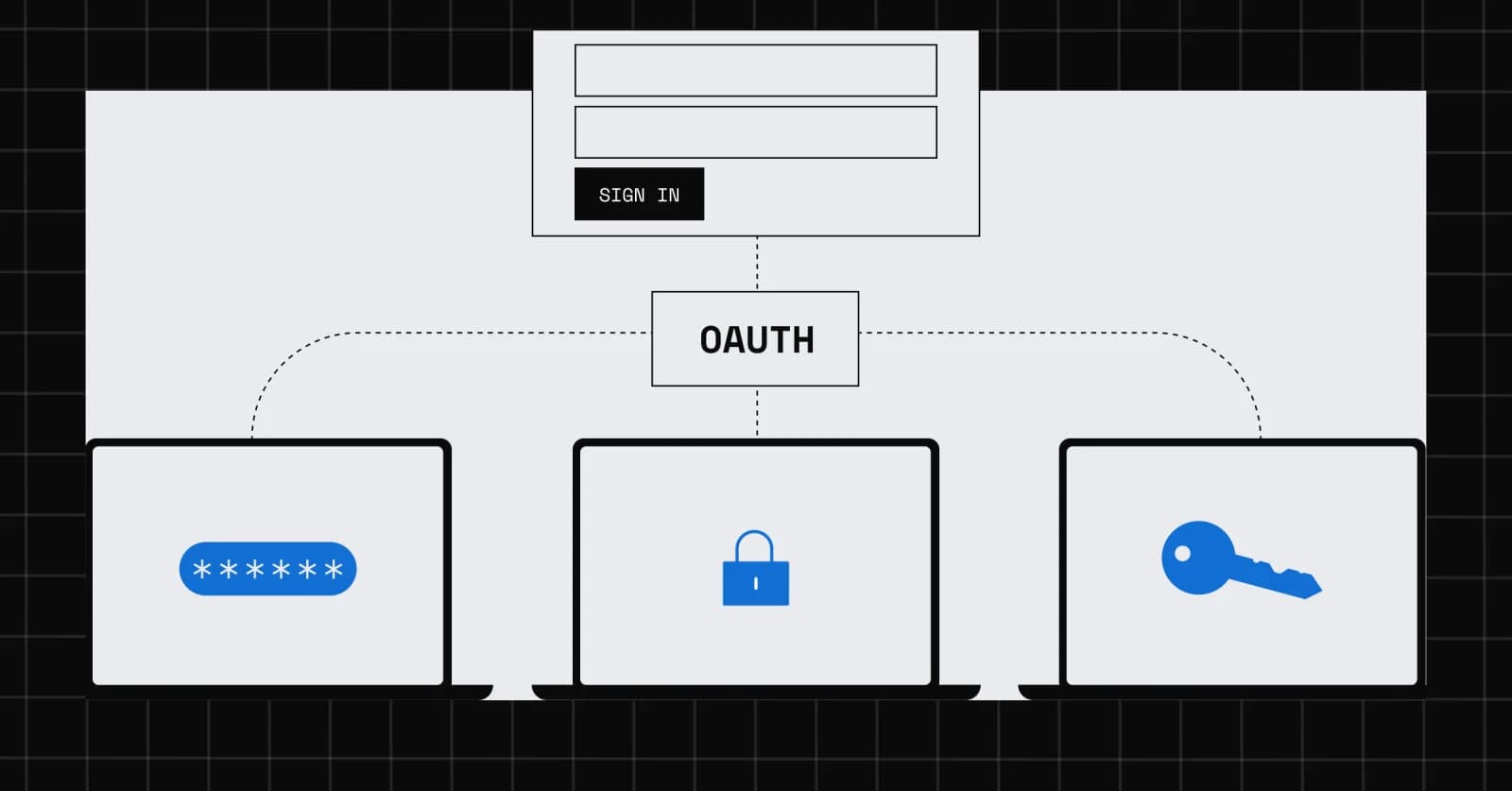
With SonarQube MCP Server v1.30.0 and onwards, the SonarQube Cloud-hosted MCP server now supports OAuth. Point your client at one URL, sign in with your SonarQube Cloud account, and your agent can work with your projects, issues, quality gates, and coverage data as you, with your permissions. No personal access token is involved, and existing token-based setups keep working.
What does SonarQube MCP Server OAuth support include?
- Sign in with OAuth. Connect to https://api.sonarcloud.io/mcp (or https://api.sonarqube.us/mcp for US-region organizations) and sign in when your client prompts you. There are no OAuth server settings to add to the client.
- Scoped access. The mcp:tools:read and mcp:tools:write scopes control read and write tools independently, always within the signed-in user's SonarQube Cloud permissions.
- Vetted clients. Sign-in works with MCP clients that use Client ID Metadata Documents (CIMD) and whose metadata URL Sonar has approved. The approved list currently includes Claude (claude.ai), Claude Code, ChatGPT, Codex, Cursor, GitHub Copilot desktop, Visual Studio Code, and Zed.
- Organization discovery. A new list_organizations tool and an optional organization argument on organization-aware tools let an agent work across several organizations in one session.
The full list is in the v1.30.0 and v1.31.0 release notes.
How do I set up OAuth authentication for the SonarQube MCP server?
- Check that your client is on the approved list and that you're running a version that supports CIMD.
- Point it at https://api.sonarcloud.io/mcp, or https://api.sonarqube.us/mcp for a US-region organization. If you're switching from a token, remove the Authorization and SONARQUBE_ORG headers.
- Connect and sign in when your client prompts you.
- Ask your agent to call list_organizations, then give it a task.
In Claude Code, for example:
Then run /mcp and choose to authenticate. Other clients differ in where the configuration lives and how they start sign-in, so check their documentation. The change to the configuration itself is small:
If something goes wrong, these are the three most likely causes:
What you see
What it means
What to do
Insufficient OAuth scope
The tool needs a scope your session doesn't hold: mcp:tools:read for read tools, mcp:tools:write for write tools
Check which scopes your client requested, then reconnect
SONARQUBE_ORG is not supported for OAuth requests. Use the tool organization argument.
Your client configuration still sends the SONARQUBE_ORG header
Remove the header, call list_organizations, and pass organization on the tool call
Sign-in never starts, or the client says it can't authenticate
The client may not support CIMD, or may not be on the approved list
Check the approved list and request an addition in the Community, or connect with a user token
Why should I stop using personal access tokens for SonarQube MCP?
In March, we introduced the hosted MCP server in SonarQube Cloud. It removed the Docker barrier: nothing to install, always on, always current. Authentication stayed minimal, with a personal access token and an organization key in each client's configuration.
That works for one developer. Across an organization it creates three problems. Long-lived credentials sprawl across configuration files on every machine that runs an agent. Every developer has to create, store, and eventually replace their own token, so there is no central rollout. And clients that can't send a custom authorization header can't connect to the hosted server at all.
OAuth removes all three.
How does the SonarQube MCP Server OAuth sign-in flow work?
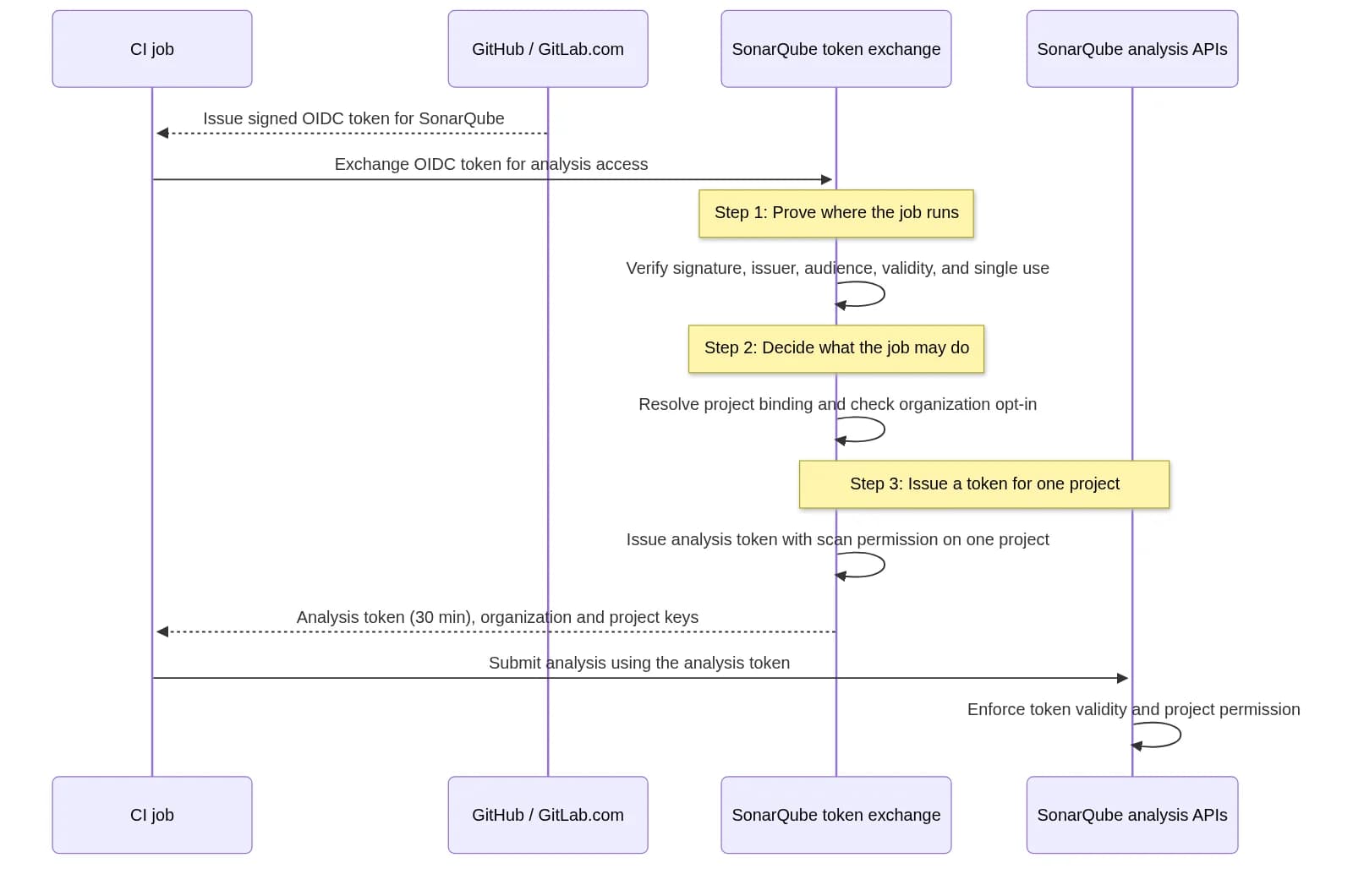
Your client handles the OAuth exchange, so you won't write any of this by hand. But if you're reviewing the setup, or explaining it to your security team, this is what happens. The flow follows the MCP authorization specification, which builds on OAuth 2.1.
- Discovery. The client calls the MCP endpoint without a token. The server answers 401 and publishes protected-resource metadata (RFC 9728) that tells the client which authorization server to use.
- Client identity. The client presents the HTTPS URL of its Client ID Metadata Document as its client_id. The authorization server fetches the document, validates it, and checks that the URL is on Sonar's approved list. Nobody registers clients one installation at a time.
- Sign-in and consent. You sign in to SonarQube Cloud in your browser and approve access. The client uses PKCE and a resource parameter (RFC 8707), so the token it receives is bound to the SonarQube MCP server.
- Tool calls. The client sends the access token as a Bearer token on every request to the MCP endpoint.
- Verification and scopes. On each request the server verifies the token's signature against the authorization server's signing keys and enforces scopes on both tool listing and tool invocation.
- On-behalf-of exchange. The server exchanges the validated token for SonarQube Cloud credentials on your behalf, so SonarQube Cloud applies your own permissions to every call. The MCP specification forbids passing a client's token through to upstream APIs; the exchange gives the server a separate credential for the call instead.
What are the mcp:tools:read and mcp:tools:write scopes in SonarQube?
Scopes. A session that holds only mcp:tools:read can use read tools, such as searching issues or checking a quality gate. Changing an issue's status takes mcp:tools:write. A call outside your scopes fails with Insufficient OAuth scope. Scopes can only narrow access: whatever they allow is still subject to your own SonarQube Cloud permissions.
Organizations. OAuth sessions aren't pinned to one organization. Call list_organizations to see the organizations you can access, then pass the key you want as the organization argument on any organization-aware tool. Because the argument applies per call, one session can span several organizations. OAuth requests don't use the SONARQUBE_ORG header: a request that includes one fails with SONARQUBE_ORG is not supported for OAuth requests. Use the tool organization argument.
Which MCP clients support SonarQube Cloud OAuth sign-in?
OAuth sign-in requires a client that uses Client ID Metadata Documents. A CIMD is a public document, hosted by the client's vendor at an HTTPS URL, that identifies the client and its redirect URIs. The MCP specification recommends it for the common case where a client and a server have never met, because it replaces per-installation registration with a URL the authorization server can fetch and check.
For you, the useful part is the second half of the requirement: Sonar also approves each client's metadata URL, and reviews every request before adding one. Only clients on that list can start a sign-in to your SonarQube Cloud data. Use a version of your client that supports CIMD.
If your client isn't listed, check its documentation or ask its vendor whether it supports CIMD for MCP OAuth. If it does, request an addition in the Sonar Community MCP category with the client name, version, and public metadata URL or vendor documentation. If it doesn't, ask the vendor to add support. In the meantime, a client that supports Streamable HTTP and custom authorization headers can keep using a SonarQube user token.
Why use OAuth instead of personal access tokens for SonarQube MCP?
No long-lived credentials on laptops. Sign-in replaces the personal access token. There's nothing to copy into a dotfile, nothing for a secret scanner to find in a repository, and nothing to rotate by hand.
Central rollout, individual identity. OAuth consent is per person. Each developer signs in as themselves, and every call runs with that person's SonarQube Cloud permissions. What you centralize is the rollout: one URL in shared configuration, no secrets to distribute, and no shared service credential to protect.
Least privilege, three times over. Every call is limited by the client (it must be approved by Sonar), by the session's scopes (read, write, or both), and by the signed-in user's own permissions. An agent never reaches more than the person it works for.
Access that follows your people. A new developer signs in on first use. When someone's SonarQube Cloud permissions change, what their agent can reach changes with them.
Who can use SonarQube MCP Server OAuth and what do they get?
If you are...
You care about...
OAuth gives you...
A platform engineering or developer experience lead
Standardizing AI tooling without a ticket queue
One URL for shared configuration, nothing to provision or collect, and no per-developer token handling
A security or IAM engineer
No long-lived secrets on laptops, least privilege, and knowing which clients can connect
Sign-in instead of personal access tokens, separate read and write scopes, and a Sonar-approved client list
An engineering leader
Adopting AI coding agents without lowering the quality bar
Agents that can check work against your organization's quality gates, available to everyone who signs in
A developer
Fewer setup steps, and an agent that knows what "good" looks like in your codebase
Sign in once from your client, skip token creation, and ask about issues, quality gates, and coverage in the flow of work
An AI enablement or agent platform owner
Adding Sonar to workspace-level assistants
The URL as a connector where your client supports workspace-level connectors, with tokens still available for unattended automation
Use cases
1. Roll out code verification to every AI agent in the organization. A platform team adds the hosted MCP URL to the shared configuration for the tools its developers already use. Where a client supports workspace-level connectors (Claude's custom connectors for Team and Enterprise are one example), an admin adds the connector once and each member connects with their own sign-in. From the first session, a developer can ask:
Why is the quality gate failing on my branch? Walk me through the most critical issues first.
2. Meet security requirements in regulated environments. Teams in industries like financial services and healthcare often can't run local software, and security reviews tend to flag static tokens sitting on laptops. The hosted server needs no installation, and OAuth takes the token out of the picture. Security gets a smaller surface to review: one endpoint, a vetted client list, and sign-in with SonarQube Cloud accounts.
3. Work across multiple SonarQube Cloud organizations. Platform and AppSec teams that support several business units often work in several organizations. The agent calls list_organizations, then queries each one in the same session:
List the organizations I can access, then tell me which have projects with a failing quality gate.
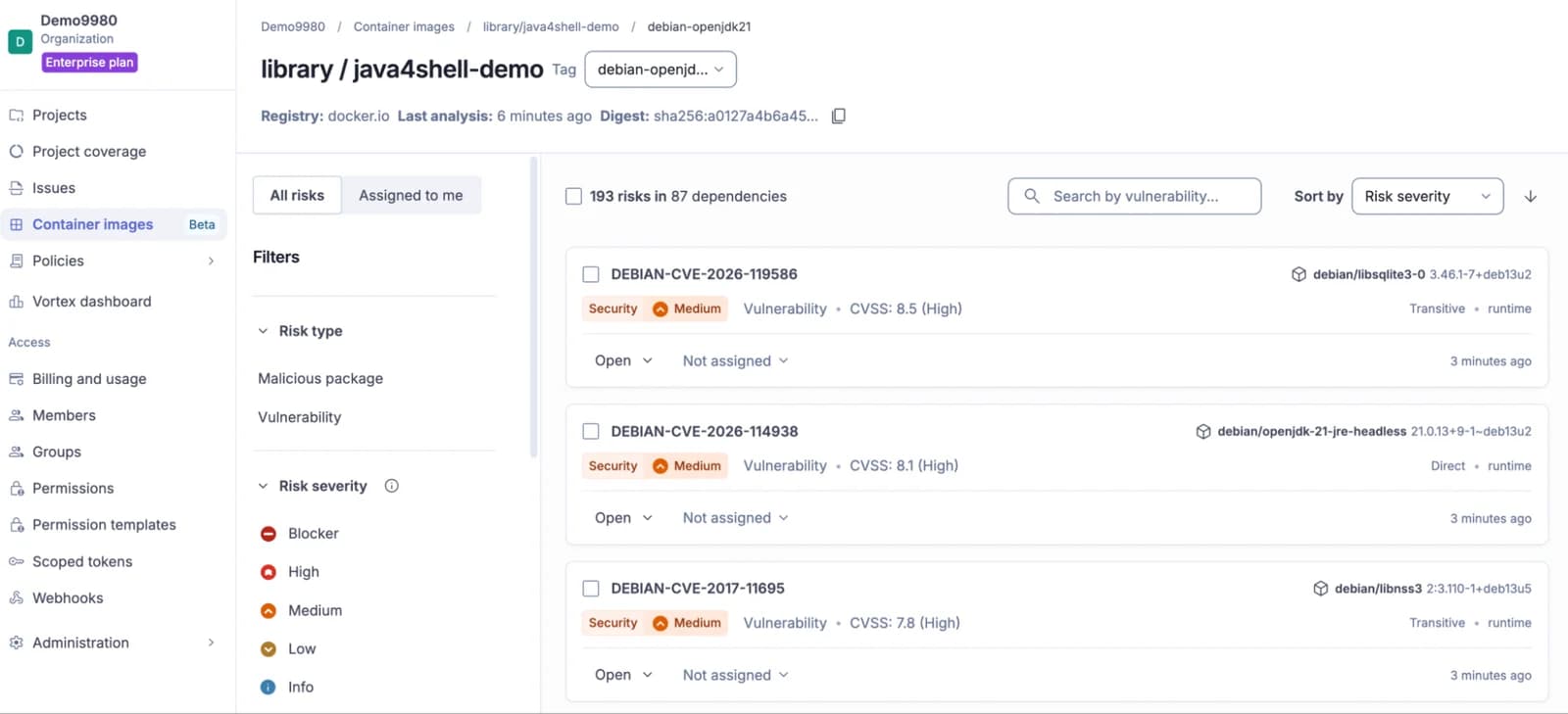
4. Triage with the right level of access. An engineer reviewing findings needs to change issue statuses. An engineering manager tracking vulnerability and dependency risk only needs to read. Scopes keep those intents apart, and SonarQube Cloud still enforces each person's permissions. Dependency risk data requires SonarQube Advanced Security.
Summarize the open critical vulnerabilities and dependency risks across our payments projects. (read)
Mark these three issues as false positives and note why. (read and write)
What are the limitations and requirements for SonarQube MCP OAuth?
- The hosted server exposes a smaller, fixed set of tools. Heavy analysis tools, Sonar Vortex, and the SonarQube for IDE bridge tools aren't available there. To use them, run the SonarQube MCP Server locally over stdio.
- Tokens still work. Clients that send a SonarQube user token in an Authorization header don't need to be on the approved list, which also covers unattended automation where no one is available to sign in.
- OAuth for SonarQube Server isn't supported yet. We're working on it and don't have a date to share.
Try it
Agents already write, and increasingly review, a growing share of your code. Giving them access to what "good" means in your organization shouldn't mean distributing credentials one laptop at a time. Connect once, let each developer sign in as themselves, and verification goes wherever the agent does.
- Read the setup guide for the full list of supported clients.
- New to SonarQube Cloud? Start a free trial.
- Missing a client? Tell us in the Sonar Community.