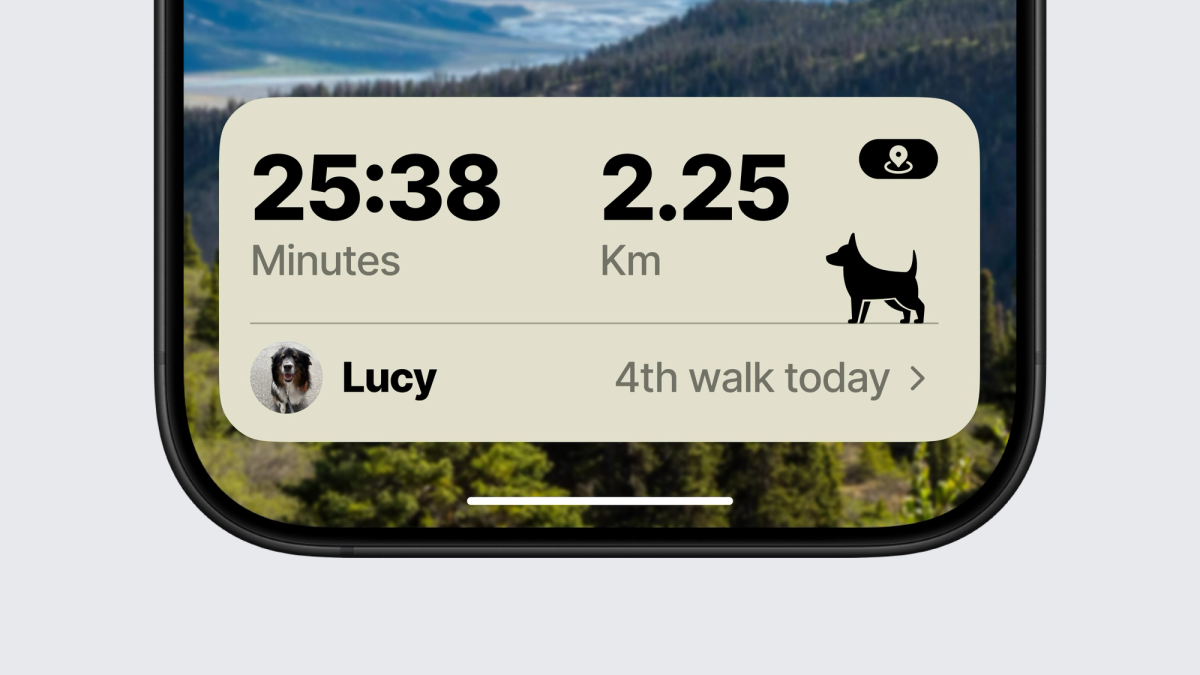
A Live Activity is for one kind of moment: something is happening right now, off to the side of whatever the user is doing, and they want to check it without opening your app. Food delivery and sports scores are the usual examples.
We built one for a quieter case: a user forwards a receipt, and the app spends anywhere from a few seconds to a minute processing it server-side (downloading the attachment, extracting text, saving the result) before there's anything to show. A spinner makes them wait for it; a single push notification only tells them the outcome. A Live Activity shows the whole thing live: received, then processing, then a completed summary or failure, on the Lock Screen and in the Dynamic Island.
This article covers building that end to end: client wiring and backend push infrastructure, since an activity only keeps working once the app is backgrounded if both sides are built right.
End-to-end flow diagram
Walkthrough:
- The app starts the activity, locally or via push-to-start. Push-to-start lets the backend spin one up on the app's behalf the moment it knows there's something to track, even if the app isn't in the foreground.
- iOS mints a push token for that activity. Easy to miss: it's not the device's regular push token. It's per-activity, and it can rotate.
- The app registers that token with the backend, tied to the activity it belongs to. This is the first crossing between client and backend: everything before it is pure iOS API, everything after it depends on your own infrastructure.
- The backend maps its own domain events onto the content-state schema the widget expects. "Receipt processing" becomes stage: processing, progress: 0.4, a translation layer specific to your app, not something ActivityKit gives you for free.
- The backend pushes over APNs, using the token from step 3, whenever that mapped state changes.
- iOS delivers the push and re-renders the activity. No app code runs for this step; ActivityKit handles it directly from the push payload.
Mobile implementation
There are three pieces on the client: the content-state schema the activity is rendered from, the widget UI itself, and getting a push token registered reliably enough that the backend can actually reach the activity later. All three live entirely in the Expo app, with no separate Xcode project to keep in sync.
The content-state schema
ActivityKit gives an activity one fixed ContentState shape for its entire lifetime: you can't swap in a different struct as the activity moves through stages, only change field values on the one shape you started with. So the schema is a small, always-present header (which stage, a progress value, who it's from) plus three optional nested objects, exactly one of which is populated at a time depending on stage.
A completed update looks like this in practice:
processing and failure follow the same shape while their stage is active; the other two stay null. The client only ever needs if (props.summary) { ... }, never a separate check against stage first, to know a field it's about to read is actually there.
The widget UI
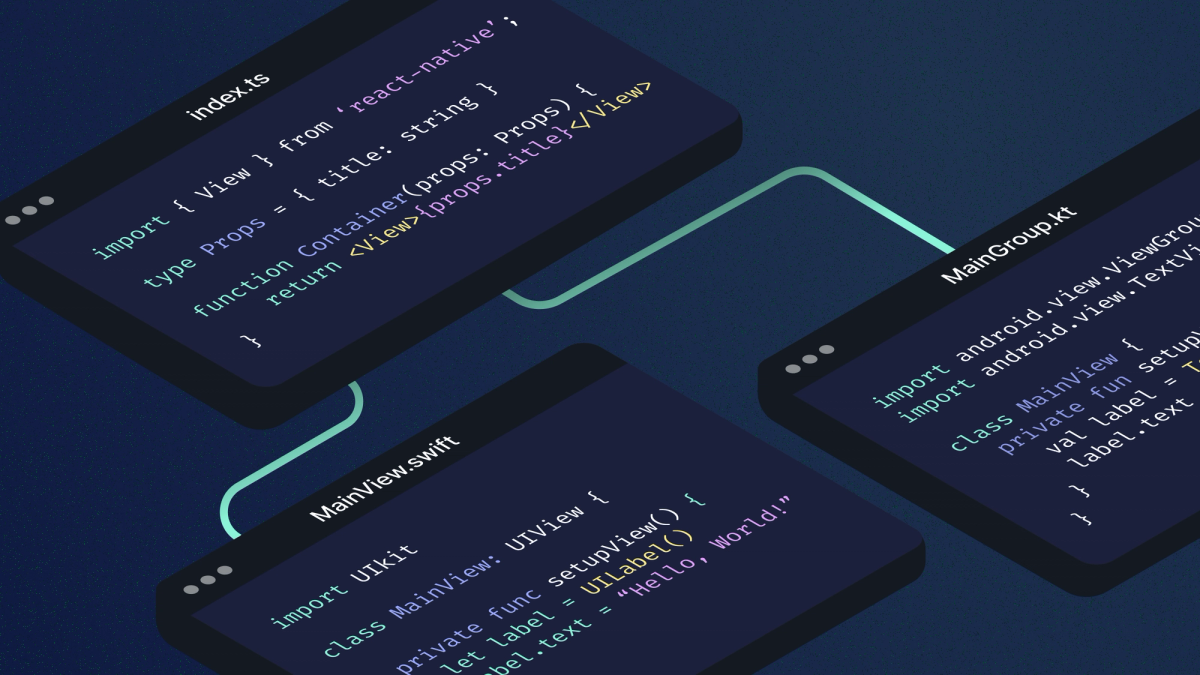
The widget itself is written as a React component, using @expo/ui/swift-ui. expo-widgets compiles it down to a real native SwiftUI view. There's no parallel Swift file to hand-maintain alongside the TSX; the component is the widget:
Every region ActivityKit asks for (the Lock Screen banner, the compact and minimal Dynamic Island states, the expanded regions) is just a different return key, all driven off the same props.stage switch. STAGE_ACCENT_COLOR, STAGE_SYMBOL, and getPrimaryContent() do the actual per-stage branching once, near the top, so the JSX itself stays declarative.
Starting the activity
In production, the client never calls start() itself. The backend is the one that knows a receipt just arrived, so it starts the activity remotely via push-to-start. On the client, "starting" is really "opting in": registering for the token ActivityKit needs to let something else start an activity on your behalf.
push-to-start needs iOS 17.2+, one version ahead of ActivityKit itself (16.1). isPushToStartEligibleDevice() gates on that explicitly, on an older device this hook is a no-op, and the feature should degrade to "no live tracking for this user," not a crash.
That third argument is worth pausing on — it's activityId, and it's not part of stock expo-widgets. ActivityKit gives an activity an opaque UUID of its own, unrelated to any id your backend uses. To correlate a push token back to the right domain record later, the activity needs to carry your id too, so we added an attributes.activityId field that gets set at start() time on the client, or in the push-to-start payload when the backend starts it remotely, and is read back natively wherever a push token gets reported.
Registering the push token
The mobile app listens for the push token from two different sources: getInstances() for activities it already has a handle for, and a module-level listener for one specific case: an activity ActivityKit starts remotely via push-to-start while the app is backgrounded but not killed. That case doesn't trigger a relaunch, so nothing naturally re-syncs; without a listener that isn't tied to an existing handle, the token for that activity would never reach the backend at all.
Backend implementation
Everything so far runs entirely on-device. The backend's job is smaller in scope but it is where an activity actually becomes live: storing the tokens the client just registered, translating your own domain events into the content-state schema, and calling APNs at the right two moments: once to start an activity, repeatedly to update it.
Data model
One table, keyed by user and (for update tokens) by activity:
No uniqueness constraint on (user_id, type): a user can have several devices, each contributing its own push_to_start row, and each device's own activity contributes its own activity_update row once it registers. A dead token (APNs reports it invalid) is just deleted; nothing downstream ever needs to look at or restore one.
Endpoints
Two, matching what the client already calls:
Both are plain upserts: re-registering the same token is a no-op, a rotated token inserts a new row. That's not just a convenience, it's what Apple's own docs tell you to do: keep track of the push token for each Live Activity, and invalidate the previous, now-outdated token on your server when a new one arrives, per Starting and updating Live Activities with ActivityKit push notifications.
Content-state mapper
One function owns turning your own domain state into the exact schema the widget expects. It's reused for both the push-to-start payload and every later update, so there's a single source of truth for "what does stage X look like":
For an update, this gets called by re-reading the job and its items fresh from the database at send time, rather than trusting whatever data triggered the call. Sibling items can reach a terminal state out of order and their jobs can race each other in the queue, so recomputing from the database at send-time means whichever call actually executes last always sends the current truth, regardless of arrival order.
Push-to-start flow
Fires once, the moment the backend knows which user a new job belongs to. Sent to every active push_to_start token for that user (one push per device; each spawns its own independent activity):
An idempotency guard (a nullable startedAt-style timestamp on the job, checked and set before sending) keeps a queue retry on the same job from spawning a second activity.
The APNs request
One method sends both the push-to-start and push-update payloads below, since they only differ in a few aps fields. The aps object is exactly the content-state mapper's output plus whichever optional fields the event needs; the headers are what actually get it accepted:
The providerToken is a JWT you sign yourself with an ES256 .p8 key, generated once from the Apple Developer portal (developer.apple.com, under Certificates, Identifiers & Profiles > Keys).
apns-topic needs the .push-type.liveactivity suffix on your bundle id, and apns-push-type: liveactivity is its own separate required header, not implied by the topic. Both are easy to miss since most APNs guides are written for ordinary device push, not Live Activities.
On the response side, shouldDeleteToken is the one check that matters: a 410 or a BadDeviceToken reason is what the Data model section above means by "a dead token is just deleted."
Push-update flow
Fires on every subsequent domain event. Sent to every active activity_update token for that activityId:
The terminal states (completed/failed) are still sent as "event": "update", not "end". That leaves the final state visible on the Lock Screen instead of dismissing it immediately, relying on ActivityKit's own staleness window rather than forcing the activity closed the moment your pipeline finishes.
APNs gotchas
A few things cost real debugging time, getting a payload APNs would actually accept and act on:
- content-state is a wrapper, not your schema. The real ContentState struct expo-widgets defines is just { name: string, props: string } — name is the literal widget name you passed to createLiveActivity, and props is your entire content-state object, JSON.stringify()'d into a single string. Sending your schema's fields directly at the top level of content-state gets you a 200 from APNs and an activity that silently never updates — nothing decodes it, and nothing tells you that.
- start events need three fields update doesn't: attributes-type (the literal string "LiveActivityAttributes"), attributes (where activityId actually gets set), and — easy to miss since Apple's docs describe it as generically optional — alert. That optionality applies to update; for start specifically, omitting alert means APNs accepts the push and silently never starts the activity on-device.
- Push tokens are tied to whichever aps-environment entitlement the build was signed with, not to Debug vs. Release. If your build forces one environment across all configurations (common for Live Activities, since sandbox push-to-start support is inconsistent), every token your app issues belongs to that environment — sending to the other APNs host gets a same-shaped 400 BadDeviceToken for every request, indistinguishable at a glance from a genuinely bad token.
Conclusion
That's the full loop, a widget written in TSX and compiled to native SwiftUI through expo-widgets, and push tokens registered on two paths. The backend half turns your own events into APNs pushes at exactly the right two moments.
The trickiest part was an activity ActivityKit starts remotely while the app is backgrounded, not killed. Nothing about that path triggers a relaunch, which is why the token-sync hook carries a second, module-level listener built specifically to catch it. We've shared the fix with the expo-widgets maintainers (PR #48589 lands the related relaunch-reconciliation half), so it has a clear path upstream too.
Expo gets you the client half without writing Swift. The backend half is still yours to build, and now you've seen both.
References
- — Apple's ActivityKit docs; source for the token-invalidation guidance in the backend endpoints section.
- — the expo-widgets fix for getInstances() push-token reconciliation after relaunch, referenced in the close.
- expo-widgets — the package this article's client-side implementation is built on.
- @expo/ui — the SwiftUI bindings used to write the widget UI in TSX.