Home
Blog
AI Agents & Orchestration
Brad Griffith
Nov 11, 2026
Agentic orchestration works across enterprise apps by starting from an event or request, letting an agent choose among governed skills, and running each skill against the target system under the end user’s own identity. Workato does this with agents called “Genies” that are built in Agent Studio, Enterprise Skills, recipes, and Enterprise MCP, connected to over 17,000 enterprise systems.
It sounds abstract until you follow one request from start to finish. There are five stages: trigger, interpretation, tool selection, governed execution, and record. Each one can be inspected, and that is the point. The sections below follow those stages in order, then cover what happens when something fails.
What starts an orchestrated agent run?
Most agent runs start with either a person or a business event. People message an agent in Slack, Microsoft Teams, or a web interface, and applications call an agent through a headless REST API. Agents also respond to events, like a new ticket or a changed record, so work begins without anyone typing a prompt. That last path deserves more attention than it gets, because most enterprise work starts inside a system, not in a chat window. An agent that only answers chat messages misses the bulk of the work.
How does the agent decide what to do?
An agent reads the request or event, pulls in context, and picks from the tools it has been given. It sees only the skills, recipes, and MCP servers assigned to it, and it can use third-party MCP servers as skills too. That narrow menu is a feature. An agent that calls twelve governed actions is far easier to review than one that reaches any endpoint it finds, and reviewability is what lets a security team say yes.
How do the tools reach your apps?
Your apps are reached through Workato connectors and the integration layer behind them. An Enterprise Skill wraps a multi-step action, such as creating a quote, into one callable step, and a recipe supplies the connector logic underneath. The on-prem connector SDK covers on-premises systems. Workato’s MCP servers then expose those actions to MCP clients, built from skills, recipe functions, and API collections, so the same building blocks serve people, apps, and agents.
How does the action run as the right user?
Each action runs as the person who asked. Verified User Access uses that person’s own connection to the downstream app, after Workato Identity checks access to the MCP server. In one example on-platform demonstration, a user signed in through Okta, and Salesforce and Slack actions ran under that user’s own permissions. The log showed the real user, not a service account, which is what lets one agent serve many people without a shared credential sitting behind it.
What controls apply while it runs?
Guardrails, approvals, and limits apply the whole way through. Genies offer content-safety screening at low, medium, or high, with 31 default PII types plus custom regex types, and for each match you choose whether to tokenize, redact, or refuse. PII handling covers tool and skill outputs, and tokens appear in history and log streams in place of real values. Approval steps pause the Genie until a person responds, and Workato’s Model Gateway adds rate and token limits on model traffic.
How do multiple apps work in one flow?
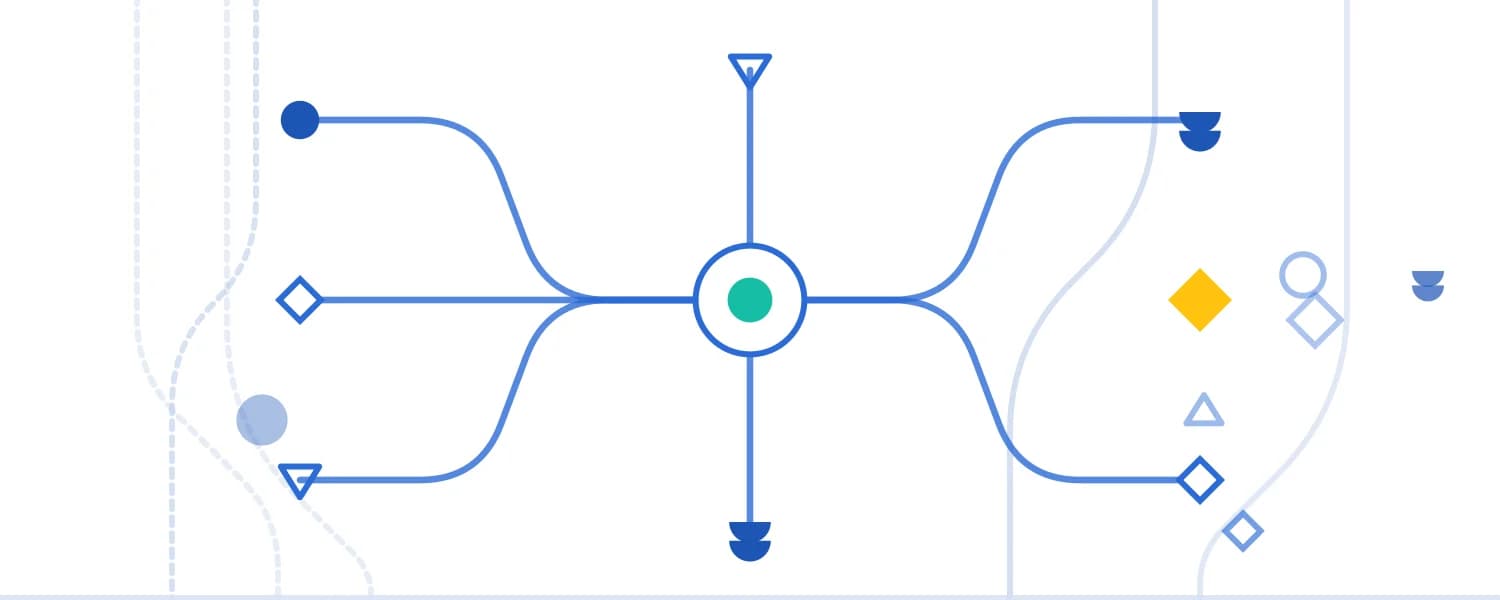
A skill or recipe calls several connectors in sequence and hands back one result. Picture a support case: read the order in NetSuite, check entitlement in Salesforce, issue the refund through the payment system, and tell the customer in Slack. The agent invokes one skill, and the platform makes the four calls, handles errors inside the skill, and logs the job. That moves orchestration logic out of the model and into the platform, which also lowers token use. In a Workato-run Jira test, one Workato call used 31,000 tokens, against 164,000 across 3 calls through a vendor MCP server.
What happens when something fails?
The skill handles failure so the agent does not have to improvise. Workato’s recipe monitor block can retry or escalate, and error handling can match status codes such as 401, 429, and 504 to a retry or an incident. Job history shows every step, and when the logic cannot decide, a human approval step catches the exception. Customers can build full error frameworks.
How do you see what happened?
You see it in job history, conversation traces, and logs, and each answers a different question. Job history shows who asked and what was retrieved. Conversation traces show each guardrail check, LLM call, and tool call. MCP tool-call logs record the authentication method, client, user, duration, request, response, and outcome. Logs stream to an external SIEM, so your security team does not need a separate window into Workato.
Summary: How Agentic Orchestration Works Across Apps
Agentic orchestration runs from a trigger through governed tools to a recorded outcome. Events and requests start the run, and Genies choose only among the tools assigned to them. Enterprise Skills and recipes reach the apps through Workato connectors, and Verified User Access runs each action as the real user. Guardrails, approvals, and limits apply during the run, and job history and traces record the result.
FAQ
How do AI agents connect to enterprise apps?
Through tools: skills, recipes, and MCP servers that call the apps’ connectors or APIs.
Can an agent work across more than one system in a single request?
Yes. A skill can call several systems and return one result.
How does an agent know which user it is acting for?
The user’s identity is carried through Verified User Access, so the app sees the real person.
What if an app has no API?
RPA by Workato works with legacy desktop and browser applications that have no API, including thick-client tools such as SAP GUI and internal portals with no REST endpoints, webhooks, or export options. A UI recorder captures clicks, keystrokes, and navigation, or a team writes Python, C#, or command-line scripts for complex tasks. The RPA process then becomes one step in a Workato recipe alongside APIs, databases, and SaaS apps. Workato’s on-prem connector SDK separately reaches on-premises systems.
Can agents react to events?
Yes. Workato Genies can respond to business events.
About the Author
More on AI Agents & Orchestration
Discover the latest product updates and features
What Is Agentic Orchestration?
Nov 10, 2026
What Is an AI Control Plane?
Nov 10, 2026
What Is AI Token Economics?
Nov 10, 2026
Table of Contents