Most third-party visual media pipelines aren’t designed all at once. They grow one script and integration at a time, each one put in place to meet a new use case or fix whatever problem came up that month, by whoever had time to build it.
Each piece made sense the day it shipped. Together, they form a fragmented system that’s drifted from its original design , and whoever inherits it finds out what breaks when a single piece changes.
Those additions and fixes also cost more to keep than they did to write. Someone has to watch them, fix them, and remember why each one exists. The way out is choosing which jobs to move to an automated platform your team doesn’t have to maintain, without starting over. Start with these five, roughly in the order they pay off.
Ingestion is usually where the oldest script lives. It checks for new files every few minutes and pulls in whatever it finds. That works until upload volume spikes, one check overlaps the next, or the same file gets processed twice.
Start by listing every way content enters the system, such as seller uploads, partner feeds, and bulk imports, and routing them all into the same ingestion process. Then replace the timer with a trigger so processing begins the moment a file lands. A single entry point is easier to monitor than several, and it replaces the background jobs that otherwise shuttle files from one step to the next.
Approval isn’t the finish line. An asset that clears moderation but goes live without tags or alt text still slows search, discovery, and merchandising. It also lacks an accessibility check that someone eventually has to backfill by hand.
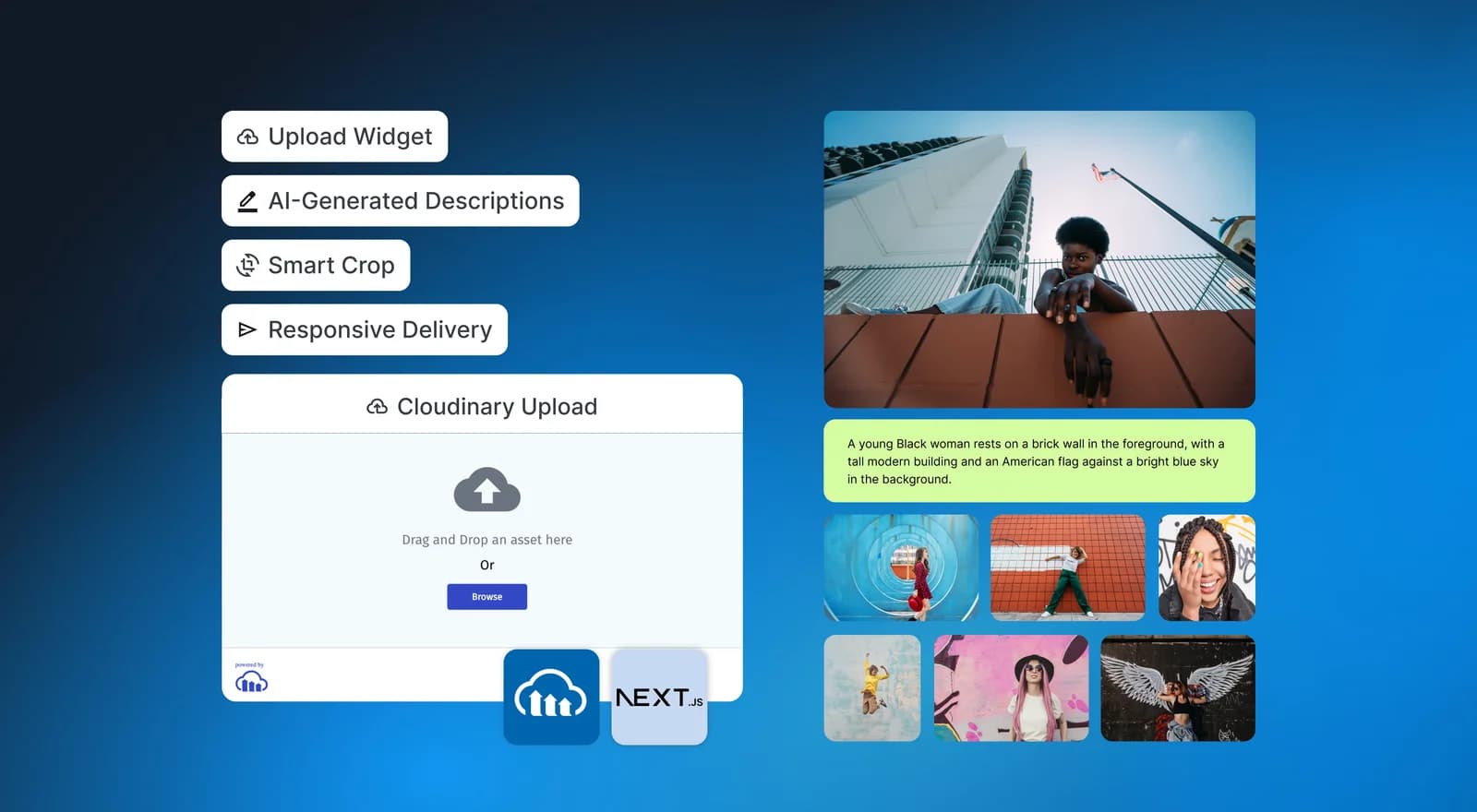
Move tagging to the moment a file is ingested or approved instead of treating it as its own project. AI can now write usable alt text during upload, so descriptions exist before an image ever goes live. Then run the same step once across the existing library to close the gap that’s already there, rather than scheduling a cleanup that keeps getting pushed back.
Inherited moderation usually falls into one of two camps. Either a person reviews every asset, or a static filter catches what it was written to catch two years ago. The first can only move as fast as the review team. The second lets anything new slip through.
Automate the decision, not just the detection. Write down the rules your reviewers already apply for brand, quality, and compliance, then sort every file into one of three outcomes: approved, rejected, or flagged for a person to review manually. AI handles the first pass well, but people should still make the final call on anything unclear.
Test each new rule on a small batch of existing images before turning it on for every upload. That shows how strict the rule actually is before it starts rejecting real listings. Then save each decision as metadata with the file, so when someone asks why a listing was rejected, the answer is already there.
A surprising share of rejected submissions are fixable. The product is fine, but the background is cluttered, there’s a promo badge in the corner, or the image is too small for a zoom view. In most inherited pipelines, those assets either bounce back to the seller, adding days to onboarding, or sit in a manual editing queue.
Sort rejections by reason before automating anything. Problems like busy backgrounds, stray text, or low resolution can usually be fixed with AI editing and sent through again. Problems like the wrong product or a misleading photo still need to go back to the seller.
AI edits aren’t perfect every time, so run fixed images back through the same checks, and send anything that still fails to a person.
The most fragile piece is usually the last one. It’s a separate script that watches for failures and pings someone, and it’s also the most likely to fail silently, which is how a manual review queue grows to a few thousand items before anyone notices.
Build alerts into the same workflow that makes the decisions, so a failed review and its notification happen in one step. Send them where the team already works, like a Slack channel or a ticketing tool instead of a separate dashboard nobody checks. And keep a log of where each file ended up, so confirming everything works doesn’t take another script.
Lined up, the pattern is hard to miss. Ingestion, tagging, review, normalization, and alerts were never five separate problems. They’re stages of one pipeline that happened to be built as five tools.
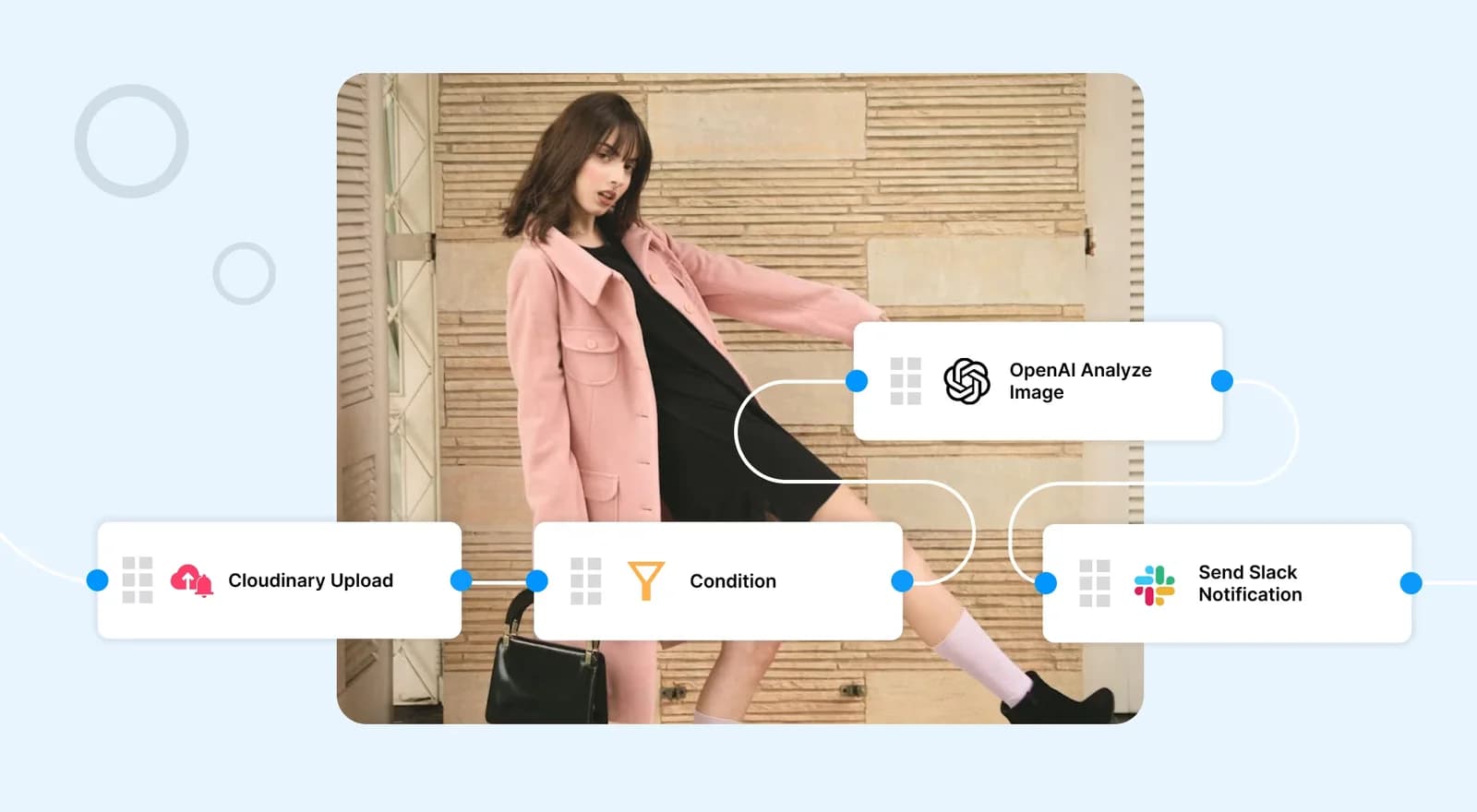
That’s the idea behind Cloudinary’s workflow automation tool, MediaFlows. Instead of separate scripts, each step becomes a block in a flow that automates common, repetitive workflow checks and tasks. All team members — whether they’re technical, marketing, or creative — can build flows in a drag-and-drop editor without having to code custom scripts.
Take the review and alert steps from earlier. A single flow can start when someone uploads a photo, use AI to check whether it shows a pair of running shoes, and send anything that doesn’t to manual review, with an option to alert the team in Slack. Tagging can run the same way, with a prebuilt template that adds AI-generated alt text to every new upload.
It also doesn’t require rebuilding everything at once. Cloudinary Moderation can run once on the images already in the library, then apply the same rules to every new upload, so teams can clean up what they have first and keep it clean going forward.
The easiest place to start is the script or integration that breaks most often. Replace it, then move on to the next one.
Want to see how MediaFlows and Cloudinary Moderation can handle intake, review, and tagging of third-party visual media without rebuilding the whole pipeline? Talk to a Cloudinary expert today.
Start with the script that breaks most often, then work through intake, moderation decisioning, metadata and tagging, remediation, and notifications. These jobs usually pay off in that order, and moving them to a platform your team doesn’t have to maintain is easier than rebuilding the whole pipeline at once.
Write down the rules your reviewers already apply, then sort every file into approved, rejected, or flagged for a person. AI handles the first pass, and people make the final call on anything unclear. Cloudinary Moderation applies your rules at upload and can also run once across images already in your library.
Yes. AI can write alt text and apply tags at upload, so descriptions exist before an image goes live. Cloudinary’s AI content analysis generates captions and Auto Tagging by Google adds tags, and the results can be stored as structured metadata. Running the same step across your existing library closes the backlog.
Often, yes. Cluttered backgrounds, stray text, and low resolution can usually be fixed with AI editing such as background removal or image enhancement. Run fixed images back through the same checks and send anything that still fails to a person. Problems like the wrong product or a misleading photo still need to go back to the seller.
MediaFlows is Cloudinary’s workflow automation tool, where each step of a media pipeline becomes a block in one flow. Technical teams can build flows in a drag-and-drop editor, and marketing or creative teams can use a no-code version. The sample PowerFlows give step-by-step examples to start from.
Build the alert into the same workflow that makes the decision, so a failed review and its notification happen in one step, and send it where your team already works, such as Slack. See the MediaFlows block reference for the notification and Slack blocks, and keep a log of where each file ended up so you don’t need another script to verify it.