You can now set up enterprise-managed auth for the Supabase MCP server even if your identity provider doesn't support the MCP Enterprise-Managed Authorization extension.
Claude issues the signed identity assertion that previously had to come from your identity provider. After a Supabase org's owner or admin approves Claude and registers it as the issuer, every member with a matching Supabase SSO identity can use Supabase from Claude with their existing role and no per-member consent screen.
Availability:
- Supabase: generally available to Team and Enterprise organizations with SSO configured.
- Claude: the Claude auto-connect beta is open to Claude Team and Enterprise organizations. Any Claude admin can turn it on.
By default, every member signs in with their own Supabase account and approves Claude for an organization through a consent screen. The enterprise-managed auth we launched in August replaces that with one admin approval for organizations that set it up. The identity provider then issues a signed assertion for each member.
Okta was the only identity provider that supported the extension at launch and most still don't. Organizations on those providers no longer have to wait because Claude can now be the issuer instead. Nothing changes in your identity provider.
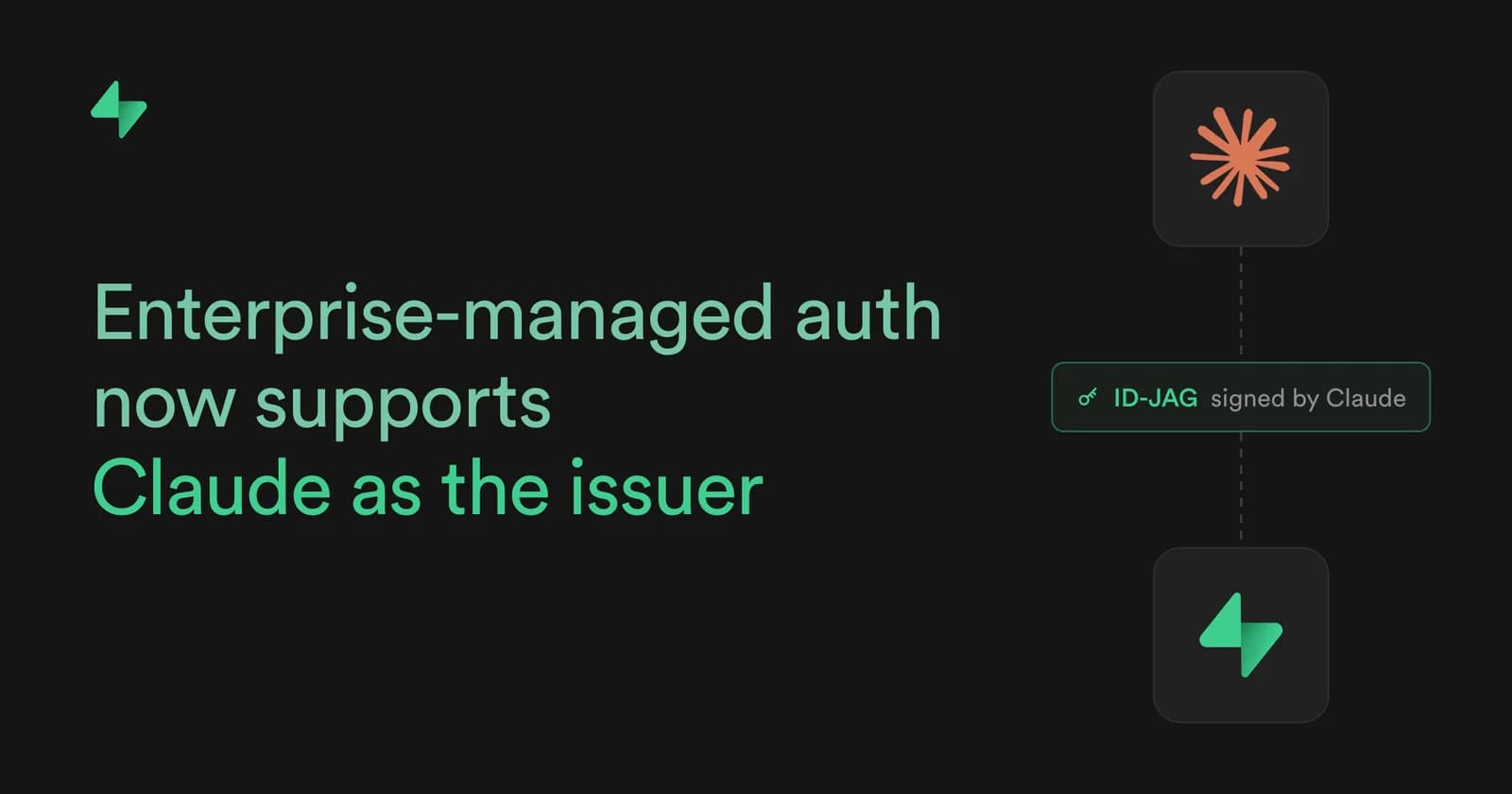
Your members sign in to Claude as usual. When a member uses Supabase from Claude, Claude needs a short-lived signed assertion that identifies the member and works only for Supabase. The MCP extension calls it an ID-JAG, short for Identity Assertion JWT Authorization Grant.
With Claude as the issuer, Claude signs that assertion itself. Before it does, it checks two things:
- that the person is a current member of your Claude organization
- which email address their Claude account uses
It doesn't confirm a sign-in at your identity provider, check your multi-factor authentication, or apply Supabase's own sign-in rules.
Claude then sends the signed assertion to Supabase. Supabase runs three checks:
- the signature matches the issuer you registered
- the member belongs to your organization with a matching SSO identity
- an owner or admin has authorized Claude
If all three pass, Supabase issues a short-lived access token bound to that member. When it expires, Claude presents a new assertion and the member never reconnects by hand.
Offboarding works differently. Disabling a member in your identity provider no longer cuts off their access because neither Claude nor Supabase asks your identity provider whether the member is still active. To remove a member, remove them from both your Supabase organization and your Claude organization. Tokens already issued stay valid until they expire.
Supabase trusts one issuer per SSO provider. The Claude issuer URL replaces your identity provider's URL. Supabase then rejects every assertion your identity provider signs until you restore the original URL. That includes assertions for any other AI tool that used your identity provider for managed authorization. Each issuer URL can also serve only one Supabase organization.
Setup takes about ten minutes if SSO is already configured. You need:
- an owner or admin of your Supabase organization and an admin of your Claude organization
- each member to have signed in to Supabase through SSO at least once with the email they use in Claude
- Approve Claude. An owner or admin connects Claude to Supabase and approves it for the organization. The approval appears under Authorized apps in your Dashboard's organization settings. Review or revoke it there.
Approve Claude. An owner or admin connects Claude to Supabase and approves it for the organization. The approval appears under Authorized apps in your Dashboard's organization settings. Review or revoke it there.
- Select Claude as the identity source. In Claude, go to Organization settings, then Connectors, and select the Supabase connector. On the Configuration tab, next to Managed authorization, click Set up. In the Connect step, under Identity source, select Claude-issued and copy the Issuer URL. It is unique to your Claude organization.
Select Claude as the identity source. In Claude, go to Organization settings, then Connectors, and select the Supabase connector. On the Configuration tab, next to Managed authorization, click Set up. In the Connect step, under Identity source, select Claude-issued and copy the Issuer URL. It is unique to your Claude organization.
- Register the issuer in Supabase. Open the SSO page of your Dashboard's organization settings, expand Advanced settings, paste the URL into the ID-JAG Issuer field, and save.
Register the issuer in Supabase. Open the SSO page of your Dashboard's organization settings, expand Advanced settings, paste the URL into the ID-JAG Issuer field, and save.
- Test and enable. Back in Claude, click Run test and confirm that every check passes. Then click Enable and continue and complete the Roles and Scopes steps. The Roles step chooses which Claude roles get connected automatically.
Test and enable. Back in Claude, click Run test and confirm that every check passes. Then click Enable and continue and complete the Roles and Scopes steps. The Roles step chooses which Claude roles get connected automatically.
Members in the selected roles now see Supabase already connected in Claude with no sign-in or consent screen. A member with no matching Supabase account sees the normal Connect prompt.
- Set up Claude as the issuer. Follow the Use Claude as the ID-JAG issuer guide.
- Keep your identity provider if it already issues the assertion. Nothing changes for you. Leave its issuer URL in Supabase.
- Start in Claude if you're new to managed authorization. Anthropic's Authorize MCP connectors for your entire organization covers the Claude side.
- Compare plans if you're not on Team or Enterprise yet. See pricing.