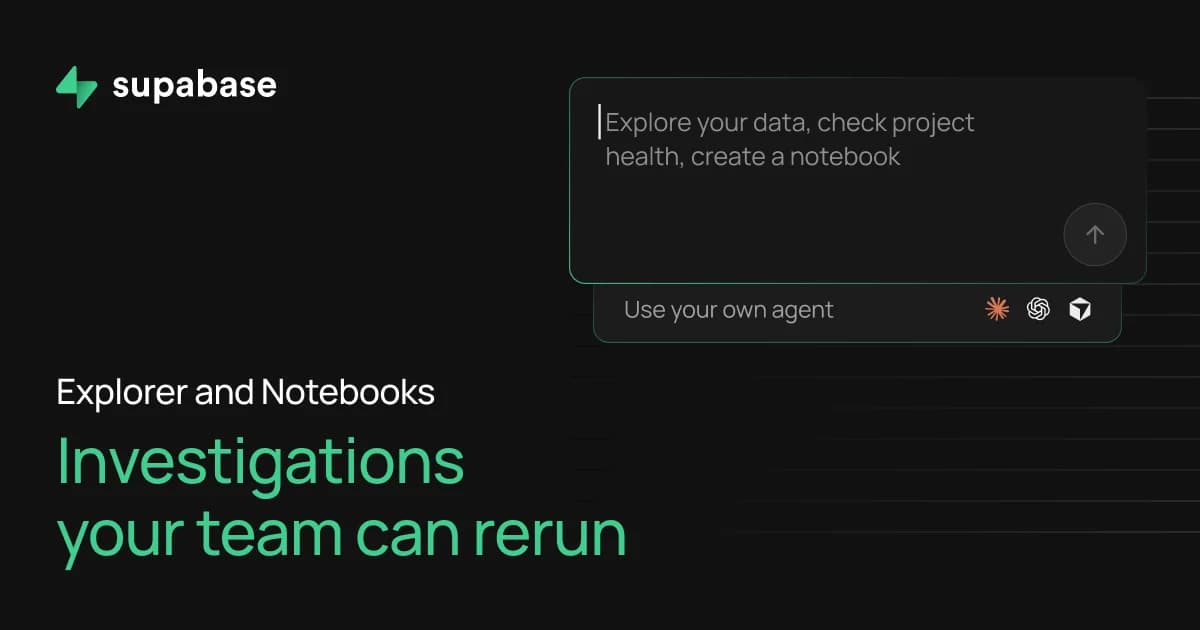
Explorer is the new query editor in the Supabase Dashboard, and it reaches your logs as well as your database. It introduces Notebooks: a file in your supabase folder that combines saved database or log queries with markdown notes. Run a notebook yourself, or have your agent run it as part of its ongoing observations. Explorer is in feature preview and available to every project today. Turn it on under Feature Previews in the Supabase Dashboard.
Diagnosing a production problem means reading logs, usage charts, and database reports separately and correlating them yourself. The logs speak a different query dialect, and the connection between them lives in your head. Explorer puts your database and your logs in one editor. Choose a source, write SQL against it, and every result renders as a table or a chart.
If you'd rather describe what you want in plain language, Supabase Assistant, the chat panel built into the dashboard, writes the query inside the same editor, where you can read it and change it before it runs.
Queries of logs carry their own time range, so the query that found the error and the query that found the slow request sit side by side with nothing exported.
A Notebook is a document that brings together queries of various types as cells, the logic between them, and markdown that describes the reasoning. Any query cell can render its result as a chart. A notebook saves queries rather than results, so running it later always returns current data.
Notebooks are incredibly useful in multi-step analyses and explorations of data, providing a robust tool for investigations that is a dramatic improvement over the status quo. The usual outcome of an investigation is an answer in Slack and an untitled query snippet nobody can find again. A notebook keeps the work. Someone else on the project can pick it up where you left off, and you can re-run the same check after a deploy to confirm the numbers moved the way you expected.
The Assistant works inside Explorer, too. Ask it to investigate something and it writes the notebook cells, runs them, and persists the notebook for further use. Every create and every edit waits for your approval before it saves, and what you approve is SQL and markdown you can read line by line. You can also ask the Assistant to change a single cell, and it edits that cell in place.
While the Assistant is a powerful tool, nothing here requires the Assistant. Explorer is a full SQL workspace with nothing AI-enabled, and a notebook can be written entirely by hand.
A notebook lives in your supabase folder, so it gets the same treatment as the rest of your project. It's versioned, reviewed in a pull request, and checked out by whoever clones the repo. Create one in the dashboard and pull it down with the CLI, or write one locally, including with your own agent, and push it up so it shows in the dashboard. Results aren't saved to the file, so the same notebook works against any branch.
_10
supabase notebooks pull
_10
supabase notebooks push
- Explorer is in feature preview. Turn it on under Feature Previews in the Supabase Dashboard and it replaces the SQL Editor in the sidebar.
- The notebooks commands are available in the beta version of the CLI.