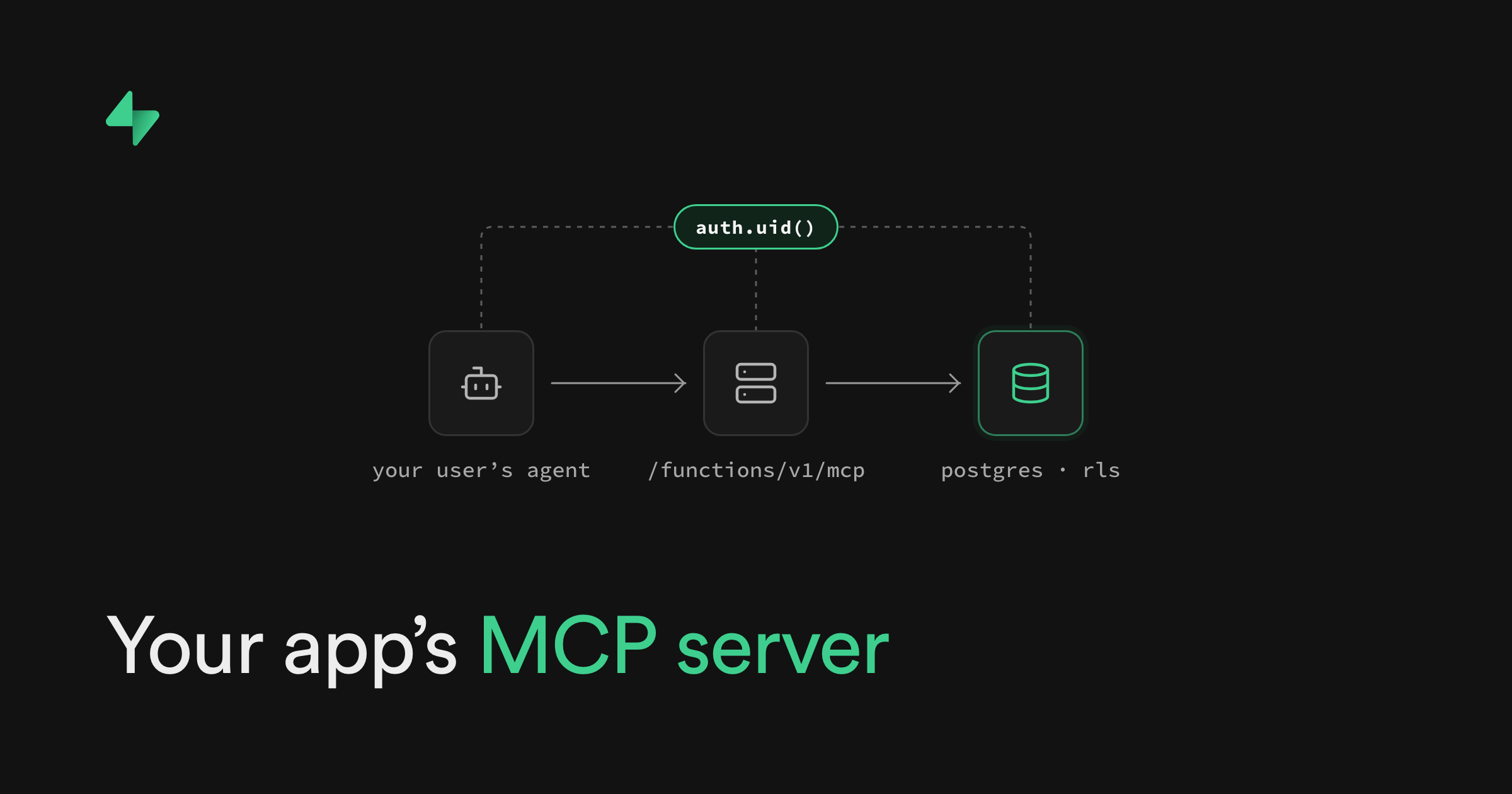
At Supabase Select, we announced a way to give your Supabase app its own MCP server. Your customers can use your app from ChatGPT, Claude, or another MCP client. They sign in with the account they already have. Every tool call runs as that user, so your RLS policies decide what each agent can reach.
You expose your app’s actions as tools through the Model Context Protocol (MCP).
The MCP Server block adds the server code to your project. Supabase Auth handles the OAuth flow. Helpers from @supabase/server give each tool a Supabase client for the signed-in user. Each tool can be a plain query, with no service role key. You write the tools that fit your app.
See it in action in Greg Richardson’s Select talk. For the broader announcements, read Build anything: Supabase from code, and an MCP server for your app and our Supabase Select 2026 recap.
Say your app turns product photos into video ads. A customer is planning a campaign in Claude. They need their products and the ad tools in your app. Through MCP, their agent can find a product, request an ad, and use the result in the same conversation, alongside their other tools.
That’s the flow we showed with Sizzle, a demo app, at Supabase Select. The app uses Supabase Auth, Database, and Storage. Its MCP tools let the customer list their products and generate video ads through an external service. The customer can use those actions from ChatGPT or Claude. Watch the full demo.
Install the MCP Server block from the Supabase Library:
_10
npx shadcn@latest add https://supabase.com/library/r/mcp.json
The command copies an Edge Function into supabase/functions/mcp. It includes the MCP handler, authentication middleware, and a whoami tool for checking the caller’s identity. Each tool has its own file, and tools/index.ts registers them.
You own that code. Add tools for the operations your product supports, change their inputs, and decide what information they return. The block's Library page has a Copy agent prompt button that points your coding agent at the block's docs.
The block uses the official MCP TypeScript SDK for the protocol and tool registration. The Supabase helpers handle the connection to Supabase Auth and the user’s client.
The Supabase helpers also work in other backends that use standard Web Request and Response handlers, including Cloudflare Workers, and with other MCP libraries. To reuse logic that runs elsewhere, add the MCP endpoint there and set its public URL and your Supabase Auth URL so clients can find the right Auth server.
The customer’s agent (the MCP client) starts with your server’s URL. The authentication middleware tells it where to find your project’s OAuth server. The user signs in through your app and approves the client on your consent page. Supabase Auth then issues an access token for that user.
Later tool calls carry that token.
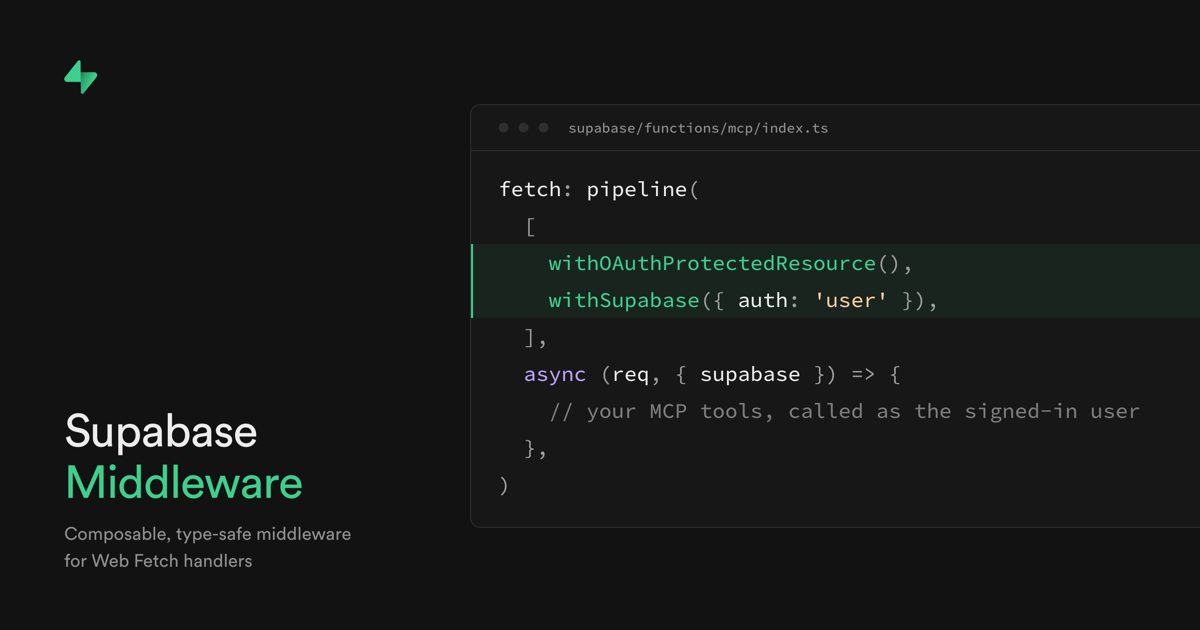
In the generated function, handleMcp is the MCP request handler. The authentication helpers run before it:
_15
import { pipeline } from 'npm:@supabase/middleware@1'
_15
import {
_15
withOAuthProtectedResource,
_15
withSupabase,
_15
} from 'npm:@supabase/server@1'
_15
_15
Deno.serve(
_15
pipeline(
_15
_15
withOAuthProtectedResource(),
_15
withSupabase({ auth: 'user' }),
_15
_15
handleMcp,
_15
_15
withOAuthProtectedResource() tells a client where to sign in. It answers discovery requests and sends an OAuth challenge when a request has no token.
withSupabase({ auth: 'user' }) verifies the token and supplies the handler with the user’s Supabase client. Queries through that client run with the user’s identity, so Postgres applies the table’s RLS policies.
The MCP server guide explains the middleware and request handling in detail.
Each tool module gets the MCP server as server and the caller’s Supabase client as supabase. z is Zod’s schema builder. A tool for an existing RLS-protected todos table could list unfinished tasks:
_23
server.registerTool(
_23
'list_open_tasks',
_23
_23
description: 'Find up to 20 unfinished tasks for the signed-in user.',
_23
inputSchema: z.object({}),
_23
annotations: { readOnlyHint: true },
_23
_23
async () => {
_23
const result = await supabase
_23
.from('todos')
_23
.select('id, title')
_23
.eq('done', false)
_23
.limit(20)
_23
_23
if (result.error) throw new Error(result.error.message)
_23
_23
return {
_23
content: [
_23
{ type: 'text', text: JSON.stringify(result.data) },
_23
_23
_23
_23
The tool filters by task status. Your RLS policies decide which rows that user can reach.
A tool can also call a database function, invoke an Edge Function, or use an existing application API.
Keep business rules in the code the tool calls. For example, an expense might need an approval check. The MCP tool should call the same function your app uses for that check.
Your MCP tools can show part of your app's UI right in the chat. This uses MCP Apps, an extension to MCP. ChatGPT and other clients that support it display the UI inside the conversation.
In the Sizzle demo, a customer asks ChatGPT for one of their products. ChatGPT shows Sizzle's product card with the description and a video player. When the customer asks for a new ad, they watch it render in the same chat.
The UI reuses the React components from Sizzle's web app. A separate build bundles them into one HTML file. The Edge Function sends that file with the tool result.
If people mainly use your app through an agent, the Headless App block provides another starting point. It includes a browser flow for sign-in and consent, example task tools, and an RLS-protected database. Users approve access in the browser, then work through their agent.
To connect external agents, configure your Supabase project with asymmetric signing keys and turn on the OAuth 2.1 server. Turn on dynamic client registration so compatible clients can register themselves.
Add the OAuth Consent block to your frontend so users can approve access. Set your Auth Site URL to the site that hosts the consent page.
The Edge Function verifies tokens in its middleware. Turn off the built-in JWT check so discovery requests without a token can reach it:
_10
[functions.mcp]
_10
verify_jwt = false
Users connect their agent to the deployed server URL.
Follow the Deploy MCP servers guide for the full setup, local testing, and deployment steps.