TL;DR: A web app is interactive browser software that stores each user’s data, letting people log in and create content, unlike informational websites. Versus native apps, they’re faster and cheaper to build but need internet and offer less device access.
You probably opened a web app before you finished your coffee this morning. Gmail and your banking dashboard look like websites, but you’re not just reading them. You’re logging in, sending messages, and moving money around. That difference starts to matter once you’re thinking about building something yourself.
If you have an idea for a product, or a tool your team keeps asking for, the first decision is what kind of software it should be. A web app, a website, and a mobile app solve different problems. The one you pick shapes what you build, what it costs, and how easily you can change it as your business grows.
You’ll see how a web app handles data behind the scenes and decide whether your idea calls for a web app, a website, or a mobile app. You’ll also get a five-step process for building one and learn what to look for in a tool that lets you keep changing your app long after launch.
A web app, short for web application, is interactive software that runs in your browser and stores and processes data for each user, so what you see depends on who you are and what you’re doing. Bubble engineer Sam Morgan describes it as “an interactive piece of software that runs in your browser.” Gmail, Google Docs, and Airbnb are all web apps.
Unlike a native mobile app, which you download from the App Store or Google Play Store and install on your phone, a web app lives at a URL. There’s nothing to install, and anyone with an internet connection can open one. Once you’re in, you can usually:
- Save your own data: A profile you fill out or a photo you upload is still there when you come back.
- Run workflows that trigger actions automatically: When you click “send” in Gmail, the message goes out and a copy lands in your Sent folder.
- Work with other people: In Google Docs, several people can edit the same file at once and comment on each other’s changes.
How do web apps work?
Every web app has two halves that work together:
- Frontend: This is what you see and click, like pages, buttons, and forms. When you save a draft or update your profile, the frontend sends that request to the backend.
- Backend: This is where the logic runs and the data lives. It handles the request, saves or retrieves the data, and sends the result back to your screen.
Websites can have backends too, especially if they sell products or let you create an account. The difference is emphasis: A website is mostly there to be read, while a web app is built around what people do in it.
Types of web apps
Web apps come in a few formats, and knowing them makes it easier to picture what you want to build.
- Static web apps: These are made of prebuilt pages that load the same way for everyone. They’re quick and cheap to host and can still be interactive, but they lean on outside services for things like logins or payments.
- Dynamic web apps: These change based on what you do and what data you have. When you log in to a dashboard or scroll a personalized feed, you’re using a dynamic web app.
- Single-page applications (SPAs): These load a single HTML page and update content as you use the app. It feels faster because you’re not waiting on page reloads.
- Progressive web apps (PWAs): These are web apps you can save to your phone’s home screen or your computer, where they open in their own window, and some are listed in app stores like the Google Play Store and the Microsoft Store. Depending on the browser and device, PWAs can work offline in a limited way and send push notifications, but they still can’t reach as much of your device as a native app.
Examples of web apps
You probably use several web apps every week. Here are the most common kinds:
- Social media (Facebook, X): You can create posts, upload photos, and react to other people’s content, and your feed updates as new posts come in.
- Email clients (Gmail, Outlook): You send, receive, organize, and search your email without leaving the browser, and your inbox looks the same on any computer you log in to.
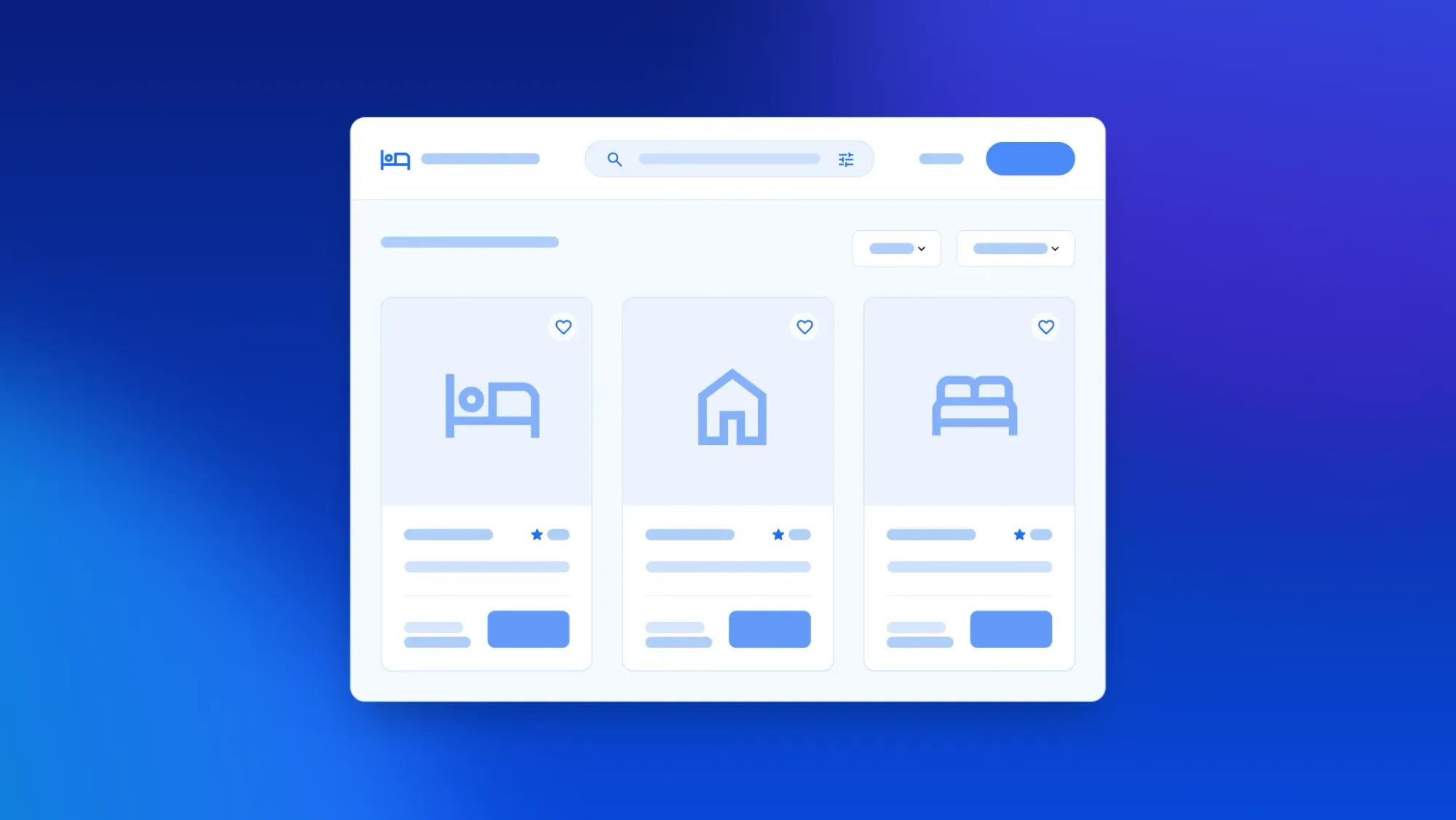
- E-commerce marketplaces (Airbnb, Etsy): You can search for listings, filter results, book stays, or purchase items. Sellers can log in to manage their own listings and sales data.
- Productivity tools (Notion, Google Docs): These apps let you create and share pages or documents and edit them with collaborators in real time.
Web app vs. website
The main difference is that a website is built for people to read, while a web app is built for people to do things, like log in, post, and work with their own data. Here’s how they compare:
If people need to log in and do something, like post a listing or book a stay, you need a web app. If they mostly need to read about your business, a website will do the job, and this breakdown of web apps vs. websites goes deeper.
Web app vs. mobile app
A web app runs in a browser from a link, while a native mobile app is downloaded from the App Store or Google Play Store and installed on a phone. If you’re planning a new product, the right call depends on who your users are and how fast you need to launch.
- Accessibility and distribution: Anyone with a link can open a web app, with no app store or download required. Native apps take an extra step to install, but once they’re on someone’s home screen, they’re one tap away.
- Development speed: A web app is usually faster and cheaper to get off the ground, since you’re building one version instead of separate iOS and Android apps, and you don’t have to wait on app store review.
- Device features: If your app depends on the camera, GPS, or push notifications, native apps get deeper, more reliable access. Web apps and PWAs can use some of these, depending on the browser and device.
If your users mostly work at a desk, find you through search, or you want to test an idea quickly, start with a web app. If your product depends on the camera or push notifications, or people will reach for it on the go every day, native mobile may be worth prioritizing. For more on the tradeoffs, see this guide to mobile vs. web app development.
On Bubble, you don’t have to choose up front: You can launch a web app first, then add native iOS and Android apps later on the same backend and database.
What are the benefits of web apps?
The biggest advantage of a web app is what it can do with data. Bubble engineering manager Maria Posa explains:
“The benefits of web apps are really boundless. The ability to store and manipulate data and automate functionality is what powers the software that we use every day, which is truly the core of what web apps are. Buying and selling in a marketplace (like Etsy), connecting with friends in social networks (like Facebook), and keeping track of customer data (like Salesforce) are all great examples of web apps.”
Web apps turn ideas into working software
If you have an idea for a product, a web app is often how you turn it into working software.
Andrew Vernon, a lead Bubble Developer, puts it this way:
“Most (if not all) people have, at some point, thought of creating a web app or have had a problem float through their mind and thought of some solution. It happens more than you might think. There are far more instances where the idea to create an app has sprung up than we may realize. Maybe you’ve dreamed of making a tool to better track youth softball team registration and organization, creating a database of all local lemonade stands in your area to organize a summer lemonade crawl, or even creating your own simplified version of Facebook for your family to stay up to date. Web apps give everyday people the ability to solve a problem for themselves or others in an easy-to-use, and easy-to-distribute way.”
You don’t have to hire developers to turn ideas like these into software. The right app builder can get you there, and plenty of people have already launched apps and tools this way.
Website builders like Squarespace or Wix are a different kind of tool. They’re a good fit for marketing sites and basic online stores, but they aren’t designed for apps where people log in and work with their own data.
Web apps can be responsive and work on any device
With responsive design, a web app rearranges its layout to fit desktop, tablet, and phone screens. It won’t look right across all screens on its own, so it’s worth testing and adjusting the layout for each one.
Web apps are more universal than native apps
Anyone with a modern browser can use a web app, whether they’re on a laptop or a phone. There’s nothing to install, and getting started takes one click on a link.
You can also use your web app as the foundation for mobile apps. Airbnb, for example, launched as a website in 2008 and released its first mobile app in 2010, according to the company. Today, guests can book through a browser or a mobile app.
Web apps take less time and money to build than native mobile apps
Building a native mobile app has traditionally meant building it twice, once for iOS and once for Android. Each version has its own codebase, and often its own developers, designers, and testers. Every new feature or bug fix has to be made in both places, then usually wait for app store review before users see it.
A web app skips most of that. You build one version that works in the browser, with one codebase to maintain and one team to pay. When you ship an update, everyone gets it the next time they load the page.
Web apps use databases to do more than websites
Databases are one of the biggest differences between a web app and a regular website. A website shows every visitor the same pages, but a web app remembers who you are and what you’ve done because it saves that information in a database. That’s how a social app builds a feed around what you’ve liked and watched, and how a project management tool knows which tasks are yours and when they’re due.
Databases also let people add their own content and connect it to everyone else’s. When a seller lists something on a marketplace, the listing is saved and linked to their account. Buyers can see who they’re buying from, and the seller can manage everything they’ve posted.
Take a deep dive into Bubble’s database functionality in the Bubble Manual.
Web apps can serve a much wider audience
While a website usually serves one business and its visitors, a web app can serve an entire market. Andrew uses real estate to show the difference in scale:
“For founders and developers, it’s the difference between being able to build a site for one company and their users, or to build software that could serve many companies and ALL of their users. For instance, a real estate website might allow one company to post their home listings and take requests about those listings. Whereas a real estate web app (like Zillow) might allow thousands of companies to post all of their home listings, along with information about their business, and to dynamically take requests about any of those listings. The opportunities and results of the dynamic systems that come from web apps provide a massive opportunity to serve a much larger user base.”
Because every user gets their own account and data, a well-built web app can grow from a handful of people to thousands without a rebuild.
Disadvantages of web apps
Web apps have a few tradeoffs compared to native mobile apps, and they’re worth weighing before you decide what to build:
- Internet dependency: Lose your signal on the subway, and most web apps stop working. PWAs can handle some tasks offline, but not everything.
- Performance: A photo editor or a fast-paced game can feel sluggish in a browser tab compared to a native app built for your phone’s hardware.
- Browser compatibility: A layout that looks right in Chrome can break in Safari. Before you launch, test your web app in the browsers your users rely on most, on both desktop and mobile.
- Limited device access: Browsers can use your camera or location if you allow it, but native apps get much deeper access. On iPhone, a web app can’t even send push notifications unless you’ve added it to your home screen first.
How to build a web app
You don’t need to write code to build a web app anymore. Whatever tool you use, the process looks roughly the same, and this step-by-step guide to creating a web app covers each stage in more depth.
- Define your core problem: Pick the one thing your users most need to get done, and build that first. If you’re making a booking app, nail the reservation flow before you think about reviews or messaging.
- Map your data: List what your app needs to remember. A project management tool needs users, tasks, and deadlines. A marketplace needs listings, sellers, buyers, and transactions.
- Design the interface: Sketch the screens people will actually use, and keep them focused. Someone landing on your app for the first time should be able to finish the main task in seconds.
- Build the logic: Set up the workflows that make things happen, like creating an account when someone signs up or sending a confirmation email after a booking.
- Test and launch: Before you go public, have a handful of real users try the core task and watch where they get stuck. Fix the biggest snags, launch, and keep improving based on how people use your app.
How to choose a way to build your web app
You have three main paths to build a web app: writing code, using AI coding tools, or using visual app builders. The right choice depends on whether you want to write code yourself and how much control you need over the app after the first version is live.
Writing code from scratch gives you complete ownership of your application, but it takes months of learning or a budget for a development team. For most founders and business teams, the decision comes down to AI coding tools or a visual app builder, a category that includes traditional no-code tools and newer platforms with AI built in.
AI coding tools have inspired millions of people to build, and they get a first version up fast. Most let you adjust the screens visually. The logic and data are still code, though, so changing how the app works means another prompt or editing the code yourself.
That gets harder when you need to fix an issue. A December 2025 study found that AI models’ debugging ability drops 60–80% after just two or three attempts, so if you can’t read the code, you depend on the AI to fix it.
Visual app builders take a different approach to the logic and data. On many of them, you can read your app’s logic as steps, see how your data is organized, and change both yourself without waiting on a developer.
When you compare platforms, look past the screens and check these three things:
- Logic and data: Check whether you can read and edit how the app works along with how it looks. If every change to a workflow means another prompt, you’ll depend on the AI for each fix.
- Built-in infrastructure: Confirm that a database, hosting, and security are included. Otherwise, you’ll need to pick, connect, and pay for separate services before you launch.
- A path to native mobile: Check whether you can add iOS and Android apps without starting over. Rebuilding for mobile later means keeping two versions of the same logic in sync.
Build your web app with Bubble
Bubble is the fully visual app builder where anyone can build software, understand every part of it, and control every detail without code. More than 6 million builders use Bubble to build apps with AI, without giving up control.
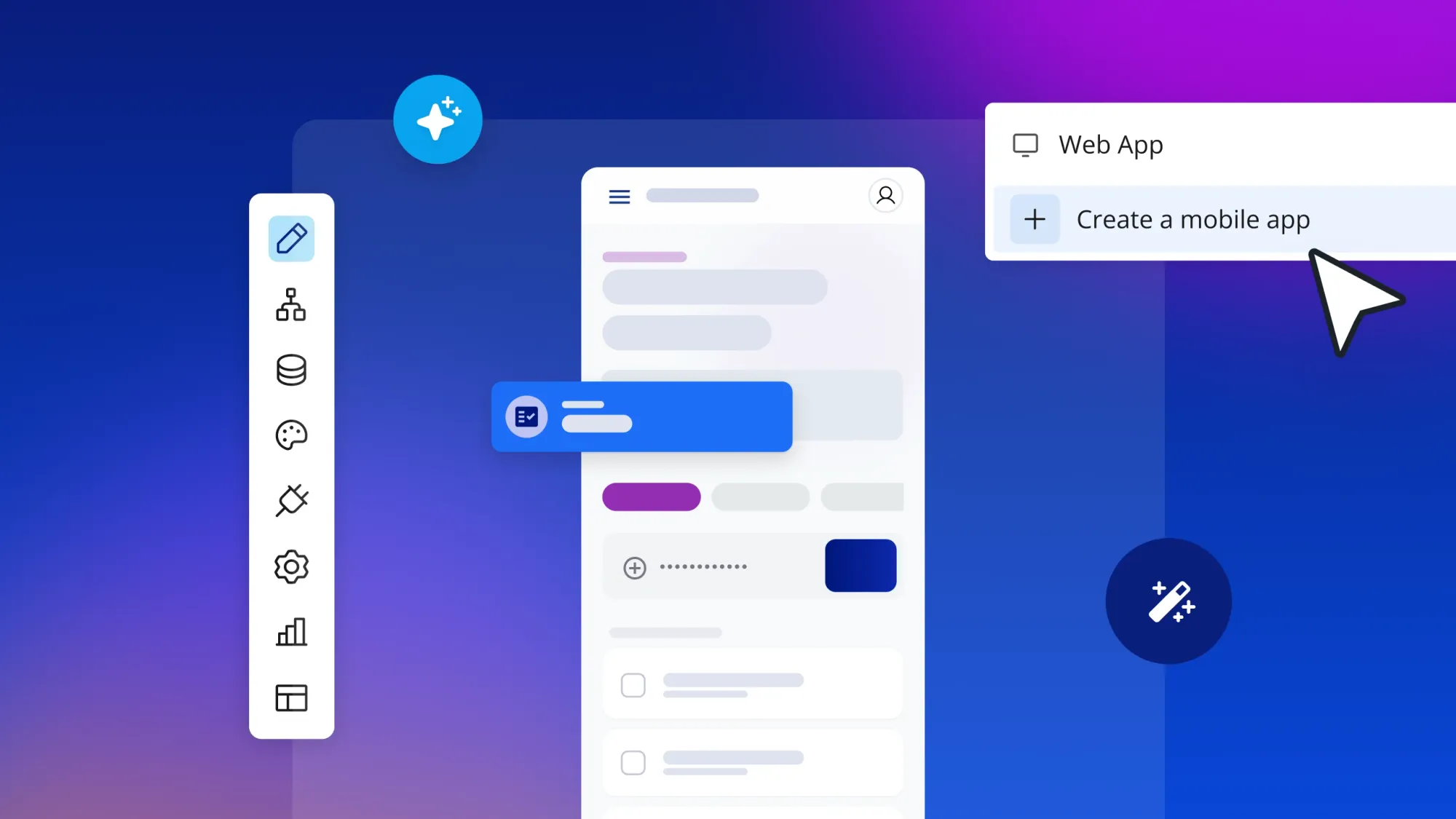
- Understand how your app works. Describe your idea to the Bubble AI Agent, and it starts with a planning session, shaping the plan with you before it generates the pages, database, logic, and privacy rules. The logic reads as plain-language steps, like “When someone signs up, do this,” and the Agent explains what it built in plain language. You know your app well enough to walk a new teammate through it.
- Refine every detail yourself. Chat with the Agent when you want speed, or edit by hand in the visual editor when you want precision, on the same app. When the Agent gets something wrong, you can fix that one step yourself instead of describing it again in another prompt. Layouts the Agent generates are responsive by default, and you can fine-tune them visually for desktop, tablet, and mobile. If you already build with Claude or Codex, the Bubble MCP (beta) lets you work on your Bubble app from those tools, and everything stays visual and editable.
- Scale without rebuilding. Your web app and your native iOS and Android apps share one editor, database, and backend, which keeps you from rebuilding your logic for each platform. Mobile launches still take longer because of app store review. Bubble is SOC 2 Type II compliant, and paid plans include hosting, auto-scaling, and a security dashboard in the same place you build.
Ohana shows what that looks like in practice. Co-founders Jacob Halbert and Ezra Gershanok built the subletting marketplace on Bubble, and it handled 2,700 sublease transactions and $16.2 million in host earnings in 14 months (as of July 2025). “Bubble gives us an advantage because anybody can go in and easily understand what’s going on,” says Ezra.
If you’d rather begin from a proven layout, pick a template and shape it from there. When you have questions, the Agent can explain how your app works, and the Bubble Forum connects you with other builders for advice.
Describe your idea to the Agent, shape the plan together, and see every part of what it builds. Get started for free.
Frequently asked questions about web apps
How much does it cost to build a web app?
Hiring developers means paying for their time plus hosting, a database, and maintenance, while app builders bundle more of that into a monthly subscription. On Bubble, getting started is free, generating an app with the Bubble AI Agent doesn’t use AI credits, and as of October 20, 2026, the Starter Web plan costs $32 per month billed annually or $39 billed monthly (see the pricing page for current plans).
What’s the difference between a web app and a website?
A website is mostly content that visitors read, while a web app lets people log in, create content, and work with their own data. If users need to do something, like book a stay or post a listing, you need a web app.
What are some examples of web apps?
Common web apps include Gmail and Outlook for email, Facebook and X for social media, Airbnb and Etsy for e-commerce, and Notion and Google Docs for productivity. Each one runs in your browser and saves data tied to your account.
Do I need to know how to code to build a web app?
No, Bubble is a fully visual app builder, so the interface, database, logic, and privacy rules are all visual and editable, with no code required. The Bubble AI Agent explains what it builds in plain language, and you learn how your app works as you go.
Can I move a web app I built with an AI coding tool to Bubble?
Yes, though it’s a rebuild rather than a code import: Describe what your current app does to the Bubble AI Agent, and it starts with a planning session before it generates the pages, database, logic, and privacy rules. Every part of the new version is visual, so you can see how it works and change any piece yourself.
Can I build a web app and a mobile app on the same platform?
Yes, on Bubble you can build a web app and native iOS and Android apps in the same project, sharing one backend and database. You can start on the web and add mobile later without rebuilding your logic.
Can web apps work offline?
Most web apps need an internet connection. Progressive web apps (PWAs) are the exception: They can save data on your device and keep some features working offline, and in some browsers they’ll sync your changes once you’re back online.
Start building for free
Build for as long as you want on the Free plan. Only upgrade when you're ready to launch.
Join Bubble