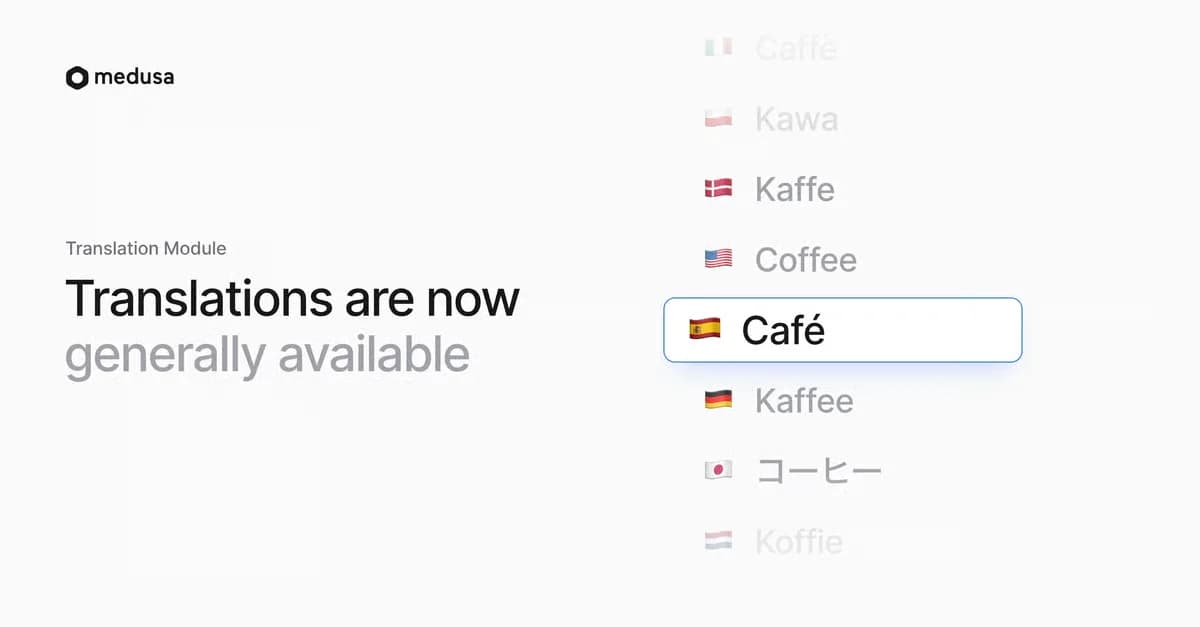
The Translation Module is now a stable part of Medusa. We have removed the feature flag and the experimental label, and the module is enabled by default in every Medusa application.
We introduced translations as an experimental feature already last year, covering only the Product Module. Since then, we have extended coverage to more commerce modules, added support for custom data models, and expanded the tooling in Medusa Admin.
Translations across Core commerce modules
You can now translate the following resources out of the box:
- Products, variants, categories, collections, types, tags, options, and option values
- Shipping options and shipping option types
- Regions and tax rates
- Customer groups
- Return reasons and refund reasons
Storefronts request a language with the Copy to clipboardlocale query parameter or the Copy to clipboardx-medusa-locale header. If a translation is missing, Medusa returns the original value.
Carts also carry a locale, which is copied to the order when the cart is completed. Line items stay in the language the customer shopped in.
Translate custom data models
Translations are no longer limited to core resources. Mark a property of your own data model as translatable with a single method:
The model then appears in Medusa Admin next to the core resources. To serve translated records, pass the request's locale to Query:
Routes under Copy to clipboard/store receive Copy to clipboardreq.locale automatically. For other routes, apply the Copy to clipboardapplyLocale middleware. The custom data models guide covers the full setup.
Manage translations with your agents
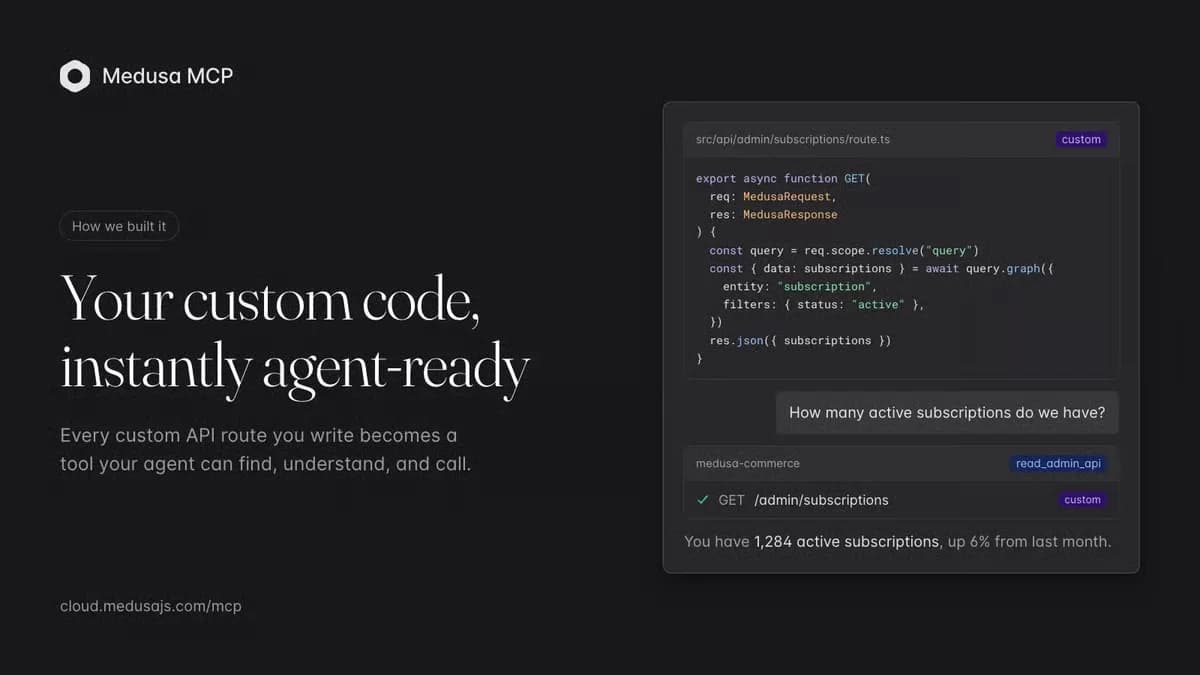
If your store runs on Medusa Cloud, you can connect Claude, ChatGPT, Codex, or another AI tool to it with the Medusa MCP. The tool can read your locales, your translatable resources, and the translated content itself.
This lets you ask in plain language how much of your store is translated into each locale, which records are missing a translation, or what customers see in a given language. The tool can also draft the missing translations for you to add in Medusa Admin.
To write translations, give a coding agent like Claude Code or Codex an admin API key and point it at the Manage Translations API route. One request creates, updates, or deletes translations in bulk, so the agent can fill every gap it found in the audit in a single pass.
Writing translations directly through the Medusa MCP is coming soon.
Manage translations in Medusa Admin
Your agents can already work with the Translation Module today.
If your store runs on Medusa Cloud, connect Claude, ChatGPT, Codex, or another AI tool to it with the Medusa MCP. The agent can read your locales, your translatable resources, and the translated content itself. Ask in plain language how much of your store is translated into each locale, which records are missing a translation, or what customers see in a given language.
- Edit translations in bulk in a spreadsheet-style editor, switching between store locales
- Choose which resources and which of their fields are translatable
- Track progress with translated field counts per resource and per locale
- Translate a single record from its own page, such as a product's detail page
Developers can automate the same operations with the translation workflows in Copy to clipboard@medusajs/core-flows, for example to sync content from a translation service.
Upgrade and get started
Update to Medusa version Copy to clipboard>= 2.22.7 and run Copy to clipboardnpx medusa db:migrate. If you previously enabled the experimental version, you can remove the Copy to clipboardtranslation feature flag and the module entry from Copy to clipboardmedusa-config.ts.
Refer to the Translation Module documentation to learn more.