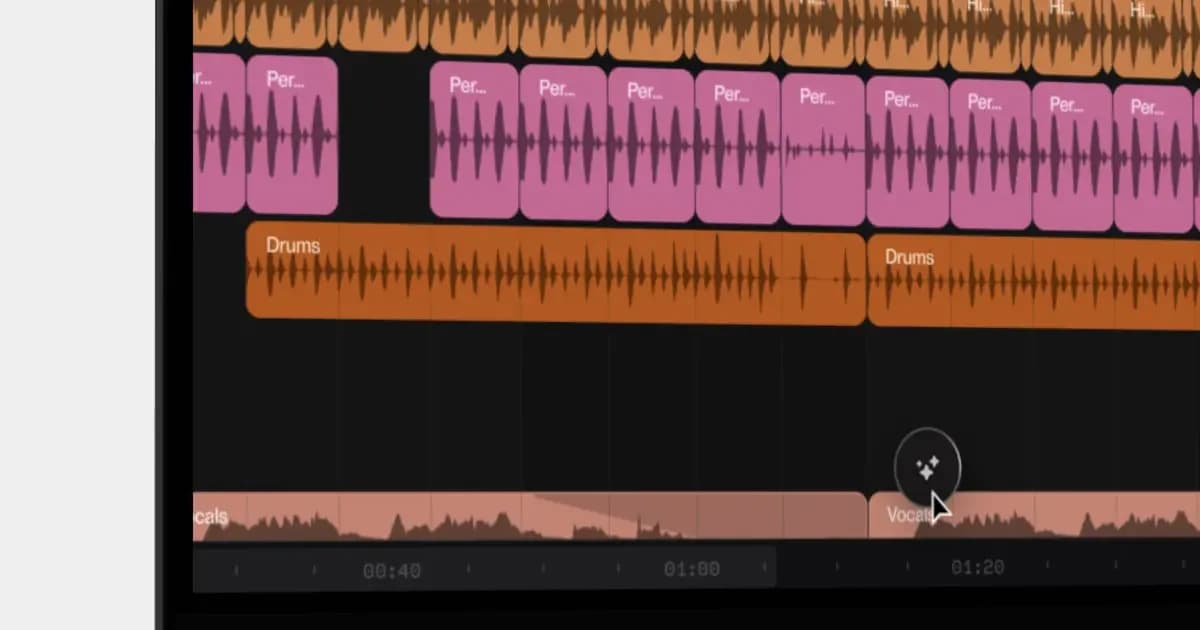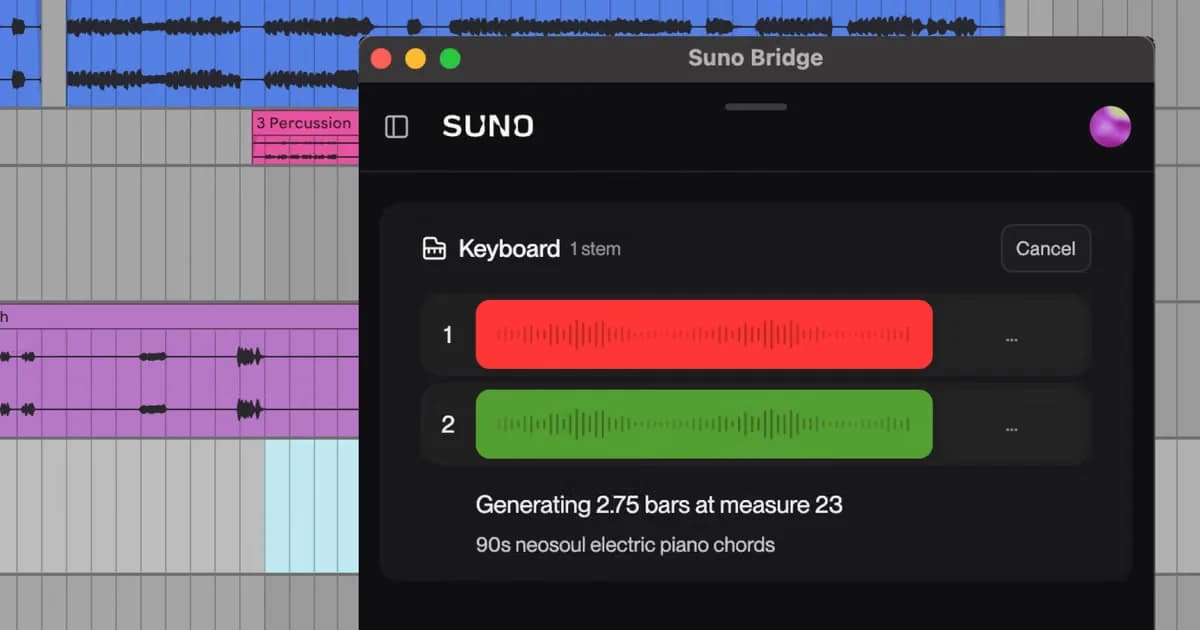
Today, we are introducing Suno Bridge, a new standalone app that brings the power and inspiration of Suno into your music production software. For the first time you can combine your Suno workflow with the VSTs, plugins and DAW you already know.
At Suno, we’re always talking with artists, producers and songwriters, and their ideas shape what we build. Bridge came straight from those conversations, and we can’t wait to see what people make with it.
Initially launching in beta, Suno Bridge will be compatible with Ableton Live 12 running on a Mac. We plan to expand to more operating systems and DAW platforms in the future.
Bridge brings Suno’s music models straight into your favorite DAW. This means you can create new instrument and vocal parts and drop them straight onto your timeline. No leaving your session, no dragging and dropping, no manual alignment. And unlike stock samples, new sounds from Suno follow your chord progressions, musical groove and key perfectly.
How Suno Bridge works with Ableton Live
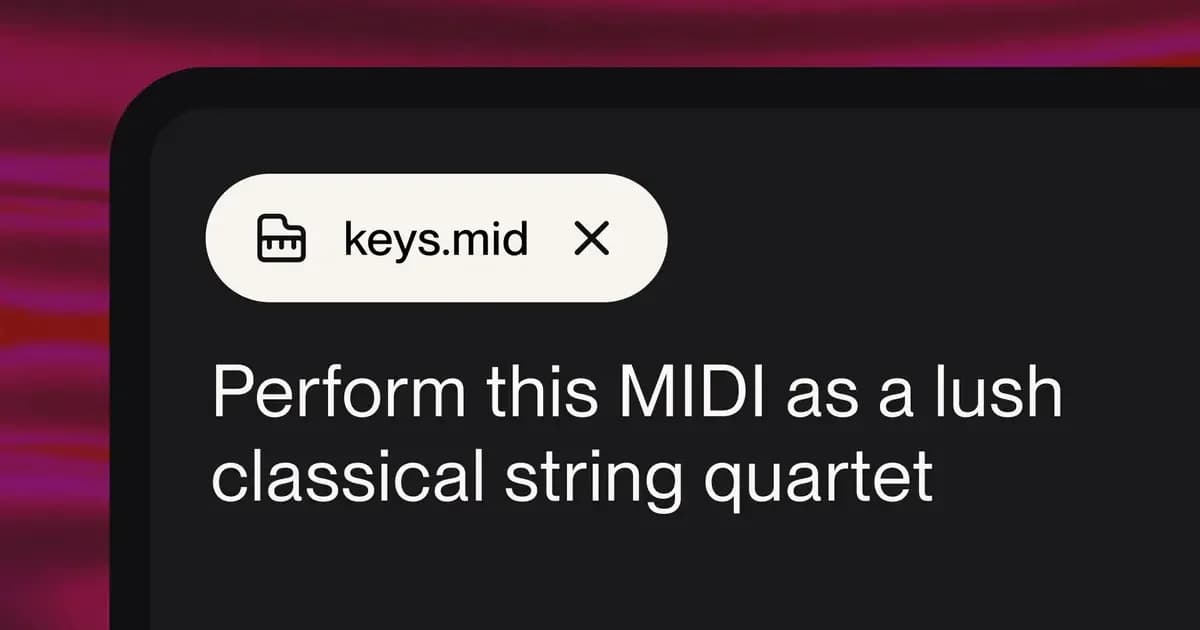
Bridge runs alongside Ableton Live, and both apps need to be open for it to work. Prompts entered in Bridge create brand new instrumentation and vocals that fit the tempo, key, style, harmonic content and groove of your Ableton session.
Bridge synchronizes with your Ableton session, and this process involves uploading your session files to Suno so that Bridge understands the musical context of your track. Once sync’ed, you use the loop start/end markers in Ableton’s Arrangement View to set your prompting window. For example, setting the loop point from bar 9-16 will give you an 8-bar loop that starts on the first beat of bar 9.
When to use Suno Bridge
Think of Bridge like an endless library of unique sounds designed to fit your music. It’ll help you break through writer’s block, show you new sounds to experiment with, and allow you to hear your ideas with new instrumentation:
Turn old sessions into finished songs. Dust off the hard drive and bring new energy to the unfinished projects with sounds that match your music perfectly.
Get past creative roadblocks. With endless sources of musical inspiration, Bridge is on hand to create everything from instrumentation to the vocals your track is missing.
Upgrade your toolset. Add Suno’s industry leading generative technology to your workflow and bring an unlimited selection of sounds into your DAW.
Use your favorite tools. Stay in the DAW you’ve invested time and money in. Keep your plugins, your audio routing, and everything you’ve mastered in Live.
Suno Bridge (beta) is included with all Premier subscriptions. It currently works with Ableton Live 12 on a Mac. Click here to learn more about Bridge, and to download the app.