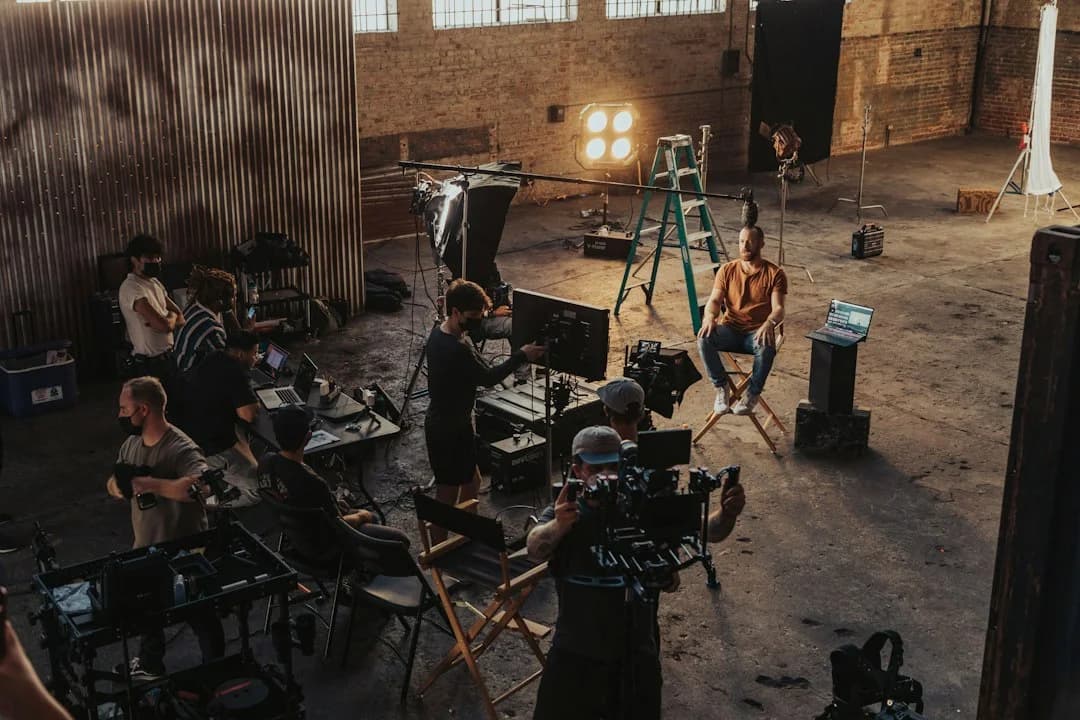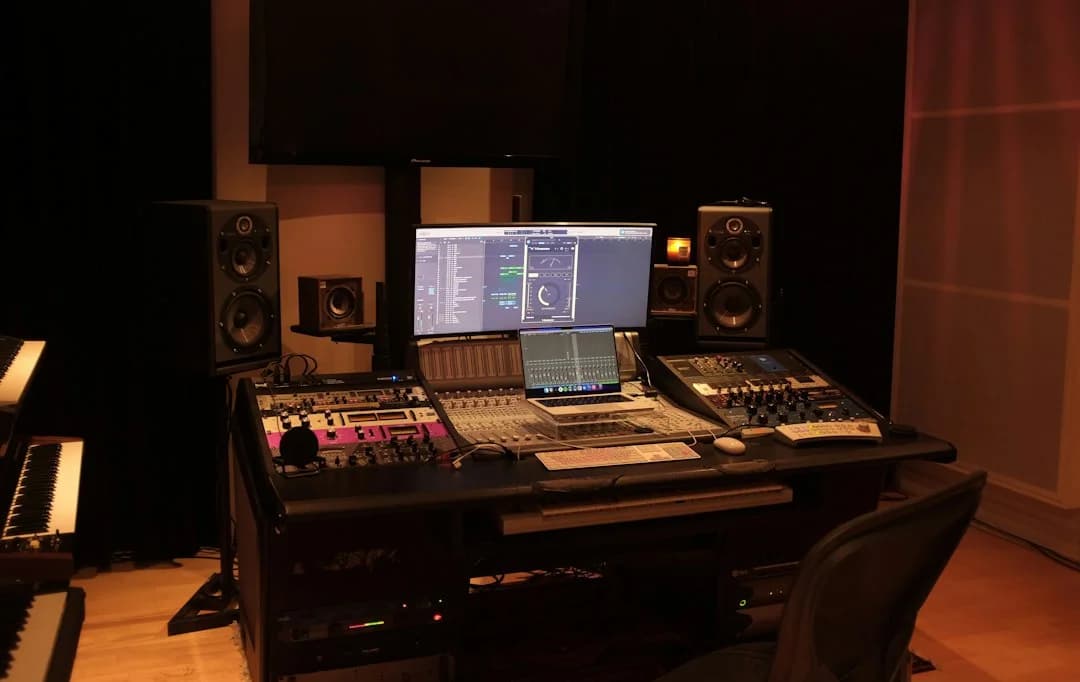
Assistants have been a part of the music making process since recording studios have been around. Geoff Emerick joined EMI Studios in London (aka Abbey Road Studios) as an assistant engineer at 15 and was the Beatles’ main engineer on their album Revolver four years later. Before his entrepreneurial success, Jimmy Iovine assisted many recording sessions with artists such as John Lennon, Bruce Springsteen and Tom Petty, to name a few, in the 1970s. Their input has sped up, inspired and even challenged music producers in unique and creative ways.
But as Digital Audio Workstations (DAWs) took over, the reliance on assistants dwindled. Unlike Abbey Road, your average copy of Cubase or Pro Tools doesn’t come with someone at your beck and call to handle the tedious behind-the-scenes work your next smash hit depends on.
But good news: assistants are back! Suno Studio is one of a small handful of DAWs with built-in assistants, the others being FL Studio, Fender Studio Pro and Logic Pro. (There are various hacky ways to connect chat-based tools to some other DAWs, but these are hit-and-miss.)
What can Chat really do in your DAW?
In Suno Studio, you have a personal assistant. Chat! Not only can Chat create stems and plugins for you, from any conceivable instrument or voice, but it can also do some of the dirty work to help tidy up your project. You can even use Chat to get feedback for what you’re working on. Below are some ways you can use Chat as your Studio Assistant.
Get Chat to Name Your Tracks
Say you have a lot of clips on the timeline that are named exactly what they are: a “flamenco guitar” or an “upright bass.” But the 20+ tracks are just named “Audio Track.” Every. Single. One. Sigh… In other DAWs, this might take away some of that creative energy in order to tidy things up and rename them all. Have no fear, Chat is here! Simply ask Chat to do the work for you while you think of the next idea to add to your song. Something like “Rename each track according to the clip name”… And just like that, your session is looking nice and organized.
Have Chat Adjust Multiple Faders at Once
Say you have that project with the 20+ tracks. You’re hitting the Main track level pretty hard and going in the red a bit. You can grab all of the faders and bring them down one by one. Or, have Chat do it with even more precision. For example, you can ask Chat something like “Bring all of the tracks down by 3dB.” And watch the faders dip. All thanks to Chat.
Ask Chat to Add Multiple Plugins at Once
It’s common practice for an assistant engineer to prep a session for the mixing engineer. A common start would be to get commonly used plugins or outboard gear such as compressors and EQ on all of the tracks so the engineer can reach for them at a moment’s notice. This is something Chat can do with Studio’s very own Compressor and EQ audio effects as well as any plugins you’ve made. Tell Chat to “Add the Compressor and EQ effect to each track.” Take it a step further by having Chat set up some parameters you like dialing in before the effects are even added to the track. Say something like “Put a high-pass filter up to 82 Hz on every EQ in the project.”
Turn to Chat for Inspo
Got writer’s block? It happens to all of us. You want to make a song, but you just don’t know about what. Or even what you want it to sound like. Maybe you just need to get out of your comfort zone. Prompt Chat to throw you a curve ball, and there you go. In no time, you’ll make that “Ska-Metal song at 70 BPM about puppies” that you didn’t know you needed. Go ahead, ask Chat to show you creative options you might not have thought about. And wait for your next happy creative accident.
Suno Studio is available with every Premier subscription. For more information, click here.