AudD sends an HTTP POST payload to your configured callback URL when a song is recognized on one of your streams, and when something happens to a stream. So you’ll receive callbacks with results and with notifications. Longpoll delivers the same bodies; see below.
Note: These examples are captured API responses.
Result callback body
By default, callbacks are sent after the song has ended and contain the total streamed time in play_length. If you add the stream with callbacks="before", the callbacks are sent as soon as a song starts playing, and play_length is not meaningful.
Top-level fields
result object
results array entries
The results contain the recognized songs. Each item in the array describes one track. A given callback can have multiple candidate songs in it. Loop through each object in the array, not only the first one.
Notification callback body
If something happens to an audio stream, AudD will let you know by sending a notification so you can fix the stream or change its URL. Notifications are also sent to confirm that a stream is fine. A notification is sent instead of a result, and it never contains a recognized song.
Top-level fields
notification object
notification_code values
Exactly one of result or notification per callback
Each callback will contain exactly one of result or notification, never both. Branch on the key that is present, or on status:
If the status is not "success" or "-", then treat the callback as a server-side error rather than a stream event.
Longpoll response
You can use long polling instead of running a callback server. The long poll address is https://api.audd.io/longpoll/, and you send GET requests to it. The response is only sent once an event is ready or the timeout has elapsed.
Please set the callback URL to an actual URL that can receive POST requests even if you want to use long polling only. Longpoll may never return events for an account with no callback URL set, even while songs are being recognized.
Request parameters:
Here’s an example of a longpoll request URL:
When an event is available, the response has the same shape as the result callback body. When you receive a response containing the timestamp field, use it as the updated since_time for the new request.
No-events keepalive
If no event is ready before the timeout, longpoll will end the request and you will receive a keepalive response like this:
This is normal. Send the request again.
getStreams list
Use the getStreams method (POST https://api.audd.io/getStreams/) to get all the streams registered on the account. It returns an array of stream objects. If the account has no streams, the array is empty:
Each element of the array is a stream object with the following fields:
SDK note
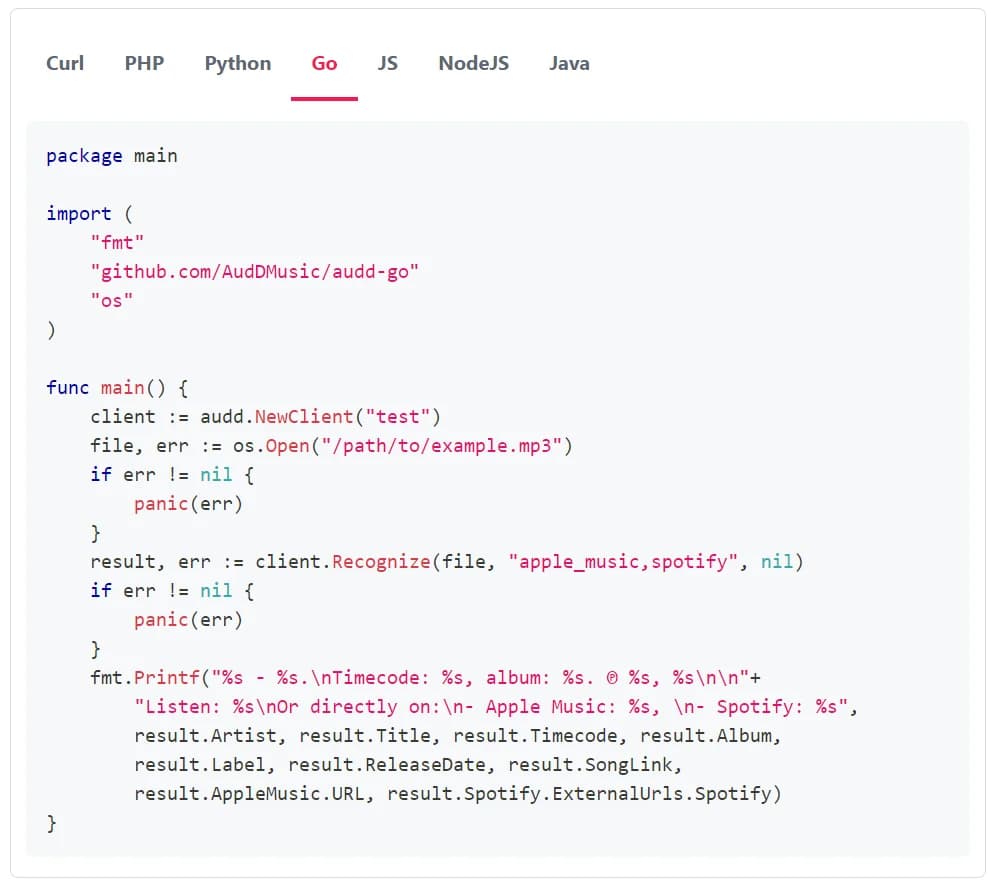
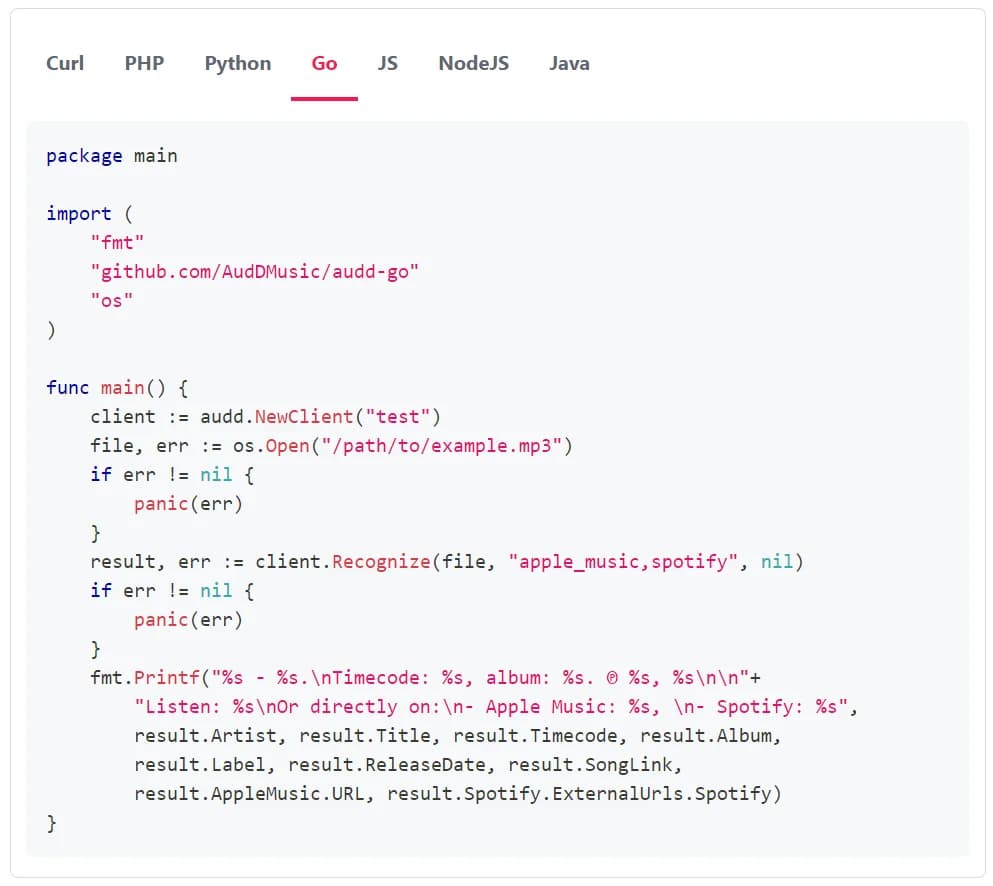
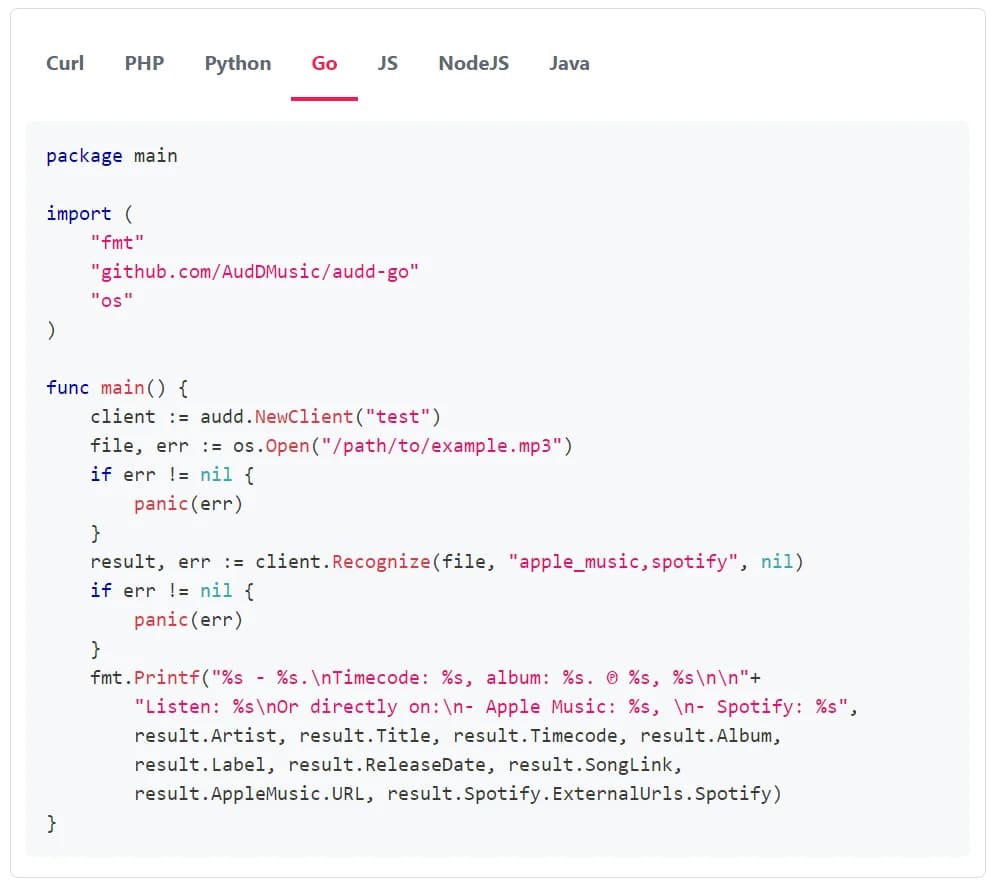
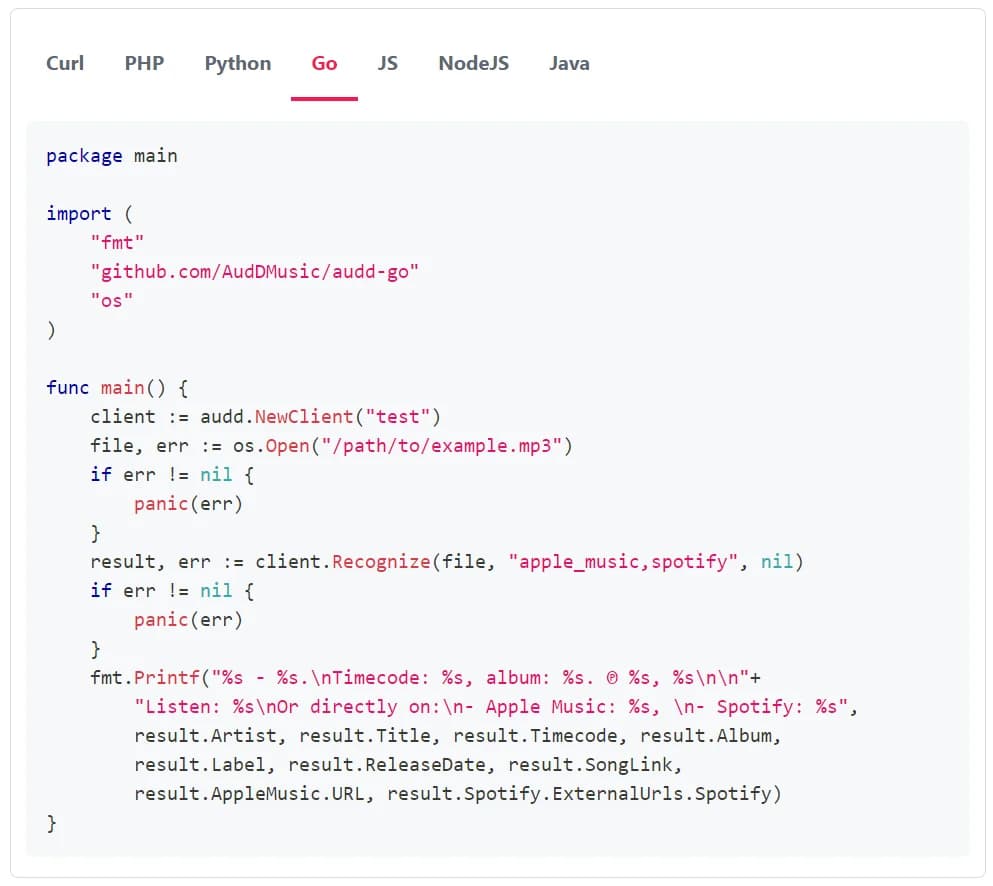
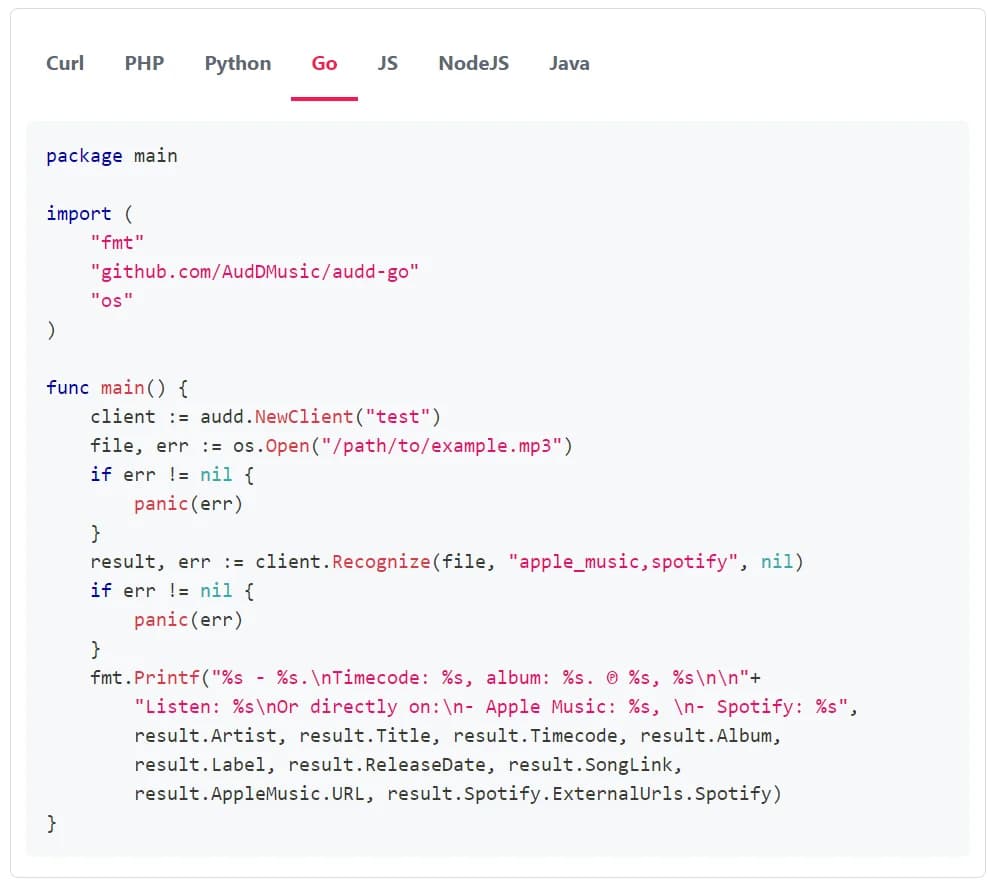
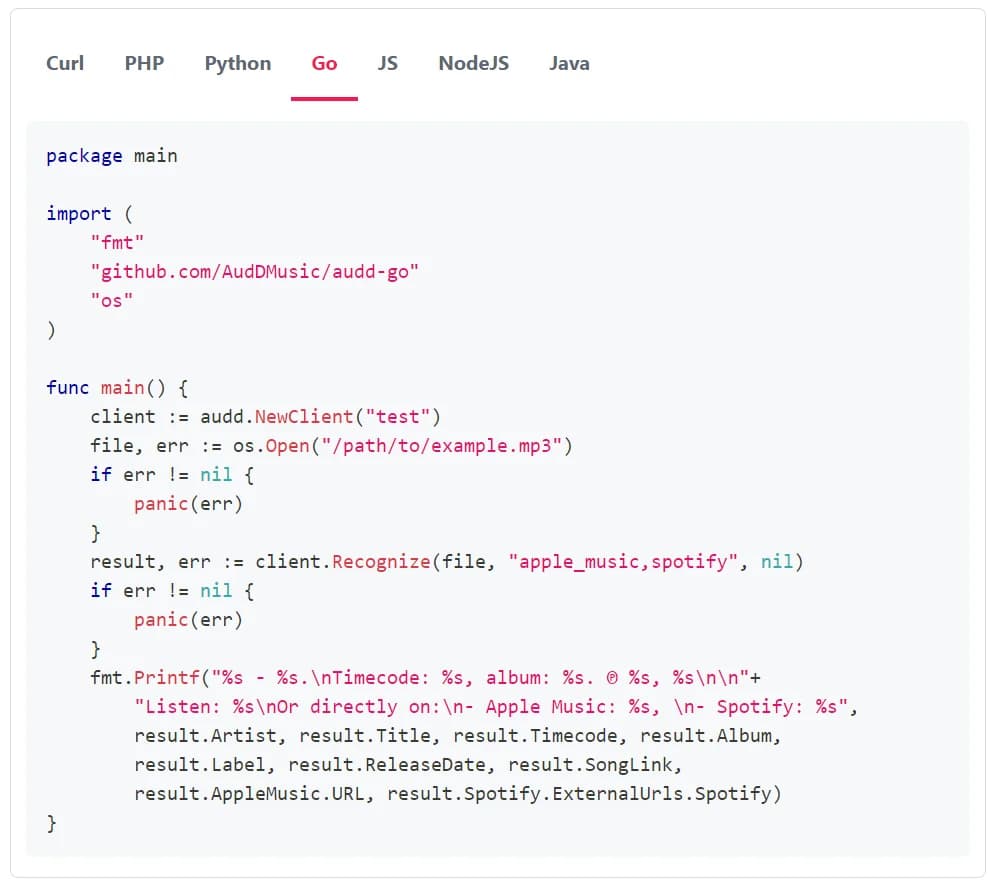
The SDKs parse the raw callback body into typed data, so you can identify the type of callback the server is sending. The typed value is either a match result or a notification. You don’t need to check status by hand.
To parse a callback, use the callback-parsing method on the streams client, such as parseCallback or handleCallback. This method returns a result or notification object for the raw POST body. The SDKs’ longpoll clients (such as the one in the Go library) return the same typed result objects. They also manage the since_time cursor for you.
Notes
- The score field on a result entry is the confidence of the match, 0–100; the higher, the stronger.
- For a custom-catalog match, the result contains the track ID you uploaded. The artist and title fields may be null on those entries.
- The default stream callback doesn’t include ISRCs, UPCs, or provider metadata (Apple Music, Spotify, MusicBrainz). Contact [email protected] to enable additional metadata on your callbacks.
- If your server doesn’t respond to the callbacks with the 200 OK status, AudD will put the callbacks in a queue. When your server is back online, AudD will gradually send all the backlog.
- Callbacks vs. longpoll: choosing a delivery method
- Build a now-playing widget
- Monitor radio airplay
- Glossary
- API reference