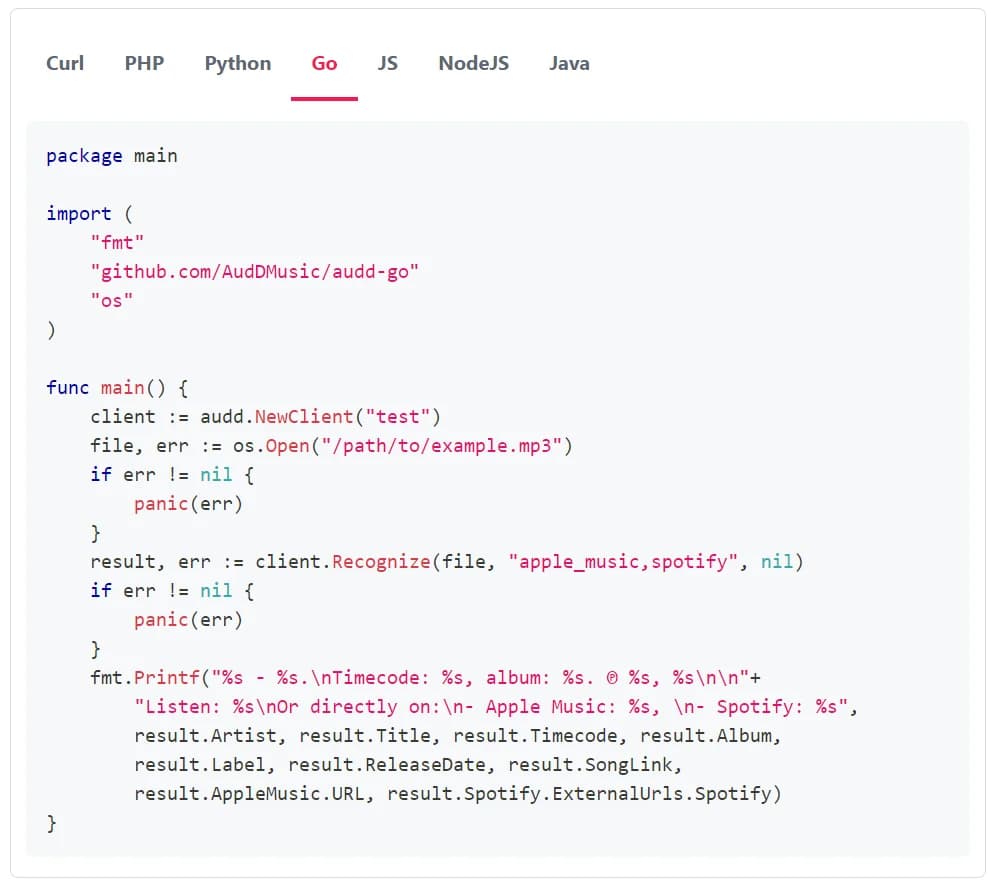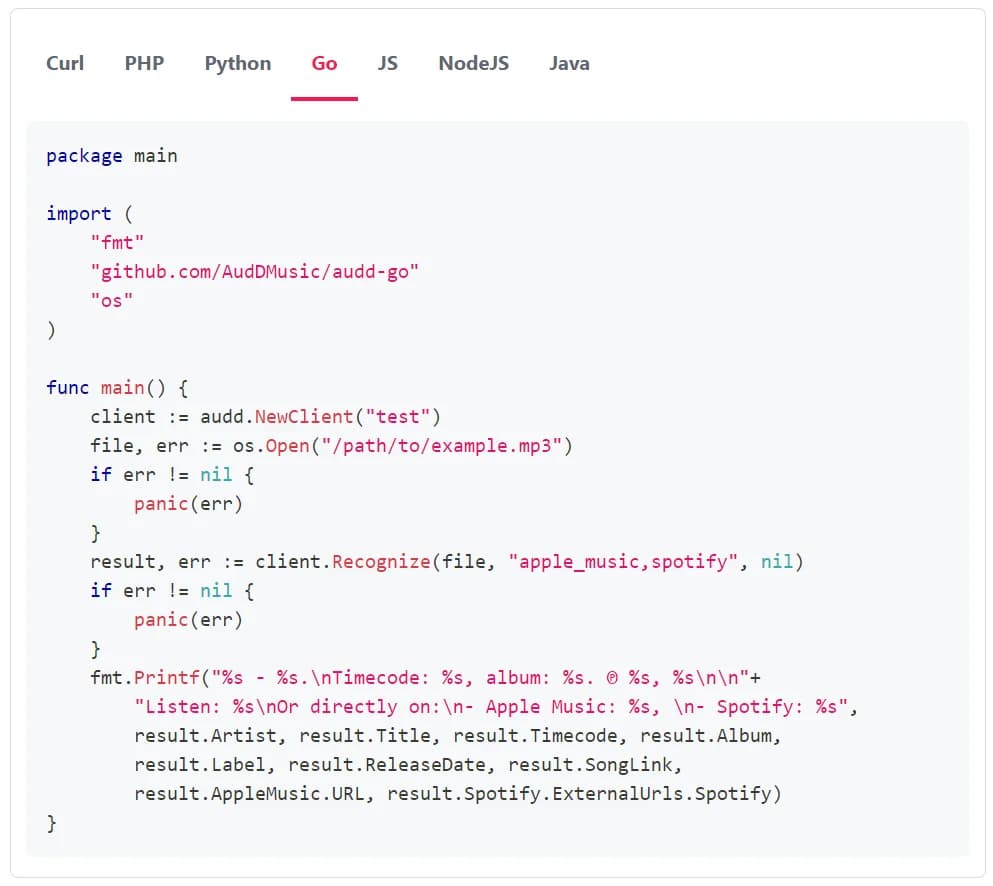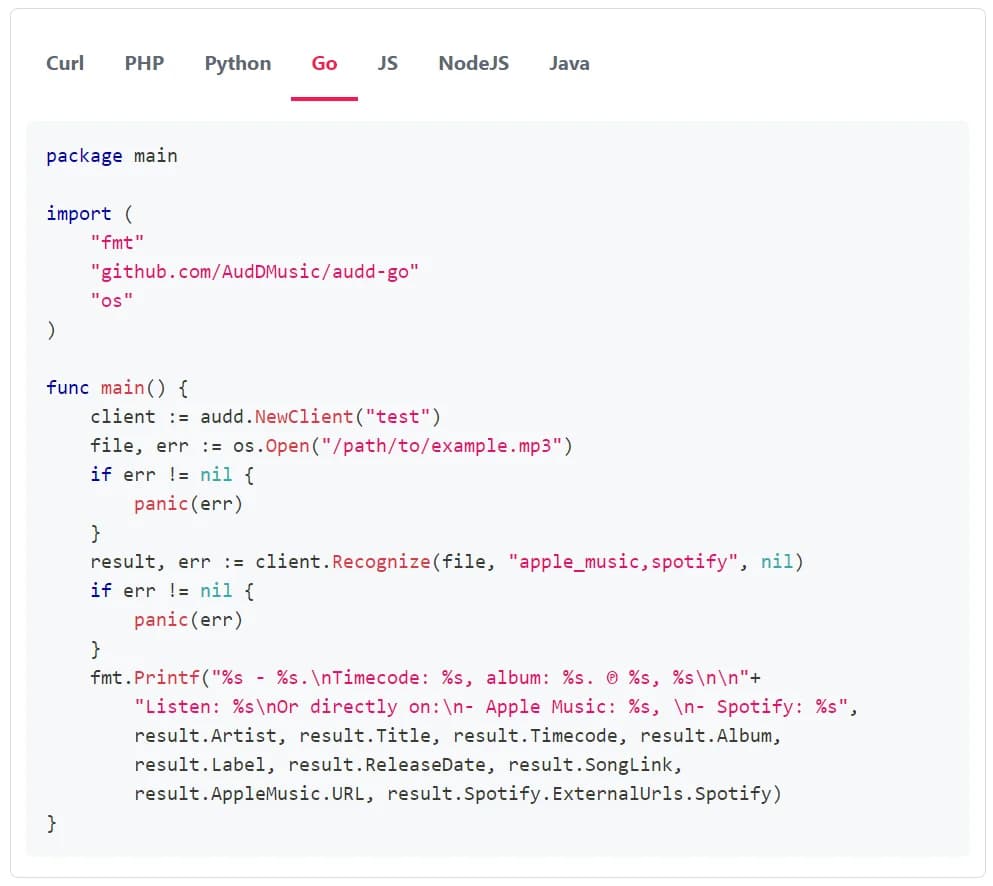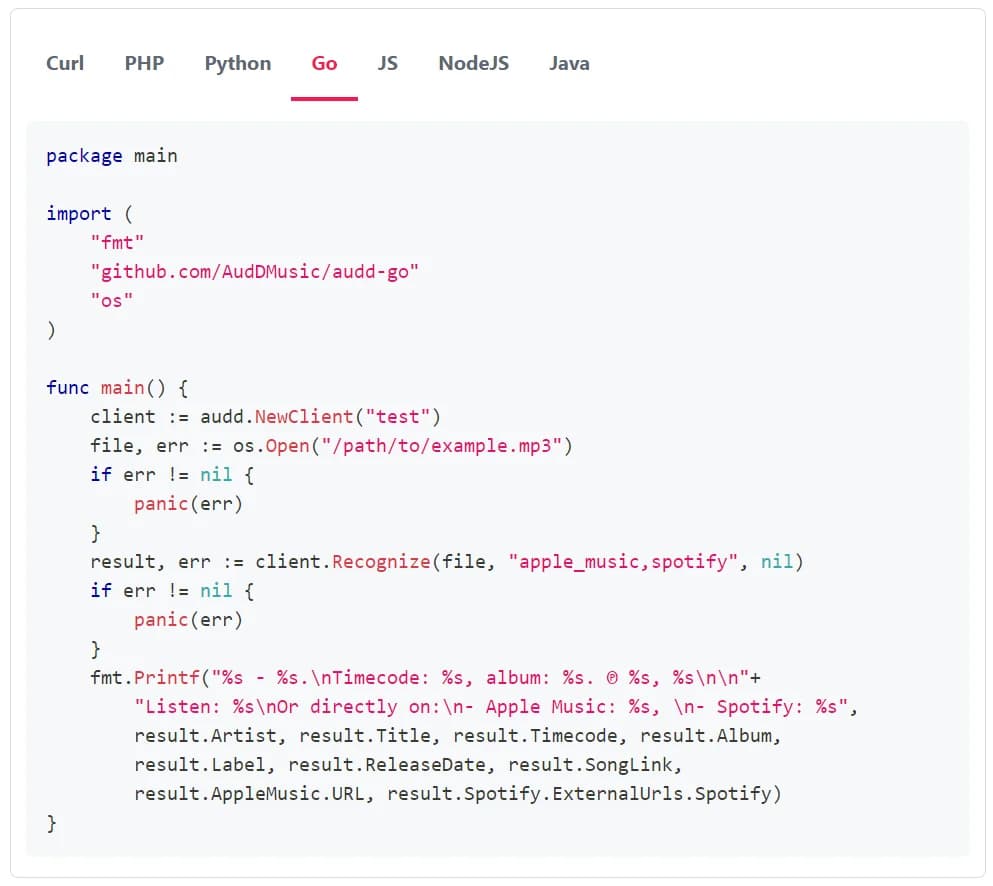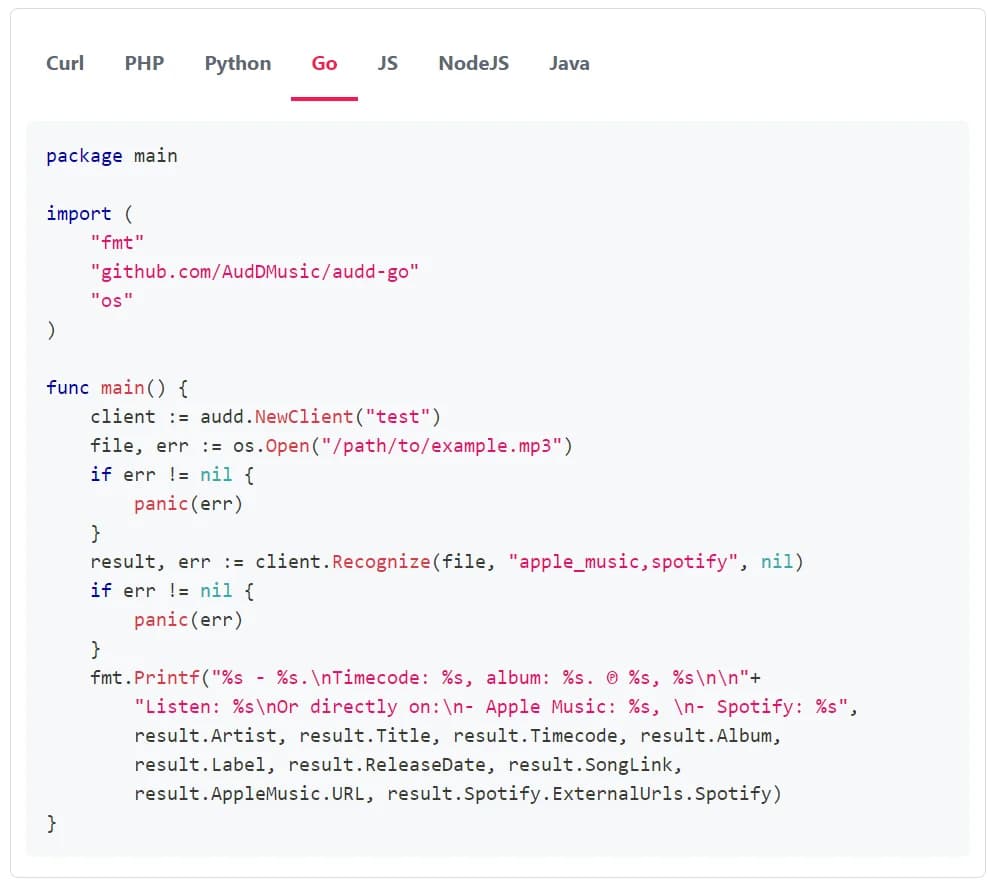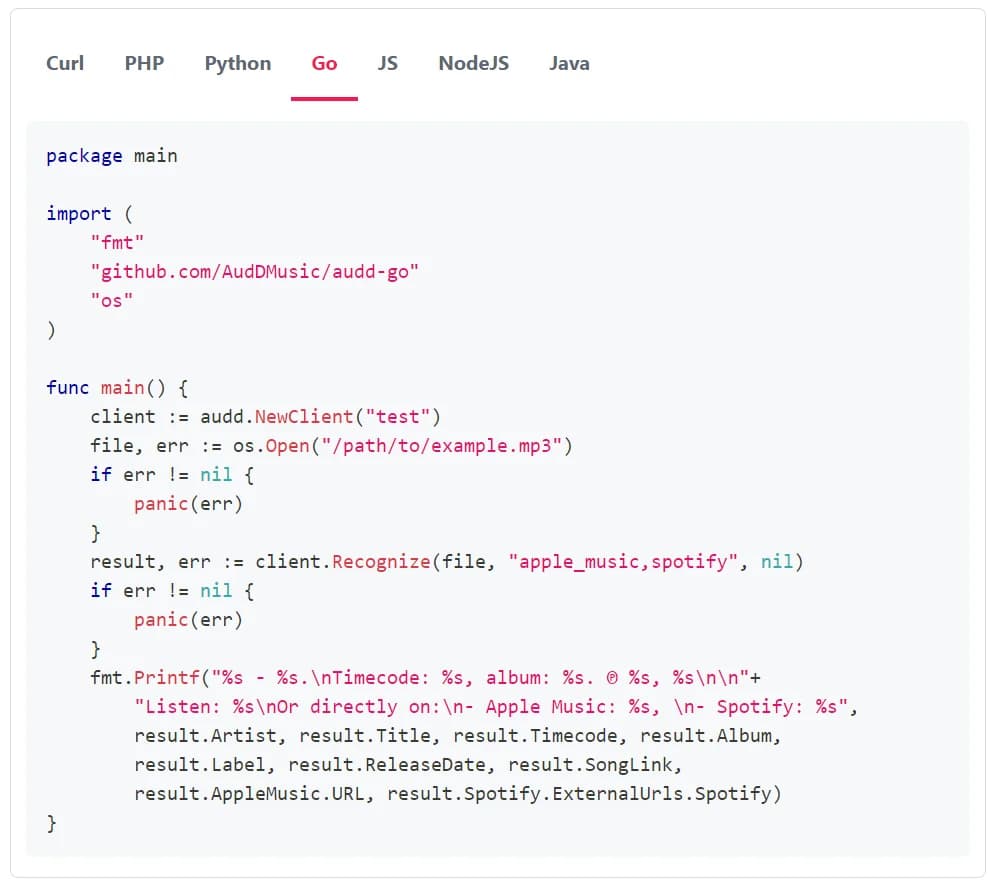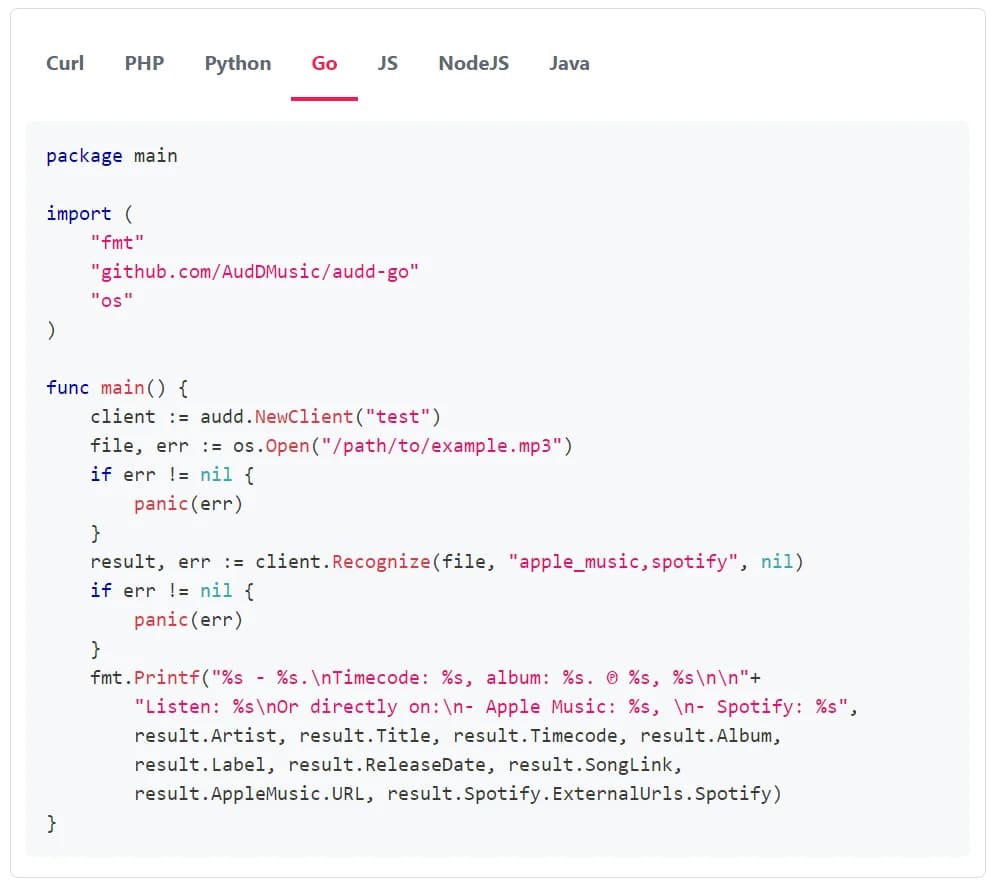
If there’s a match, the standard endpoint (POST https://api.audd.io/) returns a result with the best match for the fragment you sent: a single structure with artist, title, album, release_date, label, timecode, and song_link fields for the songs from the public database (see below for custom catalog matches). Additionally, it has the data requested in the return parameter, in fields named after the identifiers (see Provider metadata blocks below). If there’s no match, result is null. This page describes the fields of result. The enterprise endpoint returns a different structure; for it, see the enterprise response and match fields reference.
The result object
If there’s a match, result is an object with the fields below. Please note that result: null together with status: "success" isn’t an error. It means that the request went fine and we didn’t find any match. So check for null before reading the fields.
Here’s a minimal match you can use for reference:
timecode
timecode is the time in the recognized song when the fragment you sent is played, not the time in the fragment itself. So 00:56 means that the fragment you sent matched the part of the song that starts 56 seconds in.
Custom-catalog matches
The songs you upload to your custom catalog are available for recognition only to you. If the match is one of them, the result contains audio_id, and the public metadata fields (artist, title, and the others) can be missing or null, since the metadata of your songs is on your side: we only know the audio_id. So use audio_id as the key for these matches.
The return parameter is for comma-separated identifiers of the additional metadata you want to be returned. The identifiers you can send: apple_music, spotify, deezer – Apple Music, Spotify, Deezer data and links respectively; musicbrainz – MusicBrainz metadata. Example: apple_music,spotify,deezer,musicbrainz. If you send it, the result also has a field for each identifier:
The data in these fields comes from the providers’ APIs as is: Apple Music’s artwork and previews, Spotify’s album and external_ids, the list of MusicBrainz releases, etc. We don’t describe their structures on this page, see the provider metadata reference instead.
Notes
- Please note that the API has fields that aren’t typed in the SDKs yet (beta or newly added ones). The SDKs put them in extras on each typed result and on each provider block (in the Python SDK, it’s model_extra). So just read the new fields from there.
- You don’t get ISRCs and UPCs from the standard endpoint. You need the enterprise endpoint and the Startup plan or higher to get ISRCs and UPCs with the results. See the enterprise response and match fields reference.
- Provider metadata reference
- Enterprise response and match fields
- Score thresholds
- Glossary
- API reference