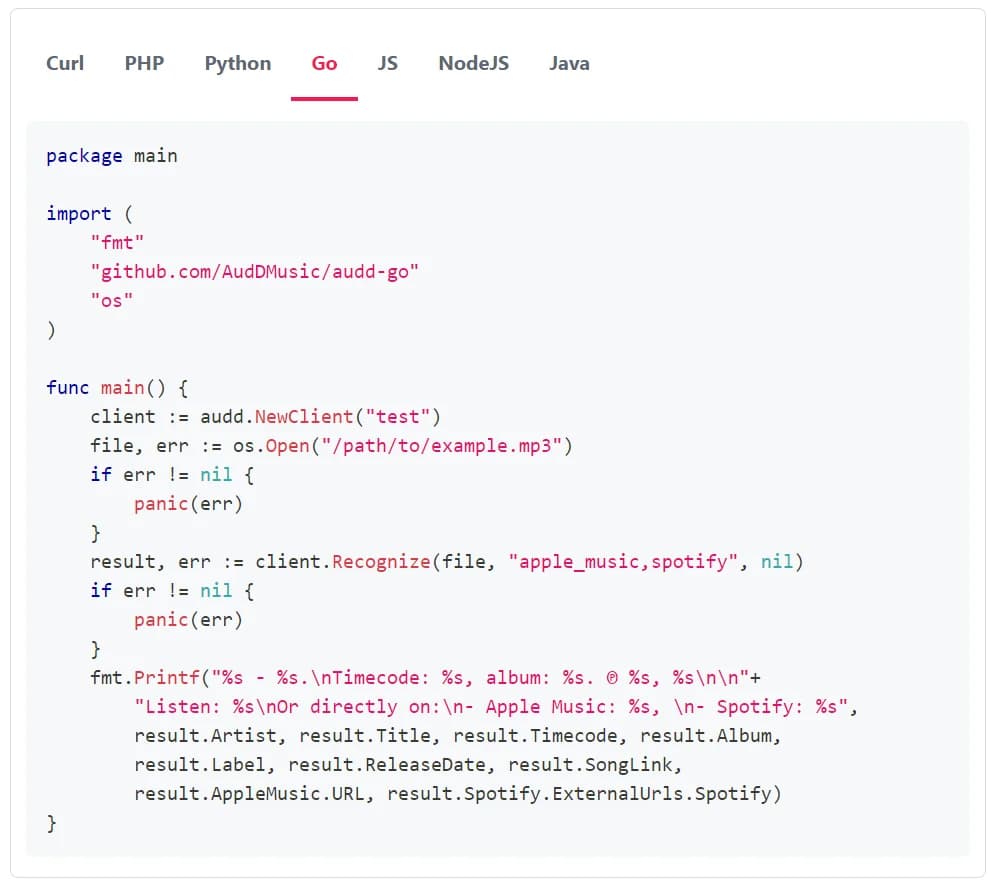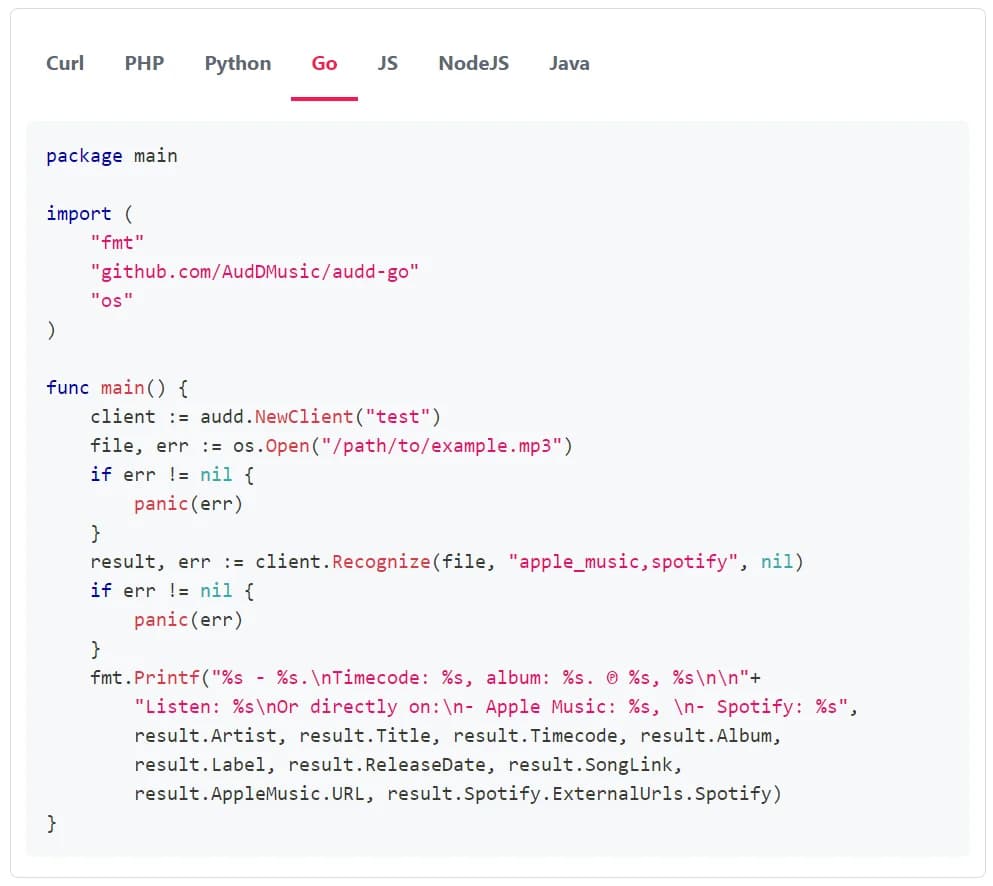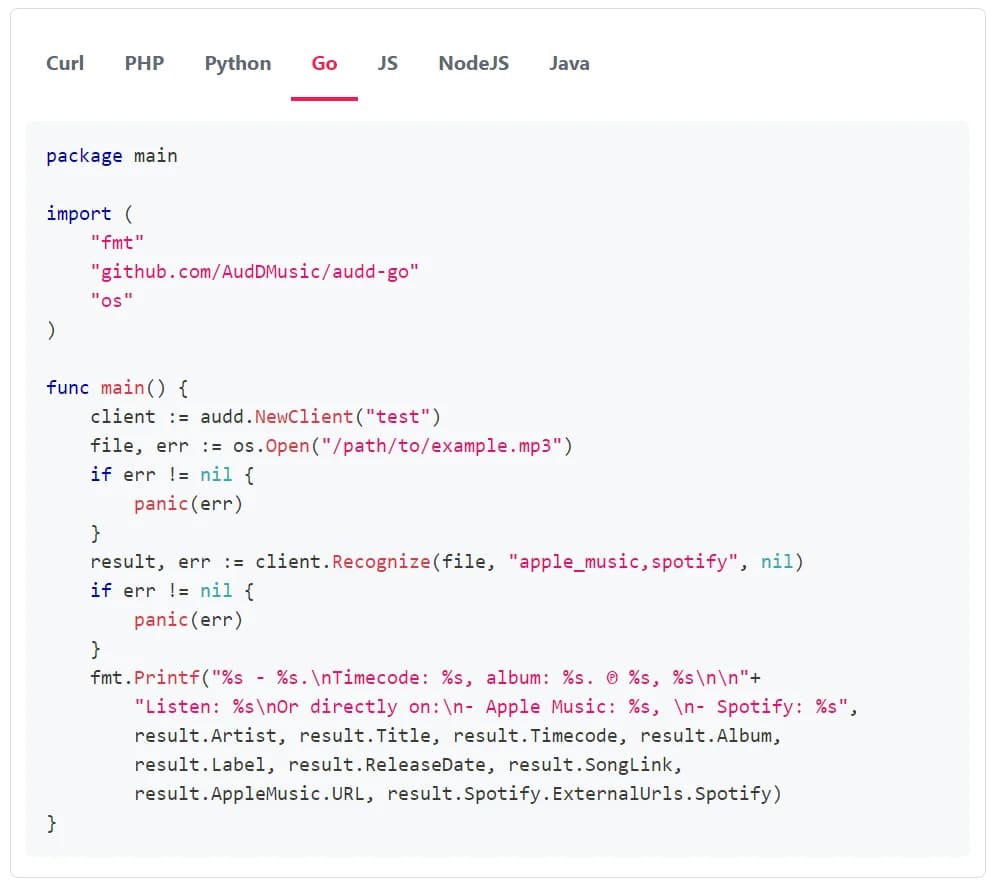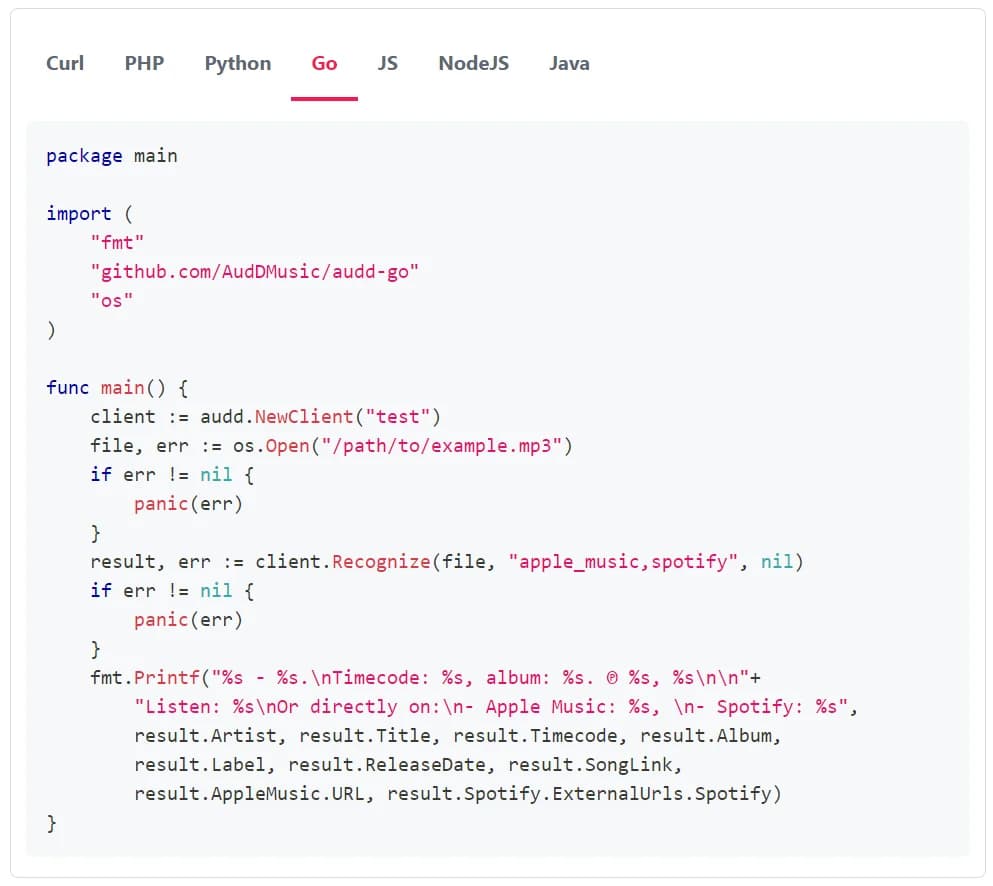
You can use the AudD music recognition API to identify the songs your users upload to make videos from (or any other audio files they send you). It’s the usual music recognition that works like Shazam: you send us a piece of the file, we send you the artist, the title, the album, the release date, the label and a link to the song, in under 2 seconds. It might be helpful for AI music video generators, audio-reactive visualizers, promo and social cut-downs for artists, etc.
We wanted to make the integration as simple as possible: you send us an excerpt of the uploaded song, we send you the metadata to fill in the project. If you also generate music and want to check it before giving it to the user, you can send the generated tracks the same way. If the songs you want to recognize are your own (e.g. a stock library you license to users, or the songs made on your platform), see the custom catalog section below.
How to use it:
1. Cut an excerpt from the uploaded song
The standard endpoint (POST https://api.audd.io/) analyzes the first 12 seconds of the audio you send. Please note that a lot of songs start with silence, a count-in or a quiet intro; so just cut 15 seconds from somewhere around the 30th second and send that (the code at the bottom of this page does it, and handles the songs that are shorter). 10 MB is the maximum for a file; 15 seconds of audio usually takes less than one megabyte, so you don’t have to think about it.
By the way, if you want to recognize all the songs in a long file (a mix, a medley), use the enterprise endpoint instead, it counts 1 request per 12 seconds of audio and supports even days-long files. Set limit in all the requests to it.
2. Send it and fill in the project
There are two ways to send audio to AudD. You can send the file itself in the file parameter, or a URL the server can download it from in the url parameter. Each call is counted as one request.
If there are matches, you’ll get a result that always contains artist, title, album, release_date, label and song_link fields. If the server has successfully processed the request, but there are no matches, the result field is null. Use the fields to fill in the project, so the user doesn’t have to type the title and the artist.
3. Get the cover art and the genre
song_link links to a lis.tn song page like lis.tn/Warriors. As the cover art, you can simply use the song_link with ?thumb, like https://lis.tn/Warriors?thumb. We return the same link in the SDKs as thumbnail_url / thumbnailUrl. It might be helpful as a reference image, for a color palette, etc.
The return parameter is for the additional metadata you want to be returned. Send return=apple_music, and the result will have the Apple Music data in the apple_music field, including genreNames (e.g. ["Alternative", "Music"]). The SDKs don’t have genreNames as a field, it’s in model_extra (Python) or extras (Node). Every provider adds some time to the request, so don’t request the metadata you don’t need. We can’t guarantee that all the fields are filled for every song; let the user change the metadata.
4. Decide whose song it is
Many of your users are artists making videos for their own songs; others upload songs they like. If a user uploads a song that is a released recording, the match tells you so. These matches are generated when the excerpt you send matches a recording (or part of a recording) in AudD’s database. To tell the user’s own release from somebody else’s, compare the artist in the match with the user’s own artist name (e.g. from the connected artist profile); the example at the bottom of this page does it.
Depending on the situation, you have a few options to choose from when you get a result:
If the match is by the user’s own artist:
- Do nothing: If the song is the user’s own release, you can prefill the project and leave it as is. The user can also change the fields later.
If the match is by another artist:
- Ask for permission: If the user confirms they may use the recording, you can continue as usual.
- Block the export: You may choose to block the export, which means the user can’t publish the video with that song. The export could be blocked for everyone or just for the users who didn’t confirm the permission.
If the match has an audio_id:
- It’s from your custom catalog: See below.
And if we don’t recognize the song (it’s unreleased, generated, a cover, or we just don’t know it), it doesn’t mean that the song is cleared, so ask the user.
Is a match a problem for the user? Probably not. A match usually means we found a recording in the upload that someone else owns. Rights holders are the ones who decide whether other people can reuse their recordings; AudD only knows which recording it is. YouTube lets rights holders block videos that match a recording they own. They can also allow the video to stay up with ads; in these cases, the advertising revenue goes to the rights holders, not to your user. TikTok and Instagram mute the video instead. If the user posts a video with a commercial recording without permission, the rights holder may have the platform mute or take down the video. So it’s better to tell the user before the render.
What else can I do?
Check the generated audio
If you generate music too, you can use the same endpoint as a filter for the generated tracks. If we recognize a song in a generated track, there’s a released recording in it, and you probably don’t want to give it to the user. Note that if we don’t recognize anything, it doesn’t mean that the track is original: we recognize recordings with our audio fingerprinting technology, and a soundalike, a pastiche or a new performance of an existing song is a different recording. Note: for detecting AI-generated music, or for analyzing beats, sections or mood, AudD is not the right tool! AudD excels at recognition of released recordings with reasonable amounts of noise; an AI-generated song that was released via a distributor is a released recording like any other one, and we recognize it. See what recognition matches.
Recognize your own songs
If you want to recognize music among your own songs (a stock library you license to users, or the songs made on your platform), you can upload them to a custom catalog. The songs you upload to it will be available for recognition only to you, and after that all your recognition requests are matched against your catalog as well as against our music DB. You set an audio_id for every song you upload and get this ID back with the recognition results; that’s how you tell a song made on your platform from an outside upload, or check which plan a library song was licensed under. Also, any songs you upload to the catalog later will be fingerprinted and added to your private database as well. It’s meant to cover a system where as new songs are made on your platform, they are fingerprinted and added to the catalog without any manual step. Access to custom catalogs isn’t available by default; contact us: [email protected].
Please note
The recognition takes less than 2 seconds, so you can do it right after the upload, before the first preview. Please send the requests from your server and don’t include your API token in the client-side software. If a request fails, just let the user fill in the fields.
Your users upload the songs before the release. Please make sure that your terms of service and privacy policy allow you to send the uploaded files to a music recognition service, and let the users know about it.
We don’t have a rate limit for the standard endpoint. Contact us if you’re planning a big launch or a spike: [email protected]. The prices are on audd.io/pricing.
Code example
Here’s a Python example you can use for reference: it cuts an excerpt, recognizes it and fills in the project.
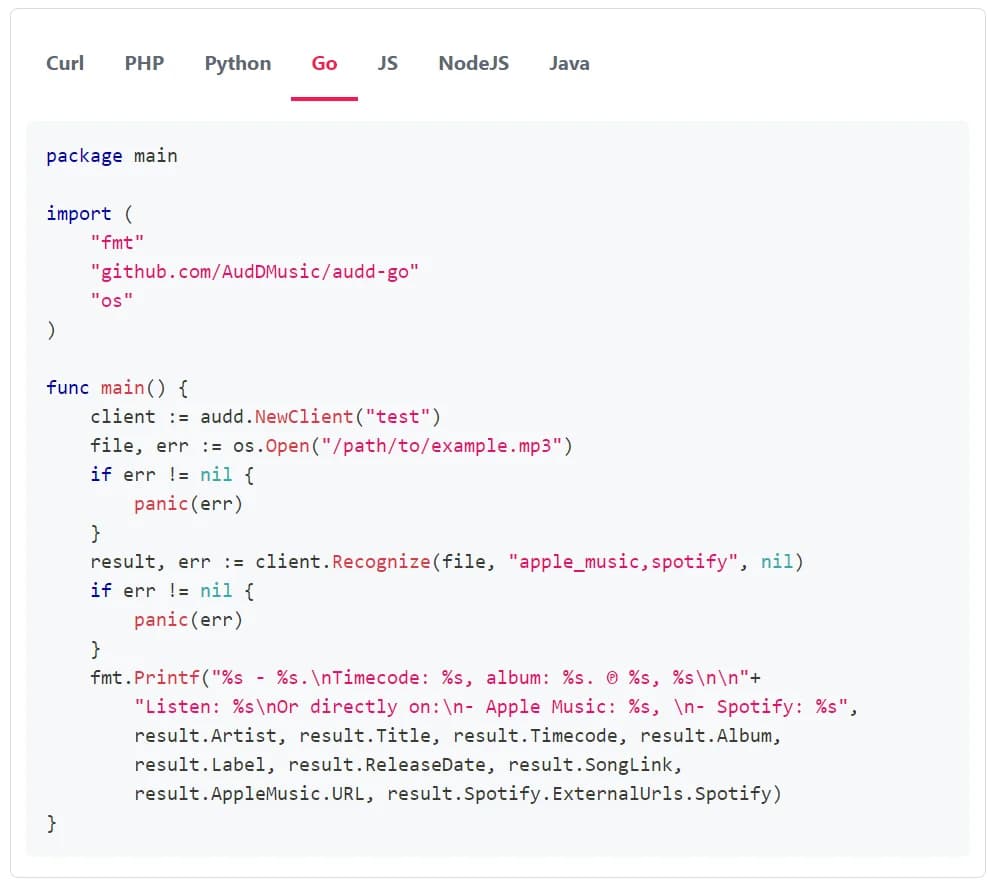
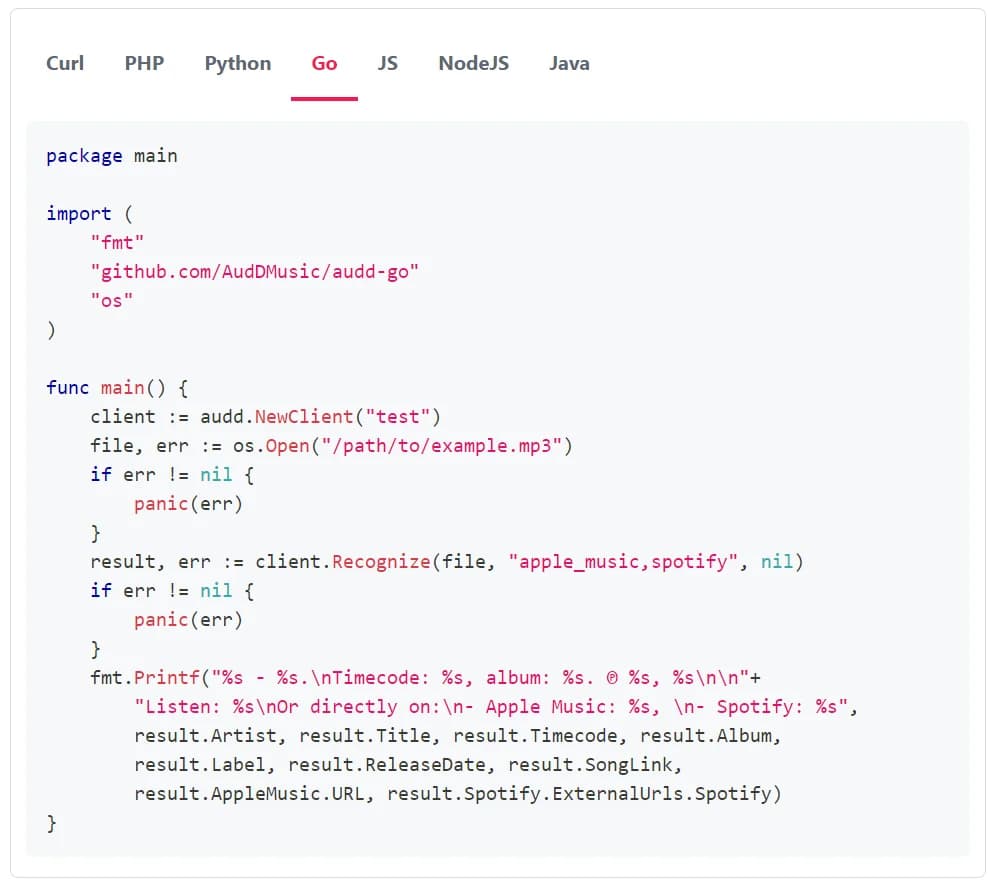
The SDKs for Python, Node and 9 other languages are on docs.audd.io/sdks (pip install audd, npm install @audd/sdk). If there’s no match, the recognition method returns None / null / nil.
- Standard, enterprise, or streams: how to choose
- The song_link (lis.tn) universal music link
- Apple Music metadata block
- From match to decision
- Public database vs your custom catalog
- What music recognition matches, and what it doesn’t
- Recognition result fields
- AudD for AI startups
- AudD for video platforms and UGC moderation
- API reference