
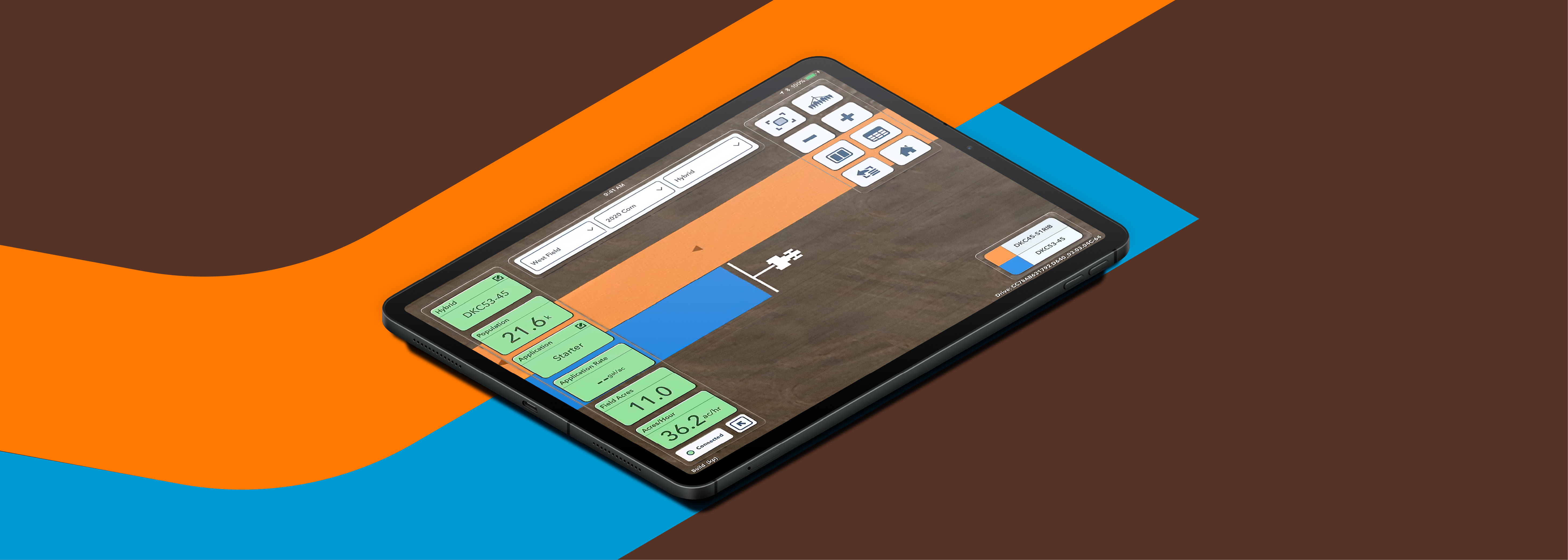
Planting season has many moving parts. You have to get your fields, equipment and crew ready for when the time and weather is right. Luckily, FieldView can help you measure, track and manage every move of the planting season with precision farming technology.
NUMBER ONE Is My Equipment Compatible with FieldView?
NUMBER ONE
Click here to see if your planter is compatible with the FieldView™ Drive or the FieldView™ Drive 2.0. If you haven’t already upgraded, now is the time. The Drive 2.0 offers more storage and faster data transfer, ensuring you never lose important field data (even if your tablet isn’t connected). At the end of the day, the Drive 2.0 also offloads data in minutes instead of hours. Plus, its stronger Bluetooth connection keeps everything running smoothly, so you can stay focused on planting.
NUMBER TWO Have I Mapped My Field Boundaries Correctly?
NUMBER TWO
Before you head to the field, confirm your boundaries are exactly where they should be. If this is your first time entering or adjusting boundaries, watch this short video to learn how.
If you’ve already mapped your field boundaries, it’s always a good idea to review them before you plant. If you’ve added something like drain tile or a fence, consider excluding that area from your boundaries to avoid altering the data.
NUMBER THREE Did I Add My Seed Names, Treatments and Applications?
NUMBER THREE
You want to know exactly what worked and what didn’t after harvest. Having precise harvest data starts by collecting precise planting data. One of the simplest ways to ensure accuracy is by preloading your hybrid names, seed names and seed treatments into FieldView before planting. This step eliminates guesswork and ensures your planting maps reflect exactly what went into the ground, making post-season analysis much easier.
NUMBER FOUR Have I Updated My FieldView Cab App?
NUMBER FOUR
Download or update the FieldView Cab app in the Apple App Store or the Google Play Store. Doing this is easy, just press the “Update” button. Version 15.0 or higher is the one you want. Don’t forget to update the FieldView Cab app on both your tablet and phone. With the new update, you can simplify all your data collection by connecting your Precision Planting Gen 1, 2 or 3 Display directly to your iPhone, eliminating the need for the FieldView Cab app on an iPad. The FieldView Cab app also now lets you visualize your fuel usage on a map, helping you identify areas for improvement like optimizing routes, adjusting equipment settings or adopting alternative practices to reduce fuel consumption.
NUMBER FIVE Did I Perform a CloudSync to Protect My Data?
NUMBER FIVE
Ensure CloudSync is enabled in the FieldView Cab app. If needed, force a CloudSync by clicking the circular arrow on the home screen to allow the process to fully complete. This step makes sure you're ready for yield analysis and other features, and is very important to ensure your data is not lost if something were to happen to your device. With the newest update, CloudSync is faster and more efficient than ever, helping you manage farm inputs effectively.
NUMBER SIX Have I Entered My Equipment into FieldView?
NUMBER SIX
Follow these steps to get your planter connected to FieldView. If you take the time to adjust every axle, all your GPS settings and more, this preparation helps FieldView collect the most accurate data possible. Investing in that time now will pay off at harvest when you have more precise and insightful yield data.
NUMBER SEVEN Have I Installed the FieldView Drive 2.0?
NUMBER SEVEN
If you have compatible equipment, installing the FieldView Drive 2.0 only takes a few minutes and makes data collection automatic and seamless — giving you the tools to make data-driven decisions for a successful season of digital farming.
Trevor Gossett, Customer Success Advisor
Trevor Gossett is the Customer Success Advisor for the Minnesota/Wisconsin territory at FieldView. He is dedicated to ensuring growers have the best experience possible with FieldView. By serving as a knowledge base and working cross functionally with internal teams, Trevor provides growers with valuable insights and proactive support so they can get the most out of their data. Trevor has a B.S. from the University of Missouri, Columbia in Agricultural Systems Management. It has enabled him to continue his passion for sustainable agriculture by leveraging this digital space.
Fast, Stable, Secure. Meet Drive 2.0
The FieldView Drive 2.0 can send seed scripts without a thumb drive, has built-in GPS, offers faster data syncing and compatibility with a wider range of equipment.
Warmer Days: Your Planting Season Forecast
Planting season is upon us, and so is the unpredictable weather characteristic of this time of year. The decisions you make now could have lasting effects for the rest of the year.