Now more personal than ever
Squarespace Blueprint AI now gives your website a bigger head start.
- Tell Squarespace what you're building and choose the brand personality, colors, and fonts that feel right, and Blueprint AI creates a personalized, multi-page website shaped around your business.
Tell Squarespace what you're building and choose the brand personality, colors, and fonts that feel right, and Blueprint AI creates a personalized, multi-page website shaped around your business.
- Get upgraded, lifelike imagery across 1,000+ industries. Plus preview your whole site right away, not just a homepage. Then refine every detail in the editor and publish when you're ready.
Get upgraded, lifelike imagery across 1,000+ industries. Plus preview your whole site right away, not just a homepage. Then refine every detail in the editor and publish when you're ready.
Image Studio
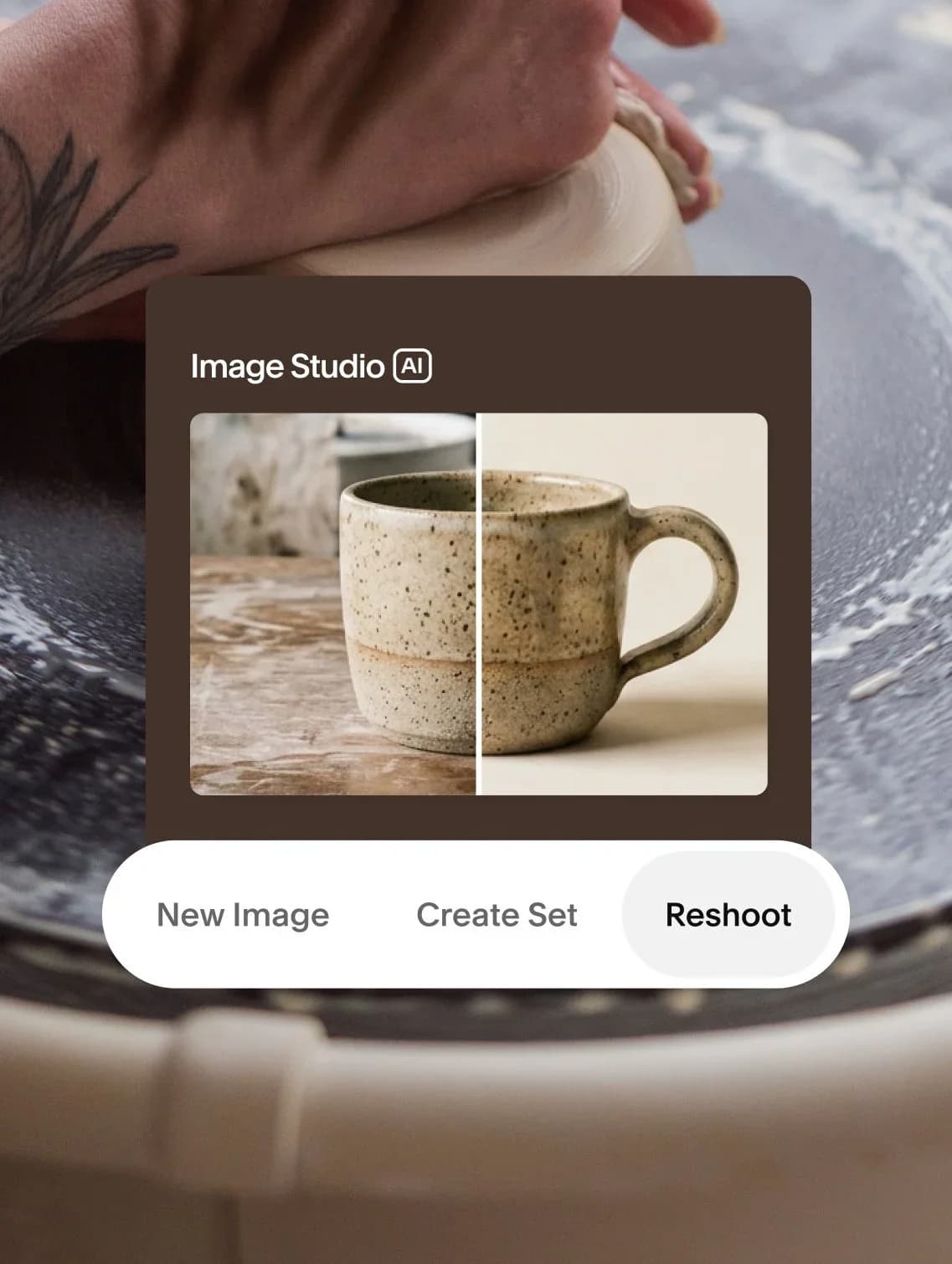
Create the exact image you need without leaving Squarespace. Image Studio brings professional image creation into your site, with built-in art direction shaped by 20+ years of design expertise.
- Generate: Describe the visual you need and get polished, on-brand options right where the image will live.
Generate: Describe the visual you need and get polished, on-brand options right where the image will live.
- Reshoot: Transform an existing photo with professional studio effects while keeping the details that matter.
Reshoot: Transform an existing photo with professional studio effects while keeping the details that matter.
- Create sets: Generate multiple cohesive images that share one mood, so your whole site feels intentionally art-directed.
Create sets: Generate multiple cohesive images that share one mood, so your whole site feels intentionally art-directed.
SMS Campaigns
Reach customers right where they are with targeted, timely text blasts you can send straight from Squarespace.
- Easy-to-use Composer: Craft your perfect copy, personalize it with your subscriber’s name, and add your click-through link.
Easy-to-use Composer: Craft your perfect copy, personalize it with your subscriber’s name, and add your click-through link.
- Built-in Compliance: Business verification, consent collection, and automatic opt-out are natively integrated to help you stay compliant.
Built-in Compliance: Business verification, consent collection, and automatic opt-out are natively integrated to help you stay compliant.
- Real-time Analytics: See what’s working at a glance. Track deliveries, clicks, failures, and opt-outs in a clean, digestible dashboard.
Real-time Analytics: See what’s working at a glance. Track deliveries, clicks, failures, and opt-outs in a clean, digestible dashboard.
Multi-currency checkout
Selling to cross-border customers just got easier. With multi-currency checkout, shoppers can view prices and pay in their preferred local currency, while you continue to settle payouts in your home currency.
Quick Pay in the Squarespace App
Collect payments for anything, right from your phone. With Quick Pay in the Squarespace app, you can charge customers in person without a listing or third-party tools.
- Bypass your catalog: Collect custom amounts without a matching product or order type — from one-offs and tips to easy add-ons.
Bypass your catalog: Collect custom amounts without a matching product or order type — from one-offs and tips to easy add-ons.
- Get paid in seconds: Just enter an amount, tap to charge, and you're done. No extra steps, no back and forth.
Get paid in seconds: Just enter an amount, tap to charge, and you're done. No extra steps, no back and forth.
- Track every payment: All amounts collected show up in your Orders tab, so nothing falls through the cracks when you're running numbers.
Track every payment: All amounts collected show up in your Orders tab, so nothing falls through the cracks when you're running numbers.