This is a guest post from Gene Cornfield - he is currently the President of TeamReach and has spent decades as a business leader at Accenture.
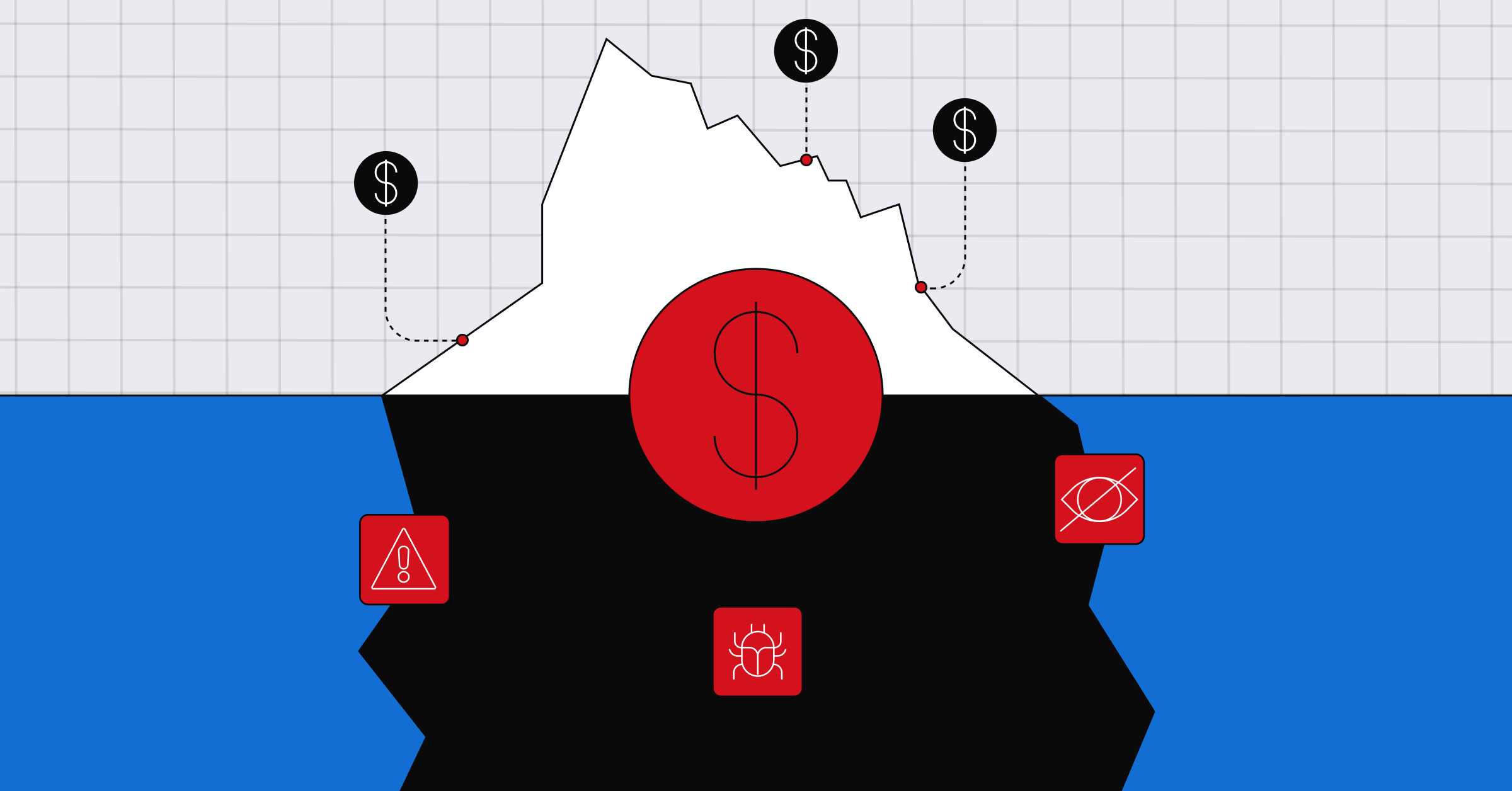
If you’ve ever inherited an app you didn’t build, you know the specific sense of foreboding for what lies ahead. Two native codebases that share no logic. A crash rate nobody has looked at in a year. Ad units that quietly stopped performing (which is a problem when ads are how you make money). A backend written in PHP with no ORM.
The stakes skyrocket, along with one’s heart rate, when the app has a massive audience. When we bought TeamReach there were close to 800,000 people opening it every single day, all with the same expectation: it will just work.
This story has a happy ending but the details are worth reading if you’re staring down the complexities, upside (and risks!) of re-launching a popular app with millions of users.
We rebuilt TeamReach from the ground up on Expo in just three months, and cut over every one of our users to the new app on the night of June 28. Then we spent three days fixing it in production without shipping a single new build to the App Store (our team didn’t sleep much).
We shipped twelve over-the-air (OTA) updates in those three days. It probably cost us about $4,000. Without Expo and Claude/Codex this is the kind of project would have taken eight months and hundreds of thousands of dollars.
I should say up front that I am not the engineer here. I run the company. What follows is how this story played out, with the technical detail from Nathan Dionne, our lead dev whose firm did the rebuild.
What we bought
In March 2026 my partners and I bought TeamReach. It’s a sports communication and scheduling app. If you’re a parent with kids in sports you know what that means. If not, just think: rosters, calendars, group chats and the logistics that pile up around youth sports teams or clubs playing pickleball, tennis, soccer, golf and other adult sports. Roughly 5 million people were using it a year, 2.5 million in a given month, and close to a million on a peak day.
We have some meaningful competitors, and when we ask users why they picked us, simplicity is always in the top three answers. Hold onto that, because the people who choose a product for being simple are the same people who get angry when you move a button!
The app we inherited
The team who originally built TeamReach did so to manage their kids’ sports teams. They never imagined their personal side project would attract so many users, not only from across the US but also from over 200 countries and territories around the world!
The app was two separate native codebases, an Objective-C iOS app and an aging Android one. The backend was PHP on MariaDB with no ORM, and no migrations. But again, no one anticipated that the app would attract such a large and active user base, especially organically with no marketing. So nearly a decade of developers had each written into the same database fields as the user base scaled from hundreds to thousands, to tens and hundreds of thousands, to millions. I remember our lead dev, Nathan Dionne, stating it plainly: "The database has one table with 100 billion rows. I've never seen anything like it."
There was also no way to ship a fix without waiting for app store review. For an app that half a million people open before breakfast, that’s what eventually forced us to find a different solution.
Why we rebuilt on Expo
Current Technology (Nathan’s dev agency – and a damn good one!) did a full rewrite on Expo in about three months with a total of four people. The database moved to Postgres at the same time.
I want to be clear about why we decided a rewrite of that size on that timeline was a good idea, because it was not for lack of confidence in our testing. It was the opposite.
"I've launched a thousand apps in my life, and I know things are going to be broken," Nathan told me before the cutover. "There's just no way around it when you're doing something like this." So the reason we said yes to the full rewrite is that we could use Expo’s OTA Updates to push over-the-air updates to the app.
That meant hours of pain instead of weeks of it. In Nathan's words: "We would not have been able to launch for another entire quarter if we weren't comfortable with the fact that we could do OTAs."
And with a new school year just a few months away, we didn’t want to wait to put an all-new build in the hands of millions of coaches, players and parents right when they rely on us the most.
I learned from Nathan that the mechanism is narrower than people assume. A build is two layers: a native layer compiled into the binary, and an update layer sitting on top of it that can be swapped for any compatible update. An OTA update replaces the second layer, so the JavaScript, the styling, and assets like images. Native code is untouched, and anything that changes it goes through Expo Build and store review on the normal timeline. What you get is the application logic and the interface… which is exactly where data migrations fall over.
Cutover night
We flipped to the new version at 2am Eastern. New Zealand got the new app first, which is a strange sentence to write about a US sports app, except that New Zealand is one of our biggest markets – 1.6% of the population has TeamReach.
The bug reports started within minutes. Jordan, who runs customer success and will be canonized some day, sat in Zendesk for roughly 36 hours straight, triaging and grouping tickets into something the engineers could act on.
Three OTA updates went out in the first four hours. After that we settled into a rhythm of noon and midnight for three days: take in the overnight bug reports, diagnose, fix, QA, deploy, repeat. Twelve updates in total. The whole class of things that would have taken down the business was fixed and in users' hands inside 24 hours, and I mean feature-breaking things, not polish.
One thing I didn’t fully appreciate going in: publishing an update is not the same as delivering it. The expo-updates library checks for a new update when the app launches, downloads a manifest describing it, then fetches any assets it doesn’t already have. If that finishes quickly enough, the update runs on that launch. If it doesn’t, the download continues in the background and the update runs the next time the person opens the app.
For us that meant a fix reached the user base over 24 hours, as people across time zones opened the app before early matches or afternoon practice, rather than in one instant. It’s also why keeping each update small is worth caring about.
The bugs our tests couldn’t find
Most of the breakage traced back to one thing, and it’s the reason I think this story is worth telling to anyone sitting on a legacy database.
When you migrate a decade-old schema, you test against the data you can see. What you cannot see is that a field the current code treats as a boolean was a tinyint accepting 0 and 1 three years ago, held a JSON string for a while after that, and in a handful of rows contains raw HTML from an even earlier time. There was no ORM enforcing any of it and no migration that ever cleaned it up.
Our newest users were fine. Our longest-tenured users, the ones whose records went back the furthest, hit fields the new client could not parse. A few fixes were on the API side, but most were in the frontend, teaching the client to accept the shapes the database actually returned rather than the ones the schema claimed.
You don’t find that in QA. You find it when a coach in Auckland who joined in 2019 opens her roster and the screen is empty.
We fixed forward every time instead of rolling back, and that turned out to be right for a reason I only understood afterward. Rolling back to a previous update is not automatically safe. If a broken update has written to persistent state in a way the older code cannot read, going backwards leaves people worse off than going forwards. Our entire problem was data the client couldn’t parse, which is precisely where the risks of rolling back can bite you.
The changes our users rejected
This re-write was just that: the same functionality and UI TeamReach users were used to in iOS or Android re-written in React Native. Parity was the priority. Greater stability or speed should be the only changes users should notice. New features or major UI improvements would wait until after the new version had been broadly adopted. Our mantra was the same oath doctors take: first do no harm.
And while we of course know to test and refine new features with users well before launch, we underestimated how big a reaction there could be to very small changes to an existing UI.
For example, in the messages section of the app, above the text field for writing a message was a horizontal bar of icons: attach a photo or file to the message you’re writing; add a poll question or location; set importance or a future time to send. That bar was visible (and blocking about 15% of the viewport) whether you were writing a message or reading messages from others in the feed.
So we decided to put a plus icon to the left of the message text field that would expand the bar of icons when a user wanted to add something to a message they were writing. And otherwise that bar would be out of the way, giving users more room for reading messages in their feed. A very standard interaction you see in texting apps, to the left of a Google search or ChatGPT, Claude – everywhere. The only thing perhaps more standard is a cog icon for settings.
Surely our users would be familiar with such an established interaction and, we assumed, appreciate the extra room for reading, right? Nope. We received dozens of support requests asking where the attach-photo or add-location icons had gone.
Another example: when users uploaded videos they got stored in Files. We figured it made more sense to store videos in the Photos section. We figured wrong.
Then there was a button we had relocated to the top of the screen where it would always be visible rather than users having to scroll to the bottom of a long page to access it. We moved it back to its prior position via OTA because people were upset that we’d moved it, even though doing so made it more accessible and saved them unnecessary scrolling.
Getting those changes live the same day instead of two weeks later is the whole point. The guiding principle for our app design and strategy is to enable people to spend their time doing what they love with the people they love, not managing it in an app. A UI change that is objectively better but slows users down fails that test.
What it cost
About $4,000 in update delivery for the entire launch window.
How that number is built matters more than the number itself. Expo OTA Update bills on monthly active users, where one user is one install that downloads at least one update during the billing cycle. It does not bill per update. Twelve updates to the same audience cost close to what one update would have. A bad launch changes the calculus completely, because the limit on how often you ship is your team's capacity to triage, not a meter running on every push.
Nathan's estimate for replatforming an app our size the traditional way is upwards of $1 million, and the QA program you would need to catch those data problems before launch rather than after runs into six figures by itself. We spent $4,000. (And three days of very little sleep.)
How we ship now
Two-week sprints produce a normal store build. Between those, OTA handles critical fixes. We also use it for experiments, mostly on interface changes and ad optimization, so we can see how a change lands with real users before we commit it to a release.
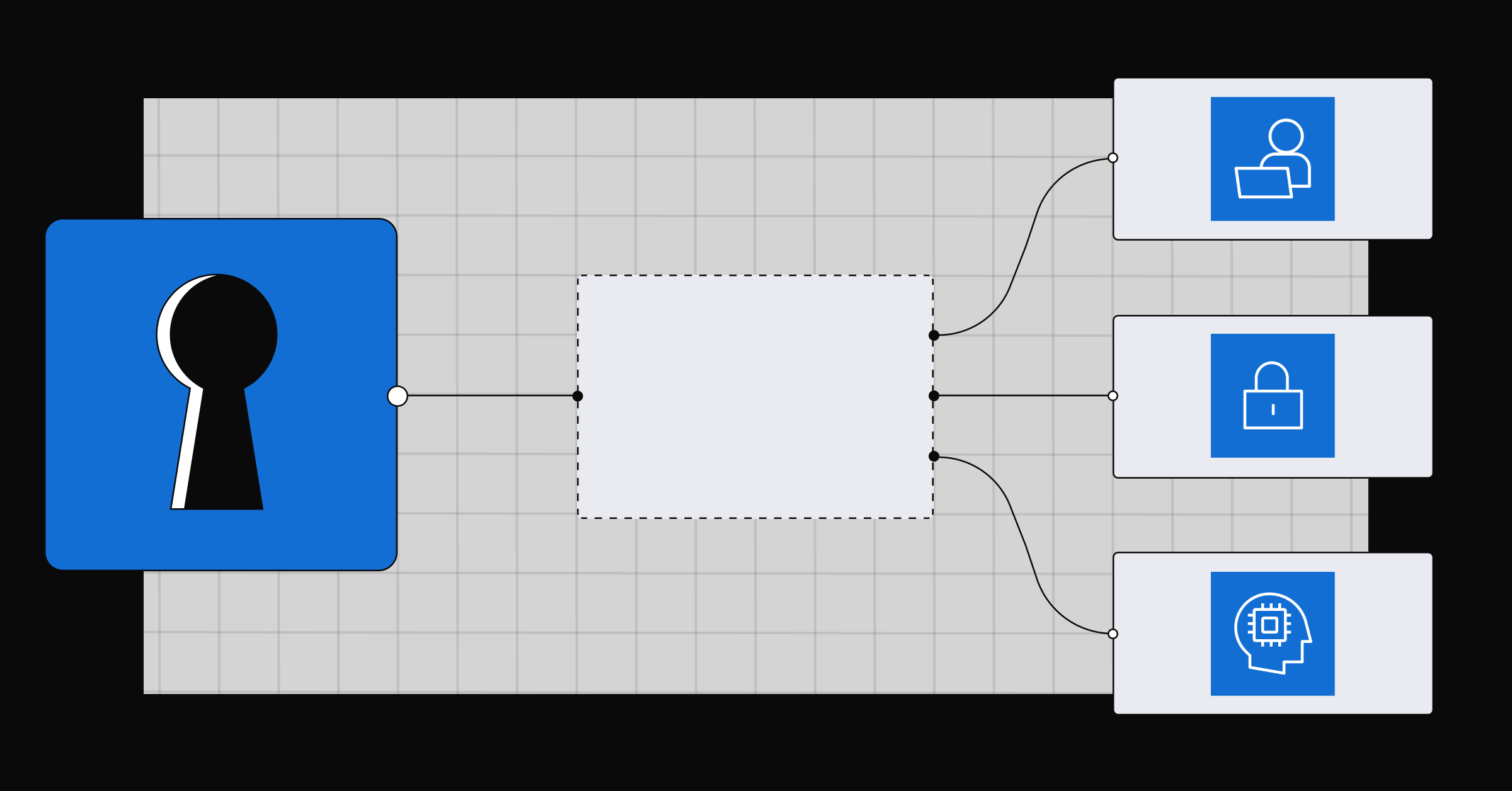
The model underneath is three properties baked into every build: a channel, a runtime version, and a platform. Channels are names you give groups of builds, so our store builds carry a production channel while TestFlight builds carry a staging one. Updates publish to branches, and a channel points at whichever branch you want its builds reading from. Platform and runtime version have to match exactly. That’s the entire compatibility model, and it took me longer to understand than it should have.
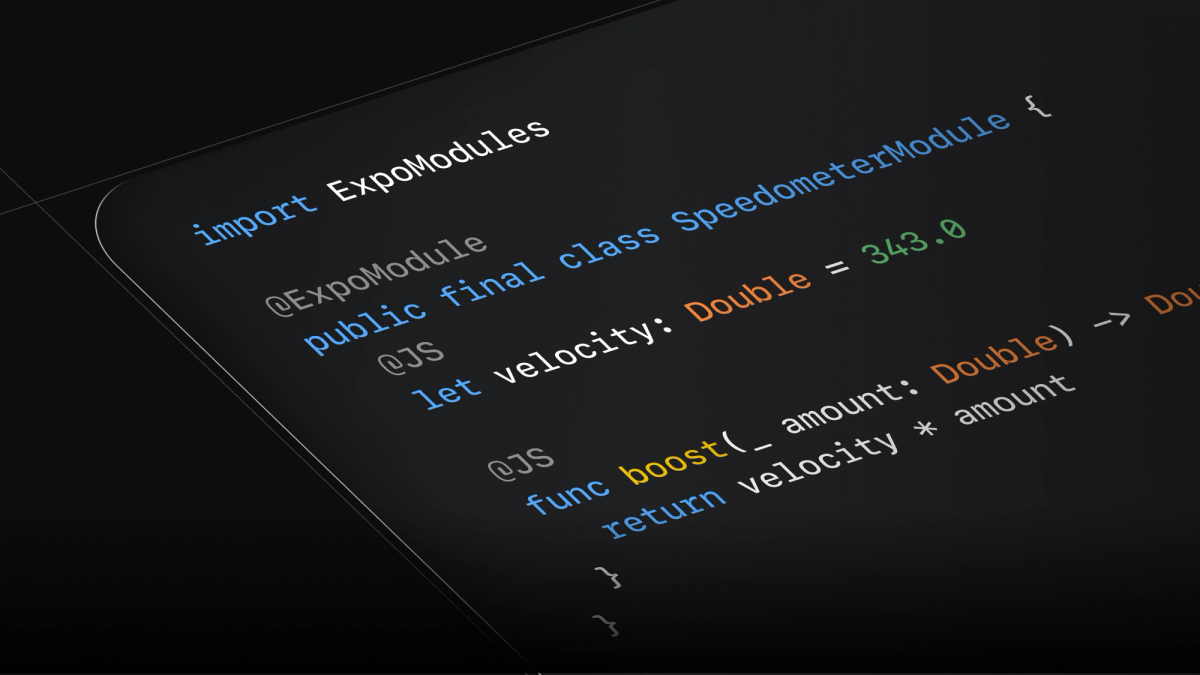
Turning it on is two things: a config block and a command.
The runtimeVersion policy is the part worth understanding before you need it at 3am. It decides which installed binaries an update is allowed to reach, so a device only receives an update its native code can actually run. The fingerprint policy bumps that version whenever anything touching the native runtime changes, which is what you want when the person pushing the fix at 3am hasn’t slept. There’s also an appVersion policy, which is fine but puts the burden on you to remember to bump the app version yourself.
One practice we’ve continued from TeamReach’s founding team is on rollouts. We publish to a small percentage of users first and raise it once the error rate looks sane.
On cutover night we shipped everything to everyone, which was the right call at the time, because the bugs were already in front of 100% of our users. Rollouts are for ordinary weeks.
What OTA updates don’t fix
They only carry the non-native parts of the app: JavaScript, styling, and assets. A new native module, a permissions change, an Expo SDK upgrade, anything that needs a new binary… all of those go through a store build and review on the normal timeline.
They only reach users whose installed binary is compatible with the update's runtime version. Users who haven’t opened the app since before the cutover are not covered by anything you push today.
There’s a built-in error recovery path, and it’s worth knowing its shape before you lean on it. If an update throws a fatal JavaScript error early in launch, expo-updates catches it, gives the app about five seconds to fetch a newer update, and, when the crash happened before the first view rendered, marks the bad update as failed and falls back to the last one that worked.
Expo's own documentation is blunt that this is not a safety net and that users will still see crashes. What it prevents is a bad update bricking the app so completely that it can never download the fix. An error thrown more than ten seconds after first render is not caught at all.
And none of this is a QA program. We caught our data-type problems in production because we shipped a cutover we knew was imperfect, with a support team standing by to absorb it. Make that trade without staffing the support side and you get the same bugs and a much worse week.
With the re-launch a couple of months in the rearview mirror, having zero tech debt has allowed us to very quickly introduce new functionality our users have requested for years. The unsolicited notes of gratitude we’ve received are even more rewarding than the reductions in support tickets and increases in user engagement as the new school year starts and we blow past a million daily users (and counting) for the first time.
Where to start if you’re staring at your own relaunch
Three things I would tell the version of me from six months ago:
- The legacy data is the risk, not the code. Budget your first week post-launch for the shapes your old database is hiding, not for the features you just wrote.
- Your fastest fix path is worth more than your testing coverage, because you will not test your way out of a schema nobody documented.
- Unless you yourself are an avid user of your app, realize that anything you think will be an obvious improvement may be plain wrong to the people whose opinions actually matter. Users who chose you for simplicity may consider small tweaks that objectively improve the UX as a loss not a gain. So either test even small tweaks with actual users before launch, or plan to revert some of them quickly without ego.
If you’re weighing a relaunch of your own, the concrete first step is small: run npx expo install expo-updates and eas update:configure on your staging app, make a build, and push one update to a device you are holding. The distance between "we could fix that in a few hours" and "we could fix that in two weeks" changes what you’re willing to ship. Immerse yourself in it deeply before the night it matters.
Even though I did that (and our team was surely annoyed by the many move-that-five-pixels requests), realize that the people who rely on your app every day for things important to them will still flag issues that even your most meticulous testing and heuristic best practices missed.
If you want to compare notes on a migration like this, the Expo team and a lot of people who have done it are in Discord.