Matt Ruhland
Sr. Product Manager
Claire Jacobs
Senior Product Marketing Manager
See Lithic for yourself Schedule a chat with an expert from our team to see how Lithic can work for your business.
Talk to our team
Table of Contents
Card programs rarely apply one set of controls to every single card in their program. A fleet card needs different merchant restrictions than an employee expense card, and a cardholder flagged as high risk needs tighter limits than one in good standing. As cardholders move between segments, the controls on their cards should move with them.
Until now, Authorization Rules could apply to a whole program or to an explicit list of entity tokens. Lists grew with your program and every segment change required many rule changes. As a part of our Authorization Intelligence suite, tag management gives you a seamless way to respond to changes in your cardholder segments and revise controls throughout your program’s lifecycle.
Tag Your Cards, Scope Your Rules
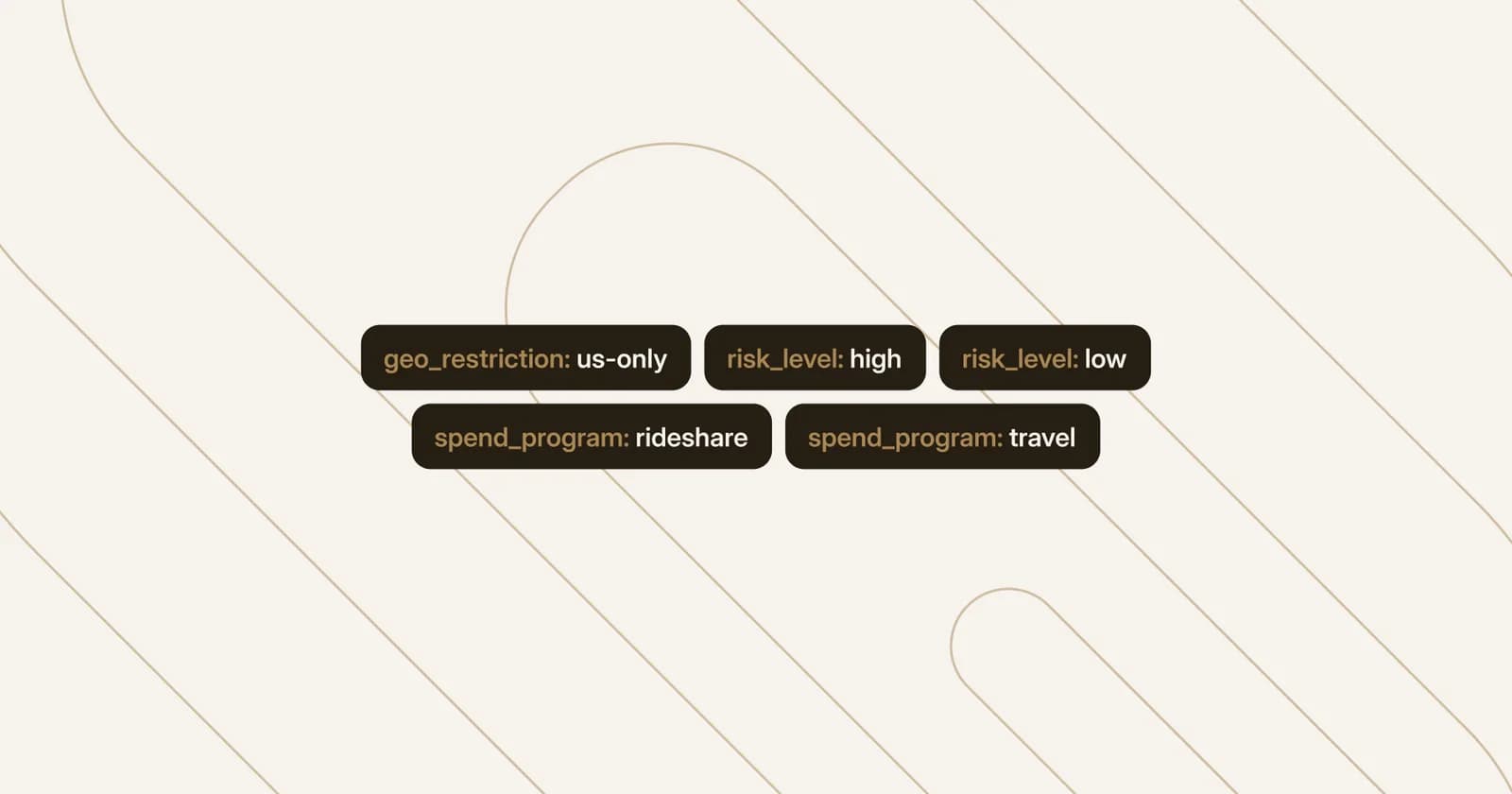
With tag management, you attach your own key-value tags to cards, such as risk_tier:high or product:commercial_fleet, when you create or update a card. Authorization Rules can then scope to those tags with card_tags and excluded_card_tags.
To move a card to a different set of controls, say a cardholder and their associated card move from high-risk to normal-risk, simply change its tag. The new rules automatically apply with no rule edit or republish. A card created with a tag picks up its rules right away, so the right controls are in place from the moment it’s created.
Today, enterprises use tags to improve cardholder experience in a variety of ways: consumer fintechs use tags to identify high balance and VIP cardholders, so increased limits and larger volume transactions work for trusted user segments. On the expense management side, when a new employee gets approved for a corporate travel card, that card immediately gets approved merchant categories, daily limits, and restricted geographies based on its tag.
How It Works
Set tags programmatically when you create or update cards via our API or set and edit tags in Lithic Dashboard. In Dashboard, you can view and edit tags on each card, choose a tag scope when you create or edit a rule, and see that scope on each rule page.
Use Tags Across the Card Lifecycle
Tags can be assigned directly at the time of card creation, or adjusted anytime throughout the card’s lifecycle. Retagging is atomic, so when you update a key the card always matches exactly one ruleset; it is never overconstrained or left unprotected.
Tags appear whenever you retrieve card details and on every card webhook. Whenever tags change, you’ll receive an update, so your downstream systems know when categories change or when a card moves between rulesets. If you run your own responder through Authorization Stream Access (ASA), card tags arrive with each decisioning request, making it easy to consider card tags with each transaction.
Tags are also compatible with our analytics and observability capabilities; all Lithic Clients can use shadow mode to safely preview and test how rules would behave on tagged cards before deploying them. Clients enrolled in Fraud Command can use back testing and see how rule drafts would have evaluated up to 90 days of tagged cards' historical transactions.
Get Started With Tag Management
Tag management for cards is available now for all clients. Read our developer documentation to start tagging cards and scoping rules, or reach out to your Lithic team to plan how your segments map to rule sets.