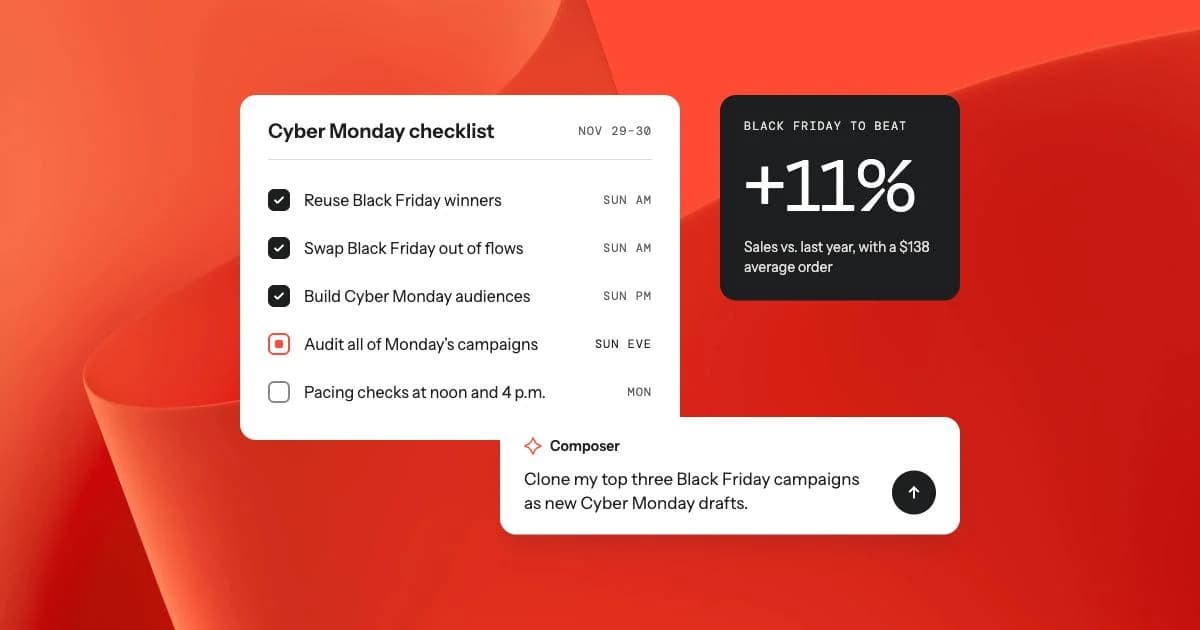
You have less than 24 hours to get ready for Cyber Monday, and figure out how to make Cyber Monday even more successful and profitable than Black Friday itself. To benchmark you, Klaviyo brands sold 11% more on Black Friday 2026 than last year, and the average order hit $138, the highest of the season, according to Klaviyo's Black Friday analysis.
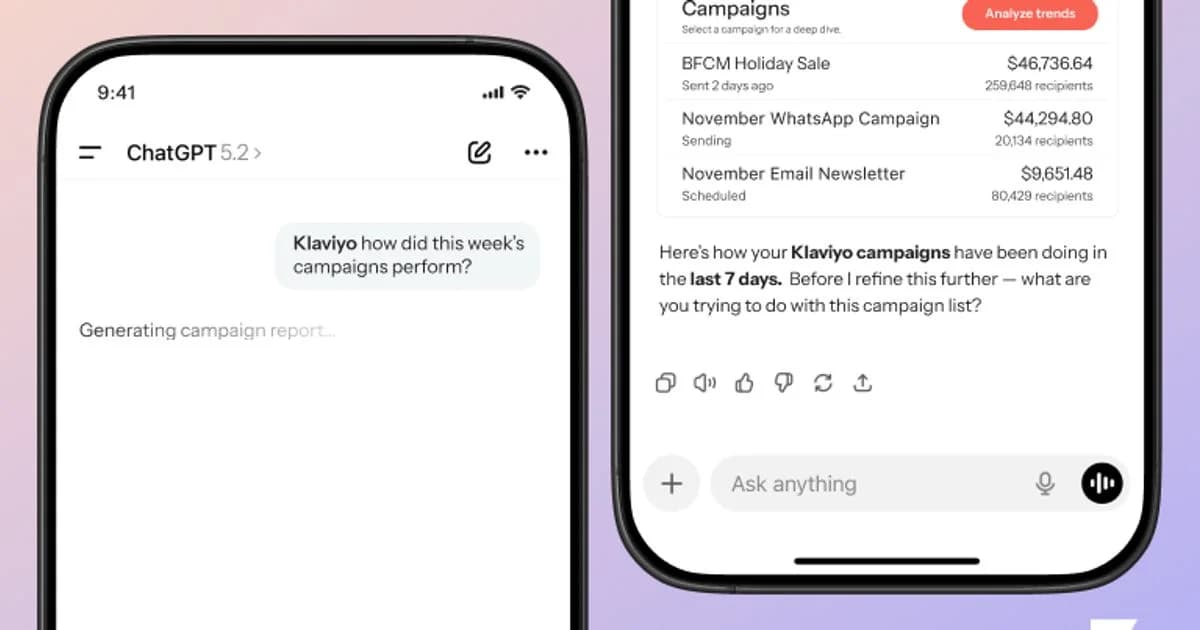
That’s what you are looking to beat for Cyber Monday, but you don’t have a lot of time. Our recommendation is to spend the few hours you have left with Klaviyo's AI marketing agent, Composer. It analyzes your results, audits your campaigns and flows, drafts new sends, and builds artifacts to track the day. You review everything and decide what goes live.
Below are 7 ways to use Composer right now to make sure you get the most out of Cyber Monday for your brand, each with a prompt you can drop into Composer to get you going.
Happy Sunday, and happy selling.
Start with what worked on Black Friday
Your Black Friday sends are the freshest evidence of what works, so start there and optimize for Cyber Monday:
Prompts to try:
Black Friday vs. Cyber MondayCompare my Black Friday campaigns and flows by revenue and click rate. Which should I reuse for Cyber Monday?
Clone Black Friday campaigns for Cyber MondayClone my top three Black Friday campaigns as new Cyber Monday drafts without changing the originals. Update the subject lines, preview text, and offer.
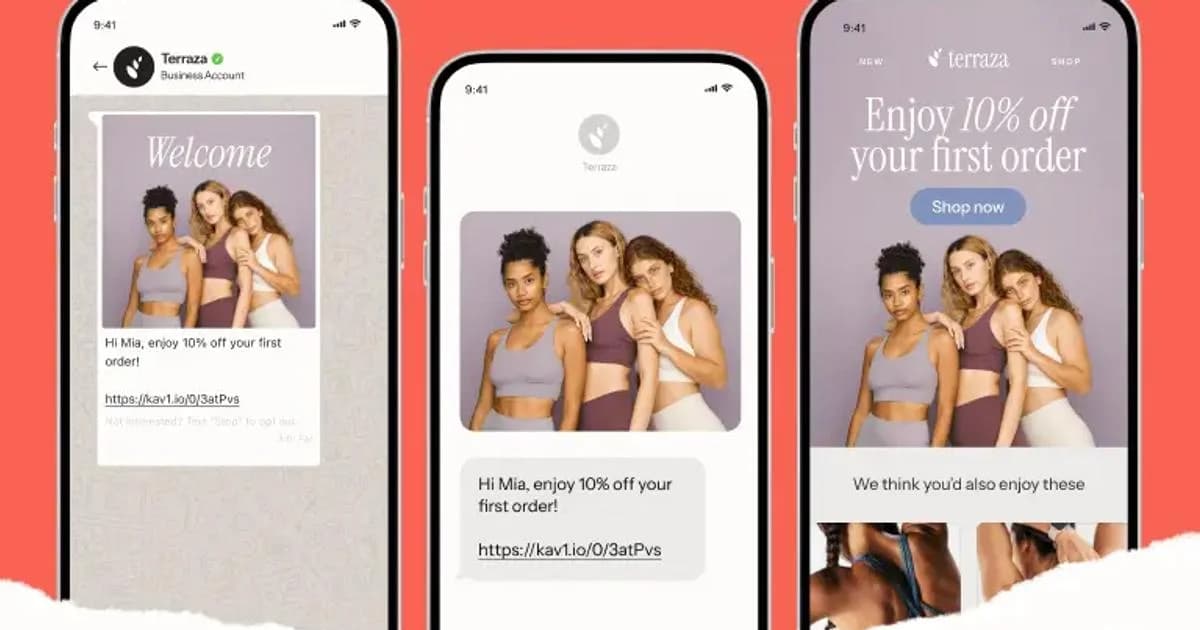
Turn emails into texts for Cyber MondayBuild text message and push versions of my Cyber Monday email, and set the right segment on each. Keep each text to the offer, the deadline, and the link.
One brand had Composer build a heatmap of clicks across their whole BFCM email sequence. Ask for the same view of your Black Friday sends to see which emails deserve a Monday rerun.
Simply ask Composer to put this into an artifact for you.
Update your abandoned cart and welcome flows for Cyber Monday
On Black Friday, shoppers added to cart 6.6x for each order they placed, up 30% from last year. That's a lot of intent waiting in your abandoned cart flow, and anything in it that still says Black Friday will look stale on Monday.
Start with a sweep:
Black Friday to Cyber Monday sweepCheck my abandoned cart, browse abandonment, and welcome flows for Black Friday codes, banners, or dates. Swap them for the Cyber Monday offer.
One brand ran a similar sweep during Black Friday week, checking 27 flows and 87 live emails for an outdated logo.
Then run the blow prompt for shorter delays and a text step wherever one is missing. The prompt also asks when to switch the flows back. Answer with the day your sale ends, and put that date on the calendar before you approve a change.
ComposerBFCM + peak seasonAdjust abandonment flows for peak weekRetune your abandonment flows for the speed and urgency of peak week.See full prompt
Build fresh Cyber Monday audiences
Friday showed you who's interested but hasn't bought yet. Build a segment from it:
Build a BFCM segmentCreate a segment of engaged subscribers who clicked during Black Friday but didn't buy. Exclude anyone fatigued since November 19.
Then give your regulars a head start. Repeat customers spent 12.5% more than last year. This prompt builds an inner-circle segment from top spenders, engaged
ComposerBFCM + peak seasonReward top customers with early BFCM accessBuild a genuine early-access program for your best customers before the noise.See full prompt
This late, ask for two messages, Sunday evening and Monday morning, with your main send's offer.
Check your Cyber Monday offer against the competition
Through Thanksgiving, the lightest discounters grew revenue 17.2% season to date, compared with 9.9% for the heaviest, according to Klaviyo's Thanksgiving analysis. Monday will tempt you to go deeper, but don’t.
Hold your discount and sharpen your messaging.
Run the prompt below before your next send. It records what each competitor is running and shows where your offer looks weaker to a shopper comparing tabs, with fixes you can still make mid-sale: what tonight's email leads with, which products your homepage features, and how you frame the offer.
ComposerBFCM + peak seasonCompare your BFCM offer against competitors' offersCompare your live BFCM offer against competitors' while you still have time to adjust.See full prompt
Then look at basket size. New buyers spent $148.63 per order on Black Friday, so a free-shipping threshold or bundle priced just above that gives them a reason to add one more item.
Before you deepen the discount, find out what it costs. One founder had Composer build a profit view for Black Friday through Cyber Monday that compares return on ad spend (ROAS) with break-even ROAS and gives red, amber, or green verdicts. Another brand built a discount check that pulls product costs from Shopify and shows gross profit and margin before and after a discount.
Audit your Cyber Monday campaigns before they send
Run one pass across all of Monday's sends:
Audit Cyber Monday 2026 campaignsAudit all campaigns scheduled for November 30. Check links, discount codes, prices, segments, Smart Sending, and email size.
Link checkers were among the tools brands built most often with Composer during Black Friday week. One brand's checker found the same broken footer link in all 15 of their Black Friday emails.
Keep each email under 100KB so Gmail doesn't clip it. For a line-by-line review of one campaign, the prompt below marks each check Pass, Needs fixing, or Not verified, and tells Composer not to edit, schedule, or send anything without your approval.
ComposerStrategy + planningAudit a campaign before you send: catch errors with a pre-send checklistAudit a campaign before you sendSee full prompt
While you're in there, read the subject lines. Among US brands, last-chance wording rose from 30% of email subject lines before Thanksgiving to 38% on Black Friday. In an inbox full of "don't miss out," test one that names the product: "The wool throw that sold out last winter is back at $89."
Watch Cyber Monday as it happens
Cyber Monday is for adjusting, so set up the artifact to watch it all tonight. Here are two prompts to try:
Check hourly sends for Cyber Monday 2026From 8 a.m. to 10 p.m. on November 30, check my sends hourly and flag broken links, low delivery, or unusually low open or click rates.
Cyber Monday 2026 pacing checkMy Cyber Monday email revenue goal is [$X]. Send me a pacing check at noon and 4 p.m., then a recap Tuesday at 9 a.m. comparing Black Friday, Cyber Monday, and last year.
Composer can run recurring work like this on a schedule:
ComposerLifecycle flowsAutomate recurring work: schedule daily or weekly jobsSchedule jobs like weekly win-backs or pre-send checks, and save your processes as skills.See full prompt
One brand with separate US and Canadian accounts ran a check like this through Black Friday. Each run reviewed delivery, bounces, opens, clicks, and flow messages, logged the results, and alerted the team only to new or worsening problems, so nobody spent the day refreshing reports.
If you manage several brands or languages, save the cloning and audit steps as a Composer skill so they run the same way in each account.
Then give your team one page to watch. Ask Composer for an Artifact, a dashboard or report you can share with people in your Klaviyo account:
Build a BFCM artifactBuild a Cyber Monday dashboard I can share with my team. Show revenue against my goal, top campaigns and flows, and Black Friday for comparison. Include the reporting period and when the data was pulled.
Hundreds of brands made Black Friday dashboards this way. A jewelry brand's looked like a game-day scoreboard for order revenue, and a beauty brand's on-brand board tracked the holiday month, BFCM week, and the weekend. A saved dashboard, i.e. an artifact, keeps the data from when Composer built it, so ask for a fresh pull before your noon check.
Also remember, you likely won't spend Monday at your desk, so download Composer Mobile for iOS or Android tonight. From your phone, check performance, review a flagged issue, approve a fix, and read your noon pacing report between meetings. You're always in control of what goes live. Customer-facing campaigns, flows, and messages require your approval before they're sent or published.
Plan the second purchase before the first order ships
New buyers brought in 53.3% of Black Friday revenue at Klaviyo brands. What you send after delivery shapes whether those first orders lead to a second. If I could protect one hour of your Sunday, it would be this one.
The prompt below defines the segment (first purchase in the BFCM window, no prior orders), times the second-purchase nudge to your typical time to second order, picks cross-sells from what each person bought, and leads with product education before another discount.
ComposerBFCM + peak seasonTurn one-time BFCM buyers into repeat customersAdd a flow that turns one-time BFCM deal buyers into repeat, full-price customers.See full prompt
Start that post-purchase flow with help: "Your [product] ships tomorrow. Here are 3 ways customers get the most out of it in the first week."
Your Cyber Monday checklist
When
What to do
Prompt
Sunday morning
Reuse Black Friday winners and add text and push versions
Sample prompts above
Sunday morning
Swap Black Friday out of your flows and shorten delays
Adjust abandonment flows for peak week
Sunday afternoon
Build clicked-but-didn't-buy and early-access audiences
Reward top customers with early BFCM access
Sunday afternoon
Check your offer against competitors
Compare your BFCM offer against competitors' offers
Sunday evening
Audit all of Monday's campaigns
Audit a campaign before you send
Sunday evening
Build a shareable Cyber Monday dashboard and download Composer Mobile
Sample prompt above
Monday
Hourly send checks and pacing at noon and 4 p.m.
Sample prompts above
Monday night
Approve the second-purchase flow
Turn one-time BFCM buyers into repeat customers
Follow BFCM 2026 live on Klaviyo's dashboard, with updates through Cyber Monday. See the dashboard