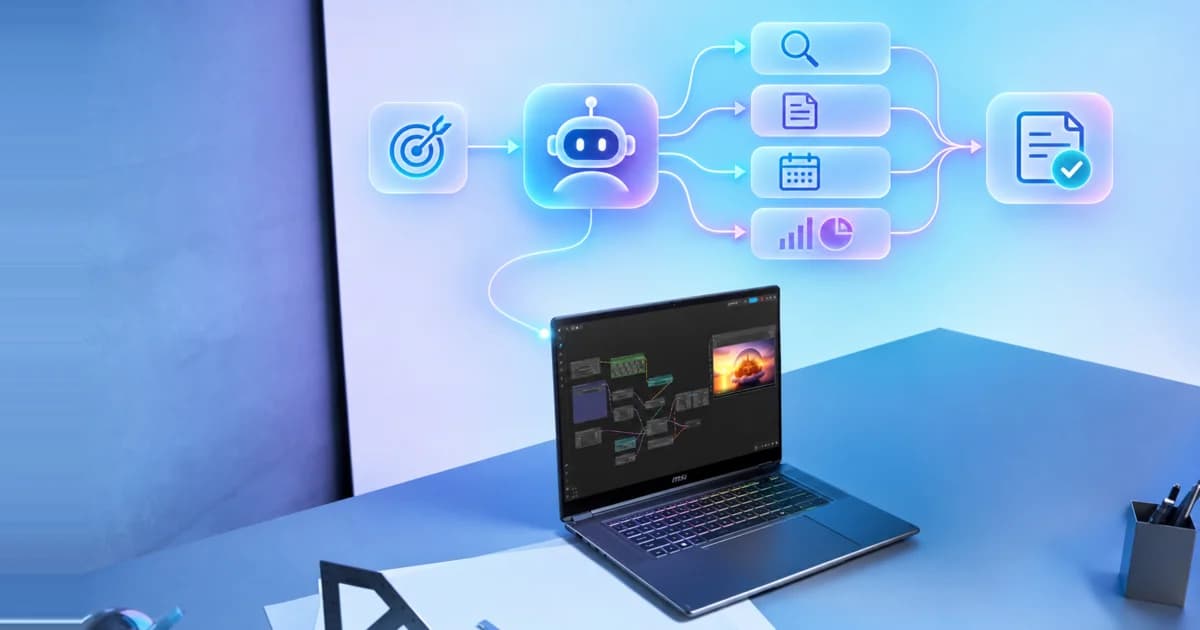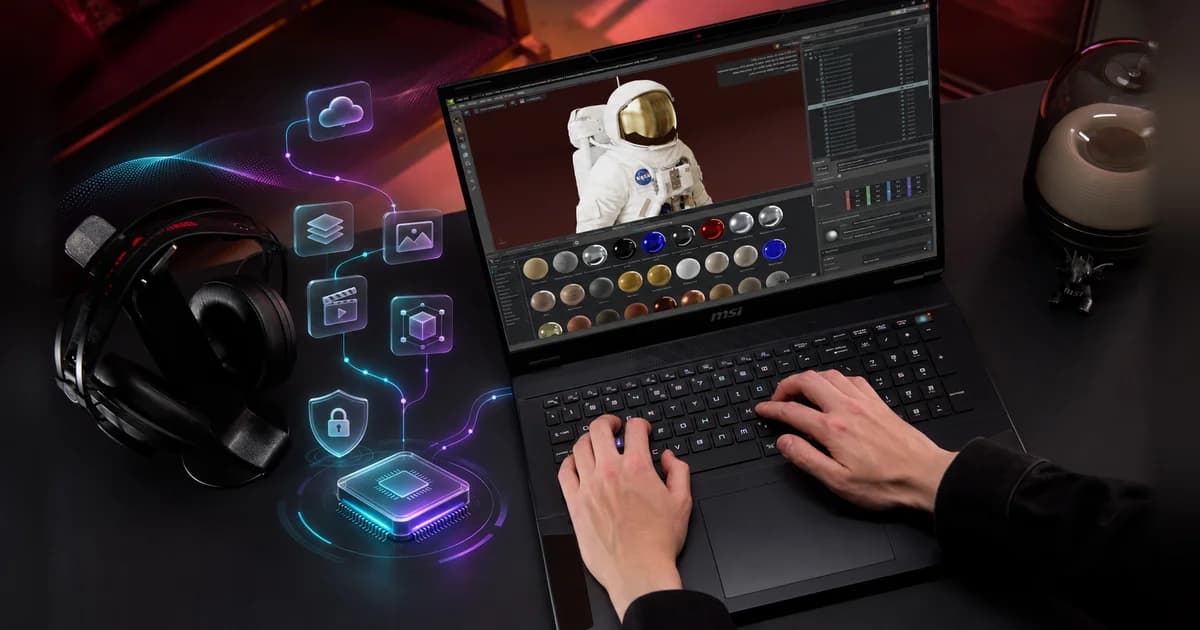
Today, one laptop often handles gaming, content creation, and local AI, so start with the toughest job you expect it to do. MSI groups its AI laptops into three tiers by GPU and VRAM: Everyday Productivity & Cloud AI (Copilot+ PCs with an NPU of 40+ TOPS and no dedicated VRAM), Hybrid to Local AI & Content Creation (RTX 5070 & Below, 8GB VRAM), and Advanced Local AI & Professional Creation (RTX 5070 Ti & Above, 12–24GB VRAM). Within each tier, compare the exact GPU, VRAM, TGP, and cooling, because the series name alone does not tell the whole story.
What Is a Discrete GPU, and How Does It Power Gaming, AI, and Content Creation?
A discrete GPU is a dedicated processor with its own high-speed memory (VRAM), unlike an integrated GPU that shares system memory and power with everything else. VRAM affects how much of an AI model or creative project the GPU can hold. For gaming, AI, and content creation, evaluate the GPU, VRAM, and TGP — the GPU's power budget — together; a balanced CPU, sufficient system memory, and fast storage also help prevent bottlenecks. Here's how each component contributes:
Component
Role and function
What it affects
Discrete GPU
A dedicated processor with high-speed VRAM and its own power budget
Gaming, local AI, video effects, and 3D rendering
CPU
A flexible, general-purpose processor
The app and OS, data preparation, and lighter AI models
NPU
A power-efficient neural processor
Supported camera, audio, caption, translation, and search features
TGP and cooling
The GPU power budget and the system's thermal design
How consistently the laptop sustains performance under load
In short: the GPU and its VRAM set what a laptop can game, generate, and render, while TGP and cooling decide how long it can sustain that performance.
Gaming: What Matters Most for FPS and Resolution?
Choose your target resolution and frame rate first, then look at GPU performance, VRAM, TGP, and cooling together. What to prioritize depends on the games you play:
- Competitive gaming: Prioritize high FPS, low latency, and high refresh rates.
- AAA / ray-traced gaming: Prioritize GPU performance, VRAM, and sustained power.
Which Laptop GPU Tier Fits the Games You Play?
Laptop GPU tier
Best fit
What to expect
MSI series
RTX 5070 & Below(RTX 5050 / 5060 / 5070 · 8GB)
Casual, mainstream, and esports gaming
Smoother, sharper visuals in popular titles with DLSS and Multi Frame Generation. RTX 5050/5060 suit mainstream 1080p play; RTX 5070 adds headroom for higher settings at 1080p and QHD+.
RTX 5070 Ti & Above(RTX 5070 Ti / 5080 / 5090 · 12–24GB)
Competitive and AAA gaming at high settings
Max-setting AAA gaming plus a serious streaming or creation setup. RTX 5080/5090 add the most headroom for demanding ray tracing at QHD+ or 4K.
In short: choose RTX 5070 & Below for mainstream and esports play, and RTX 5070 Ti & Above for max-setting AAA gaming and streaming. Actual performance varies by game, settings, TGP, and cooling.
AI: What Matters Most for Local and Hybrid Workloads?
AI can run in the cloud, on your laptop, or as a hybrid of the two; for the full comparison, see Cloud AI vs. Local AI vs. Hybrid AI: Which Is Right for You? Here, we focus on what that means for your GPU and VRAM.
Start with the AI tasks you want to run. VRAM affects how much of a model and its working data can fit on the GPU, so check that first, then evaluate speed, which depends on GPU compute, memory bandwidth, TGP, and cooling. If a model does not fit, system RAM or CPU offloading can help, usually at lower performance. What to prioritize depends on the workload:
- Text, coding, and AI answers based on your documents:Prioritize VRAM for model size and context length.
- Image, video, and fine-tuning: Prioritize GPU compute and VRAM for resolution, batch size, and training.
Which MSI Laptop Fits Your AI Workload?
AI laptop tier
Best fit
What it opens up
MSI series
Everyday Productivity & Cloud AI (Copilot+ PC · NPU ≥ 40 TOPS · no dedicated VRAM)
Cloud AI plus on-device NPU for daily work
Cloud assistants such as Copilot and ChatGPT need no discrete GPU; the NPU runs Windows Studio Effects, Live Captions translation, and Improved Windows Search.
Hybrid to Local AI & Content Creation (RTX 5070 & Below · 8GB)
Light local AI, streaming, and entry creation
Small local chatbots (3B–8B models at 4-bit) in LM Studio, Jan, or Ollama; NVIDIA Broadcast; entry ComfyUI; “vibe coding” with a small local model; and single-step automation.
Advanced Local AI & Professional Creation (RTX 5070 Ti & Above · 12–24GB)
Serious local AI development and pro creative work
Local LLM apps and 4K AI editing from 12GB; SDXL LoRA training and Isaac Sim from 16GB (RTX 5080/5090); Flux LoRA and more demanding local coding assistants at 24GB; multi-step local agents with offline document search.
GPU performance can vary significantly within each range. Compare the exact GPU, VRAM, TGP, cooling design, system configuration, and software requirements before choosing a laptop; AI requirements also vary by software version, model, resolution, and settings.
Isaac Sim is a full-system workload. Check NVIDIA's current requirements for CPU, RAM, storage, GPU, and drivers before choosing a laptop for robotics simulation.
Prestige (X9/X7 config): the integrated-graphics option in MSI's AI lineup. Its Intel Arc B390 graphics deliver gaming and graphics performance comparable to entry discrete GPUs. MSI positions this configuration for everyday and hybrid AI. For more demanding local AI workloads, consider an RTX laptop from the tiers above.
In short: a Copilot+ PC for cloud AI and on-device Windows features, RTX 5070 & Below (8GB) for small local models and single-step automation, and RTX 5070 Ti & Above (12–24GB) for larger local LLMs, multi-step local agents, and robotics simulation on 16GB+ configurations. Cloud agents can run multi-step tasks on any tier, because the heavy work happens online.
Content Creation: What Matters Most for Rendering and Timeline Complexity?
Project resolution and timeline or scene complexity are what determine how much GPU power and VRAM a content creation workflow needs. If assets exceed VRAM, supported applications may fall back to slower system memory, while other workflows may fail. What to prioritize depends on the workflow:
- Video workflows: Prioritize codec support, hardware encoding and decoding, and VRAM for complex timelines.
- 3D and design workflows: Prioritize GPU compute and VRAM for complex scenes and rendering.
Which MSI Laptop Fits Your Creative Workflow?
Creator tier
Best fit
What it opens up
MSI series
Hybrid to Local AI & Content Creation (RTX 5070 & Below · 8GB)
Casual and social creators
Photo and video touch-ups, 1080p and lighter 4K editing, basic streaming polish, light 3D, and Adobe GPU-accelerated Denoise and Super Resolution.
Advanced Local AI & Professional Creation (RTX 5070 Ti & Above · 12–24GB)
Serious creators and editors
Complex 4K editing, AI upscaling and color grading in DaVinci Resolve Studio or Topaz Video, larger 3D scenes, and advanced ComfyUI image, video, and music generation.
Above for complex 4K timelines, large 3D scenes, and advanced generative projects.
Which GPU Specifications Should You Check Before Buying a Laptop?
- GPU model and architecture: Confirm support for the games, codecs, creative applications, and AI runtimes you plan to use.
- VRAM capacity: Match it to your target resolution, texture quality, model size, context length, and project complexity.
- TGP and performance modes: Compare model-level power specifications and the operating conditions under which they apply.
- Cooling and acoustics: Check sustained performance and fan behavior during long workloads, not only short benchmark peaks.
- MUX and graphics switching: Check whether the laptop offers a discrete graphics mode and how each mode affects performance and power use.
How Does MSI Laptop Design Help Sustain GPU Performance?
Sustained laptop GPU performance depends on power delivery, cooling, ambient temperature, and the selected operating mode. MSI combines model-specific cooling hardware and control features to support extended high-load use.
- MSI Cooler Boost technology: Uses model-specific combinations of fans, heat pipes, exhausts, and thermal materials to help manage heat under sustained load. *Specifications vary by model.
- MSI OverBoost Technology: Optimizes the combined CPU and GPU power budget for demanding workloads and works with the cooling system to help sustain performance. *Available on supported models only.
- Discrete Graphics Mode: Routes the built-in display directly to the discrete GPU, which can improve performance in supported workloads. *Available on supported models only.
- MSI AI Engine: Automatically adjusts selected system settings based on the detected usage scenario. *Available on supported models only.
Which MSI Laptop Is Right for You?
MSI offers laptop configurations for different mixes of gaming, local AI, and content creation. Not sure where to start? Pick the job you care about most, then compare the exact GPU, VRAM, TGP, display, cooling, and portability within that series. For cloud-first work without a discrete GPU, MSI's Prestige, Venture, and Modern business laptops cover the Everyday Productivity & Cloud AI tier. For series-by-series detail, see Which MSI Gaming Laptop Is Right for You? and Which MSI Business Laptop Is Right for You?
Series
Positioning
AI Role
Best for
Signature Strength
Desktop-replacement flagship
Edge AI workstation
Pros, hardcore gamers, creators
Max-setting AAA gaming, 3D & AI workloads
High-end gaming powerhouse
AI Powerhouse
Gamers, streamers, creators
Power, bold RGB, extensive sessions
Thin-and-light performance
Portable AI studio
Mobile creators & professionals
Portable power, color-accurate display
Precision performance step-up
Advanced AI gaming
Competitive gamers, creators
Fast, precise, class-leading performance
Mainstream everyday gaming
Mainstream AI gaming
Everyday mainstream gamers
Dependable gaming, best value
Compact, futuristic design
Accessible AI gaming
Students & style-led gamers
Standout design, compact & accessible
*Specifications, configurations, and availability may vary by market.
Frequently Asked Questions
Does the Same Laptop GPU Model Perform the Same in Every Laptop?
No. The same laptop GPU can perform differently because TGP, cooling, performance modes, and chassis design affect sustained performance. On supported MSI laptops, Cooler Boost helps manage thermal load, while OverBoost optimizes the combined CPU and GPU power budget.
Is a GPU or CPU More Important for Local AI Applications?
For demanding GPU-accelerated local AI, the GPU and its VRAM are usually more important. The CPU handles data preparation, while system RAM helps when a model cannot fit fully in VRAM; selected MSI laptops offer up to 24GB of GDDR7 VRAM.
Do I Need a Discrete GPU for Everyday AI Tasks Like Writing and Meetings?
No. Cloud writing, meeting, and translation tools don't need a discrete GPU, and supported on-device features run on the NPU, so an MSI business laptop such as Prestige, Venture, or Modern is the natural fit, with Copilot+ PC features on models with a 40+ TOPS NPU. A discrete GPU matters once you run AI locally, such as larger language models, image generation, or local agents.
How Much VRAM Do I Need for Gaming, Local AI, and Content Creation?
Match VRAM to MSI's AI laptop tiers: 8GB (RTX 5070 & Below) covers mainstream and esports gaming, small local AI models, and lighter creative work; 12–24GB (RTX 5070 Ti & Above) suits max-setting AAA gaming, larger local LLMs, complex 4K timelines, and advanced generative work, with 16GB+ for SDXL LoRA training and Isaac Sim (which also has CPU, RAM, storage, and driver requirements), and 24GB for Flux LoRA and more demanding local coding assistants. Software, settings, TGP, and cooling still matter.
Does More VRAM Always Make a Laptop GPU Faster?
No. More VRAM increases workload capacity, but speed also depends on GPU compute performance, memory bandwidth, TGP, cooling, software optimization, and settings.
Which MSI Gaming Laptop Is Right for You? — MSI's official series-by-series positioning.
Which MSI Business Laptop Is Right for You? — MSI's official Prestige, Venture, and Modern positioning.