A slow query can have several possible fixes, depending on how data is laid out and moved through the system. SingleStore’s distributed execution engine gives you options: shard keys determine where data lives and can enable collocated joins that avoid network shuffles; sort keys drive segment elimination on columnstore tables; and projections provide alternate access paths. Knowing which of these to change, and when, takes deep database experience.
That query optimization expertise does not scale on its own. Much of it lives in the heads of experts like solutions engineers and support engineers who have tuned hundreds of workloads. When a developer hits a slow query, the fastest path to an answer is often a person, not a tool.
The workflow requires several context switches. You generate a debug profile in the database. You clean it with a command line script. You uploaded it to a chat tool along with a large knowledge base file. Then you translate the answer back into SQL and apply it. Every switch adds friction.
From slow query to prioritized tuning recommendations
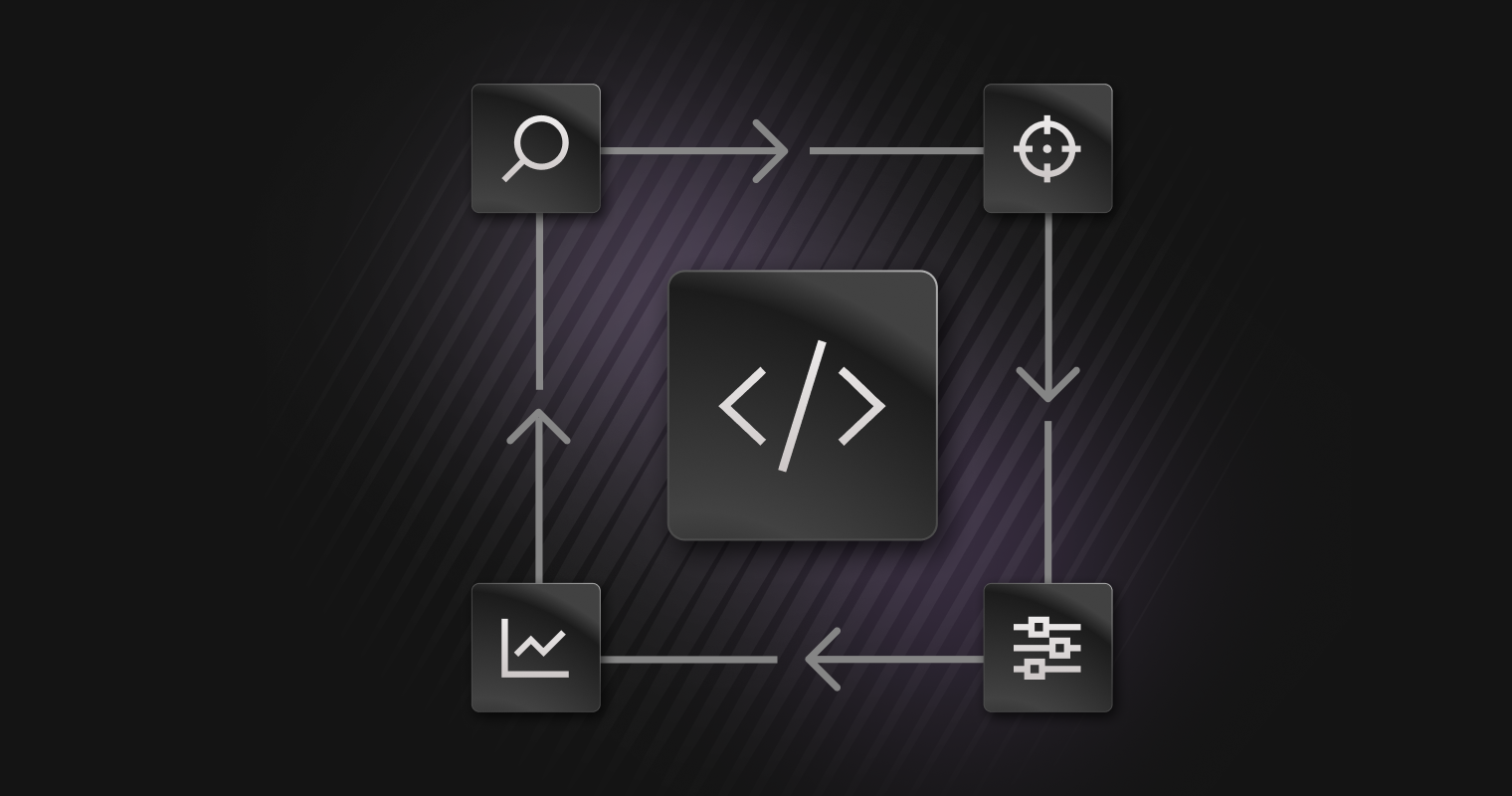
The Performance Tuning Agent replaces that fragmented workflow with a single guided loop. You start from a slow SQL query or a debug profile. The agent inspects the profile and schema. It returns prioritized findings with supporting evidence. You copy validated SQL into a non-production environment, apply it, then re-profile and compare.
The AI agent works from the same source of truth that performance engineers use: the SingleStore debug profile. The default profile does not carry enough detail for real tuning, so the agent captures a debug profile on demand when it has the workspace and database context to do so. It can also accept a debug profile JSON upload, which lets you analyze profiles from self-hosted systems without a live connection.
The recommendation space is SingleStore-specific. The agent is built to detect and explain the patterns that matter most on a distributed engine:
- Broadcast and repartition-heavy joins
- Data skew across partitions and threads
- Shard key choices that block collocated joins or local group-by
- Sort key mismatch and weak segment elimination
- Cardinality mis-estimation and stale statistics
- Spills and hash-build placement
- Compile overhead and plan cache misses
- Projection, hash index, and reference table tradeoffs
The agent’s query optimization recommendations draw on operator timing, segment scans and skips, skew ratios, and estimated versus actual row counts, rather than generic database advice.
How the Query Tuning Agent finds bottlenecks
Under the hood, the AI agent runs a defined pipeline rather than a free-form chat. The steps are deterministic and observable:
- Ingest the query and its debug profile, from a live capture or an uploaded JSON file.
- Clean and normalize the profile so the model sees only the fields that matter and none of the noise.
- Parse the execution plan, extract per-operator timing, and identify distributed operations.
- Detect the bottleneck and classify the root cause.
- Search a curated tuning knowledge base for the relevant patterns and tradeoffs.
- Recommend a fix with an explanation that cites the reasoning behind it.
- Validate any generated DDL before it is shown.
Because the flow is explicit, we can measure whether a session followed it, how many tool calls it took, and whether the output stayed faithful to the retrieved knowledge.
Here is the shape of a typical recommendation. A developer runs a join between two large tables and sees it run slowly. The agent reads the profile, spots a broadcast join, and traces it to mismatched shard keys.
Bottleneck: Broadcast join detected.Tables `orders` and `customers` are not sharded on the join column, so `customers` is broadcast to every partition.Fix: Align both tables on the join column to enable a collocated join.
-- Candidate DDL (validate in non-production first)
CREATE TABLE orders_v2 ( ... SHARD KEY (customer_id));
The agent explains the tradeoff in plain terms.
Query tuning in Visual Explain, the SQL Editor, and query history
The agent shows up where tuning work already happens.
Entrypoints for Query Tuning Agent
In the portal, it runs as a sidebar assistant. From Visual Explain, an optimize action opens the agent with the query and attaches the raw profile in the background, so you move from a visual plan to a guided fix without copying anything by hand. You can also upload a debug profile JSON directly into the sidebar, which is how support and solutions teams analyze customer profiles from self-hosted deployments.
Query Tuning from Visual Explain
The Optimize action is also available when working in the SQL Editor: select a query, click Optimize, and the editor profiles it and runs Query Tuner in the sidebar, again without copying SQL or files by hand. If the query you care about is already in history, you can start from there too: click Optimize on a past run so you can go back to something that was slow earlier and pick up tuning directly from the history list.
Outside the portal, we plan to make the tuning logic available as a skill in our MCP server. Any developer with an MCP client can call it, run it against their own profiles, and send us feedback. We want our customers and community to test the skill in the open and help us find the cases we have not yet covered.
Why our query optimization is safe by design
Tuning advice is only useful if you can trust it, so the agent is conservative by default.
The agent explains, it does not execute. It may run read-only profiling when it has the right context, but DDL and DML are returned as text for you to review and apply.
Generated statements are checked for syntax and for semantic constraints, such as a shard key needing to be a subset of the primary key. A feedback loop closes the system. Every recommendation carries a thumbs up or down and an optional comment. Negative feedback, especially from solutions and support engineers, becomes a review item and can flow into the evaluation suite as an adversarial example.
The internal evaluation suite mixes synthetic tasks with known bottlenecks, anonymized real-world profiles graded against expert answers, and a regression set that includes edge cases and adversarial inputs. Adversarial inputs, such as a request to drop databases, must be refused. This suite runs as the agent evolves, so improvements in one area do not quietly regress another.
The Performance Tuning Agent makes expert-style diagnosis and query optimization repeatable and available earlier. Support and solutions teams get a consistent first pass on tuning investigations, which frees their time for the hard cases. Customers get SingleStore tuning knowledge closer to where they work. It makes that judgment scale. None of this replaces expert judgment for those really complex novel scenarios.
Your data is never modified
Query Tuning works from a real execution profile, not an estimate, so it runs your query against your workspace to capture actual row counts and timings. Because profiling executes the statement, including writes such as UPDATE, DELETE, and INSERT ... SELECT, every profiled query is wrapped in an explicit transaction that is always rolled back. Nothing Query Tuning runs on your behalf is ever committed.
The rollback is guaranteed rather than best-effort: it is issued even when the profiled query fails partway through, so a failing or malformed statement can never leave an open transaction behind on your session. Before profiling begins, Query Tuning also inspects the session's transaction state and declines to run if you already have a transaction in flight, it will never nest inside, interfere with, or roll back work you started yourself. Everything executes on your existing editor session under your own credentials and permissions, so Query Tuning gains no additional access to your data and writes nothing back to it.
Expanding query optimization coverage and opening the preview
The immediate focus is coverage and trust. We are expanding the tuning patterns the agent handles, tightening the evidence behind each recommendation, and integrating engine-backed validation so more suggestions can be checked against SingleStore's own optimizer logic before they reach you.
If you tune SingleStore queries, we want your help. We are opening up a Performance tuning agent for preview and working with design partners. If you constantly tune queries and need this agent in your workflows and want to work with our engineering teams, reach out to our account and support teams to get started. Try the agent, push it on your hardest queries, and tell us where it falls short.