If you use a coding agent to build with LiveKit, you've probably noticed it's already good at getting a voice agent off the ground. It can write the agent code, hook up a phone number, test with the agent debugger or simulations, and deploy, all without you leaving your editor or CLI.
But if you wanted to do anything around the agent, like set up a new project, invite a teammate, add a webhook, or dig into a call that went wrong, you still had to open the LiveKit Cloud dashboard and do it yourself.
Today that changes.
The LiveKit Cloud API is now in open beta, and it lets your coding agent do (almost) everything you can do in the dashboard. It can create and configure projects, manage members and webhooks, and pull the transcripts, logs, traces, and recordings from your agent's calls. And it does all of this signed in as you, so it can only do what your role allows.
What your coding agent can do nowLink to this section
Set up and manage LiveKit CloudLink to this section
Project setup used to be a dashboard job. Now your coding agent can create a project, choose its data region, turn on PII redaction or Agent Observability, invite your teammates, and add your webhooks. It can even send a test event to check that a webhook works.
For example, you can ask:
You don't need a coding agent to use any of this. The LiveKit Cloud API is a REST API, so if your team manages a lot of projects, you can script the same setup yourself. The full list of endpoints is in the API reference.
Analyze what happened on your callsLink to this section
If your project has Agent Observability turned on, your coding agent can now read the same session data you see in the dashboard:
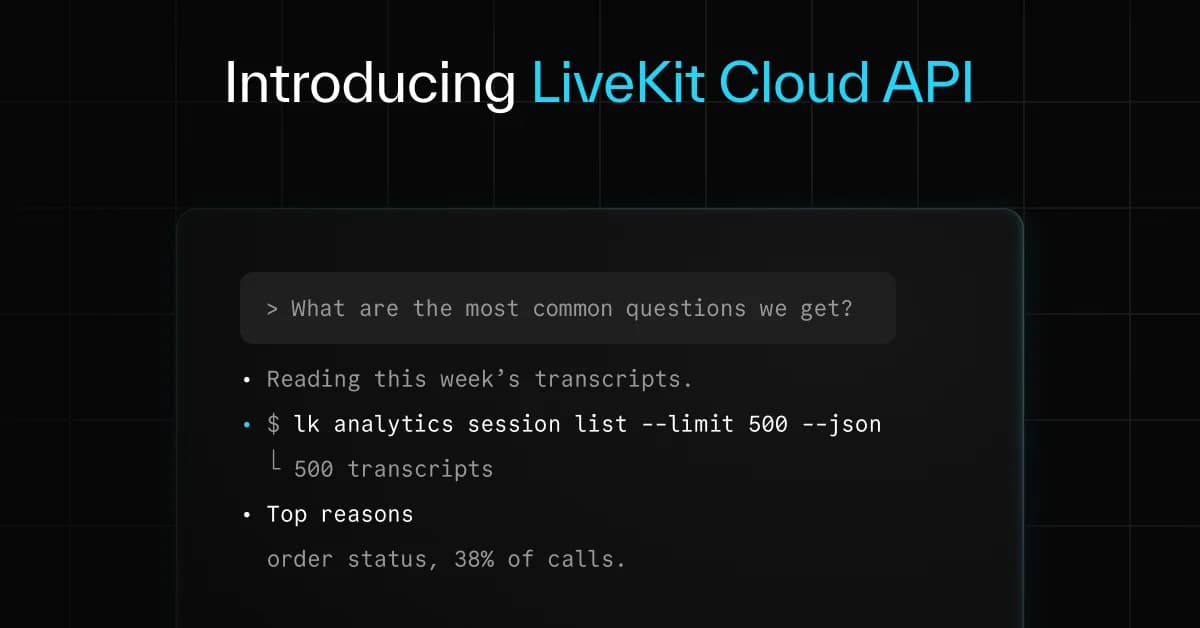
That means you can hand it a bad call and ask what went wrong, or point it at a whole week of calls:
We tried this on LiveKit's own docs assistant. With one prompt, our coding agent read 4,321 sessions from the past week and came back after about 30 minutes of work with a ranked list of 8 issues, including slow turns caused by chained tool calls and the doc topics people asked about but couldn't get answers to.
From there, your coding agent can turn a real call into a simulation scenario, fix the code, and rerun the scenario until it passes.
Work signed in as youLink to this section
Until now, lk cloud auth saved a project API key on your machine, and that key could do anything in the project. With the new sign-in, the CLI works from a session tied to your LiveKit account:
- You sign in once in your browser. The sign-in lasts 30 days, and you can end it at any time with lk cloud auth --revoke --user-auth.
- Each command gets a short-lived token that's checked against your role in the project.
- Sensitive actions are limited to project admins, including reading transcripts and recordings and creating API keys.
- Running an agent on your own machine still uses a project API key.
The commands you already use to buy phone numbers and set up SIP and dispatch work with the new sign-in too.
Try it todayLink to this section
Update the LiveKit CLI, sign in, and install the LiveKit skills:
On Linux or Windows? See the CLI docs.
Run the sign-in step yourself in a terminal. It asks you to confirm in your browser, so your coding agent can't do it for you.
The skills teach Claude Code, Codex, Cursor, and other coding agents how to use the new commands. Once they're installed, open your coding agent and try one of the prompts above.
Things to knowLink to this section
- It's a beta. Endpoints can still change before the stable release.
- Session data needs Agent Observability. Your coding agent can only read calls that were recorded while Agent Observability was on. It's off by default for projects created through the API.
- Only project admins can read session contents. Transcripts, logs, traces, and recordings can contain customer data.
- PII redaction carries over. If it's on for your project, your coding agent gets the same redacted transcripts the dashboard shows.
- API requests are free. They're rate limited by plan. Your coding agent asks you before it starts anything billable, like turning on Agent Observability, buying a phone number, or running simulations.
- It isn't built for CI yet. Every call runs as a signed-in person, and the sign-in is renewed in a browser every 30 days.