Open any feed right now and you'll find a thousand people explaining AI. Most of them are explaining the same five tips. Very few show you what it looks like to use these tools to run a business.
That's the gap we built Teachable AI Academy to close.
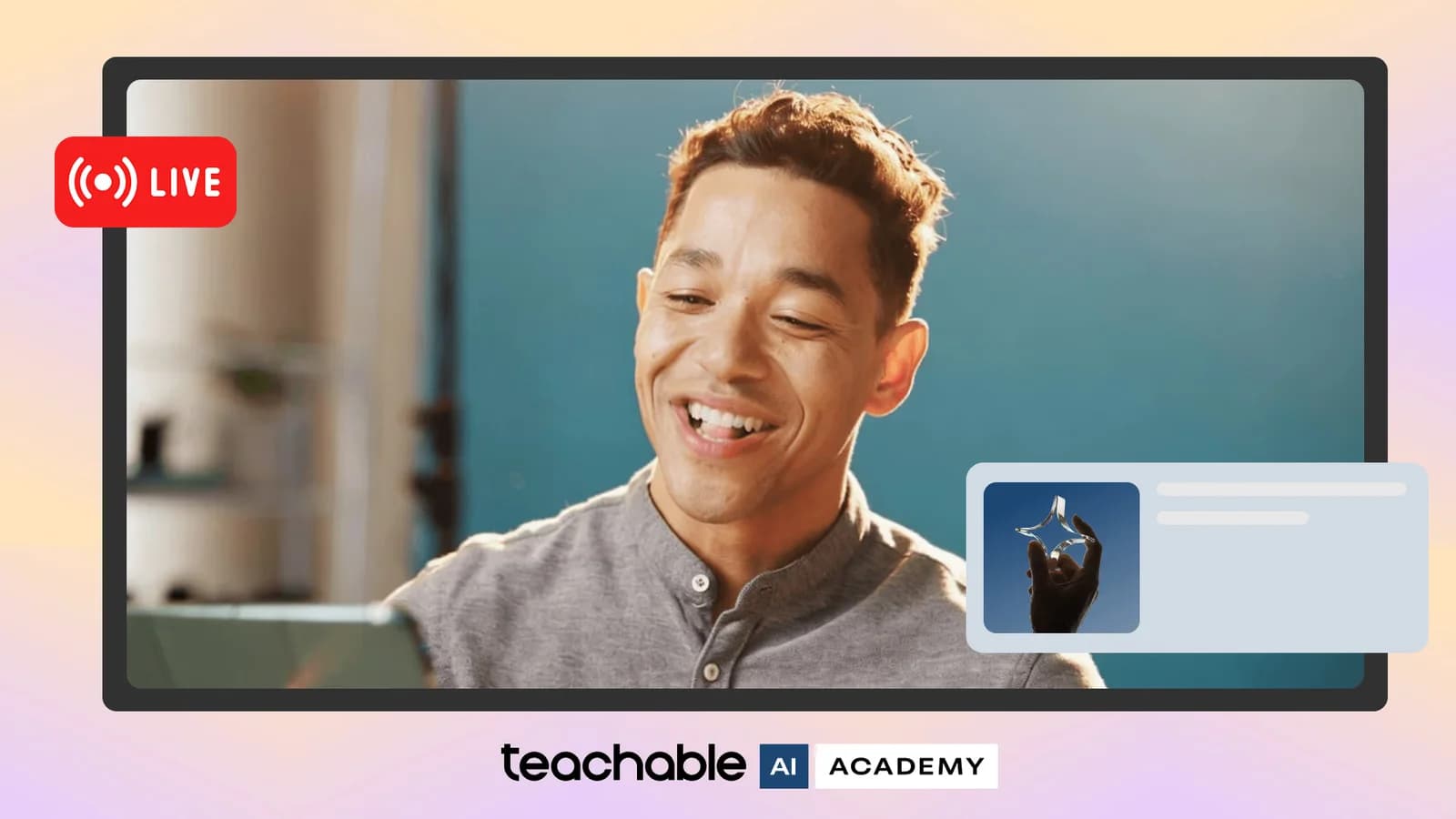
It's a live workshop series. We bring in creators and experts who use AI every day, and we put them in front of you to teach the exact systems and workflows behind their work. The first session kicked off on June 15, 2026, and the schedule carried into August 2026.
Every session is free to attend. Each one is hosted live, and we record all of them, so the replay is waiting on Teachable whenever you want it.
What is the Teachable AI Academy?
AI Academy is a run of live, online workshops. Over 20 AI creators and experts are on the schedule, and each one picks a topic straight from their own work.
They teach it live, in real time, and they leave room for your questions at the end.
The people teaching have built audiences in the millions and run real businesses with these tools, so the advice you get is grounded in what they do day to day.
We host every session and keep the replay up afterward, so the library grows as new workshops go live.
Why did we build the Teachable AI Academy?
Here's how we see this moment. AI made information instant, and that made the hunger for real skill sharper than it has ever been.
People want to build things. They want to change careers and pick up abilities that have nothing to do with what they trained in. We call this the Learning Renaissance, and we think it's the most exciting thing happening in education right now.
The hard part is knowing where to start. When everyone is posting at once, it's tough to know whose advice you can trust.
AI Academy is our answer. We put practitioners you can trust on a set schedule, each teaching one concrete thing you can use.
This is showing up in the data, too. In its 2025 Workplace Learning Report, LinkedIn found that 71% of learning and development professionals are already exploring, experimenting with, or integrating AI into their work.
That number says a lot. The people whose entire job is teaching skills are moving on AI right now, and AI Academy is built for everyone trying to keep pace with them.
Once you learn something in a session, you can put it to work inside Teachable. Our own AI features sit right in the platform, so the courses and lessons you build benefit from the same tools. We cover the main ones below.
The June 2026 Teachable AI Academy lineup
The first wave of workshops was scheduled for June. Each session below has its own event page.
Charlie Hills, June 15 at 1 p.m. Eastern. The AI-powered content system for personal branding. Charlie grew from zero to over 200,000 LinkedIn followers using a repeatable, AI-assisted content system. He breaks down the tools and workflows he uses to generate ideas, speed up production, and turn attention into business, all while keeping his own voice in the output. If you want background reading first, Teachable has a guide on how to build a personal brand.
Katia Smith, June 17 at 1 p.m. Eastern. Filling the AI gaps: from prototype to product launch. Katia is a former Microsoft engineer and the founder of Second Life Software, where she turns rough, AI-built prototypes into products ready for the real world. She walks through the five gaps AI coding tools tend to leave open, including security, error handling, and what people see when something fails, using real before-and-after examples from her agency work.
Sandra Liu, June 22 at 1 p.m. Eastern. Ship AI-built apps without shipping risk. Sandra is a cybersecurity educator with a following of over 550,000 security and IT professionals. She shares the flaws that ride along with fast, AI-built apps, from exposed application programming interface (API) keys to weak authentication, and gives you a seven-point checklist you can run on anything you build before it goes live.
Anna York, June 24 at 1 p.m. Eastern. How to become the source AI recommends. Anna is an AI Visibility Architect and the founder of Citation School, recognized as a LinkedIn Top 12 AI Voice in Europe. She studies how tools like ChatGPT and Perplexity decide what to recommend, and she walks through her keyword research process for AI search, showing how to turn one question into a full content plan.
Mariana Antaya, June 29, 2026 at 1 p.m. Eastern. Your first machine learning model. In 40 minutes. Mariana is a former AI Product Manager at Microsoft who now ships her own machine learning (ML) models and teaches a community of over 700,000 people. In 40 minutes she takes raw, messy e-commerce data and builds a model that answers a real business question: will this customer buy again in the next 90 days? You'll walk away with the working model, the code behind it, and a process you can reuse on any dataset.
More sessions through the summer
June 2026 was only the opening stretch. The schedule added new workshops every week through August 2026.
Other names on the schedule include Sai Kumar, Sundas Khalid, Sadie St. Lawrence, Anjali Viramgama, Ale Thomas, Tina Huang, and Matt Wolfe.
The topics run wide: building your first machine learning model, learning data analytics with AI, building AI agents for everyday work, and using AI with more intention. We add new dates to the AI Academy page as each session locks, so it pays to check back.
A lot of the people teaching also sell what they know on Teachable, and any expert can do the same. Courses, coaching, memberships, and digital downloads all run on one platform, with payments handled through teachable:pay.
Put what you learn to work with the Teachable AI Hub
AI Academy shows you how experts think about AI. The AI Hub gives you the tools to act on it inside your school. These AI-powered features are built into Teachable, and they take on the routine work of running an education business while you stay in control of your brand.
“At Teachable, we view AI as a complement to creators’ lives and workflows, not a replacement,” says Shelby Quinn, Teachable’s Vice President of Product at the time of the 2023 AI Hub announcement. “Our tools are designed to help creators tackle the sometimes tedious tasks that, while vital, don’t stoke their creative fire.”
Teachable doesn't use what you create to train external AI models, so your work stays yours. Here's what the AI Hub covers.
Course Starter
Getting started is often the hardest part. With Course Starter, you can have a full curriculum, lesson text, and a sales page drafted in minutes, and you can draft as many courses as you want on any plan. When you outline a new course, the Generate with AI option builds sections, lessons, and sample content from your course description. Then rearrange, edit, and make every lesson yours. The course setup guide walks through each step.
Quiz Generator
Quizzes keep students engaged, and Teachable reports that courses with a quiz have an 80% higher completion rate and 86% higher average lifetime sales. The Quiz Generator builds one in seconds. Add your lesson content first, then click Add Content in the lesson editor, choose a Quiz block, and select Generate questions. Teachable writes questions from the lesson, and you can edit, add, or remove them before you save the quiz. The Add Lesson Content guide covers the lesson editor in full.
Lesson summaries
Everyone learns differently, so give students the short version. Once your lesson is finished, add a Lesson Summary block and Teachable generates a summary of it. Drag the block to the top of the lesson if you want students to read it first, and click Edit to tweak the text.
Subtitles and translations
Teachable generates subtitles for your course videos, so you can skip high third-party transcription fees. To start, open a video block in your lesson, click the gear icon, find Add subtitles, choose Auto-generate, and select the language spoken in the video. Auto-generation works for videos recorded in Arabic, Dutch, English, French, Italian, Portuguese, and Spanish. Once the subtitles exist, click the translate icon next to them to add dozens of other languages. Free subtitles and translations come with the Growth plan and above.
Auto-generated subtitles can contain errors, so review them before you rely on them. If you want full control, upload your own .srt or .vtt file. The video subtitles guide covers both options.
AI writing assistant for lessons
Stuck on a blank page? The Text and Images block in the lesson editor includes an AI assistant. Write a prompt, and it drafts lesson text you can edit until it sounds like you.
How to join
Head to the AI Academy page to see the full schedule. Pick the workshops that fit what you're building, save your seat for anything still ahead, and add it to your calendar. If a date has already passed, the replay is waiting for you on Teachable.