Table of Contents
- 10 customer learning management systems compared
- 1. LearnWorlds – Best for branded customer academies
- 2. TalentLMS – Best for small teams on a budget
- 3. Absorb LMS – Best for mid-market and enterprise programs
- 4. LearnUpon – Best for managing many client portals
- 5. Skilljar by Gainsight – Best for Salesforce-led SaaS teams
- 6. Eurekos – Best for multilingual partner and customer portals
- 7. ReadyTech – Best for hands-on software labs
- 8. Learn:Up (formerly WorkRamp) – Best for onboarding with AI role-play practice
- 9. Intellum – Best for personalized content recommendations
- 10. Sana Learn – Best for AI-assisted course creation
- Training customers, partners, and employees in one LMS
- Which customer LMS should you choose?
If customers can’t figure out your product, they won’t stay long enough to see its value. Customer training fixes that, and the platform you run it on decides how far it can scale.
A customer learning management system gives your customers and partners one branded place to learn your product on their own schedule, while you see who’s onboarded and who’s stuck.
This guide is for customer education, customer success, and onboarding teams choosing a customer LMS or replacing one they’ve outgrown. We compare 10 platforms on who each one suits, what it does best, what it costs, and its current G2 rating. We checked every claim against the vendors’ own sites in November 2026, and that matters here: three of these platforms now belong to new owners.
10 customer learning management systems compared
Here are the 10 customer LMSs at a glance:
1. LearnWorlds – Best for branded customer academies
LearnWorlds is an LMS for customer education, partner enablement, and employee training, rated 4.7 on G2 from 400+ reviews. You can run each audience in its own academy and manage them all from one place, so customer, partner, and staff training don’t need separate tools.
Courses can mix videos, interactive elements, SCORM files, and live sessions, with a built-in community for discussion. LearnWorlds’ AI assistant uses built-in prompts to draft course outlines, content, assessments, feedback, and marketing materials.
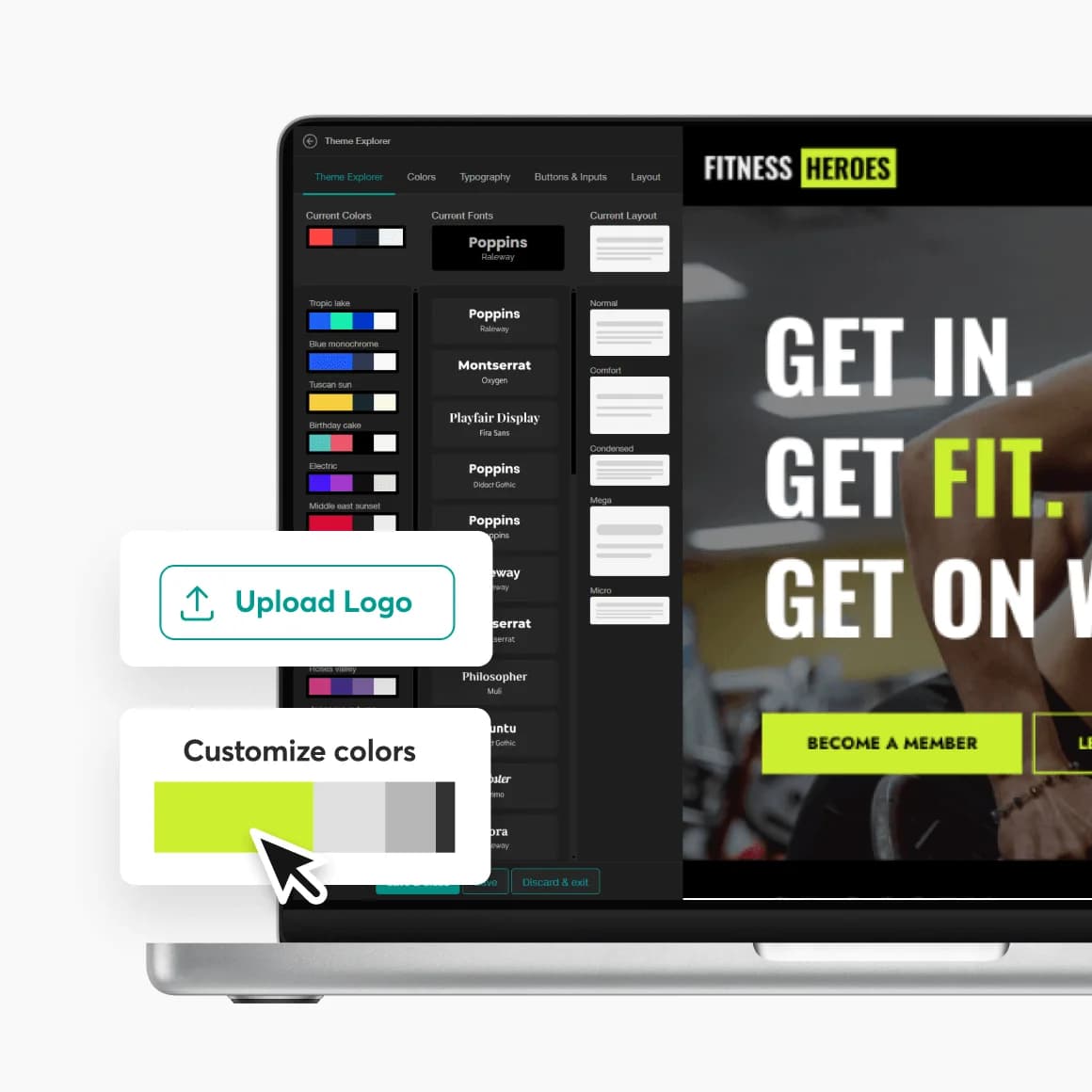
A drag-and-drop website builder lets you design an academy that matches your brand, and built-in ecommerce tools let you sell courses.
What you can build and measure
- Assessments: 16+ question types and an AI-first assessment builder for checking that customers understood each step.
- Certificates: auto-issued on completion, with expiry dates and LinkedIn sharing.
- Reporting: user progress, course insights, and sales reports, with 25+ chart types, 95+ filters, and CSV or Excel export. Scheduled reports come with the Learning Center plan.
- Automations: smart groups that update based on rules you set, plus automated learning paths and welcome flows.
- Integrations: native HubSpot and Zendesk integrations, Zoom, 4,000+ apps through Zapier, plus SSO and an API.
Room to grow: Clone & Sync, an add-on on some plans, speeds up building new academies, custom user roles and groups control who sees what, and automations handle repetitive tasks and bulk actions. You can also launch your own branded iOS and Android app.
Advantages
- Rated 4.7 on G2 from 400+ reviews
- One platform for courses, assessments, certificates, and reporting
- Branded iOS and Android apps for learning on the go
- Clone & Sync for quick academy and course duplication, an add-on on some plans
- G2 Best Support badge, Fall 2026
Disadvantages
- Learning curve
- Limited gamification
Pricing plans
LearnWorlds offers a 30-day free trial with no credit card required, and four main plans:
- Starter: $49 per month, or $44 billed yearly
- Pro Trainer: $99 per month, or $79 billed yearly
- Learning Center: $299 per month, or $249 billed yearly
- High-volume and corporate: Custom quote
2. TalentLMS – Best for small teams on a budget
TalentLMS is a user-friendly, feature-packed LMS for both employee and customer training. At a budget-friendly price point, the platform offers a compelling combination of functionality and value, including TalentCraft AI tools, gamification with badges and leaderboards, and the TalentLibrary of ready-made courses.
TalentLMS has branding capabilities, custom roles, and separate learning environments through its Branches feature. It includes assessments and reporting to track learner progress, and it can translate training content into 40+ languages for a global audience.
Advantages
- Very intuitive
- Rich gamification options
- Excellent customer support
- White-label
- TalentCraft AI tool
Disadvantages
- Lacks advanced assessment builder
- Lacks advanced course editing tools
- Occasional issues during integration setup
- Basic course and website customization
- Complex admin tasks
Pricing plans
TalentLMS prices plans by user count. Instead of a free trial, it offers a free plan for up to 5 users and 10 courses:
- Free: Limited
- Core: $119/month billed yearly for up to 40 users
- Grow: $229/month billed yearly for up to 70 users
- Pro: $449/month billed yearly for up to 100 users, plus $6 per additional user
- Enterprise: Custom, from 1,000 users
3. Absorb LMS – Best for mid-market and enterprise programs
Absorb LMS lets you build customer courses from videos, quizzes, and documents. It supports SCORM, so you can reuse existing elearning modules, and it has a mobile app.
Absorb’s Aura AI recommends the next best courses for each learner, and Intelligent Assist helps admins with routine tasks. Aura Create turns existing documents into draft courses.
Finally, Absorb offers analytics that provide valuable real-time insights into learner progress, knowledge retention, and overall program effectiveness, although some users mention that the reporting tool is rather basic and complicated to use.
Advantages
- Very intuitive
- Advanced AI assistant
- Content authoring add-on
- Feature-rich
- Excellent customer support
Disadvantages
- Limited built-in integrations
- Few bulk actions
- Features are hard to locate
- Limited shopping cart functionality
- Reporting can be cumbersome and lacks filters
Pricing plans
Absorb LMS does not disclose its pricing plans publicly. For detailed pricing information, it is best to contact Absorb LMS directly.
4. LearnUpon – Best for managing many client portals
LearnUpon is a cloud-based LMS for customer onboarding and employee training. Its agentic AI co-creator helps you draft training content, so new courses take less time to build.
LearnUpon lets you run multiple branded learning portals from one account, each with its own audience, content, and branding. Assessments help you check what learners understood.
Automated user provisioning and enrollment cut manual admin as your customer base grows. G2 reviewers also mention using its HubSpot integration to enroll new customers automatically.
Advantages
- Agentic AI course creation
- Excellent customer support and CSMs
- Budget-friendly
- Multiple portals with access control
- Automated enrollment
Disadvantages
- Lacks customization features
- Learning paths are hard to adapt
- Limited bulk actions
- Limited reporting
- Features are hard to locate
Pricing plans
LearnUpon doesn’t publish prices. Its customer education plan starts at 300 users.
5. Skilljar by Gainsight – Best for Salesforce-led SaaS teams
Skilljar helps SaaS companies scale customer education. Since April 2025, it has been owned by Gainsight and sold as Skilljar by Gainsight. It supports white labeling and detailed user roles, and its Stripe-based ecommerce lets you sell subscriptions, one-off courses, and training credits.
Skilljar supports quizzes, virtual instructor-led training, and certificates learners can add to LinkedIn, and its AI Tutor answers learner questions. For businesses using Salesforce, reps can add training seats to deals, so access follows the customer contract.
Advantages
- Intuitive for learners
- Salesforce contract integration
- eCommerce ready
- Advanced certificate builder
- Excellent support
Disadvantages
- Complex course setup
- Limited reporting capabilities
- Basic design customization
- Limited options for lesson types and quiz questions
- Limited social interactivity
Pricing plans
Skilljar offers various plans, but pricing is not disclosed.
6. Eurekos – Best for multilingual partner and customer portals
Eurekos is a customer training LMS with built-in ecommerce and multi-tenant branded portals, so you can sell training to different audiences from one platform. Its mobile learning app lets learners study on the go.
Eurekos lets you build training paths with videos, quizzes, surveys, and certificates, and its AI assistant helps you create content faster. Courses can be translated into 195+ languages for global audiences.
Advantages
- Built-in course authoring tool
- Fast content development
- User roles
- Multi-language support
- AI assistant
Disadvantages
- Lacks in-depth reporting
- Limited assessments
- UI needs improvement
- Limited design customization
Pricing plans
Not disclosed.
7. ReadyTech – Best for hands-on software labs
ReadyTech offers IT labs, virtual instructor-led training, and self-paced learning. Its virtual labs let learners practice in real software environments during hands-on exercises.
Built-in chat gives learners real-time support, and polls, surveys, and exams help you check understanding. Reporting shows how each class and learner is progressing.
Advantages
- Collaborative, social learning
- Built-in polls and surveys
- Virtual labs
- Live chat support
- Intuitive
Disadvantages
- Connectivity issues/slow performance
- Lacks integrations and LMS features
- Cumbersome reporting
- Learning curve
Pricing plans
Not disclosed.
8. Learn:Up (formerly WorkRamp) – Best for onboarding with AI role-play practice
Learn:Up, formerly WorkRamp and now sold by Confirm, the new name of Learning Pool, supports customer onboarding with structured learning paths. Its AI Assist drafts courses for you, and assessments and certifications help you track learner progress.
It integrates with Salesforce, Slack, Zoom, Okta, and Google Workspace. AI role plays let learners practice real conversations before they have them with customers.
Advantages
- Quick setup
- Responsive customer support
- Reasonable price
- AI course drafting
- AI role plays
Disadvantages
- Confusing navigation
- Limited reporting
- Limited design customization
- Limited assessments
- Limited user roles
Pricing plans
From $9 per user a month, billed annually, based on a 200-person company. Academy, Confirm’s customer academy product, is quoted on request.
9. Intellum – Best for personalized content recommendations
Intellum stands out with its sleek interface and branded learning experiences. Evolve, its authoring add-on, lets you build interactive courses that sync straight to the platform, and you can group content into custom learning paths.
Intellum’s AI agents work on both sides of the platform. The Creator Agent helps admins build content, and the Learner Agent recommends what each learner should take next.
Advantages
- Beautiful user interface
- Separate catalogs for each audience
- Content recommendation engine
- AI agents for admins and learners
- Content authoring add-on
Disadvantages
- Not very intuitive for admins
- Needs more integrations
- Needs more customizable reporting
- Limited design customization
Pricing plans
Not disclosed.
10. Sana Learn – Best for AI-assisted course creation
Sana Learn, now part of Workday, combines an LMS, a learning experience platform, an authoring tool, and a virtual classroom in one product. Admins can create, review, and collaborate on courses in real time.
Its AI helps you write and edit course content, and an AI tutor answers learner questions while they study.
Advantages
- Collaborative content creation
- Advanced AI capabilities
- AI tutor for learners
- LMS and LXP in one product
- Built-in virtual classroom
Disadvantages
- Occasional glitches
- Challenging setting up integrations
- Confusing navigation
- Lacks in-depth reporting
- Needs more access levels
Pricing plans
- Core: Not disclosed. Sana charges per user, and plans start at 300 users.
- Enterprise: Custom
Training customers, partners, and employees in one LMS
Many teams start with customer onboarding, then add partner enablement or employee training. If that’s likely for you, check how each platform handles more than one audience:
- Separate academies or portals per audience, managed from one admin
- User roles and groups, so partners only see partner content
- SSO, so customers and partners log in with accounts they already have
- Reporting you can filter by audience or client account
- Ecommerce, if you plan to charge for certification or partner training
For a worked example, see our guide to extended enterprise training for MedTech. For tools focused on onboarding, see the best customer onboarding LMS tools.
Which customer LMS should you choose?
The right customer LMS depends on how you train. Skilljar by Gainsight fits teams that run on Salesforce or customer success data, and enterprise programs often look at Absorb or Intellum. If you want one platform to build, brand, sell, and report on customer training, LearnWorlds is our pick.
Try LearnWorlds free for 30 days, no credit card required.
Further reading you might find interesting:
- The 17 best learning management systems
- Best SCORM-compliant LMS for customer training
- 10 best WordPress LMS plugins comparison
- Top budget-friendly learning management systems
- The best customer education platforms
- 10 best mobile learning management systems
Organic Content Strategist
Androniki is a Content Writer at LearnWorlds sharing Instructional Design and marketing tips. With solid experience in B2B writing and technical translation, she is passionate about learning and spreading knowledge. She is also an aspiring yogi, a book nerd, and a talented transponster.