Learning how to make a short film is a way to engage with your creativity and practice the filmmaking process. You don’t need a big crew or a big budget — a plan you can commit to is typically enough to carry a project from a rough idea to a finished cut.
The four stages of filmmaking are the same as the broader video production process: First comes planning and scriptwriting, then the shoot, then editing. Once you have a finished product, you’ll need to get the film in front of viewers through festivals or an online release.
Whether you're learning how to make a short movie or just capturing quick clips, this guide breaks those four stages into concrete steps for filmmakers working solo or with a small crew on a tight budget.
Plan your short film (pre-production)
These steps to build a well-laid plan can help you go from an idea to a script with a crew ready to shoot.
Start with a strong concept
A short film usually works best when it has one main idea or central conflict. Keep the concept narrow enough to explore fully in five to 15 minutes, because short films run out of time fast. Before you touch a page of the script, write a logline, or a one or two-sentence summary of your film’s story. That gives you a fixed point to check every later decision against.
Write the script
Get the screenwriting concept onto the page in standard screenplay format. That means scene headings, action lines, and dialog blocks need to be laid out so any actor or crew member can scan the page and quickly get the information they need.
Many short films rely more on image and action than dialogue, though dialogue-heavy shorts can still work for specific kinds of stories, like meditative slice-of-life narratives. Once your script feels solid, sketch the key scenes in a rough storyboard to draft the visual experience by mapping camera shots, actors, and props.
Plan your short film script with Vimeo AI →
Cast your actors and build your crew
A short film’s cast and crew often cover more than one role each. Your lead shouldn’t also play small roles to avoid confusing the audience, but cast members could cover multiple bit parts to make the most of everyone’s time and stay on budget. Look for cast members who fit the characters and can commit to their emotional range, and crew who either are familiar with the tech or can quickly pick it up.
Scout location and plan audio
Location scouting is the process of finding the right place to shoot. As you scout, you should check the space for what will end up on camera visually and what you'll hear once you start rolling.
Walk each location at the time of day you plan to shoot. Check for traffic noise, HVAC hums, and any other sound that could be difficult to remove later. Record room tone at each location when possible, since editors use it to smooth over ambient sounds between clips, and it’s useful to have some on backup in case it slips through the cracks on filming day.
Shoot your short film (production)
Short film production is the step where the plan becomes footage. Confirm your short film equipment list before shoot day to avoid last-minute gaps that can lead to costly reschedules. While you’re shooting the movie, the following habits keep your footage usable in the final cut.
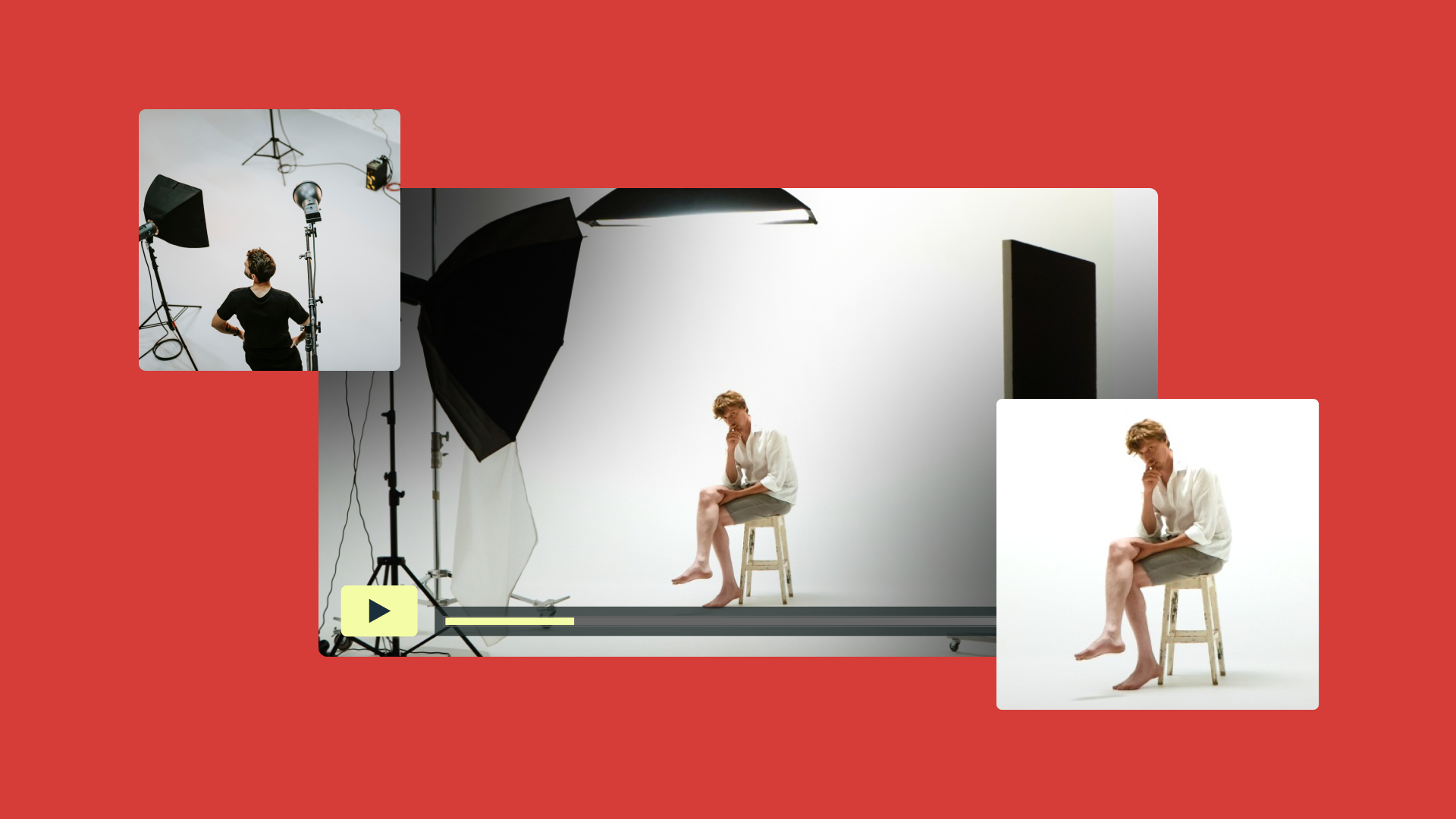
Work with natural lighting when possible
Natural light is often the most affordable and flattering option for a first shoot, though you’ll need to time the actual filming carefully. Position actors so the light falls on their faces whenever possible — backlighting creates silhouettes and makes footage hard to color later. On overcast days, diffused daylight works well for indoor and outdoor scenes alike.
Capture multiple angles and back up as you go
Cover each scene from more than one angle, starting with a wide shot for context and moving closer to capture actors’ emotional performances. Selecting the right focal points keeps your subject sharp against a softer background, too.
Don’t be afraid to store copies of every take. Multiple takes give you options in the edit, since a strong line reading from one take might pair better with a more nuanced reaction from another, and shooting extra footage in the moment costs little beyond time and storage.
Back up each batch of footage before the day ends. A dropped drive or corrupted card can erase a day's work in seconds, so split every backup between two drives, or one drive and a cloud service. Label files by scene and take as you go for easy access later.
Prioritize audio quality
Poor audio pulls viewers out of a scene even when the footage looks great. Use an external microphone positioned close to the actors rather than relying on a camera's built-in mic. Record room tone before or after each scene when possible, even if you captured some during location scouting. A recordist can capture this while other setups happen, giving the editor clean ambient sound to bridge cuts later.
Edit your short film (post-production)
Editing is where your story comes together, and it's one of the most important parts of how to produce a short film. These steps turn raw footage into a finished film ready to share.
Choose the right editing software
Choose software you can learn within your production timeline rather than the option with the most features. Free editing software options like iMovie handle basic cuts, transitions, and titles well for a first short film, a solid starting point for how to make a film on any budget. Other tools, like DaVinci Resolve and Final Cut Pro, add more advanced color and audio tools once you feel confident in your skills.
Vimeo's browser-based video editor is another strong option to help you cut and polish a short film, especially if you want to host and share your video without installing separate software down the road.
Edit your short film with Vimeo →
Build the narrative through pacing
Assemble your scenes in the order that serves the story, which isn’t necessarily the same order you shot them in. Watch each cut and ask whether it holds attention or if you get distracted, then trim anything that doesn't move the story forward. A slow scene eats up a much bigger share of a 10-minute film than it does in a two-hour movie.
Add sound design and music
Sound design covers everything the audience hears, including ambient noise and how music cuts off or fades during transitions between scenes. Add a non-diagetic music score only after the picture is close to done. That way, the music supports scenes that are already in their final shape. Be mindful to only use royalty-free or properly licensed tracks to avoid copyright issues when you share or submit the film, unless you can secure permission.
Color correct and grade your footage
Color correction fixes exposure and white balance issues so every shot in a scene matches. Color grading goes a step further, shaping the mood and look of the film by overlaying color once the correction pass is done. Both steps work best after your edit and sound design are close to being finished. That way, you're not sinking time into color work only for those shots to get cut from the final film.
Once everything is finished and you feel confident about your work, export the film. MP4 and H.264 are common default file formats for web delivery and many online screeners, but always match the specs a festival or platform requests.
A finished film needs an audience, and getting it seen takes its own plan. Where and how you share the film shapes whether anyone outside your circle ever sees it:
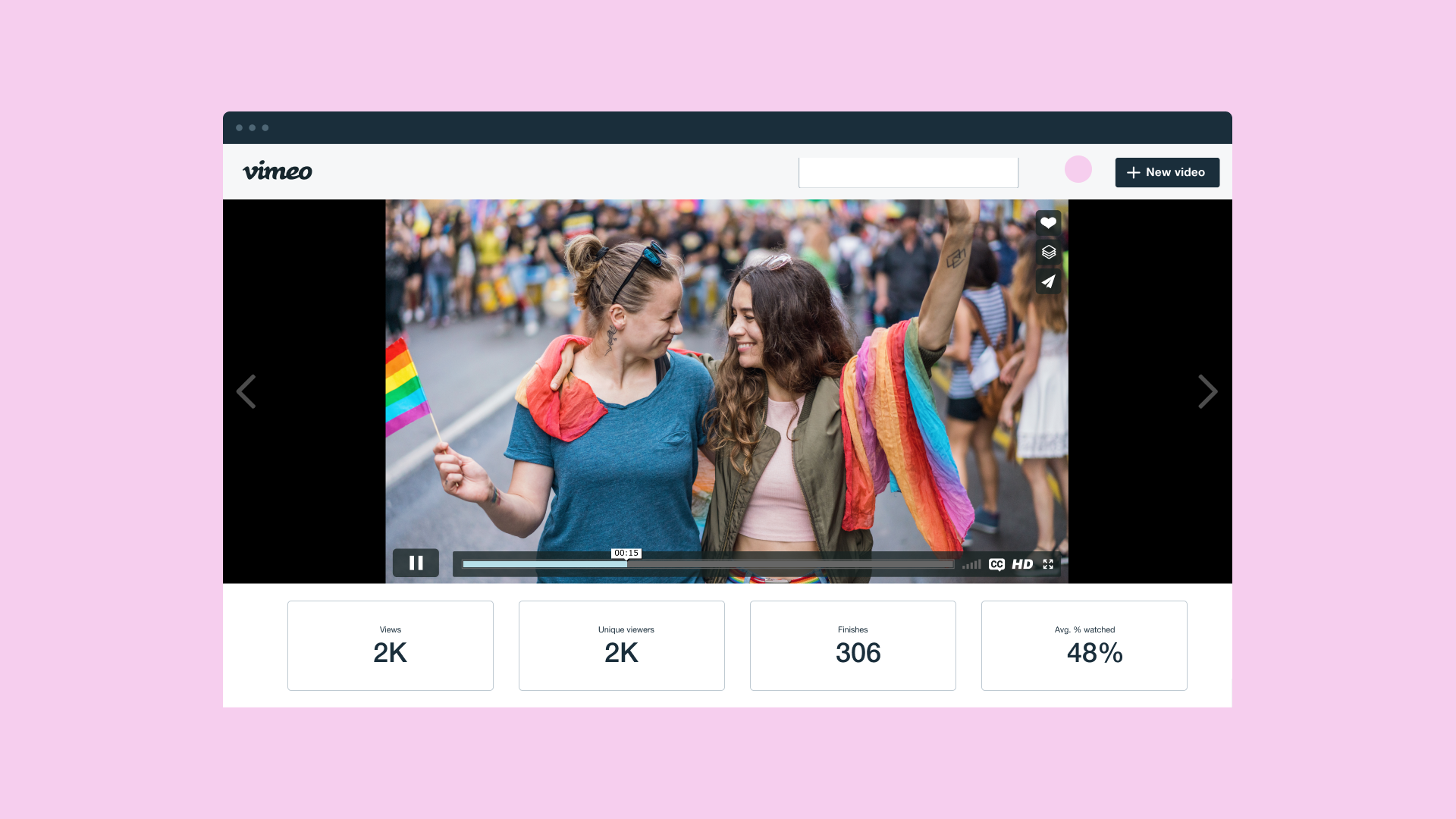
- Host on a professional platform: Choose a platform built for video like Vimeo rather than a generic file-sharing folder, since dedicated hosting preserves resolution and gives you real playback controls. Look for options like password protection and private links so you can control exactly who sees the film and when.
- Submit to film festivals: Research festivals that fit your film's length, genre, and budget before submitting. Some festivals will give discounts for early submission, often a few months ahead of the final call, so build a submission calendar before you’re done editing to stay on top of those deadlines.
- Build your portfolio: Keep every finished film organized in one place you control, grouped so it makes sense to a first-time visitor. A clear, browsable portfolio helps festival programmers or employers judge your work quickly.
Getting a short film seen takes as much planning as making it and where you host the film shapes your approach to festival submissions and your growing portfolio.
FAQ
What makes a strong opening for a short film?
A strong opening establishes tone, character, or conflict within the first thirty seconds, since short films don't have time to slowly build tension like feature-length films. The clearest openings show the audience what's at stake before any dialogue explains it.
Can you submit a short film to film festivals?
Yes. Most film festivals accept short films as a dedicated category, often with runtime limits between five and 40 minutes. Some submission platforms let you search for festivals that match your film's length and genre.
How can you record a mini movie with a phone?
Modern smartphones can shoot in full HD or higher, especially in good lighting with a steady mount like a tripod or gimbal. Pair the phone with an external microphone for cleaner audio, since built-in phone mics pick up more background noise.
Festival submissions, private feedback, and a growing portfolio all call for a platform built around video, not one repurposed to hold it. Vimeo is ready for those early stages of a filmmaker’s career. It includes all the tools you’ll need to make a strong short film, from editing the first private cut you send to collaborators for notes to the version you put in front of an audience.
Vimeo's video library keeps every cut and draft organized in one account. Password-protected and unlisted links let you share festival submissions and feedback rounds without posting the film publicly before it’s ready. And Vimeo’s high-resolution hosting preserves the color and detail from your edit instead of compressing it the way many general upload sites do.
When you’ve built a body of work, Vimeo Showcases can turn your finished films into a portfolio custom to your needs. You can point festival programmers, collaborators, and employers to it directly to show off everything you’ve achieved.