Why make commercials?
Video ads give your business a direct line to potential new customers, whether you're learning how to make a TV commercial for broadcast or creating a quick spot for social feeds. Commercials can build brand awareness, sharpen your core message, teach people about your product or service, and drive traffic to landing pages.
What makes a commercial good?
For your commercial to be effective, it needs to speak to your target audience and their needs directly. It should also feel genuine and represent your brand accurately.
Let’s look at a few techniques that separate commercials people remember from ones they tune out:
- An attention-grabbing hook: The first few seconds are what keeps a viewer watching instead of reaching for the remote or the skip button. Tell them what they stand to gain right away.
- A clear style: Once the hook ends, give viewers a focused message to follow that’s delivered in a consistent tone.
- A memorable tagline or recurring character: This helps the commercial stand out, and it builds brand recognition when you use the same elements throughout multiple video ads.
- A direct call to action (CTA): Viewers need a next step to take when they’re done watching, whether that’s making a purchase or checking out a longer marketing video.
The most common mistake brands make is cramming too much content into a single commercial. Adding a second message or offer tends to confuse viewers about the video ad’s purpose, and it risks bloating the runtime enough that people don’t watch to the end.
How much does it cost to make a commercial?
Most commercial productions fall into one of three categories: shooting the video yourself, hiring a local crew, or using an AI-assisted video platform. Here’s what each option typically costs.
Shooting DIY with a smartphone
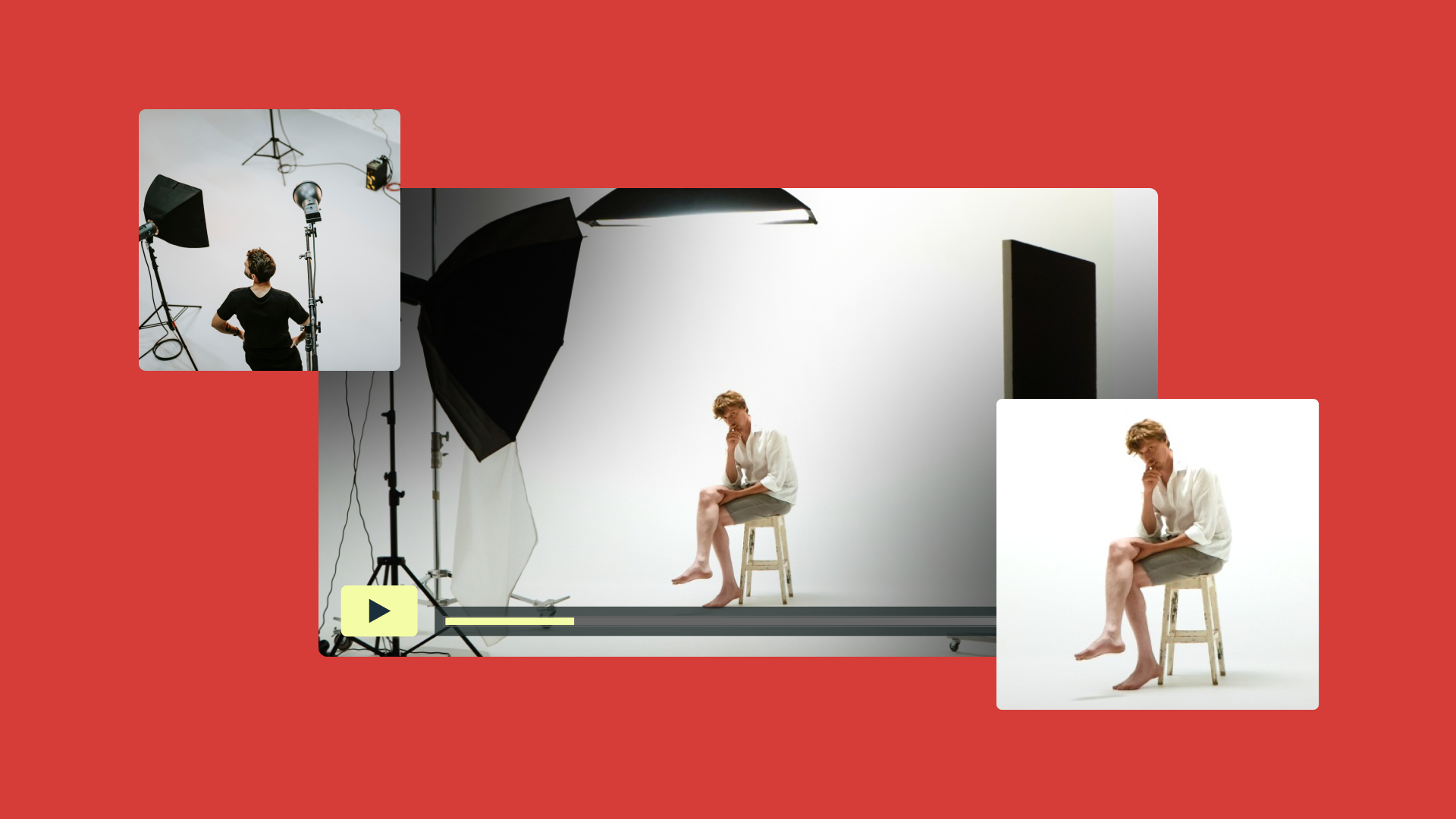
You can create a video on your phone for a few hundred dollars or less. If you already own the device and edit the footage yourself, most of the cost goes toward a tripod, an external microphone, and basic lighting. The trade-off is time; a spot a crew finishes in a day can take a solo shooter and editor a week or more.
Hiring a local production crew
A local crew can cost anywhere from a few thousand to a few hundred thousand dollars, depending on market and shooting length. The price usually covers equipment, a videographer, a sound technician, and an editor. So you’re trading a bigger upfront cost for a faster turnaround and a more consistent look than DIY typically delivers.
Using an AI-assisted platform
An AI-assisted platform can automate some parts of production that normally take up a lot of time. Depending on the video platform you choose, AI tools may help with brainstorming, scripting, storyboarding, and even the first editing pass. Cost is usually a subscription rather than a day rate, often between $10 and $100 per month.
How to save time and money when making a commercial: 5 tips
A tight budget, limited time, or lack of specialized skills doesn’t have to mean a subpar production. Here are five ways to create a strong commercial quickly and cheaply.
1. Balance production and airtime costs
As you decide how to make a commercial on a small business budget, make sure you understand both the airtime costs and production expenses. Airtime is a separate expense that can range from a few hundred dollars per spot in a small local market to thousands or more during prime time and in large markets. A lean production that frees up budget for airtime often delivers a better return than a highly polished spot that only runs a few times.
2. Use an AI script generator
An AI script generator can turn information about the commercial’s desired tone, length, content, and goal into a usable draft fast. This removes one of the biggest bottlenecks for a team without copywriters or that’s simply short on time. Once the script is ready, your team can edit the draft for accuracy and audience relevance.
Try Vimeo’s script generator →
3. Structure the ad with a video template
Pre-built templates mean you don’t have to design your commercial’s look and structure from scratch. For example, Vimeo’s library includes ready-made templates for specific uses, such as sales announcements and brand stories. Pacing, scene order, and text placement are already in place, so you just have to swap in your own footage and messaging.
4. Gain on-camera confidence with a teleprompter
Having real team members on-screen often builds viewer trust better than hiring actors to deliver lines. A teleprompter makes that option realistic, even if your team lacks on-camera skills. With a teleprompter, an employee or business owner can deliver a script on camera naturally, without having to memorize lines or shoot dozens of takes.
5. Automate tasks through video editing software
Some video editing platforms offer AI-powered text-based editing, which speeds up post-production significantly. You can make changes to the transcript, and see those edits reflected automatically in the video itself. Other modern AI features, like filler word/pause removal and text-based clip searches, can turn a multi-day edit into an afternoon’s work.
How to create a video commercial
These six steps take a commercial from an idea to a published video with impact you can measure:
- Brainstorm and script: It can be hard to know how to start a commercial production. The key is to decide on one clear message, then write a video script that communicates your message concisely and engagingly.
- Plan a storyboard: Once your script is ready, turn it into a storyboard: a simple sketch of each shot in order. Use storyboarding basics to keep the sequence clear and catch pacing problems on paper instead of on set.
- Shoot new footage and pull existing assets: Working from a shot list keeps production day on track. Film new footage where the message calls for it, and pull from existing assets or b-roll when you can. Repurposing footage you already own cuts down on both cost and shoot time.
- Edit the commercial carefully: As you polish the raw footage, assemble your final cut around the message from your script and audience profile. Don’t be afraid to cut anything that doesn’t offer real value to the commercial. Also, consider kickstarting the edit process with a template built for your preferred ad format or campaign theme.
- Export and distribute your commercial: Export the commercial in a format suited to each channel it will appear on, whether that’s a square social cut or a widescreen on-site angle. You can then share the file directly, or embed it within a landing page or other campaign resource.
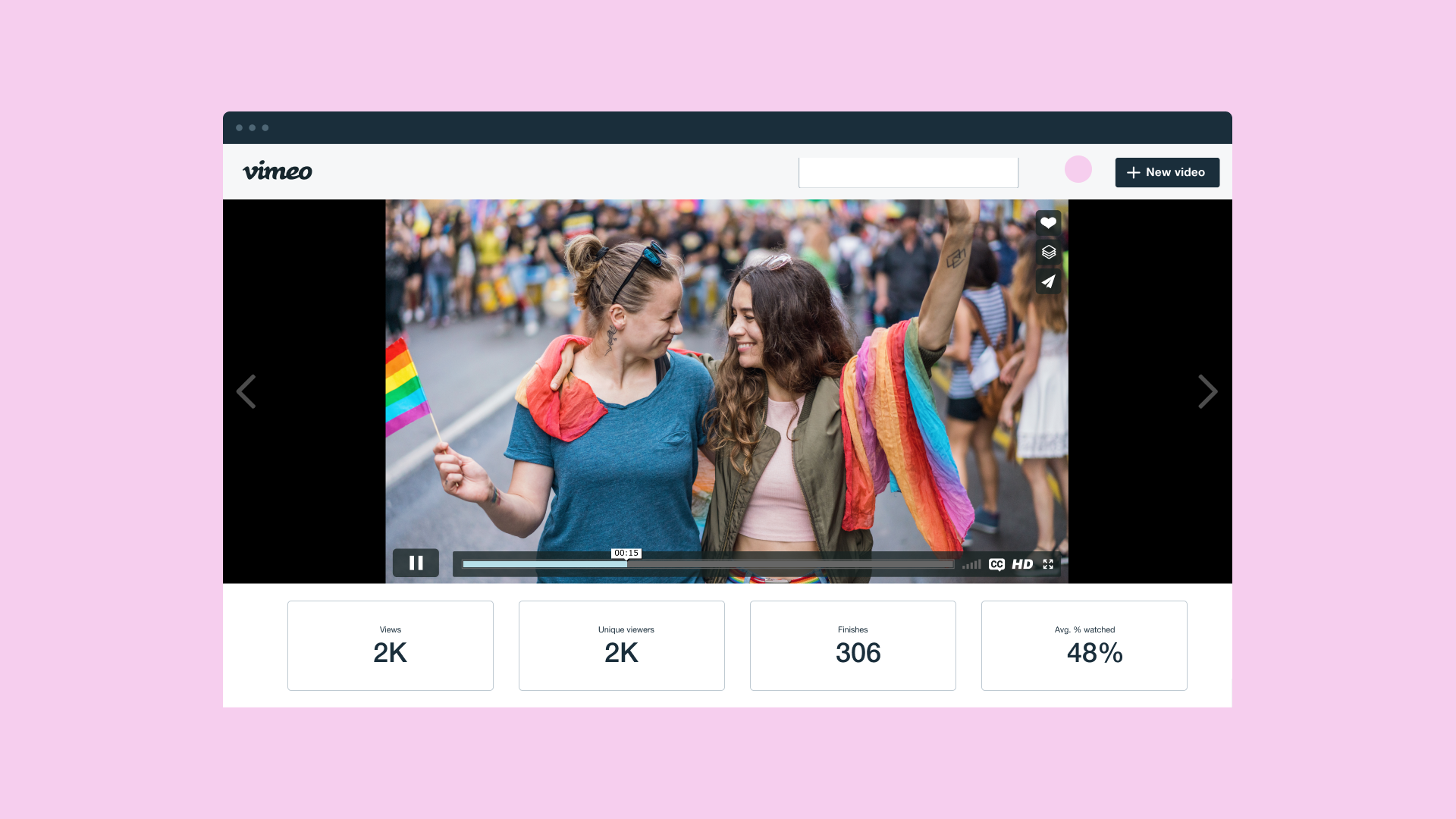
- Track the video’s marketing results: Once the commercial is live, keep track of viewer engagement metrics. Analytics like watch time and click-throughs show whether the video lands with viewers and which parts are most effective. You can use that data to inform the next campaign.
Team up with a cost-cutting video partner
When you’re making a commercial, every stage gets faster and easier with the right tools. With Vimeo’s video production platform, an AI script generator replaces the need for a copywriter, while templates let you skip designing an ad structure from scratch. You can also use a teleprompter instead of on-air talent, and AI-powered editing to transform raw footage into a professional video quickly.
Once the commercial is finished, distribution and analytics tools live in the same platform. So you can move straight to sharing the video, then watching the results to see how it resonates with viewers.
Create your commercial with Vimeo →
FAQ
How much does a 30-second ad cost to make?
The cost to create a short video ad depends on the type of production you opt for. A DIY smartphone shoot can cost a few hundred dollars, or less if you already have the rest of the gear you’ll need. Hiring a local crew can cost thousands, while AI-assisted video production tools shift expenses toward software subscriptions or usage-based pricing.
How can I make a 30-second commercial?
To create a 30-second commercial, start with a clear message and target audience. Then write a script, storyboard the shots, and film the footage you need. After that, you can use video editing software to polish the shots into a strong piece and share it online.
Where should I film my small business commercial?
For a small business commercial, film in the location that best supports the message and your brand. That could be in your storefront or at a setting tied to the product’s use case. Be sure to check the lighting and sound before you commit to a location.