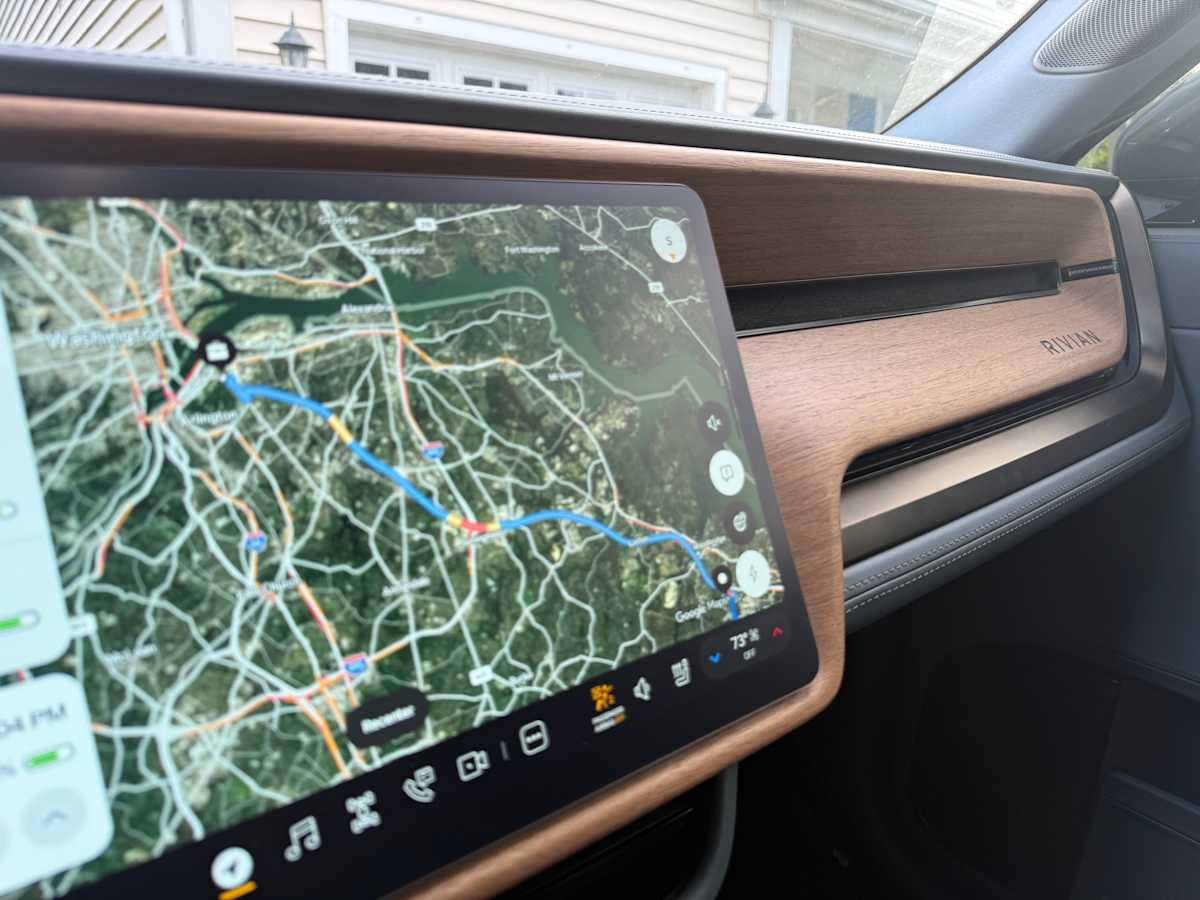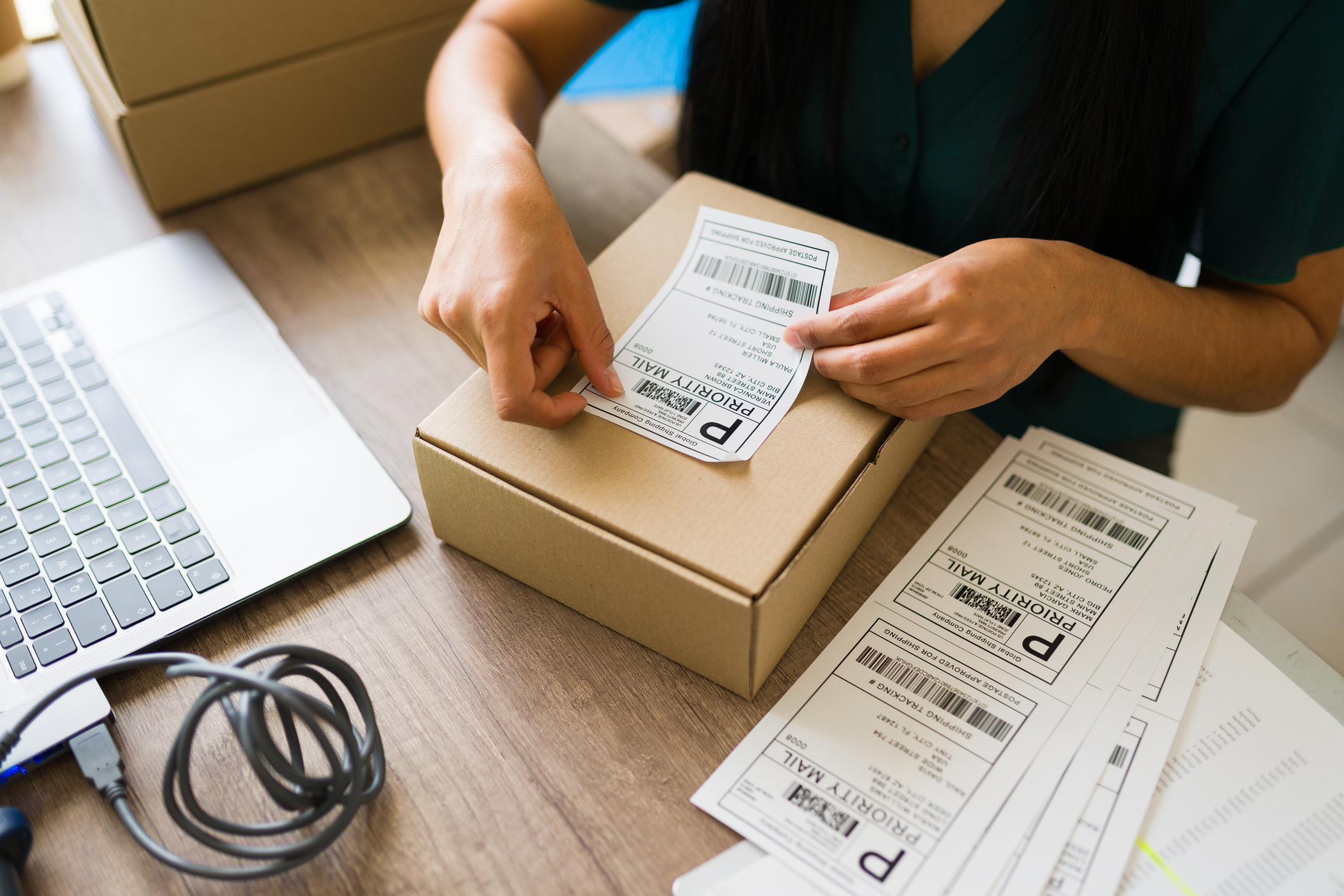
Sellers ask me about the cheapest way to ship more than anything else. The question they don’t ask, and probably should, is why the shipping they set up inside Shopify has so little to do with what shipping actually costs them.
Those are two separate numbers. What you configure in Shopify is what your customer pays. What the label costs gets decided later, by the box, the destination, and the service you pick at fulfillment, and your rate settings never see any of it. The settings are labeled “Shipping,” so it’s completely fair to assume shipping is handled.
So here’s how to set up shipping on Shopify, what Shopify does and doesn’t do for you, and where the model runs out as you grow.
How does Shopify shipping work?
Shopify shipping runs on three layers. A shipping profile sets the rules for specific products and the locations they ship from. A zone groups the places you ship to. A rate is what the customer pays inside that zone. Shopify shows every rate that matches the customer’s address at checkout and preselects the cheapest one.
There are flat rates and calculated rates, and they behave differently. Flat rates are amounts you set yourself, either one price for everything or tiered by order value or total weight. Calculated rates come from outside, where a carrier or an app returns live pricing at checkout based on the real weight, dimensions, and destination. Which kind you can use depends on your Shopify plan. More on that below.
Does Shopify ship for you?
No. Shopify doesn’t pick, pack, or ship your orders. Shopify Shipping gives you discounted carrier labels that you buy and print yourself, and none of your rate setup is required to do it. You buy them in the Shopify admin while you’re fulfilling an order, with no shipping profile involved. Shopify Fulfillment Network is a separate connection service linking your store to third-party logistics providers, and in Shopify’s own words your 3PL “picks, packs, and ships products to your customer.”
I get asked this constantly, and the confusion is reasonable given how the feature is named. Stores that assume fulfillment comes included usually don’t build a packing process until volume forces one. Volume forces one in the last week of November.
How to set up shipping on Shopify
To set up shipping on Shopify, go to Settings, then Shipping and delivery, add a zone for each region you ship to, then add rates inside each zone. Place a test order into every zone before you go live.
In order:
- Confirm your fulfillment locations, so rates price from the right origin.
- Add package sizes and product weights, since calculated rates depend on them.
- Choose your general profile, or create a custom one for products that break the general rule.
- Create a zone for each region you ship to.
- Add flat, free, or calculated rates inside each zone.
- Place a test order into every zone.
Rates live inside zones, and zones live inside profiles. People get stuck one level up, adding a rate before the zone exists to hold it.
Before you open any of it, decide what you’re charging for. Covering your full label cost, covering part of it, and using shipping as a conversion lever point at different rate types. Skip that decision and you end up with a rate table you built during a busy week 18 months ago and haven’t had a reason to open since.
When you build tiered rates, leave the maximum field empty on your highest tier. Otherwise an order above that ceiling matches no rate at all, the customer reaches checkout, sees no shipping option, and leaves. This one bothers me more than it should, because the failure is completely invisible on your end. It takes your largest carts first and nothing flags them as lost.
How to offer free shipping on Shopify
You can add a free rate to a shipping zone, conditioned on order value or weight, or build a discount conditioned on a minimum purchase amount or item count. Those aren’t interchangeable. Use the rate when you intend to keep the offer running, and the discount when the promo has an end date.
The threshold is the hard part. Work from incremental margin rather than from the label price. If your average label runs $8 and your gross margin is 40%, you need roughly $20 of additional revenue to cover that label, so on a $50 average order you would test a threshold nearer $70 than $50. Those figures are a shape, not a benchmark. Pull your own, and I’d rather you ship a threshold you can defend than one that looked right on a competitor’s site.
Where Shopify’s shipping model stops
Grow, and the model starts to pinch. The first place is a plan gate on calculated rates.
Third-party carrier-calculated shipping, the setting that charges customers what the shipment actually prices at, is included on Shopify Advanced and Shopify Plus. Grow stores can add it for an extra monthly fee or by moving to annual billing. Basic doesn’t support it at all, and Shopify says so plainly: to turn it on, you have to move up a plan. The most accurate way to charge for shipping sits behind a plan decision. Check your plan first. Building a rate strategy and then finding out the feature is one tier up is a bad afternoon.
The second place is harder to notice. Every rate type in your settings is a number you charge the customer. Your settings never touch the number you pay the carrier.
Check this against your own orders. Treat the figures below as a shape. Say you set an $8 flat rate. A two-pound box to the next state costs you $9, and the same box across the country costs $14. You charged $8 both times, because that’s what your rate said, and the difference lands weeks later with no line item explaining it. Your own spread will look nothing like that example, and Shopify won’t pull it for you.
Underneath both sits a carrier question. Shopify Shipping sells you labels from its own built-in group of carriers, and if the best option for a particular box comes from a regional or last-mile carrier outside that group, you won’t see it.
What changes when you buy labels somewhere other than Shopify
So, EasyPost Nexus. I’ll keep this short, since you can read a feature list anywhere. Nexus pulls your Shopify orders into one screen and lets you buy and print labels at rates EasyPost has already negotiated with USPS, FedEx, UPS, DHL, and others. It also opens up carriers you probably haven’t considered, like Amazon Shipping, UniUni, and Roadie. Some are regional, covering a smaller footprint than the national carriers and pricing it better: short trips, weekend deliveries to houses, boxes too big for a standard truck. Whether one beats your default on a given package depends on the lane, so the only way to know is to price both.
Billing consolidates into one bill, and there’s no subscription fee up to 3,000 labels a month. Luma AI, EasyPost’s carrier-decision layer, isn’t built into the Nexus dashboard yet, and you can use it free in the meantime.
Two things this doesn’t fix. Your Shopify rates are still yours to set, and Nexus doesn’t put live carrier pricing into your Shopify checkout, so that plan gate stays exactly where it is. Nexus works on the label you buy after the order comes in. What it changes is that you stop taking the first number your default carrier gives you as the price.
Shopify shipping FAQs
Can I use my own carrier account with Shopify? It depends on your plan. Third-party carrier-calculated shipping connects your own carrier account so live rates appear at checkout. Shopify includes it on Advanced and Plus, Grow stores add it for a fee, and Basic doesn’t support it.
Why don’t my Shopify rates match what I pay for the label? Flat and free rates never match your label cost automatically. Carrier-calculated rates get closer, and can still miss if the package details at fulfillment differ from what the customer’s rate was priced on. Lining the two up is a monthly reconciliation somebody has to own.
How do I set up international shipping on Shopify? Add a zone for the countries you ship to, then add rates inside it the same way you would for a domestic zone. The setup is identical. What changes is that international orders need customs information on your products, so check that before your first order rather than at the counter.
Do I need an app to print Shopify labels? No. Shopify prints labels on its own. What an app buys you is more carriers to choose from for the same package, which starts to matter the first time a five-pound box to a rural ZIP code costs more than the order was worth.
See what your labels cost
You can’t fix a label price you never compared. Pull last month’s orders and price them twice. I’d want that number in front of me before December.
Start Shipping With Nexus