At the start of this year, as agentic tools really took off, our support team began building home-grown agents with access to our sprawl of data which we use to solve customer issues, such as Salesforce, Databricks, Confluence and Linear. It got chaotic fast. We quickly ran into a problem many companies are now grappling with: how to let support engineers use AI on sensitive customer data safely.
There was no standard way to monitor h ow our agents were being used, whether the one investigating customer logs or the one summarising tickets, or to see what data each could access. Permissions varied across the team and the organisation, and the data was sensitive. The table we use to answer “what version is this customer on” also holds license keys, ARR, and account names. One over-eager agent or one ambiguous prompt, and a tool built to summarise a ticket is reading revenue data. Without a standard approach to build on, we couldn’t harness the full power of agents across our team.
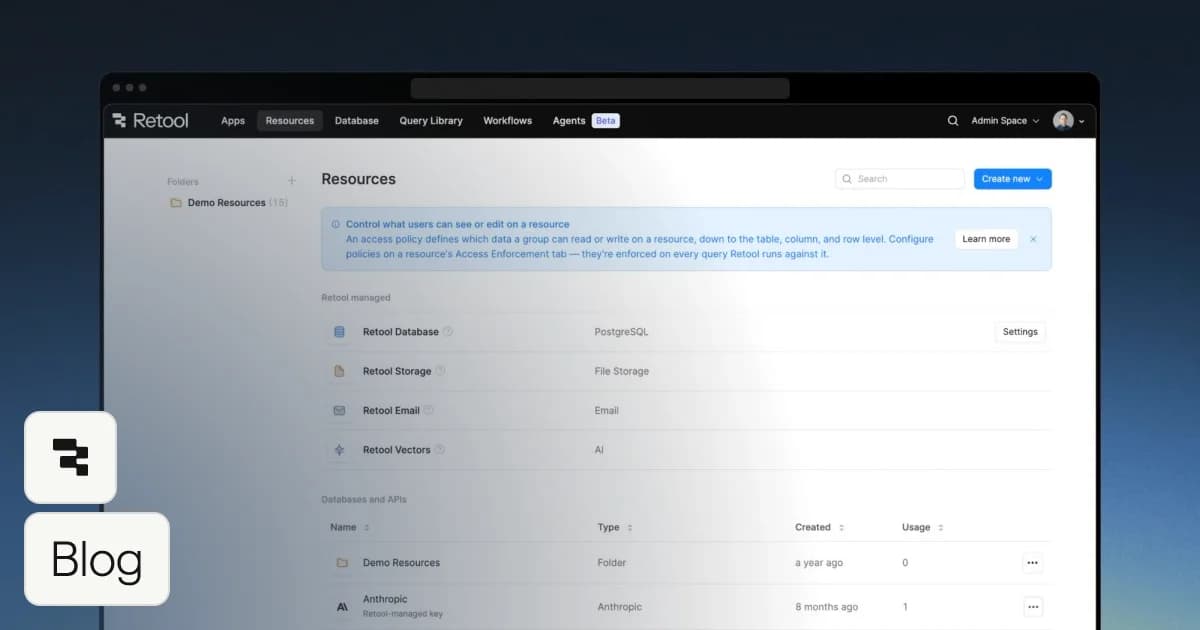
So we stopped giving agents credentials and started giving them Retool resources through Retool’s MCP server. The agent is now a shared Claude skill, distributed as a plugin, and its data access runs through Retool’s MCP against the same permissioned resources our internal apps use. Access is governed in one place, and the agent can only see what its user is allowed to see.
Since June, it has run 851 case investigations. We retrospectively grade its output against how cases actually closed: of 138 assessable graded cases, 94% were fully or partially correct. We have now fundamentally changed how we work, instead of researching each case in detail ourselves, we now review and validate agent outputs. So how did we get here?
Across the Support team’s Retool instances, the core data resources we use were already set up with the right permissions for each user group and data access level. Once we connected Retool's MCP server, this existing permission structure was passed straight through to our agents, with nothing new to build.
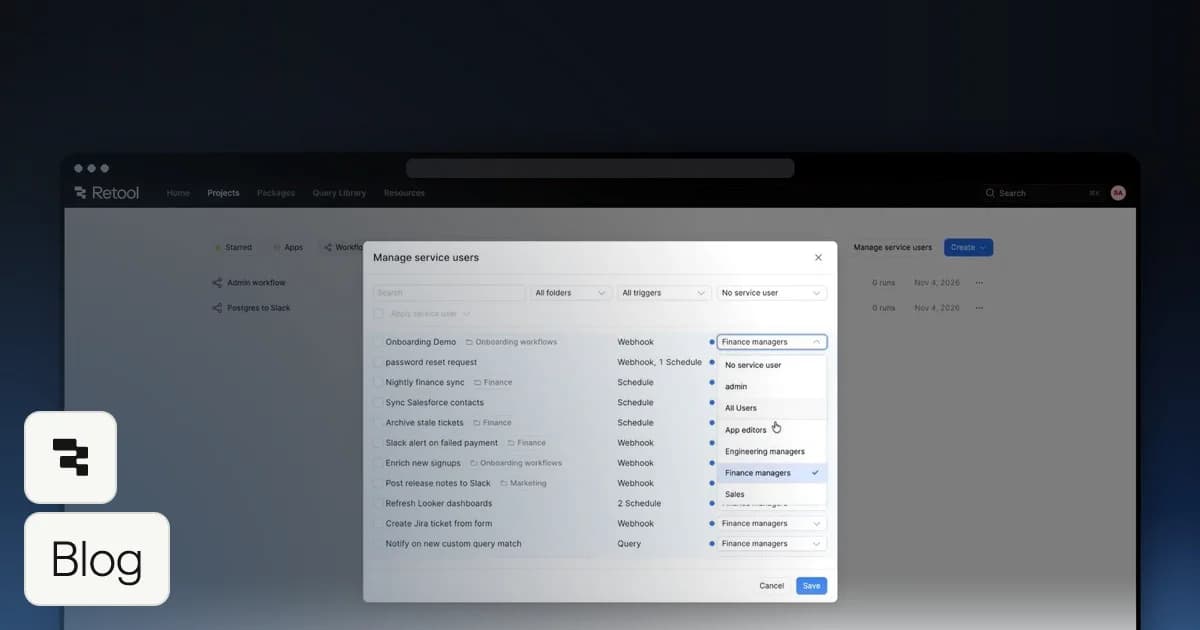
Agents inherit the user’s permission group
Our Support organisation is split into various permission groups which have ranges of use or edit permissions on certain resources. Whenever anyone uses one of our Support agents they inherit this exact same permission structure.
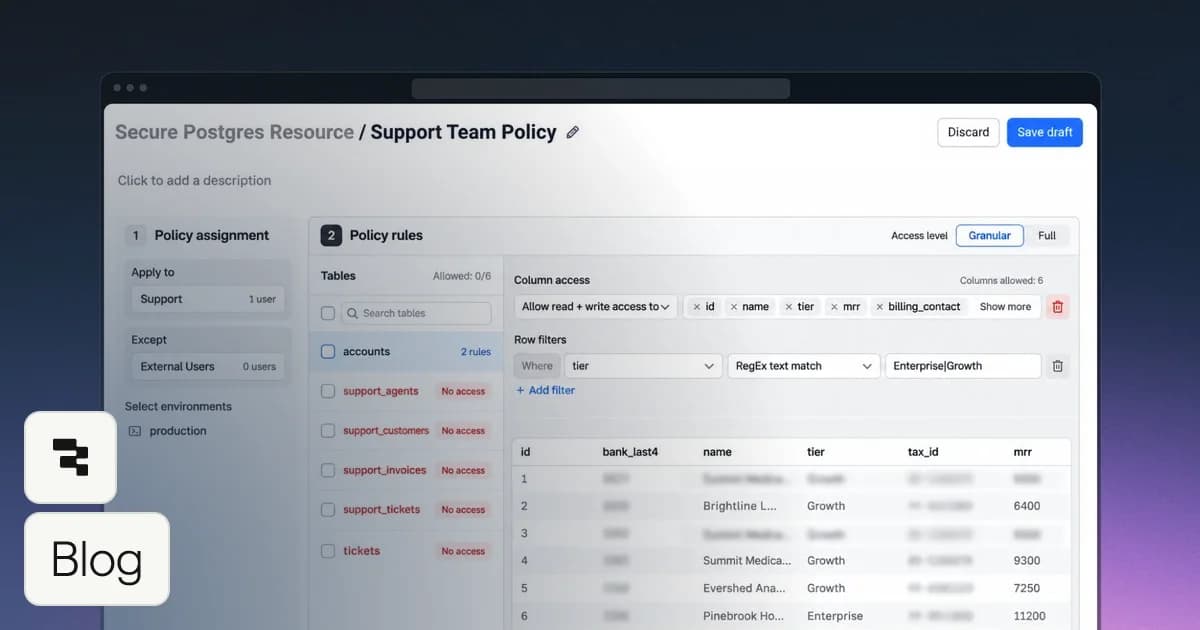
Limited groups get limited rows and columns
Some groups, like our Contractors, are heavily limited, but we didn’t want to cut off their access to a resource entirely. Instead, we set row and column permissions tied to the Contractors group, so their agents still get the core information they need and nothing they shouldn’t see.
A lot of support work runs on niche sources only we manage: our ticketing platform’s API, the community-forum database, and a handful of internal endpoints. With ordinary connectors, every engineer holds their own key, or a shared key ends up pasted into local config. As Retool resources, each credential lives once, server-side, shared to exactly the groups that need it. Onboarding a new team member went from “collect five API keys” to just “join the group.”
Because every agent action flows through Retool when using the MCP server, we get Retool’s governance features by default:
Every agent call is logged.
The built-in audit log records every resource call with the exact SQL, the resource name, the human’s SSO identity, and a session ID that groups a whole investigation. It even distinguishes agent traffic from app traffic, so “how much of our data access is agents now?” is a query, not a guess.
Grading every run makes the agent more accurate.
Every run logs to Retool Database, and a monthly grading batch compares what the agent said with what actually fixed the case, then writes verdicts and “lesson cards” of the key learnings for the agent to reuse and feed back through the same MCP server.
Visibility into usage helps us iterate on prompts quickly.
One simple prompt produced a Retool dashboard over the same tables, visualising usage, accuracy, and documentation gaps with the same permission structure. That lets us iterate on agent prompts quickly, guided by what the data shows.
If you’re starting something similar, two things worked for us. First, start with your permission model and structure which will give you the freedom to build and iterate quickly on top. Second, treat agent output as a first draft to be reviewed and validated, not a final answer, which keeps your team’s judgement in the loop and builds trust in the results.
With that said, our current setup has real limits. It runs locally, needs technical setup, is limited to Claude Code, the self-learning is rudimentary and every investigation is triggered manually.
Retool is on track to solve these limits for us. We already have Retool agents that reuse the same permission structure to trigger and solve customer cases automatically. They’re model-agnostic and fit more naturally into our existing workflows. It’s exciting how fast you can move on this foundation.
Check out this video (opens in a new tab) to get started with Retool’s MCP server today.