Introduction
Chatbots are great at answering common questions quickly. They are less useful when a customer is stuck, increasingly frustrated, or simply wants to speak with another person. Most bots either miss it entirely or respond with a tone-deaf “I’m sorry to hear that” before asking the same question again, which is most likely to result in a lost customer.
What if your app could detect that moment and loop in a human agent at the right time?
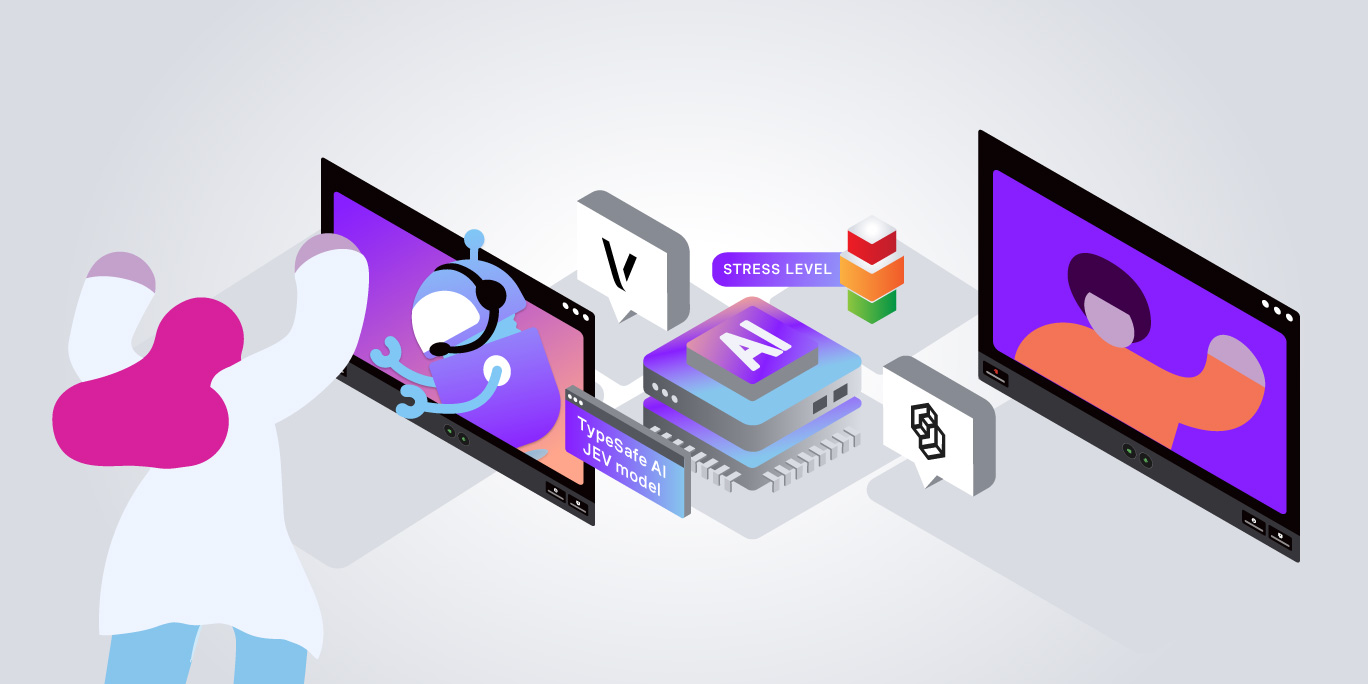
Follow along to build a customer support interface backed by TypeSafe AI’s Jev model that continuously evaluates the emotional state of the conversation, then offers a live video call via the Vonage Video API the moment things start going sideways.
Let’s look at how it all works, from the AI evaluation logic to the real-time signaling that connects a frustrated customer with a human who can actually help.
TLDR; Fork the repo and try it yourself on GitHub
What We’re Building
The app has two sides:
- Customer view: A chat interface where users interact with a (simulated) AI support agent.
Customer view: A chat interface where users interact with a (simulated) AI support agent.
- Employee dashboard: A live view where support staff see incoming escalation requests, with details on why the user was escalated, and an “Answer call” button to join a video call.
Employee dashboard: A live view where support staff see incoming escalation requests, with details on why the user was escalated, and an “Answer call” button to join a video call.
The bit that connects them is a Node.js/Express backend that:
- Runs every customer message through TypeSafe AI’s Jev model to assess sentiment and frustration
Runs every customer message through TypeSafe AI’s Jev model to assess sentiment and frustration
- Decides whether to escalate based on structured AI scores
Decides whether to escalate based on structured AI scores
- Uses Vonage Video Signaling to broadcast escalation events to the employee dashboard in real time
Uses Vonage Video Signaling to broadcast escalation events to the employee dashboard in real time
- Spins up a Vonage Video session for the live call when a human agent picks up
Spins up a Vonage Video session for the live call when a human agent picks up
Here’s the high-level architecture:
Prerequisites
- Node.js 22+
22+
- Typesafe AI account
Typesafe AI account
- A GitHub account
A account
Getting Set Up
The fastest way to run this is with GitHub Codespaces, no local setup required.
- Fork the repo to your GitHub account
Fork the repo to your GitHub account
- Click Code → Codespaces → Create codespace on main
Click Code → Codespaces → Create codespace on main
- The included setup.js script runs automatically and walks you through three prompts:
The included setup.js script runs automatically and walks you through three prompts:
- Your Vonage API Key and API Secret (from the Vonage Dashboard)
Your Vonage API Key and API Secret (from the Vonage Dashboard)
- Your TypeSafe AI API Key (from the TypeSafe AI console)
Your TypeSafe AI API Key (from the TypeSafe AI console)
- A name for your Vonage Application
A name for your Vonage Application
The setup script calls the Vonage API to create a Video-enabled application, saves the private key, and writes everything to a .env file. Then it’s just npm start.
Structured AI Evaluation with Jev
This is where things get interesting. Most sentiment detection integrations dump message text into an LLM and parse free-form text out of the response. That approach is brittle. The output format can vary, confidence is opaque, and you’re essentially doing string matching on AI-generated prose.
TypeSafe AI’s takes a different approach. Instead of asking for a text response, you provide a state (conversation history in our case) and ask typed questions (also known as primitives) with constrained answer shapes.
The model evaluates your input and returns structured, machine-readable answers with confidence scores baked in. Think of it as a typed query language for AI inference.
The three question types available are:
Function
What it does
choice()
Returns one of a predefined set of labels, with a confidence score
score()
Returns a numeric score along a labelled scale
noul()
Returns a probability (0–1) for a yes/no question
Here’s the full evaluation call from server.js:
A few things worth noting here:
The full conversation history is passed as state. This means Jev evaluates trajectory, not just the latest message. A user who was neutral two messages ago but is now frustrated will score differently than one who has been frustrated throughout, and that context matters for support applications.
choice() returns both a label and a confidence score. You get back evaluation.answers.sentiment.choice (e.g. "frustrated") and evaluation.answers.sentiment.confidence (e.g. 0.91). This lets you set different thresholds for different emotional states and avoid acting on low-confidence guesses.
score() returns a numeric value along a continuous scale, not just the closest label. Even though the scale has four named points, the model returns a float. This means you can catch “between” states like a score of 1.7 (on the way to frustrated, but not there yet) and make nuanced decisions.
noul() is purpose-built for probability questions. Rather than asking the model to say “yes” or “no”, it returns a likelihood between 0 and 1. In this demo, a score above 0.8 is treated as a confirmed explicit request for a human.
The Escalation Decision
Once the evaluation returns, the server applies a threshold check:
The three escalation triggers cover distinct cases:
- frustrationScore >= 2: Catches behavioural frustration: short replies, repeated questions, visible impatience, even if the user hasn’t explicitly said they’re upset
frustrationScore >= 2: Catches behavioural frustration: short replies, repeated questions, visible impatience, even if the user hasn’t explicitly said they’re upset
- Sentiment + confidence: Escalates when the model is confident the user is frustrated or angry, acting on emotional tone in the language itself
Sentiment + confidence: Escalates when the model is confident the user is frustrated or angry, acting on emotional tone in the language itself
- wantsHuman: Catches direct requests: “Can I speak to someone?”, “I want to talk to a real person”, etc.
wantsHuman: Catches direct requests: “Can I speak to someone?”, “I want to talk to a real person”, etc.
If the Jev call fails entirely (network error, API issue), the server returns { action: 'continue' } as a failsafe. The chat experience never breaks, it just carries on without escalation.
The Video Layer: Vonage Sessions and Signaling
When the customer opts in to the video call, the app needs to do two things: notify the employee dashboard, and set up the actual video session. Vonage handles both.
Session Architecture
The app uses two types of Vonage Video sessions:
Customer sessions are unique per customer and are created on demand when a user first loads the app. These come with a publisher token, so they are ready to jump into their respective video sessions.
The dispatch session is a single shared session that all employees connect to as subscribers. It carries no video; it’s purely a signaling channel for broadcasting escalation events across the dashboard in real time.
This way, we are using a persistent, low-cost session as a notification bus, and keeping the actual video sessions isolated to the individual calls.
Triggering the Escalation Signal
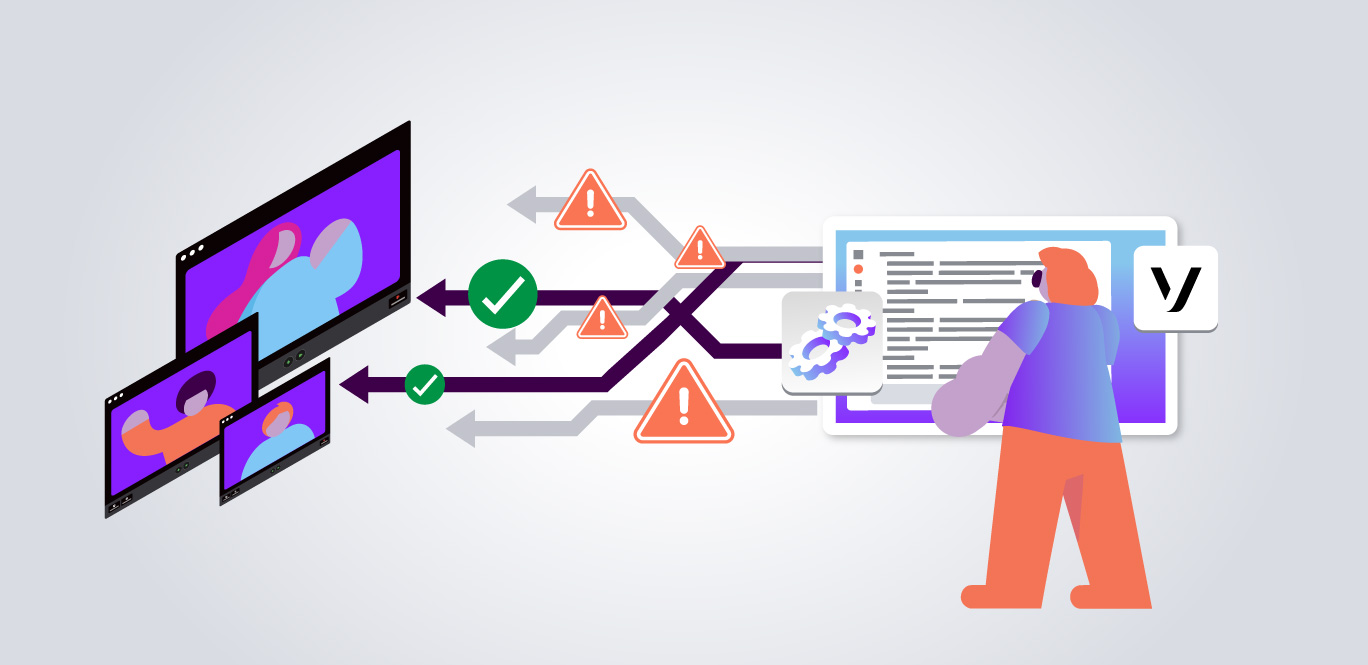
When the customer clicks “Connect me to an agent”, the client posts to /api/escalate/trigger. The server then uses Vonage Video Signaling to broadcast an escalation event to everyone subscribed to the dispatch session (the employees):
Each employee’s browser receives this signal and renders a dashboard card showing the customer’s emotional context (sentiment label, frustration level, and last message) alongside an “Answer call” button.
Employee Dashboard Showing Escalation Queue
Claiming the Call
When an employee clicks “Answer call”, two things happen:
- A claimed signal is broadcast to the dispatch session, so other employees’ dashboards remove the card
A claimed signal is broadcast to the dispatch session, so other employees’ dashboards remove the card
- The employee receives a publisher token for that customer’s specific video session and joins the call
The employee receives a publisher token for that customer’s specific video session and joins the call
On the customer side, the UI is a standard <dialog> element with two video containers: one for the customer’s own publisher feed, and one for the employee subscriber stream.
Screenshot of Customer View and Employee Dashboard Side by Side
Putting It All Together: The Full Flow
Here’s the complete journey from frustrated customer to live video call:
- Customer sends a chat message → client POSTs the conversation history to /api/evaluate
Customer sends a chat message → client POSTs the conversation history to /api/evaluate
- Server passes the full history to Jev via jev.systemOne() - getting back sentiment, frustration score, and escalation probability
Server passes the full history to Jev via jev.systemOne() - getting back sentiment, frustration score, and escalation probability
- Server evaluates the scores against thresholds. If any threshold is crossed, it returns action: 'offer_escalation'
Server evaluates the scores against thresholds. If any threshold is crossed, it returns action: 'offer_escalation'
- Customer accepts → client POSTs to /api/escalate/trigger
Customer accepts → client POSTs to /api/escalate/trigger
- Server sends a Vonage Video Signal on the dispatch session carrying the customer’s session ID and emotional context
Server sends a Vonage Video Signal on the dispatch session carrying the customer’s session ID and emotional context
- Employee’s browser receives the signal → a card appears on the dashboard
Employee’s browser receives the signal → a card appears on the dashboard
- Employee clicks “Answer call” → server broadcasts claimed, returns a publisher token for the customer’s session
Employee clicks “Answer call” → server broadcasts claimed, returns a publisher token for the customer’s session
- Both parties are now in the same Vonage Video session
Both parties are now in the same Vonage Video session
Try It Yourself
The repo is designed to get you from zero to a working demo in under five minutes using GitHub Codespaces:
- Fork:
Fork:
- Open in Codespaces → run setup.js automatically
Open in Codespaces → run setup.js automatically
- Add your Vonage + TypeSafe AI credentials
Add your Vonage + TypeSafe AI credentials
- npm start
npm start
Once the server is running, open two browser tabs (one for the customer view and one for the employee dashboard) and try typing something like “I’ve explained this three times already, and nobody is helping me.” Watch what Jev returns and how the dashboard responds.
Where Next?
This demo is intentionally a starting point. Here are a few directions worth exploring next:
- Recording
Recording
- Screen sharing
Screen sharing
- Transcription
Transcription
- Complete one of our Video API Learning Paths
Complete one of our Video API Learning Paths
Wrapping Up
What makes this demo interesting isn’t just the video call, it’s the decision-making layer that triggers it. The combination of Vonage Video’s real-time signaling and TypeSafe AI’s structured evaluation means the escalation logic is explicit, tunable, and debuggable. You’re not parsing sentiment out of a free-form LLM response and hoping for the best; you’re querying the model with typed questions and getting structured answers back.
That’s a pattern worth taking further. The same evaluation loop could power proactive support interventions, automated ticket prioritisation, or quality monitoring for agent conversations. Give it a try anywhere you need to extract reliable, actionable signals from natural language in real time.