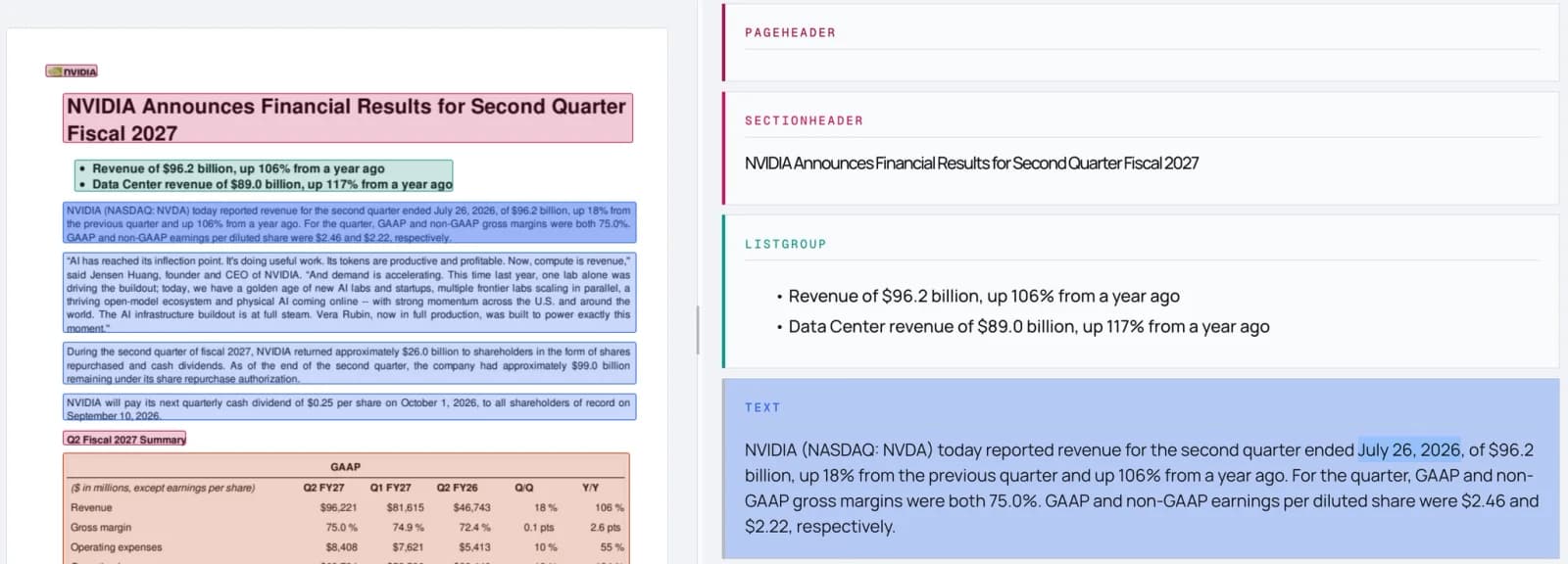
When you extract a value from a document, you want to check it. Until now, Datalab’s extraction citations pointed at a block: the paragraph or the whole table the value came from. For a total on a 40-row invoice table, that meant finding the right cell yourself.
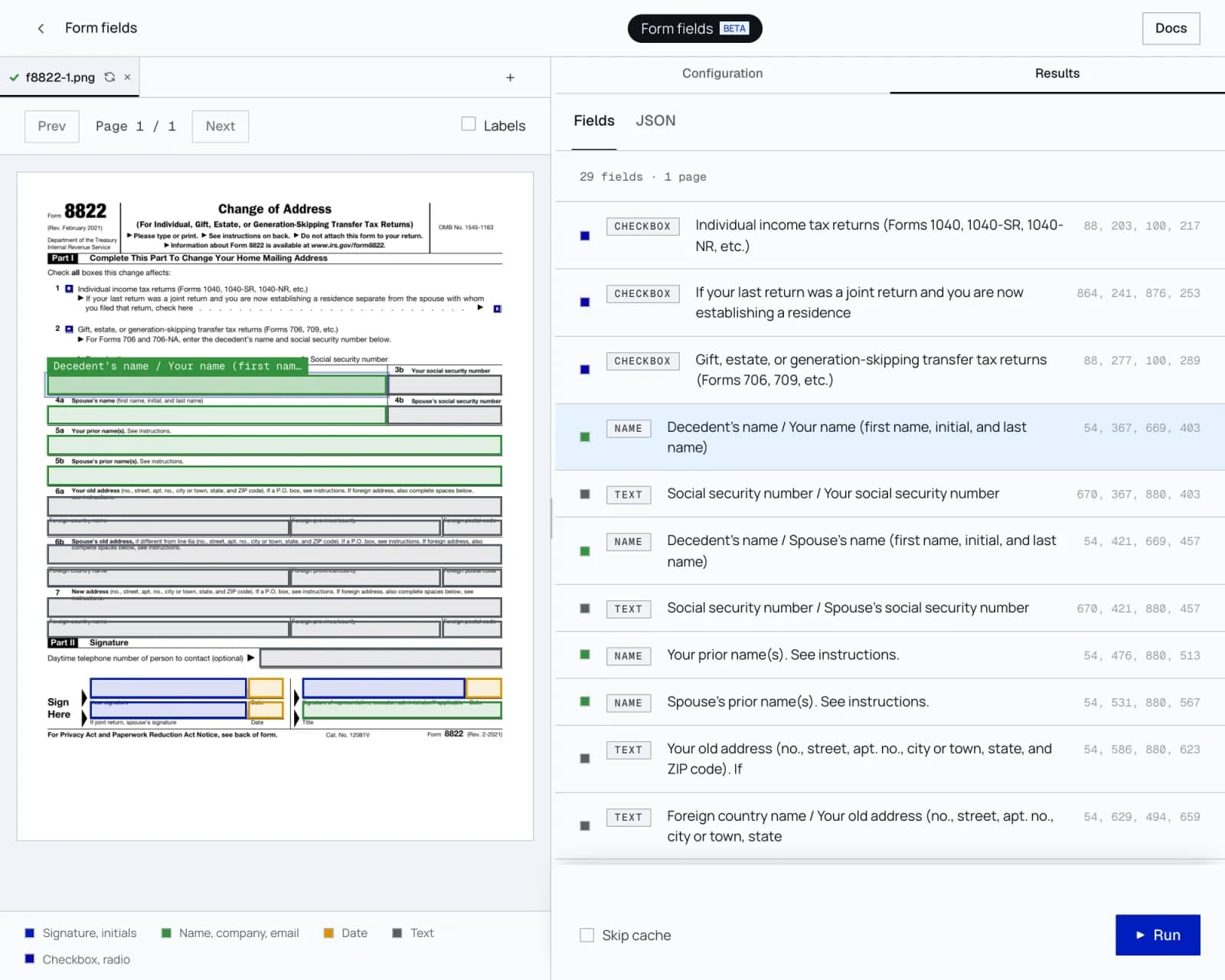
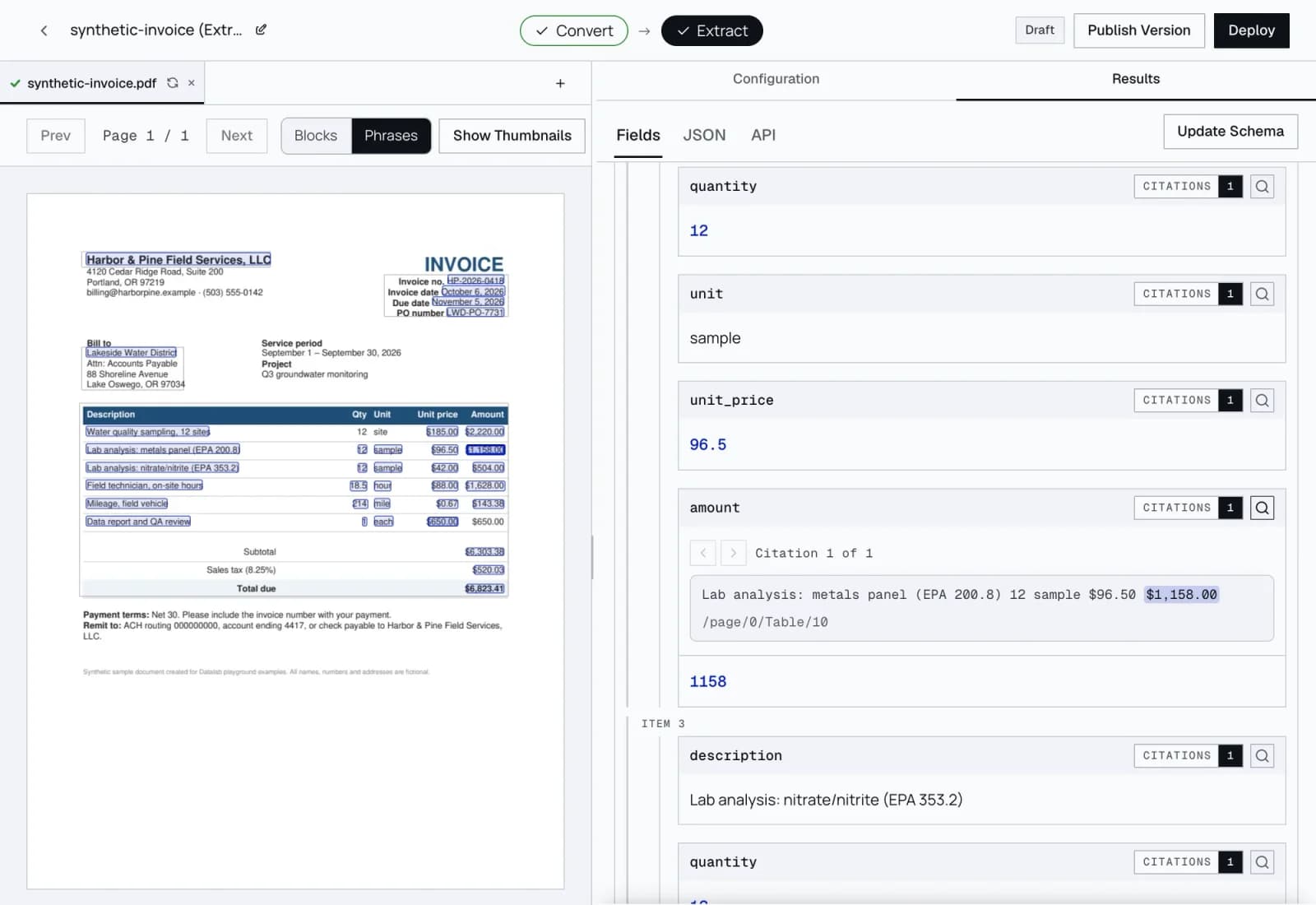
Now each value points at the exact words or the table cell it came from. Select a field in the playground, and the box sits on the amount, not on the whole table. When we ran phrase citations over 1.6 million cited values from 2,952 recent production extractions, 91% matched the exact words or table cell in their cited block. For the median extraction, 89% did.
What a citation tells you
Each phrase citation gives the text it matched on the page, where that text sits in the block, and a box around it. In a table, the box is the cell. A value on more than one line gets a box per line.
It also gives a match score. A score of 1.0 means the page prints the value, allowing for case, spacing, and how a number or date is written: “1,234.50” on the page matches 1234.5 in your result, and “March 3, 2024” matches 2024-03-03. A lower score means a close match, and the playground shows it as “Close match” with the score.
When it can’t place a value, it doesn’t guess
Some values can’t be pinned to words: a yes/no answer, a category, or a short value like “1” that appears ten times in a column with nothing in its row to tell them apart. For those, the citation keeps only the block and the page. It never draws a box on words that only look right.
This is for the finance or legal reviewer who checks your results. A highlight on the wrong “1” is worse than no highlight, because it makes a wrong answer look checked.
Computed values cite their inputs
Some fields aren’t printed anywhere: the sum of all line items, the number of signatories, the total across pages. Now a computed value cites the blocks it was computed from, so you can check a total against the rows that make it up.
More values get a citation
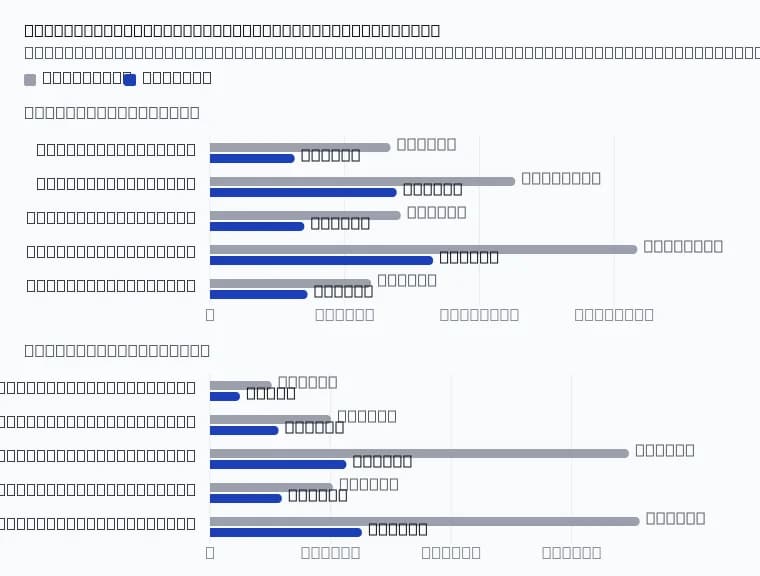
More of each result now comes back with a citation. On LongExtractBench, a public benchmark of 50 long documents, the share of values with a citation rose from 69% to 76% per document on average. The pass rate held: 176 of 200 document runs passed with the change, against 170 without, a difference within run-to-run noise.
On a 40-document sample of OmniExtractBench, values with a citation rose from 78.6% to 79.3%, and accuracy stayed the same: 93.7 with the change and 93.9 without, within noise.
No extra charge
Phrase citations cost nothing extra.
Try it
In the playground, run an extraction. Phrase citations are on by default: switch between Blocks and Phrases in the page toolbar, and each field shows its evidence quote. Through the API, set citation_granularity="phrase" on /extract. The default stays "block". The docs have the full format.
Phrase citations are in open beta, and the citation format may change.
How we measured
LongExtractBench: the 50 public documents, four runs with the change and four without, on the same servers. A document passes when at least 90% of its extracted values are right and it recovers at least 85% of the reference rows. Citation coverage is the share of extracted values with at least one citation, averaged per document over all 50 documents. OmniExtractBench: a fixed 40-document sample, through our production extraction, with and without the change.