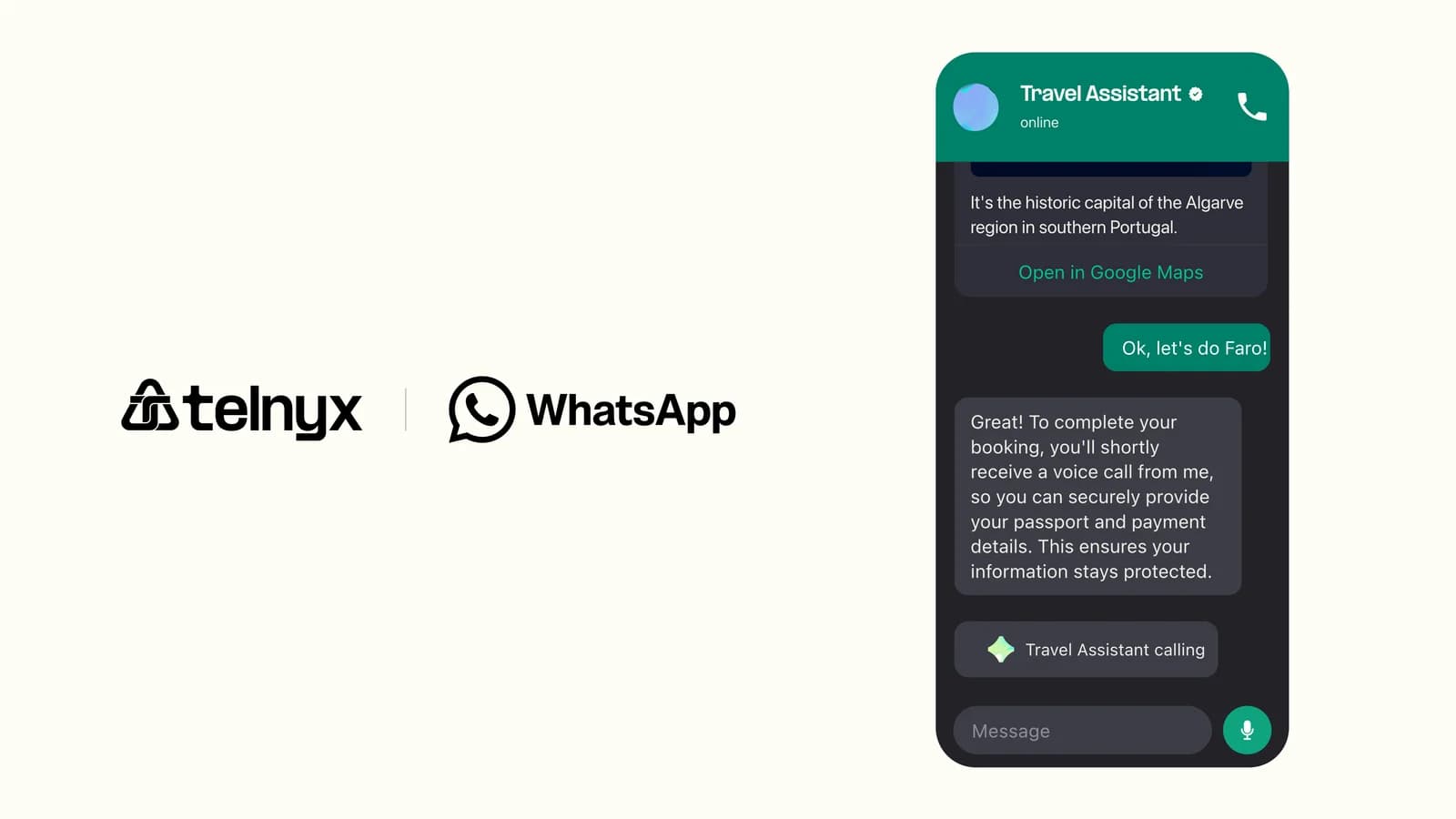
Businesses can now use the WhatsApp Business App and the Telnyx WhatsApp API on the same phone number, enabling automated messaging through Telnyx while employees continue manual conversations in the WhatsApp Business App.
What's new
- Shared number: Connect a phone number already active in the WhatsApp Business App to the Telnyx WhatsApp API without deregistering it from the app.
- Automated and manual messaging on one number: Send scheduled or automated template messages through Telnyx while staff continue direct, human customer conversations in the WhatsApp Business App.
- Separate billing and windows: The Business App and Cloud API share the phone number but do not share billing or customer service window state.
- Optional chat history sync: Synchronize up to six months of individual chat history during onboarding, or skip it entirely.
- Coexistence lifecycle states: Numbers move through sync states (pending, syncing, active) before Cloud API sends are allowed, with visibility via coexistence_state and is_on_biz_app fields.
- Best-effort conversation webhooks: Messages sent manually from the Business App produce a message.echo webhook, so integrations can track outbound activity from the app.
- Embedded Signup with coexistence option: Select the coexistence path during Embedded Signup to preserve the existing Business App registration.
Why it matters
Some businesses are already live on the WhatsApp Business App and want to layer on automation without disrupting their existing conversations. A team might run programmatic marketing outreach to an opted-in contact list through the Telnyx API, then hand off replies to a real person in the Business App. Coexistence removes the tradeoff between API automation and human conversation, so the business gets both from a single phone number.
Example use cases
- Marketing teams sending automated template campaigns to opted-in contacts, then switching to the Business App when a lead responds and wants a real conversation.
- Sales teams using automated outreach for lead generation while managing active customer relationships manually in the Business App.
- Support teams handling high-volume inbound conversations in the app while triggering automated follow-ups through Telnyx.
- Businesses introducing WhatsApp automation incrementally without disrupting existing staff workflows.
Getting started
- Update the WhatsApp Business App to version 2.24.17 or later.
- In Mission Control, open Messaging → WhatsApp and start Embedded Signup.
- Select the WhatsApp Business App coexistence option.
- Complete the Meta flow: sign in, choose to connect an existing WhatsApp Business App, and enter the phone number active in the app.
- Open the message from the Facebook Business Account in the WhatsApp Business App, select Connect, and confirm.
- Choose whether to share chat history (up to six months) and complete verification.
- Configure webhook delivery to receive message.echo and message.received events.
Learn more in the WhatsApp Coexistence docs or the WhatsApp Business API product page.