Over the last year, we’ve brought together one of the finest teams in player engineering to build Video.js v10: a ground-up rewrite of not just Video.js, but also of Plyr, Vidstack, Media Chrome, and yes, Mux Player.
On October 1, 2026, we released Video.js v10 GA. Since then, we’ve fixed bugs, launched features, reached over a million cumulative downloads on npm, and even had CultRepo release a documentary about the project! So we feel ready to say…
If you’re building something with Mux Video for the web, you should build with Video.js v10.
If you’re still on Mux Player for Web, don’t worry. We’ll keep supporting you. Migrate at your own pace. Mux Player for iOS and Android are unaffected.
Let’s dive into the details.
LinkWhat makes Video.js v10 different
If you haven’t been following the story, a quick recap:
When Brightcove was acquired last year, the Video.js contributors on their team were let go, and Mux stepped up to rebuild it. After powering trillions of plays over 15 years, Video.js deserved to be rebuilt for the next 15. Mux joined the Open Source Pledge and invited the people behind Plyr, Vidstack, and Media Chrome + Mux Player to work on Video.js v10 full-time.
To be honest, we could’ve polished what we had. We still love the experience of taking Mux Player and dropping it on your page for a fully featured, performant video playback experience in a single line of code. However, that experience had its limits. So we took what we learned and invested in an open source player that would serve both Mux customers and the broader video community. The result is Video.js v10:
LinkSmaller
If you don’t import a component, it’s not in your bundle. This is really big when you’re talking about playback engines.
Out of the box, a Video.js v10 player with Mux Video uses hls.js under the hood for maximum compatibility. But swap in SPF, our new playback engine, and the same player drops to half the size. And if all you need is a looping hero video with no controls, <mux-background-video> is less than a tenth the size of Mux Player (thanks again to SPF under the hood).
Mux Player
Video.js v10(mux-video)
Video.js v10(mux-video/spf)
Video.js v10(mux-background-video)
Bundle size
325 kB
316 kB
164 kB
27 kB
vs. Mux Player
97%
50%
SPF isn’t the default playback engine for Mux Video yet. There are still a few edge cases we’re working through; read the docs and see if it’s the right time to jump in for you. But stay tuned — we’re looking forward to making the switch soon!
LinkComposable
A player used to be an app sitting awkwardly inside your app. Now, it’s a library of pieces you can put together yourself. Customize it a little, or a lot. If you don’t like the default skin, swap it out for another one, or use the shadcn CLI to own the source code and edit it to your heart’s content.
bash
Or skip the skin entirely and build exactly the player you need. Here’s a looping clip with a play button and a progress bar, and nothing else:
Clip.tsx
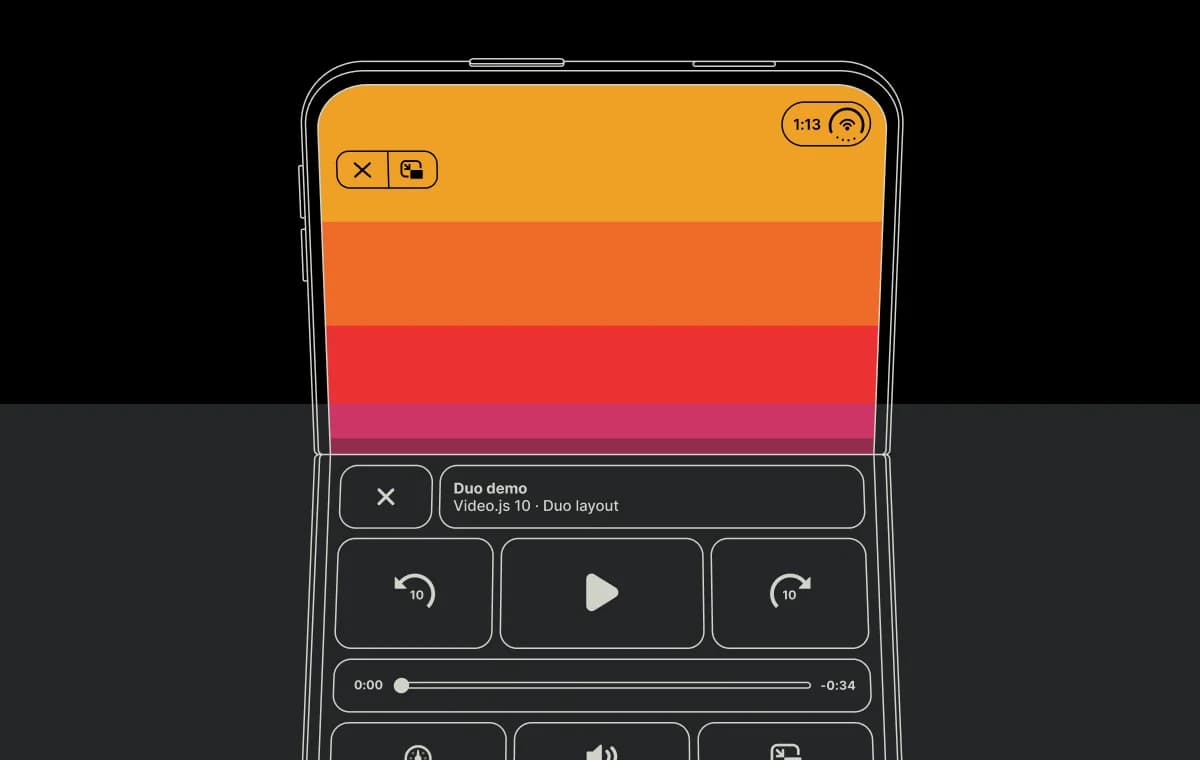
We don’t know what the player of tomorrow looks like. We went from clicking play to swiping TikTok awfully quickly. What’s next, folding video players? Whatever it is, Video.js v10 is set up to power it.
LinkIdiomatic
I remember sitting at a Media Chrome hackathon, trying to teach a bunch of frustrated React developers what web components’ slots and parts were. We at Mux still love custom elements, but if you don’t, you should have a first-class experience building with components that feel like they’re part of your app, not ours. HTML or React, CSS or Tailwind, and insanely great TypeScript no matter what.
Here’s the same play button, twice. In HTML, it’s a custom element you style with plain CSS and data attributes:
HTML + CSS
In React, it’s a component with a render prop, typed state, and whatever Tailwind classes you like:
React + Tailwind
LinkBeautiful and accessible
Mux Player looks… quite good. But this time around, Sam Potts of Plyr set his sights on designing our Video.js v10 skins. What he cooked up is truly a sight to behold. Sam goes into fantastic detail in a blog post, here.
The Default and Neutral skins, each playing the same Mux video.
And beyond that, we’ve worked with some of the finest minds in web accessibility to make sure that the skins work great for everyone, with considerations like visible keyboard focus over video, larger hit areas, support for reduced-motion, reduced-transparency and forced-colors settings, and automatic accent contrast via contrast-color(). We’ve handled every detail your agent might miss.
And speaking of agents…
LinkBuilt for you and your coding agent
We’re a team that cares far too much about developer experience. Just the right APIs and ergonomics for you and your mental model.
In the last year, we’ve learned a lot about how agents approach problems with libraries, too. Besides composable architectures being the kind of thing agents seem to like, we’re also putting excellent docs where your agent will find them, shaping their journey with skills, and testing every change along the way.
LinkWhat has (and hasn’t) changed across Mux
If you’ve been paying close attention, you might’ve noticed that things are feeling pretty Video.js v10 around here. Besides updating our own players across our website and dashboard, we’re also now leading with Video.js v10 in the docs, as well as serving iframe videos with Video.js.
We’re making these changes because we think Video.js is the best player for building with Mux. And we’ve made sure the two work great together.
When you use the <mux-video> and <mux-data> components with Video.js, you get the magic of Mux Player. Everything you love about Video, Data, and Robots works together — from timeline hover previews and generated chapters to captions and global-scale streaming analytics.
Here’s a basic player using a public Mux playback ID. Mux Data is opt-in, so include <mux-data> to enable monitoring:
index.html
And what if you already have a website using Mux Player?
LinkMux Player is in maintenance mode
If you’re using Mux Player for Web today, your existing integration will keep working. We’ll continue to support it with security patches and bug fixes, including fixes for browser changes, for at least the next 18 months.
Maintenance mode also means that we’re putting new player features and improvements into Video.js v10 rather than Mux Player.
Mux Player for iOS and Android aren't affected.
When you’re ready to migrate, most Mux Player features are already supported in Video.js v10. But it’s not a one-to-one swap, and a few features are still catching up. Check the migration guide against what your player uses before making the move. And don’t forget <mux-data>: unlike in Mux Player, monitoring is opt-in.
LinkGet started
If you’re using an iframe embed with player.mux.com, you'll automatically benefit from Video.js v10's improvements — all videos are now being served by Video.js v10, and we’ll even pick the most performant playback engine for your use case.
Some small things have changed, though, so check our iframe update guide just in case.
If you want to build with Video.js v10, we recommend getting started with the Video.js skills, which should guide you through a new build or migration handily:
bash
If you’d rather start with a doc, here are a few places you might take a look:
We’ve loved building Video.js v10 with this community, and we can’t wait to see what you build with it. Give it a try, and let us know how it goes on Discord or GitHub.