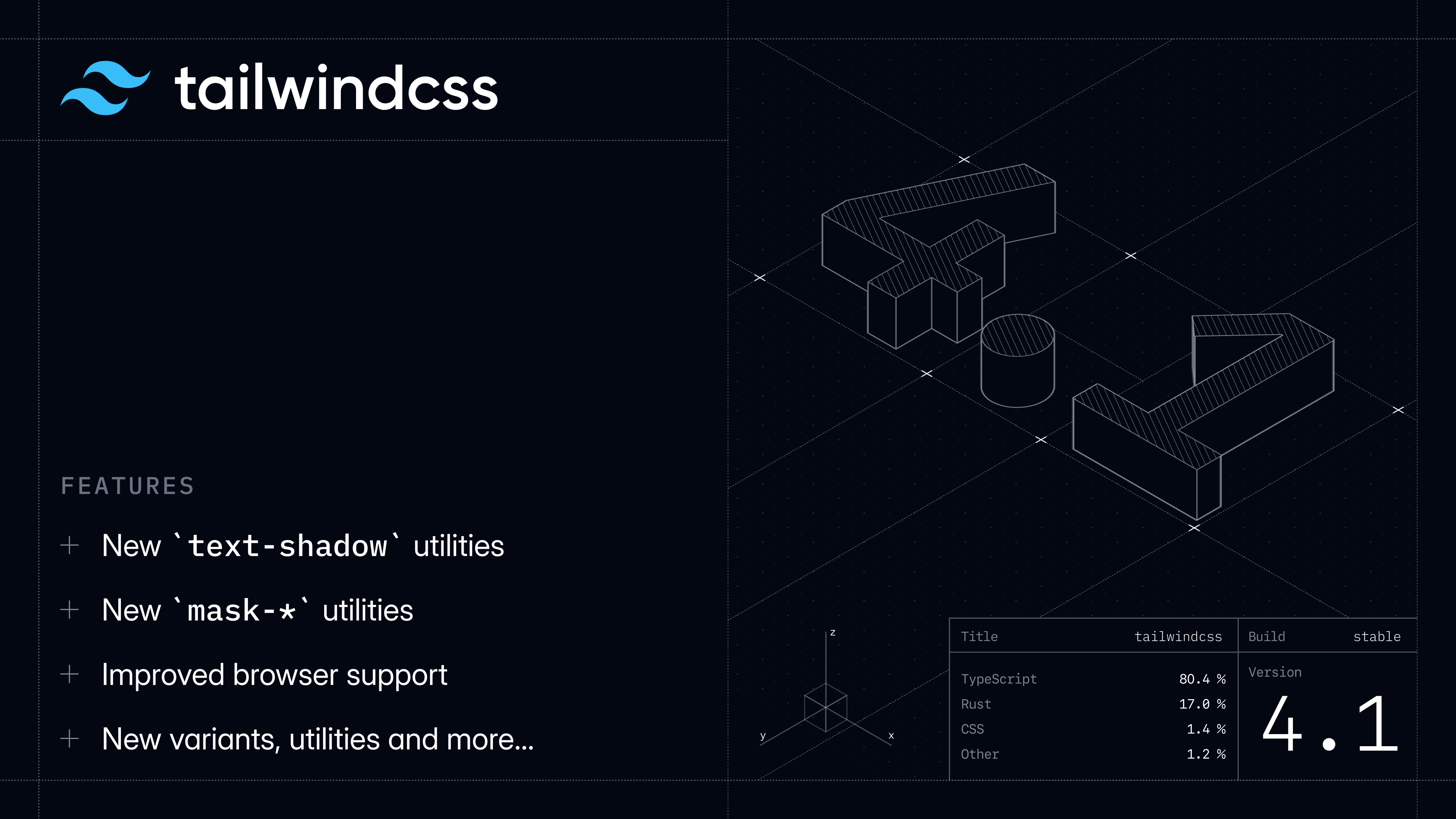
Tailwind CSS v4.3 is here, and because apparently shipping v4.2 was easier than remembering to blog about it, this post is secretly about two releases worth of new stuff.
Here's what landed in v4.2:
- New mauve, olive, mist, and taupe palettes — four more neutral-ish palettes for when gray, zinc, neutral, stone, and slate have somehow failed you.
- First-class webpack plugin — for a huge performance boost in frameworks like Next.js.
- More logical property utilities — including pbs-*, mbs-*, inline-*, block-*, and new logical inset utilities.
- New font-features-* utility — control low-level OpenType features without writing custom CSS every time.
…and here's what's new in v4.3:
- New scrollbar utilities — style scrollbars without wondering which half-supported browser API you're supposed to use this week.
- New @container-size utility — create size containers for when your container queries need to care about height too.
- New zoom-* utilities — use the CSS zoom property directly in your markup, now that every browser has finally agreed it exists.
- New tab-* utilities — control the rendered width of tab characters, just please don't make it eight like GitHub used to.
- Stacked + compound @variant support — use stacked and compound variants directly in CSS.
- Default values for functional utilities — define utilities that work with or without a value.
A lot of the v4.2 improvements, including the new logical property utilities and font-features-* support, came out of collaborations with teams at Netflix and Vercel through our Partners Program. If there are framework improvements like this that would make Tailwind CSS work better for your team, we'd love to help.
Upgrade your projects by installing the latest version of tailwindcss from npm:
Using the Tailwind CLI
Using Vite
Using PostCSS
Using webpack
New mauve, olive, mist, and taupe palettes
In v4.2 we added four new color palettes to the default theme: mauve, olive, mist, and taupe.
These originally came out of Oatmeal, the multi-theme marketing site kit we released for Tailwind Plus back in December, where we needed a few more neutral-ish palettes that still felt distinct from the grays we already ship.
They're all in that useful neutral-adjacent category where you want something that still behaves like gray, but has a little more personality:
100
200
300
400
500
600
700
800
900
950
mauve
olive
mist
taupe
They're a nice substitute for the existing gray palettes when you want the whole design to lean a little warmer, cooler, greener, or… mauver?
Check out the colors documentation for a pretty grid of all the available colors.
First-class webpack plugin
Tailwind CSS v4.2 added a dedicated @tailwindcss/webpack loader for integrating Tailwind CSS in webpack projects.
Before this, webpack projects usually ran Tailwind through postcss-loader and @tailwindcss/postcss, which works, but means CSS has to take a little detour through PostCSS just so Tailwind can get its hands on a string it already knows how to compile.
The dedicated loader skips that extra work, and we've seen it make Tailwind over 2x faster in large, complicated webpack projects. For example, here's what we saw testing against the tailwindcss.com docs with Next.js and Turbopack:
Using it is the same sort of setup you're used to from other webpack loaders:
webpack.config.js
Because Turbopack supports webpack loaders through its compatibility layer, these improvements carry over there too, which is a big deal for frameworks like Next.js where Turbopack is becoming the default.
Check out the @tailwindcss/webpack README for more details.
More logical property utilities
Tailwind CSS v4.2 added a whole bunch of new logical property utilities, making it easier to build layouts that adapt correctly across different writing modes and directions.
For spacing, there are new block-start and block-end utilities for padding, margin, scroll padding, scroll margin, and borders:
We've also added logical sizing utilities for inline-size and block-size, along with min and max variants:
And we've added logical inset utilities for positioning elements:
The existing start-* and end-* utilities are still available, but they're now deprecated in favor of inset-s-* and inset-e-* so the whole API lines up with inset-bs-* and inset-be-*.
Check out the padding, margin, scroll-padding, scroll-margin, border-width, inline-size, block-size, and top / right / bottom / left docs for more details.
New font-features-* utility
We've also added font-features-* utilities for controlling font-feature-settings:
normal
100.00
218.40
864.12
font-features-["tnum"]
100.00
218.40
864.12
For common cases like tabular numbers, you should still reach for higher-level utilities like tabular-nums first, because nobody should have to remember that "tnum" is a thing.
But when you need to enable a font-specific stylistic set or some other OpenType feature we don't have a dedicated utility for, font-features-* gives you a clean escape hatch.
Check out the font-feature-settings docs for more details.
Tailwind CSS v4.3 adds first-party utilities for the CSS scrollbar APIs, so you can finally do the boring-but-useful scrollbar stuff without opening a second tab and remembering which browser supports what.
Use scrollbar-auto, scrollbar-thin, and scrollbar-none to control scrollbar-width:
Scroll vertically
The Cerulean Archives occupy three narrow floors above the old observatory, each lined with drawers of star maps, expedition notes, and brass instruments cataloged by hand.
On winter mornings, the staff rolls ladders between the shelves while pale light cuts through the roof windows and settles on the reading tables.
Visitors can request anything from the collection, but most come for the atlases that chart coastlines no longer found on modern maps.
Every returned volume is inspected, dusted, and wrapped before being carried back into the stacks for the next researcher.
You can also control scrollbar colors using scrollbar-thumb-* and scrollbar-track-* utilities:
They work with the usual color opacity modifiers too:
And for preventing layout shift when scrollbars appear, we've added scrollbar-gutter-auto, scrollbar-gutter-stable, and scrollbar-gutter-both:
scrollbar-gutter-auto
Hey everyone! It's almost 2027 and we still don't know if there are aliens living among us, or do we? Maybe the person writing this is an alien. You will never know.
scrollbar-gutter-stable
Check out the scrollbar-width, scrollbar-color, and scrollbar-gutter docs for more details.
New @container-size utility
In Tailwind CSS v4.0 we added first-party container query support with the @container utility, which creates an inline-size container.
That's what you want most of the time, but container query length units like cqb and cqh depend on the block size of the container, and inline-size containers don't expose that information.
So in v4.3 we've added @container-size, which creates a size container instead:
You can name size containers too using @container-size/{name}, just like @container/{name}.
Check out the responsive design docs for more details.
New zoom-* utilities
Tailwind CSS v4.3 adds zoom-* utilities for the CSS zoom property, one of those ancient browser features that was supported in Chrome 1 back in 2008, but only became fully supported across all major browsers in 2024 after taking the scenic route through a few long-standing SVG bugs:
You can also use arbitrary values and CSS variables:
Check out the zoom docs for more details.
New tab-* utilities
We've also added tab-* utilities for controlling the rendered width of tab characters using tab-size.
This is mostly useful for code examples, editors, and any other UI where you're rendering preformatted text that might contain real tab characters:
tab-2
tab-8
Arbitrary values and CSS variables work here too:
Check out the tab-size docs for more details.
Stacked + compound @variant support
Tailwind CSS v4.3 makes @variant more flexible when you're using variants in CSS instead of directly in your markup.
You can now use stacked variants:
CSS
Compiled CSS
And you can use compound variants to share the same block of CSS across multiple variants:
CSS
Compiled CSS
You're usually better off creating a real component and styling it with Tailwind CSS classes directly, but when CSS is the right tool, this makes @variant a lot nicer to work with.
Check out the @variant docs for more details.
Default values for functional utilities
Tailwind CSS v4.0 introduced functional @utility definitions, where you can use --value(…) and --modifier(…) to define utilities that accept theme values, bare values, arbitrary values, and modifiers.
In v4.3, you can now pass --default(…) to --value(…) and --modifier(…) when a utility should work with or without a value:
CSS
Now the bare tab utility can fall back to 4, while tab-2 still resolves to 2:
HTML
Generated CSS
That makes it easier to define APIs where the bare utility does the obvious thing, while still supporting explicit values for the same utility family.
It's a small thing, but it lets plugin authors and anyone writing custom utilities create APIs that feel a lot more like the ones we ship in the framework itself.
So that's Tailwind CSS v4.2 and v4.3!
Update to the latest version using npm and start playing with it today:
Using the Tailwind CLI
Using Vite
Using PostCSS
Using webpack
Try the new stuff and let us know what you run into. Just remember a tab size over 4 is a crime and may result in the suspension of your software engineering license.