Soniox text-to-speech is now available for Telnyx Voice AI, adding about 200 voices that each speak 60 languages from one model to the voice provider catalog.
What's new
- Soniox TTS provider: Select Soniox voices using the Soniox.tts-rt-v2.<Name> format, with about 200 voices in the catalog including Soniox.tts-rt-v2.Adrian, Soniox.tts-rt-v2.Emma, and Soniox.tts-rt-v2.Nina.
- 60 languages from one model: Every Soniox voice speaks every supported language, including English, Spanish, French, German, Portuguese, Hindi, Japanese, and Arabic. Set language to the two-letter ISO 639-1 code of the text, with en as the default. On Voice AI Assistants, one voice follows the caller when they change language during a call.
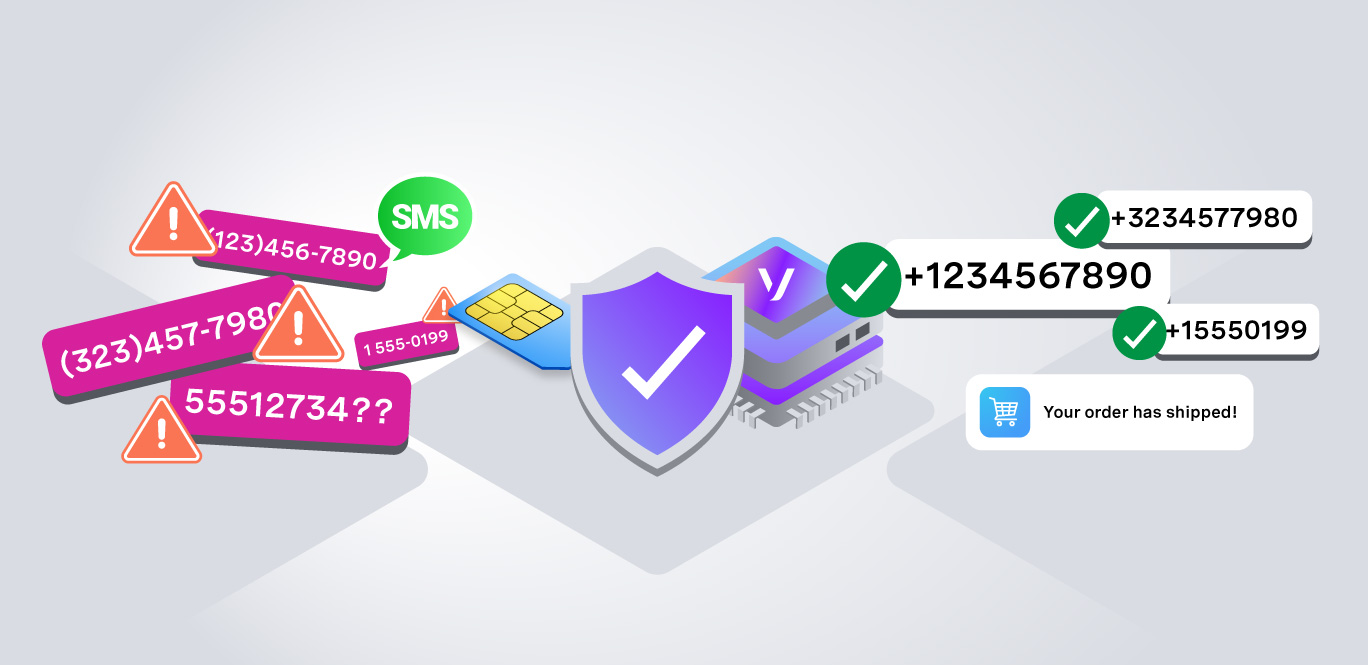
- Precise alphanumeric rendering: Soniox built the model to render phone numbers, email addresses, IDs, verification codes, and account numbers accurately.
- Low-latency streaming synthesis: Stream speech over WebSocket or REST with telephony-native 8 kHz pcm_mulaw and pcm_alaw output.
- Available across Telnyx voice surfaces: Use Soniox voices in Voice AI Assistants, the Telnyx TTS API (POST /v2/text-to-speech/speech and WebSocket streaming), Call Control speak, gather_using_speak, and conference speak commands, and TeXML <Say>.
- Speed and pacing controls: Set speed from 0.7 to 1.3, and set reduce_silence to shorten the pauses between words.
- Plain text input: Write prompts as plain text. SSML is not supported, and each request is capped at 2 minutes of audio.
Why it matters
- Telnyx is the infrastructure voice agents run on: telephony, STT, TTS, and agent orchestration in one platform, instead of a Frankenstack of four to six vendors stitched together.
- Soniox STT is already available on Telnyx, so teams can now run both sides of the conversation, listening and speaking, with one speech AI provider.
- Every voice speaks every supported language, so teams build one agent voice that serves callers across 60 languages with no per-language model switching or voice swapping.
- Teams serving callers in several markets can give an agent one consistent voice across all of them, instead of picking a different voice or vendor per language.
Example use cases
- Support agents that read verification codes, account numbers, and contact details back to callers with accurate alphanumeric rendering.
- Global contact centers serving callers in 60 languages from a single voice, including mixed-language conversations.
- Developers building conversational agents that pair Soniox STT with Soniox TTS for consistent speech quality across listening and speaking.
- Product teams adding voices to Call Control or TeXML call flows without adding another vendor to the stack.
Getting started
- In Mission Control, navigate to AI, then Assistants, then select your assistant.
- Open the Voice tab.
- Choose Soniox as the provider and pick a voice.
- Save the assistant and test with real caller audio before routing production traffic.
For API-based call flows, pass a Soniox voice to POST /v2/text-to-speech/speech, over WebSocket streaming, or in a Call Control or TeXML call. Set language to the language of the text. Soniox lists the full set of supported languages. Example REST request:
In TeXML, set the voice and language on <Say>:
Learn more in the Soniox provider docs, the Available Voices catalog, or the Telnyx Text-to-Speech overview.