Dev48
Language
  • About
  • Services
  • Industries
  • Technologies
  • Articles
  • Contacts
Book a call
    Home/Articles/Set your intended architecture with your coding agent skip the diagram
Dev48
info@dev48.org+375 29 320-40-96WhatsApp@isky_by

© 2026 · All rights reserved.

Set your intended architecture with your coding agent, skip the diagram

Source: SonarSource•November 10, 2026 at 04:41 PM

Set your intended architecture with your coding agent, skip the diagram

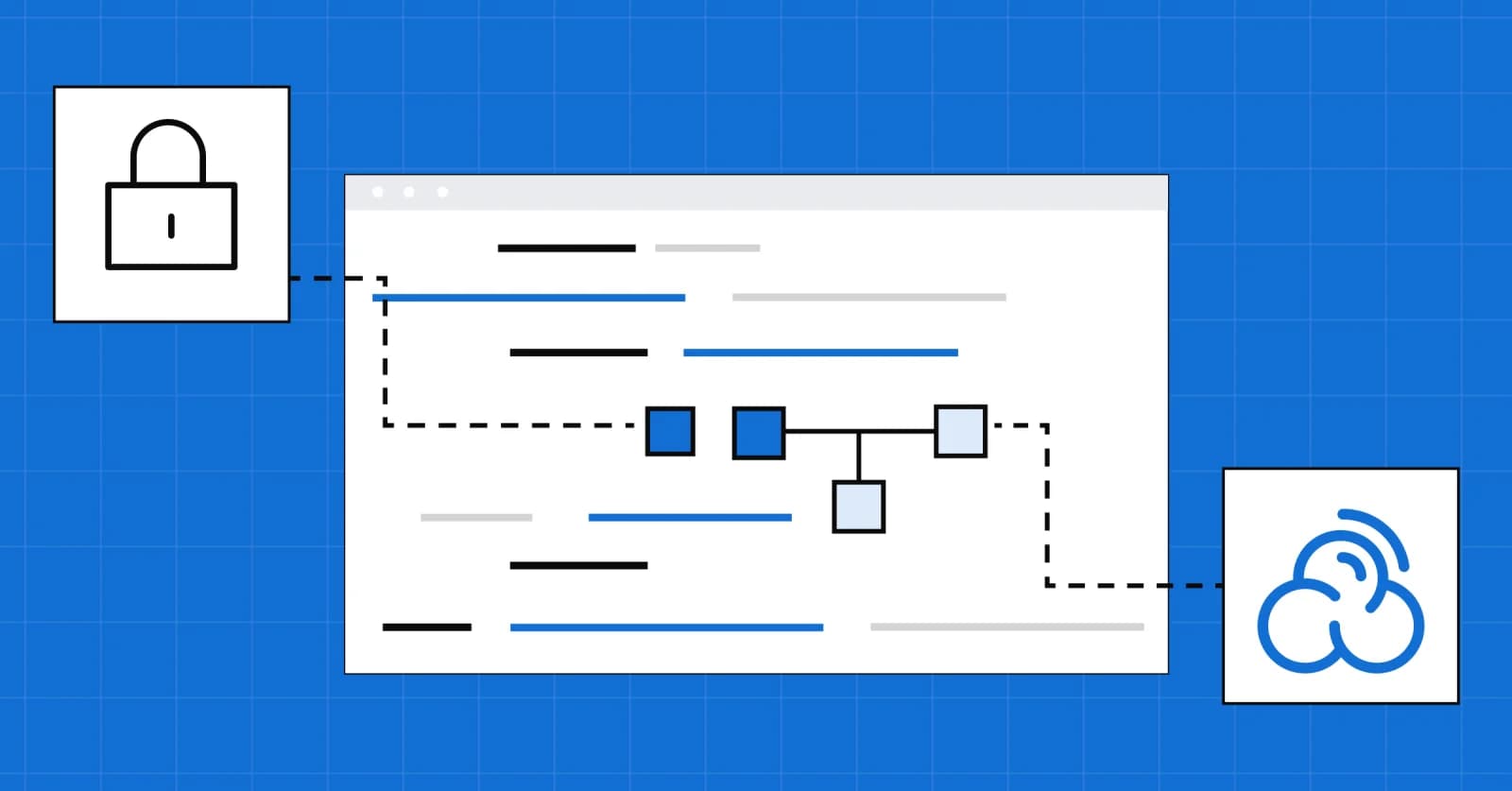
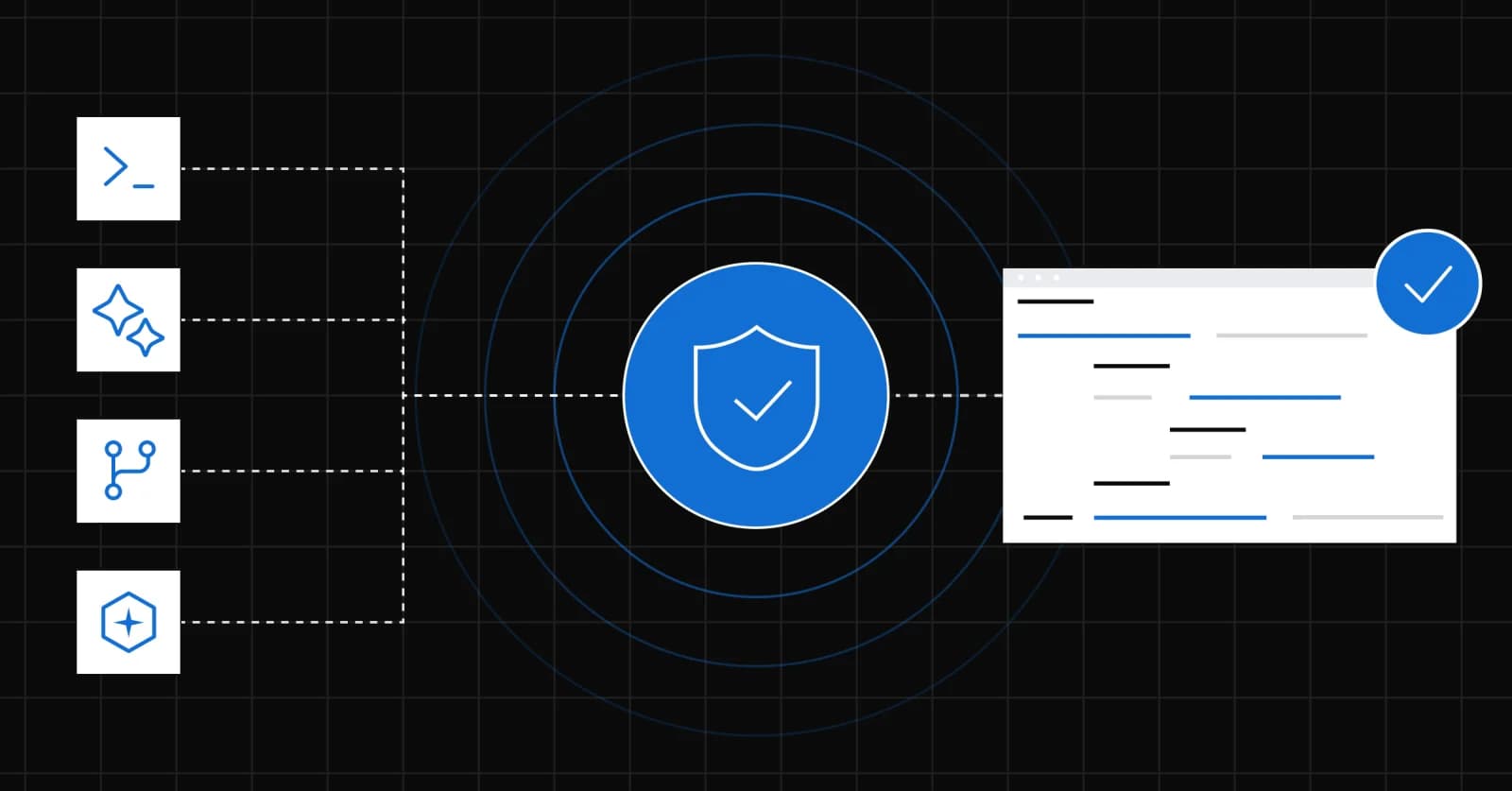
Define your intended architecture with your coding agent in SonarQube Cloud and catch architectural drift early. Set it up with the CLI or MCP Server.

  • Blog

Frequently asked questions

What problem does defining architecture with a coding agent actually solve?

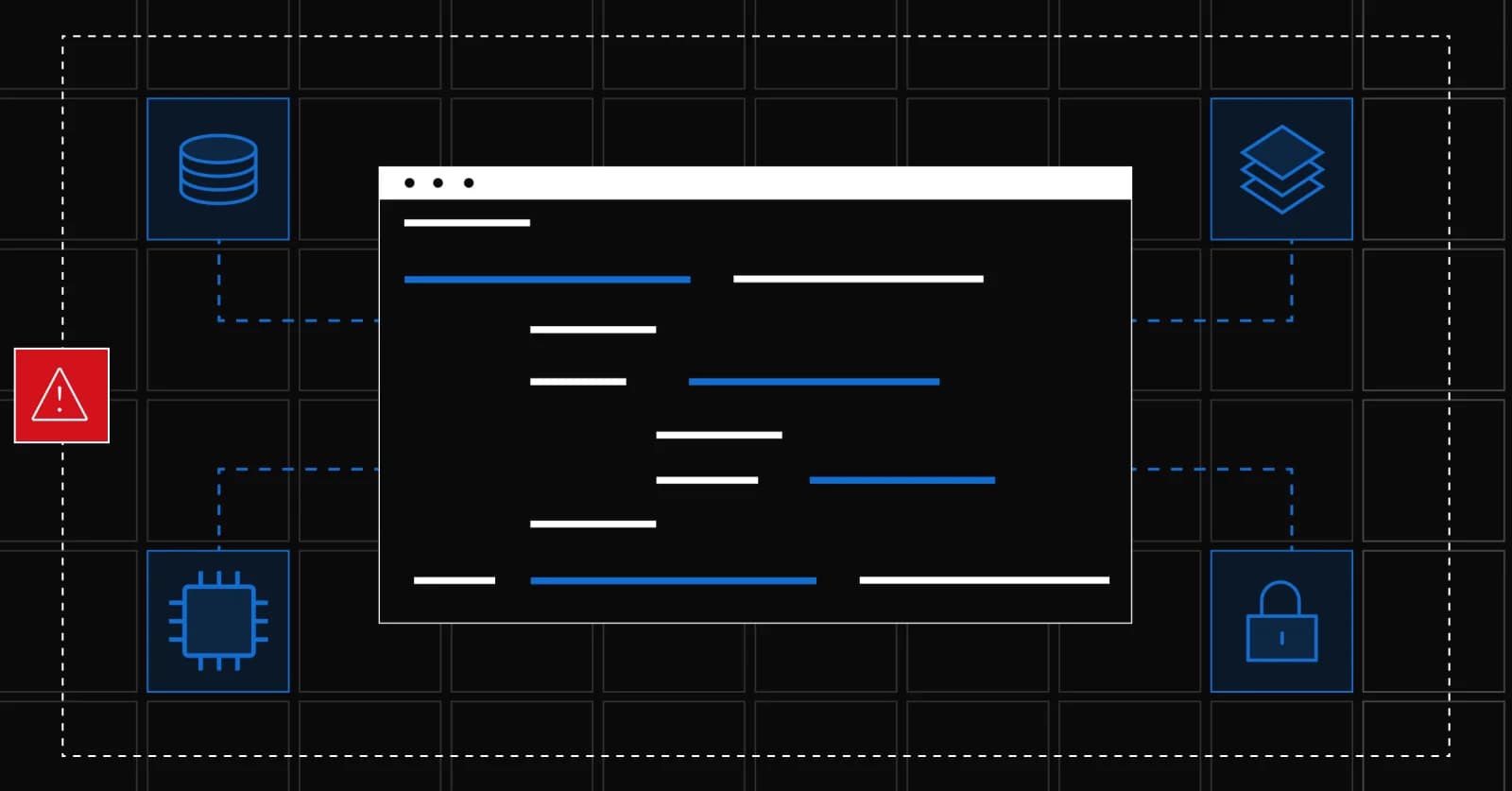
It closes the gap between the architecture a team intends and the architecture that actually exists in the codebase. That gap, known as architectural drift, is what causes systems to become brittle and expensive to change. Because agents generate code without understanding intended architecture, this gap widens faster with agentic development than it did with human-only development.

Do I need to learn a new tool to use this?

No. You work through the SonarQube CLI or the SonarQube MCP Server, tools your coding agent already uses to interact with your codebase, and the result appears alongside any architecture you may have already built through the SonarQube Cloud web editor.

What happens when code violates the intended architecture after it's defined?

SonarQube Cloud raises the violation as a maintainability issue during the next analysis, in the same developer workflow your team uses for other findings. There is no overhead for developers as it all fits in the existing workflow.

Who can change the intended architecture once it's set?

Only users with the "Administer architecture" permission on the project can write changes, whether through the agent workflow or the public Web API. Any user with "Browse" permission can read the current and intended architecture.

Can this scale beyond a single project?

Yes. The public Web API endpoints expose the same read and write capabilities used in the agent workflow, so teams can template an intended architecture across many projects or integrate architecture data into their own tooling.
Build trust into every line of code

← All articles

What this article says

More in Software Development

All →
Verification is the factory's feedback system
SonarSource

Verification is the factory's feedback system

Earned, not bought: what the verified logo in your customers’ inbox really signals
Mailgun

Earned, not bought: what the verified logo in your customers’ inbox really signals

Portfolio Hierarchies arrives in SonarQube Cloud
SonarSource

Portfolio Hierarchies arrives in SonarQube Cloud

Handling a leaked credential with the Postman plugin
Postman

Handling a leaked credential with the Postman plugin

5 Ways Manufacturing ERP Holds You Back
IFS

5 Ways Manufacturing ERP Holds You Back

How to iterate faster with Expo, Supabase, and AI
Expo

How to iterate faster with Expo, Supabase, and AI

More from SonarSource

Verification is the factory's feedback system
SonarSource

Verification is the factory's feedback system

Portfolio Hierarchies arrives in SonarQube Cloud
SonarSource

Portfolio Hierarchies arrives in SonarQube Cloud

Sonar and LTM: Putting AI code verification to work at enterprise scale
SonarSource

Sonar and LTM: Putting AI code verification to work at enterprise scale

The guardrail that decides whether AI coding ships discipline or disaster
SonarSource

The guardrail that decides whether AI coding ships discipline or disaster

How do you verify AI coding agent output from any tool, not just one?
SonarSource

How do you verify AI coding agent output from any tool, not just one?

SonarQube container scanning is now in open beta
SonarSource

SonarQube container scanning is now in open beta