Your team just launched its first campaign on OpenAI Ads, and now leadership wants to know whether it's working. But when you open Ads Manager, the conversion numbers look thin.
That could be because the Pixel only sees what happens in the browser, and only when the browser lets it. Cookie-blocked sessions, sign-ups confirmed on your server, mobile-app purchases, and subscription renewals never reach OpenAI, so their ad optimization doesn't see them, and neither does your report.
You could just accept the undercount and make budget calls on partial data. Or you could have an engineer hand-build a Conversions API integration, with its own hashing, currency conversion, batching, and dedupe logic. But there’s a better way.
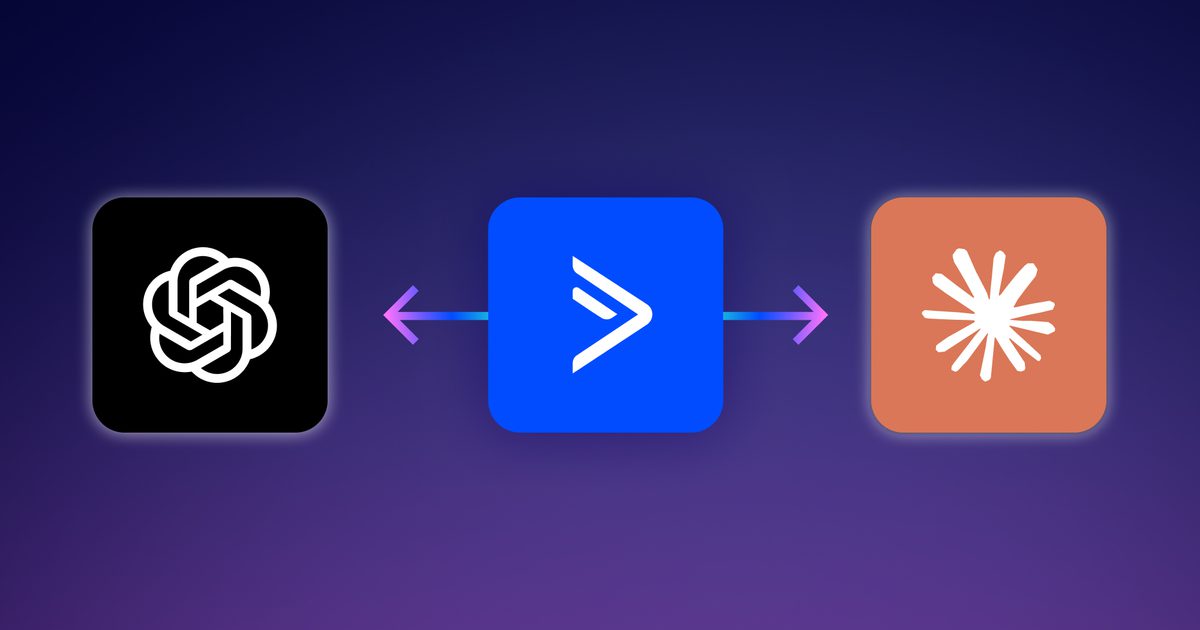
RudderStack now supports OpenAI Ads as a destination, and it’s available on all RudderStack plans. It sends the conversion events you already collect in RudderStack to OpenAI Ads, server-side through the Conversions API, browser-side through the OpenAI Ads Pixel, or both at once, so you can count every conversion.
Making OpenAI Ads measurement easy
OpenAI Ads launched in ChatGPT in February 2026, and for a lot of teams it's a new ad channel worth testing. But new channels come with the same old problem: measurement. Ad platforms optimize toward the conversions they can see, and if they only see half, they optimize toward the wrong half.
That's why server-side conversion APIs have become the default for serious advertisers. Meta CAPI, Google Ads Enhanced Conversions, and TikTok's Events API all exist for the same reason. OpenAI built its Conversions API on the same idea. They describe it as a more reliable tracking source than the Pixel alone.
We heard this pattern from customers quickly. The teams asking for OpenAI Ads were the same teams already sending conversions to Meta, Google, and TikTok through RudderStack. Their data engineers didn't want another ad hoc integration to build and maintain, and their martech teams didn't want to learn another platform's tracking quirks. They just wanted OpenAI Ads to work like every other ad destination they already run, so we got to work and built an integration they can count on.
What RudderStack’s OpenAI Ads integration does
The OpenAI Ads destination takes your RudderStack track events (and, optionally, page and screen events) and delivers them to OpenAI Ads as conversions. You choose how:
- Cloud mode sends events through the OpenAI Ads Conversions API. This is the recommended path. It's also the only one that covers server-side, offline, and mobile-app conversions.
- Device mode loads and fires the OpenAI Ads Pixel through the RudderStack JavaScript SDK. You don't paste a snippet or maintain a separate tag.
- Both run side by side on the same event, so the browser and server each cover what the other misses.
How it works
You map your existing event names to OpenAI Ads' standard events once, in the destination settings. Your instrumentation doesn't change.
So, a purchase you already track like this:
JAVASCRIPT
rudderanalytics.track('Order Completed', {
order_id: 'ord_48213',
revenue: 129.99,
currency: 'USD',
products: [
{ product_id: 'sku_101', name: 'Linen throw', quantity: 1, price: 129.99 }
arrives in OpenAI Ads as an order_created conversion. RudderStack converts the value to minor units (12999), maps the line items to contents, and SHA-256 hashes the user's email and ID before they leave RudderStack. The mapping picker only offers OpenAI Ads' supported event names, so a typo can't quietly drop your purchase events.
Key benefits
- Pixel and server events count once, not twice. OpenAI Ads dedupes a browser event and a server event when both share the same event ID. RudderStack uses the event's messageId by default. For any mapped event, you can point the ID at a business value instead, such as properties.order_id, and RudderStack uses it for both the Pixel and the Conversions API. What this replaces: Hand-written logic to make sure the browser tag and the backend agree on an ID, and the double-counting that happens when they don't.
- The tedious details are already handled. OpenAI Ads expects hashed emails and IDs, raw IP and user agent, amounts in ISO 4217 minor units, and timestamps in milliseconds. It also expects an action_source (web, mobile app, or other) on every event. RudderStack handles all of this from the fields your events already carry, and you can override any of it. What this replaces: A custom Conversions API client that someone on your team has to build, test, and maintain.
- Mobile-app conversions, today. OpenAI Ads doesn't offer a native mobile SDK yet. Cloud mode still lets you send app conversions from the RudderStack Kotlin and Swift SDKs through the Conversions API. RudderStack sets action_source to mobile_app automatically. What this replaces: Leaving app installs, opens, and in-app purchases out of your ChatGPT campaign reporting.
- The same guardrails as every other destination. In device mode, the Pixel respects your consent management setup and won't fire for users who haven't consented. Tracking plans, transformations, and event filtering run in the pipeline, before data reaches OpenAI Ads, just like they do for any other RudderStack destination. What this replaces: A standalone tag that sits outside your consent and governance setup.
Start getting full conversion data into your ChatGPT campaigns today
The OpenAI Ads destination is now available on all RudderStack plans, and getting started is easy. If you're already sending events to RudderStack, setup involves five simple steps and takes about five minutes.
- Grab your credentials. In OpenAI Ads Manager, open the Conversions tab and copy your Pixel ID and Conversions API key.
- Add the destination. In RudderStack, connect your source to a new OpenAI Ads destination. Under OpenAI Ads account, click Create account and enter your Pixel ID and API key. The API key is required for cloud mode and optional if you only use web device mode.
- Choose your connection mode. Pick cloud mode, device mode, or both. Optionally set a default currency and a default action source for events that don't include one.
- Map your events. Match your existing track, page, or screen event names to OpenAI Ads' standard events. If you run both modes, set a deduplication key path for purchase events, such as properties.order_id.
- Check the results. Send a few test events from a staging workspace and confirm they show up in OpenAI Ads Manager.
See the OpenAI Ads destination documentation for full setup instructions and the complete event mapping reference.
If you’re already running ads in ChatGPT, Try RudderStack for free today and start sending conversions in minutes. Want a walkthrough first? Get a demo.
Capture more OpenAI Ads conversions with RudderStack
Try RudderStack for free today, and start reliably capturing your conversions from OpenAI ads