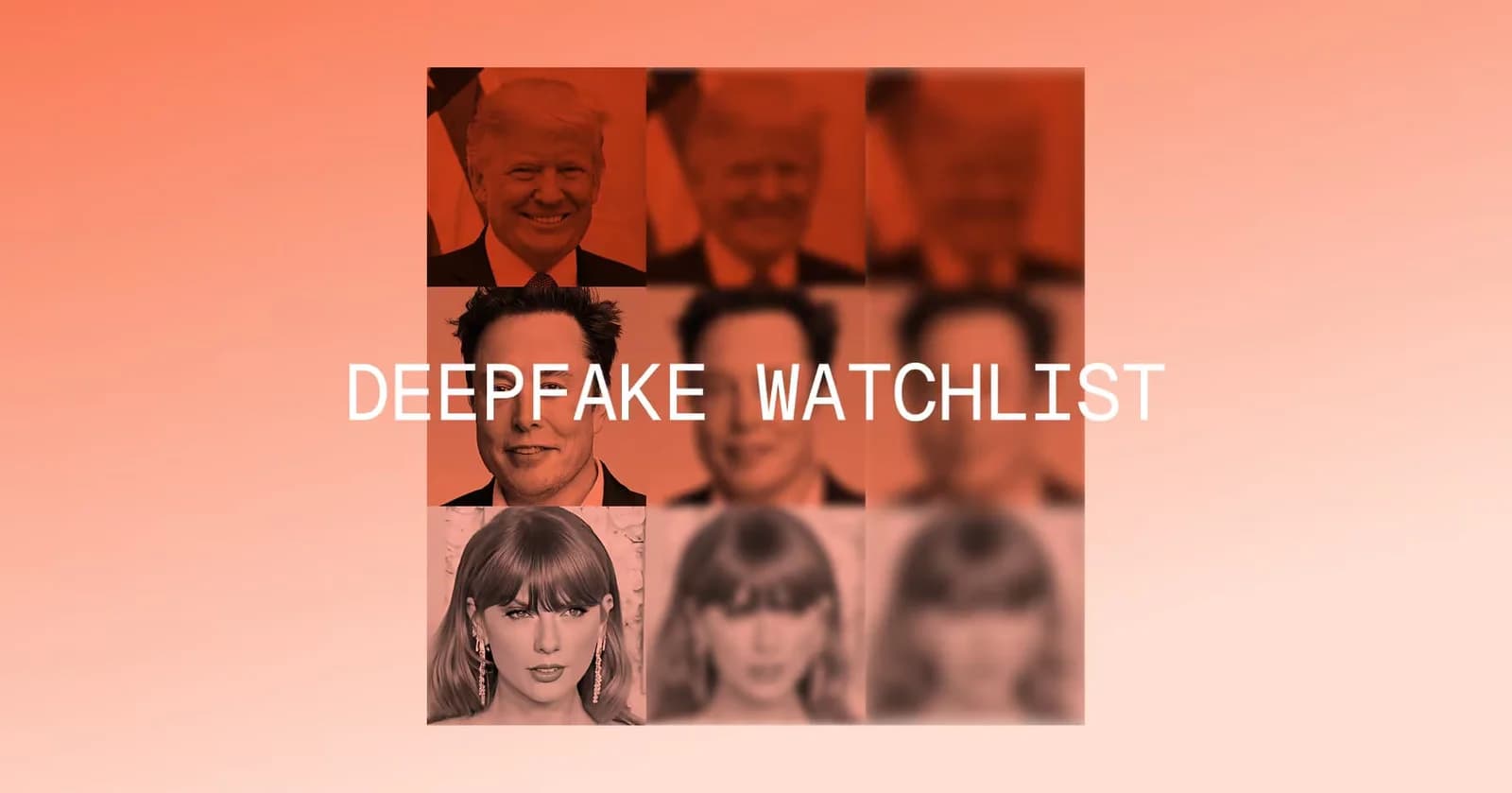
Many of us still assume we’d know if someone on a video call wasn’t real. We would notice something strange about their face or voice, or maybe rely on a quick trick like the three-finger test.
However, our assumptions are getting harder to rely on. The most well known example of this is in 2024, when an Arup employee authorized 15 transfers worth $25.6 million after joining a video call where his CFO and colleagues were all deepfakes. Since then similar attacks have happened. In 2025, a Singapore finance director transferred more than $499,000 after a deepfake executive call and in February 2026, a cloned voice helped move roughly €95 million out of Fideuram, part of Intesa Sanpaolo.
And these attacks are continuing and getting harder to spot in the moment. Gartner's recent September 2026 survey of 297 CISOs found that 41% had dealt with a deepfake used in a social-engineering attack on an employee phone call in the previous year, while 36% had seen one on a video call.
Enterprises and organizations of all size now need to be prepared to detect AI and fraud across four primary use cases: CEO fraud, candidate fraud, payment fraud, and IT Help Desk impersonation.
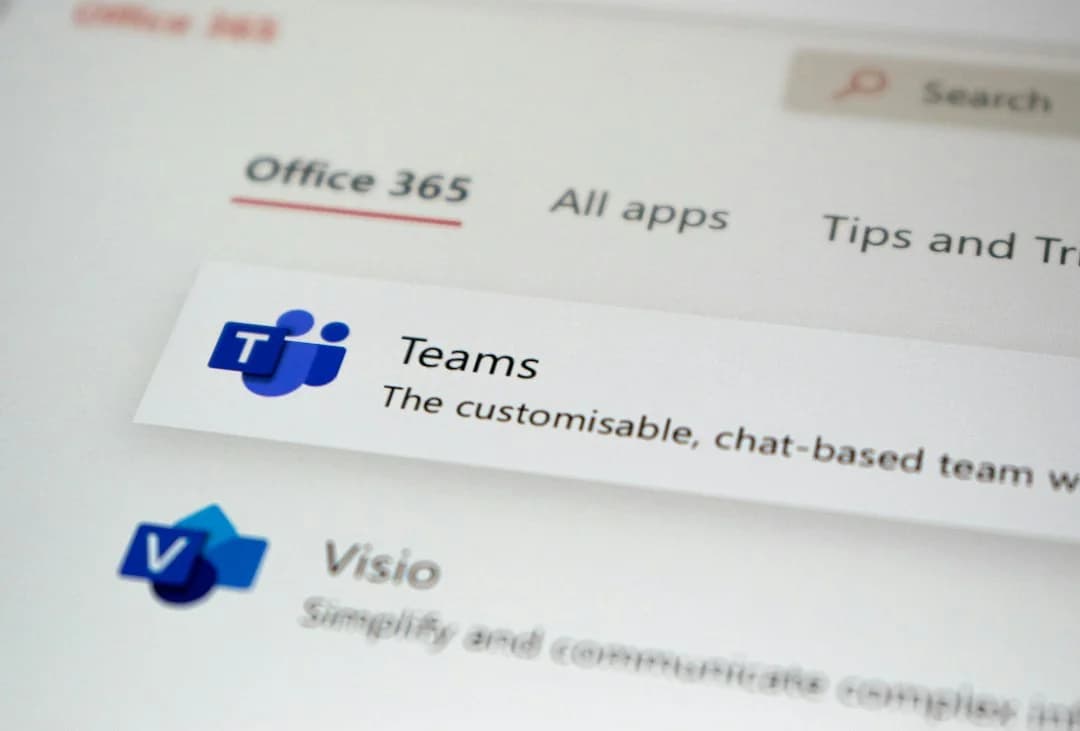
That's why we’ve officially launched a native real-time deepfake detection integration for Microsoft Teams.
How does Resemble AI work in Microsoft Teams?
Resemble AI for Microsoft Teams brings real-time identity matching and enrollment, audio and video deepfake detection, and fraud alerts directly into the Teams environment. Rather than asking employees to decide whether the person on a call looks real or to be on high alert for signs of suspicious behavior, Resemble Detect scans the audio and video for signs of synthetic media, impersonation and fraud. There's no separate bot joining the meeting (although you have the option to add a visible bot if your organization prefers), and participants don't need to download anything or switch to another platform.
Resemble Detect for Microsoft Teams includes four of the Resemble AI detection models natively: Detect for deepfake detection (the presence of AI in video or audio), Identity for identity matching, Signal for fraud detection and Intelligence for plainspoken explanations of results from the other three.
How Resemble Detect works during a Microsoft Teams meeting
Once an administrator enables Resemble Detect for the organization, Teams meetings are covered automatically.
Here is a brief overview of how it works:
- Before the call (optional): Users enroll a face and voice sample associated with their Microsoft 365 account. This gives Resemble Detect a baseline to compare against during future meetings. Enrollment is a one-time process and takes a few minutes.
- During the call: Resemble Detect analyzes the audio and video streams continuously. It looks for signs that the media has been generated or manipulated by AI, while also checking whether the person on camera and on the microphone matches their enrolled identity, and scanning for signs of fraud or suspicious behavior
- If something is flagged: The meeting host receives an alert identifying the participant and the stream that triggered it. The host can then decide what to do, whether that's asking the person to verify themselves, removing them from the meeting, or bringing in the security team.
- After the call: Flagged events are summarized in the Teams chat, giving the organization a record of what happened. When an incident needs a closer look, Resemble Detect can generate a report with timestamps, frame-level visual analysis, and audio-segment scoring.
Audio and video are processed for detection purposes and media is kept only for participants flagged by the system so your security team can review the relevant event. Customer data is not used to train Resemble AI's models and the platform is SOC 2 Type II certified and designed to support GDPR and HIPAA requirements.
If your organization runs sensitive meetings on Teams and wants to see what real-time detection looks like,request a walkthrough.
Why choose Resemble AI for Microsoft Teams?
Microsoft Teams is already where many organizations make decisions that carry financial and operational consequences. That makes it an important place to have an automatic AI and fraud detection layer, rather than relying entirely on what happens before someone joins a meeting.
There are a few key capabilities that make Resemble Detect a great choice for enterprises looking for meeting protection specifically in Microsoft Teams.
- Doesn't appear as another participant. Most meeting-security tools join calls as a named bot. Resemble Detect runs natively as a Teams app instead, so there isn't another participant sitting in the meeting or an unfamiliar account for employees to interact with.
- Supports identity matching. Resemble Detect checks that each person on the call matches the Microsoft 365 account they signed in with. If someone joins using a colleague's account, it flags an account mismatch and tells the organizer whose account it is. For anyone who isn't enrolled yet it shows up as "identity not found," and the organizer can add them once they're confirmed to be authentic, so they're recognized in every meeting after that.
- Delivers industry leading accuracy and real time detection. Resemble AI publishes its detection benchmarks openly. On the Podonos leaderboard in August 2026, its audio model ranked #1 with 99.47% accuracy across 4,524 test files, with a 0.4% miss rate and a 0.7% false-alarm rate.
- Listens for intent, not just synthetic media. Not every attack needs a deepfake. With Signal, a premium add-on, Resemble Detect listens to what's being said for signs of suspicious intent, like an urgent request to pay a new bank account, and labels what it hears as clean, suspicious or fraud as the call goes on.
- Provides an explanation for every alert. When something is flagged, Intelligence, also a premium add-on, reviews that part of the call and explains in plain language why it was flagged, so the security team isn't left interpreting a score.
- Fits into the tools teams already use. There is no separate meeting platform to manage, and participants don't need to install anything. For Microsoft 365 administrators, deployment happens through the Teams admin center rather than requiring a new piece of meeting infrastructure.
Want something shareable? Download the one-pager to learn more about Microsoft Teams
What teams should evaluate Resemble Detect for Microsoft Teams?
Resemble AI for Microsoft Teams is built for organizations where important decisions happen over video calls, particularly when those decisions involve money, access, sensitive information, or executive approval.
That includes financial services, legal, healthcare, critical infrastructure, and government, but the underlying risk is broader. Any organization that has dealt with a business email compromise, executive impersonation, or social-engineering attempt over a video call should be thinking about what happens after the person gets through the initial identity checks.
For CISOs and security leaders, Resemble Detect adds another layer to the identity controls already in place. SSO can tell you whether the right account is authenticated and detection can help determine whether the person appearing in the meeting is consistent with that identity.
For IT and Microsoft 365 administrators, deployment happens through the Teams admin center, with user enrollment handled once rather than requiring participants to change how they join meetings. Compatible Microsoft 365 licenses include Business Standard, Business Premium, E3, and E5, along with equivalent A, G, and Office 365 plans. Business Basic, E1, F1, and F3 licenses do not include the compliance-recording APIs required by the integration.
If you're already using Teams for sensitive conversations, the next question is fairly simple: what happens when the person on the other side of the call isn't who you think they are?
Book a demo with the Resemble AI team today to learn more.
Try Resemble AI free
Get the leading AI detection models wherever you need them.
Get started