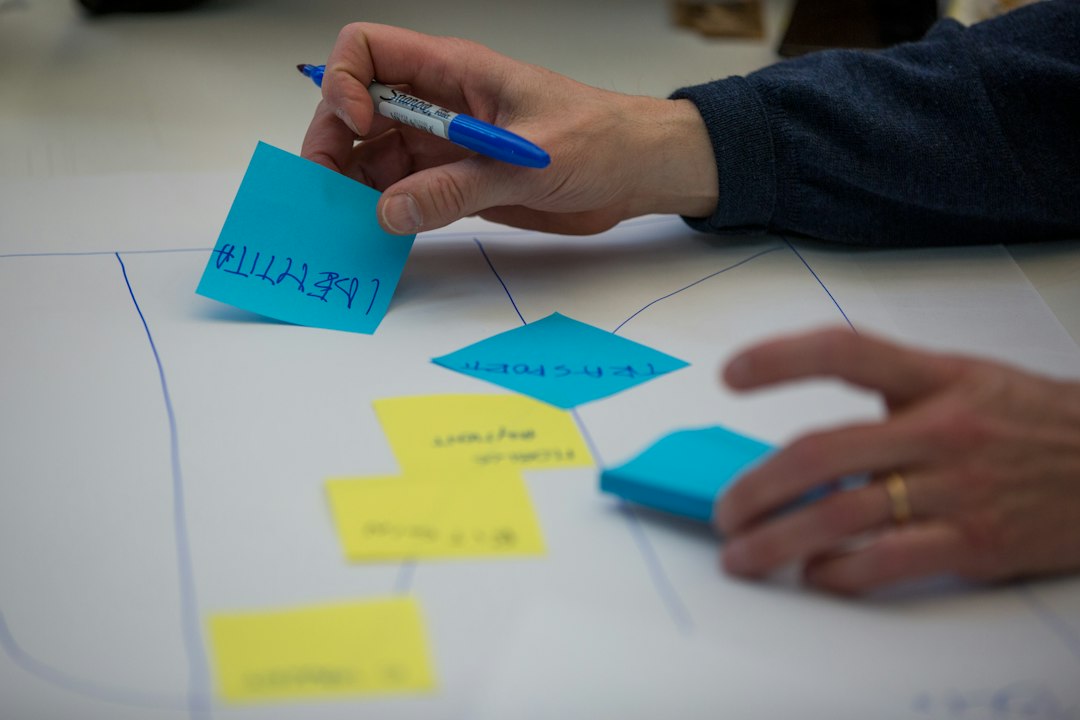
Most teams know more about their processes than they can show. The knowledge sits in chat threads, project boards, shared drives, and the heads of the people who handle the exceptions. But, no single picture ties it together. The sheer number of people, caveats, and exceptions involved often keeps a team from ever turning that material into a working BPMN diagram.
ProcessOS early access gives you a way to change that. Beginning today, you can re-engineer a real process using your own documentation and people. You start with the material you already have, and finish with BPMN models your team can discuss, refine, and eventually run.
Throughout this blog series, we have described how ProcessOS works in customer engagements led by either partners or our forward-deployed engineering team. Early access in Camunda 8.10, which was just released on October 13, 2026, puts ProcessOS directly in your hands. This is a headless, terminal-first release for teams that want to build a prototype, and it works best when a technical operator and a business process owner take it on together.
Here is more information on what you can expect from ProcessOS early access and how to get started.
What you can explore in ProcessOS early access
An early access run moves through three phases, and each one ends with something your team reviews before the next step begins.
Discover
Start by giving ProcessOS the documentation you already have, such as exports from your chat, project management, and document tools. ProcessOS reads the material, generates BPMN models of the current process, and marks the places where the documentation leaves gaps or needs clarification. We covered the thinking behind this phase in our discovery blog, and early access lets you test it for yourself.
For this phase, developers or technical operators should ideally partner with someone in the business with knowledge of the original process. ProcessOS sends its questions to that person as tasks in Camunda Tasklist, then uses the answers to refine the models. The loop repeats until the models reflect how the work really happens in your business.
Re-engineer
With an agreed view of the current process, ProcessOS proposes a redesigned one. Its suggestions can include removing redundant steps or introducing AI agents where they add the most value. You choose how far the redesign goes, from incremental optimization to a more radical rethink. Teams with a legacy process to move can also choose a lift-and-shift path that carries the current process forward unchanged, the approach behind the migration story we shared earlier in this series. At this stage, the models give your team a shared basis for discussion. Nothing runs yet, and your team reviews and agrees on the proposed design before moving on.
Build
Once your team agrees on the transformed process, ProcessOS generates executable BPMN models along with the accompanying code, decision tables, and forms. This step marks the line between a diagram and a deployable solution. The models from discovery and transformation are discussion tools. They show how your process works today and how your team wants it to work – they are not yet ready to run. The generated project is the version you can deploy, and it still needs your developers. They review the models and code, test them, and finish the parts of the code that ProcessOS leaves for them, as they would with any other codebase.Key team members needed for ProcessOS
Early access works best with two personas in distinct roles.
The technical operator (“Builder”) runs ProcessOS. Ideally, this person knows Camunda 8 and feels comfortable installing tools, working in a terminal, connecting to a Camunda cluster, and keeping the run moving. Comfort with the command line matters more here than deep development expertise.
The business process owner (“SME”) knows how the process works in practice. This person identifies the exceptions, answers the clarification questions in Tasklist, and says when the current way of working should stay out of the future design. They never need to install software locally on their machine, because the questions can be handled in the ProcessOS SaaS application.
Both roles need a working grasp of BPMN. ProcessOS communicates its understanding through models, so your team evaluates the output by reading diagrams.
What getting started looks like
A one-time setup comes first. For this, the builder checks the required versions, installs the Camunda CLI, authenticates with GitHub, creates a version-controlled project, installs the ProcessOS skills for the AI coding agent, and connects to a Camunda cluster. ProcessOS currently supports Claude Code and Copilot CLI. After setup, the work becomes conversational. The builder directs ProcessOS through the coding agent in the terminal, and ProcessOS reports its progress and asks for decisions along the way. Some configuration is also in Tasklist, and the Governance Process on Operate is also something a Builder will look at often.
How to join early access
ProcessOS early access is available to enterprise customers and certified partners now. If you are an existing enterprise customer, contact your account team to get started. If you are new to Camunda, reach out to us to discuss ProcessOS and where it fits in your plans.

![10 Vibe Coding Security Risks You Can’t Ignore [+Best Practices]](https://softteco.com/wp-content/uploads/2026/10/Vibe-coding-security-min.png)