What is the SonarQube plugin for Devin CLI?
Devin CLI gives developers Cognition's coding agent in a local terminal. Out of the box, Devin has no view of a project's quality gate, existing issues, or coding standards, and nothing checks its output until CI runs on the pull request. TheSonarQube plugin for Devin CLI gives Devin that view and brings Sonar's verification into the agent's own loop.
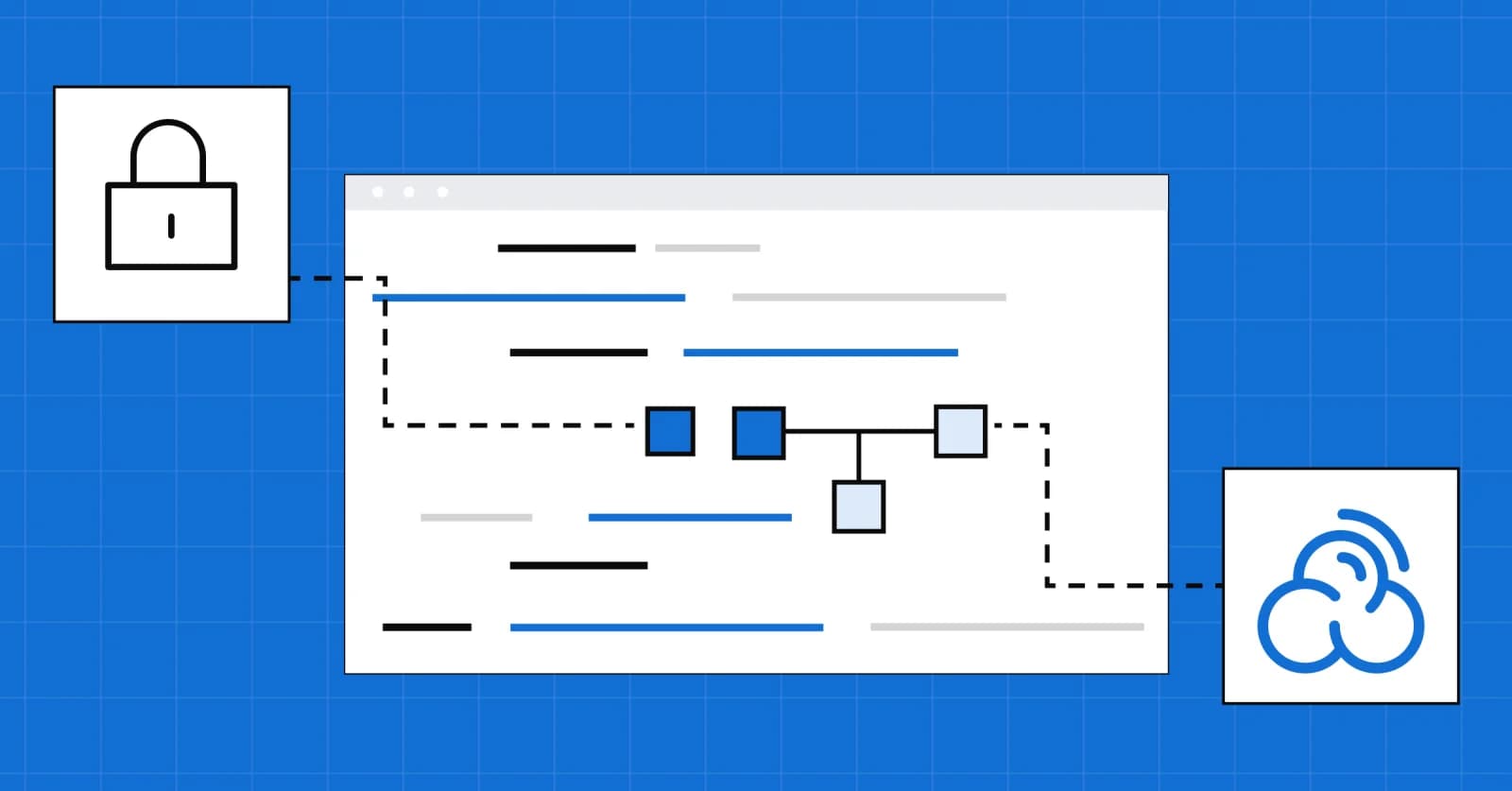
The plugin connects Devin to three Sonar services that guide and verify its work as it writes.Sonar Vortex, the governance layer for coding agents, works inside Devin’s own loop, giving it a map of your code and your standards before it writes and checking each change against the same standard your quality gate applies at merge.SonarQube sets that standard through the quality profiles, quality gates, and rules your organization already uses to verify every change before it merges. TheSonarQube CLI brings SonarQube into the terminal, handling sign-in and setup and running the checks Devin calls during a session, so Devin hands you code that has already been checked against your standards.
The plugin also packages SonarQube capabilities as skills Devin can call through plain-language prompts or dedicated slash commands. Devin can list your SonarQube projects with /sonarqube:sonar-list-projects, pull open issues with /sonarqube:sonar-list-issues, and check quality gate status, coverage gaps, and duplication the same way. Teams withSonarQube Advanced Security can also check dependency risks. Every answer comes from the quality profiles and gates your organization already runs, across the45+ languages and frameworks SonarQube supports.
How the plugin works
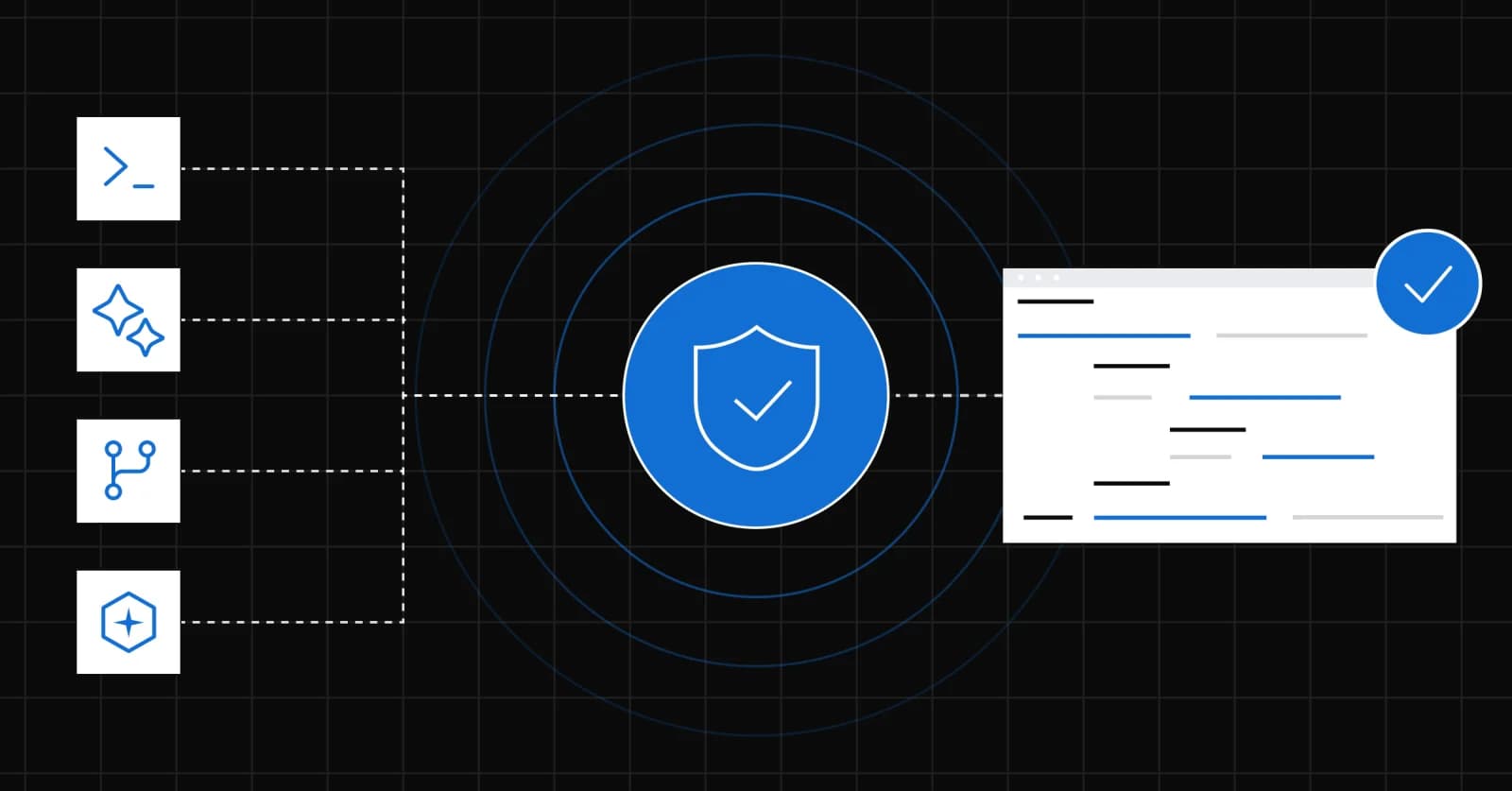
The plugin gives Devin the SonarQube skills, and theSonarQube CLI does the work underneath. When you run /sonarqube:sonar-integrate, the skill checks that the SonarQube CLI is installed and current, signs you in through your browser, stores the session in your OS keychain, and installs every component your organization has access to:
- Secrets scanning. A UserPromptSubmit hook blocks any prompt that contains a credential, and a PreToolUse hook scans each file before Devin reads it. An instruction in Devin's global AGENTS.md adds a second check that tells Devin to scan a file before reading it and to stop if the scan reports a secret. Treat these checks as a safeguard, since the hooks don't scan output from other tools, such as a shell command that prints a file.
- SonarQube MCP Server. The CLI registers theSonarQube MCP Server for every project and starts it as a container, so Devin can query SonarQube during any session.
- Sonar Vortex. Session-start and subagent hooks give Devin project context, a post-edit hook runs a quick check after each change, and an AGENTS.md protocol tells Devin to run a cross-file analysis over every file it changed at the end of the turn.
The SonarQube CLI writes its configuration to ~/.config/devin/, so the MCP registration, hooks, and instructions apply to every project you open in Devin. If your organization doesn't have a Vortex subscription, the CLI skips those components and still installs secrets scanning and the MCP Server.
Sonar Vortex in a Devin session
Sonar Vortex implements Sonar'sAgent Centric Development Cycle (AC/DC) inside Devin. When a session starts, Vortex gives Devin coding guidelines drawn from your project's SonarQube rules and issue history, along with your architecture context. Devin can query the project's top-level architecture from SonarQube’s analyzed module graph, instead guessing at it through reading whatever files the agent happened to open. This helps Devin’s agent work more efficiently and write better code from the outset.
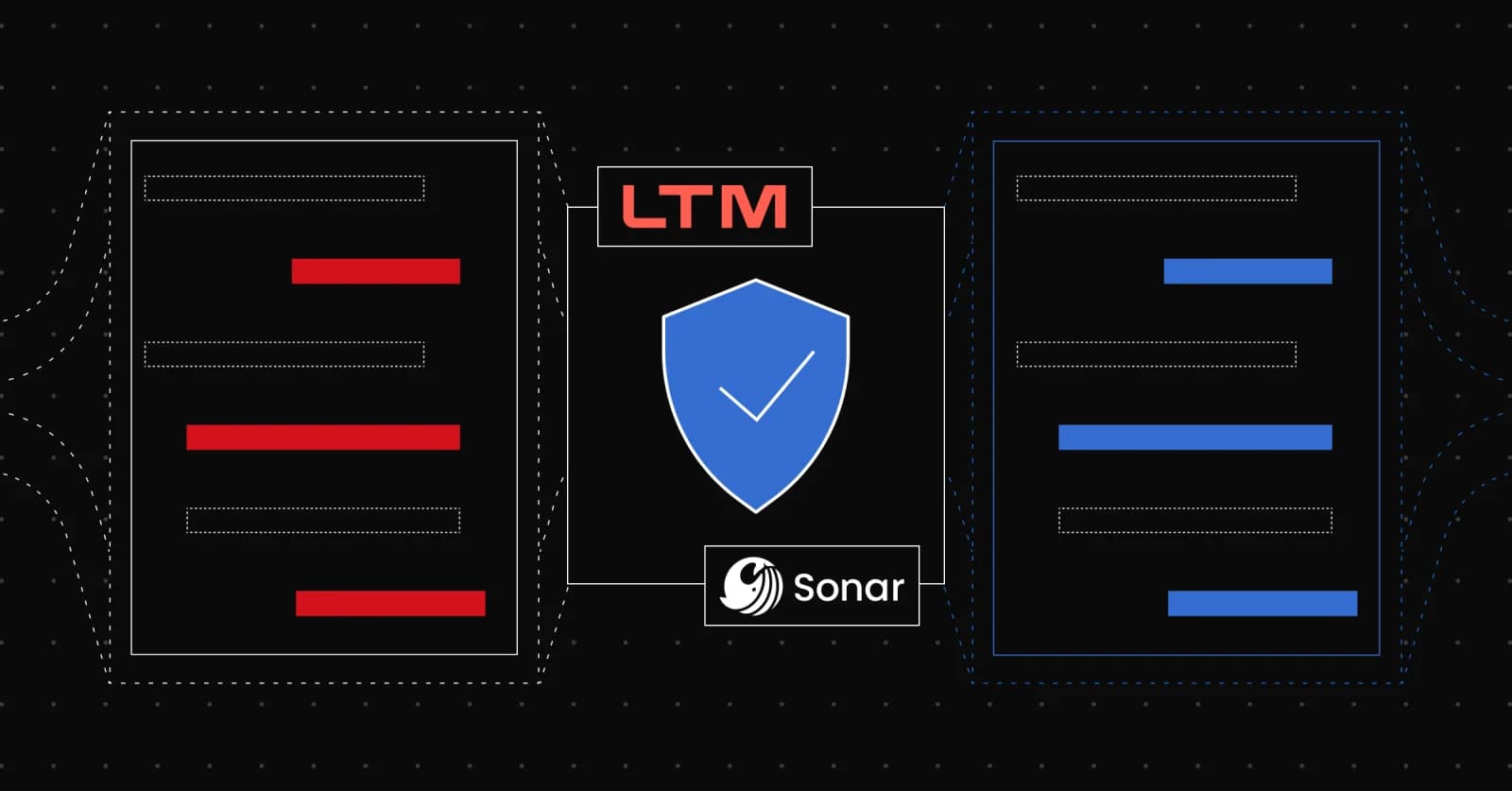
When Devin finishes a set of changes, it runs Vortex analysis across every file it touched. Vortex refers to the context your CI analysis stored for the project and branch, so the check inside Devin runs against the same standard as the quality gate your organization already uses. This verification also runs deterministically, which means it works consistently every time and burns no tokens.
This upfront scanning with Devin’s agentic loop helps the agent find and fix the vast majority of issues that would block the quality gate in CI, greatly streamlining the pull request review. In the setup guide, Vortex caught a security issue in code Devin wrote after its unit tests had already passed, and Devin fixed it before the code left the session instead of waiting for the CI verification loop to flag it on the PR.
Why this matters
Coding agents now produce changes faster than any team can read them line by line, and 94% of developers tell us they don't fully trust the code those agents write. A model that checks its own output can't settle that doubt, because it decides what to check and can reach a different answer on the next run. SonarQube verifies code independently of the agent that wrote it, and it holds human and agent contributions to the same standard every time.
The SonarQube plugin puts that verification inside Devin's agentic loop, so Devin starts with your standards, works inside them, and fixes what falls short before it opens a pull request. In Sonar testing with a leading coding agent, Sonar Vortex produced up to 92% fewer issues in committed code, and Sonar research on refactoring tasks measured up to 36% lower token consumption. In Sonar's 2027 State of Code Developer Survey, SonarQube users were 81% more likely than non-users to say AI coding has had a very positive impact on code security, 34% more likely on time to market, and 76% more likely on outage frequency.
Devin joins Claude Code, Codex, GitHub Copilot CLI, Cursor, and Antigravity in the set of coding agents that SonarQube plugins support. Teams that run several agents can hold all of them to one standard, defined once in SonarQube and applied wherever the code gets written.
Get started now
To get started, you need the Devin CLI with plugins permitted by your organization, a container runtime (Docker, Podman, or nerdctl), and the SonarQube CLI, which provides secrets scanning features out of the box. Querying SonarQube via MCP requires eitherSonarQube Cloud (Enterprise, or Team on an annual plan) orSonarQube Server 2026.5 or later (Enterprise or Data Center edition). The Vortex components need an active Sonar Vortex subscription.
Once your SonarQube prereqs are satisfied, install the plugin from your terminal:
Then open a Devin session and run the integration skill:
Restart Devin so it loads the new hooks and MCP settings. To set the project key once, run sonar link <projectKey> in the repository root, and the skills will pick it up from there. The full walkthrough, including the secrets demo, the Vortex steps, and analysis across multiple files, is in the SonarQube plugin for Devin CLI setup guide.
Install the plugin on your next Devin project and let SonarQube verify the code Devin writes before it reaches review.
Get started with SonarQube Cloud