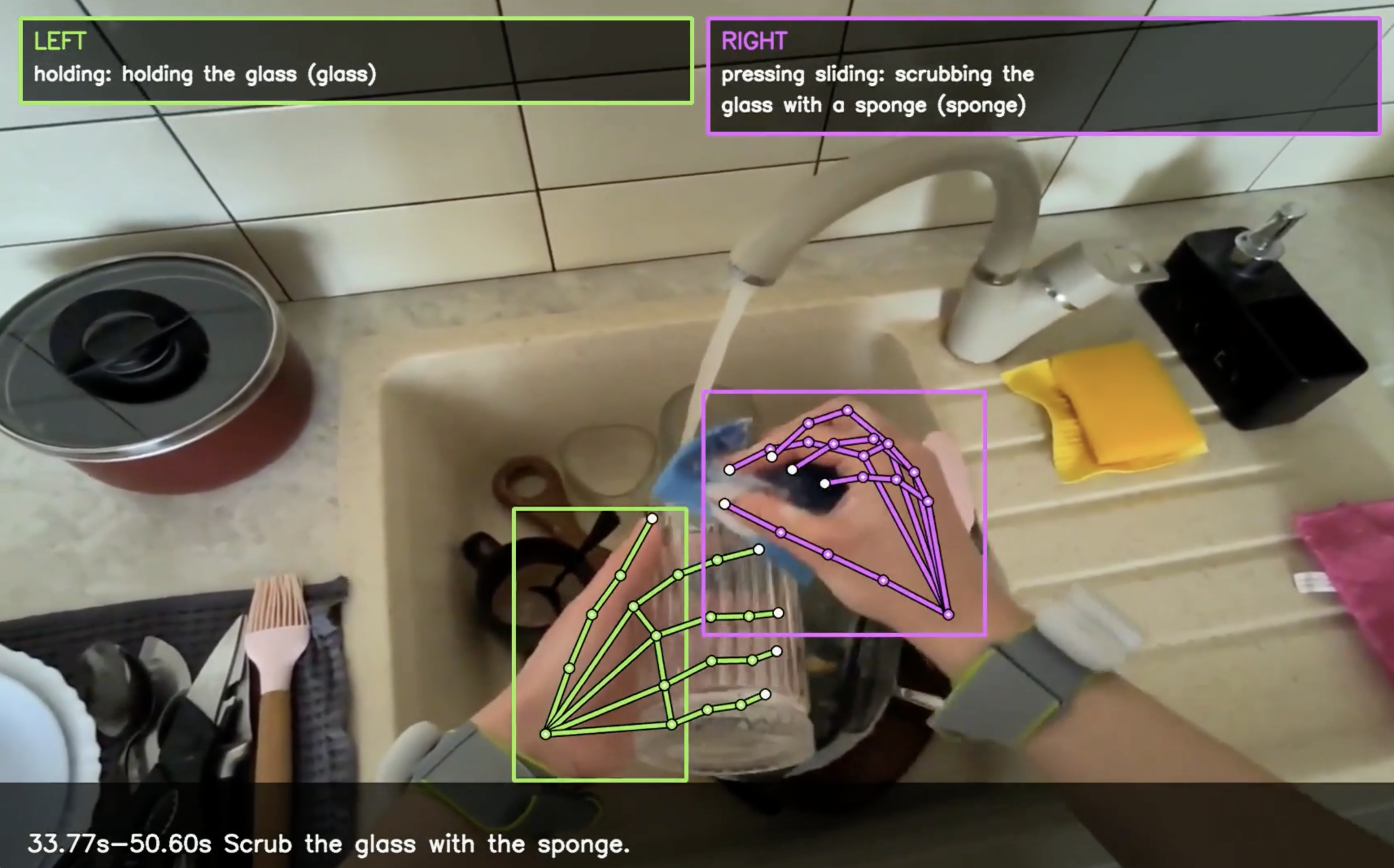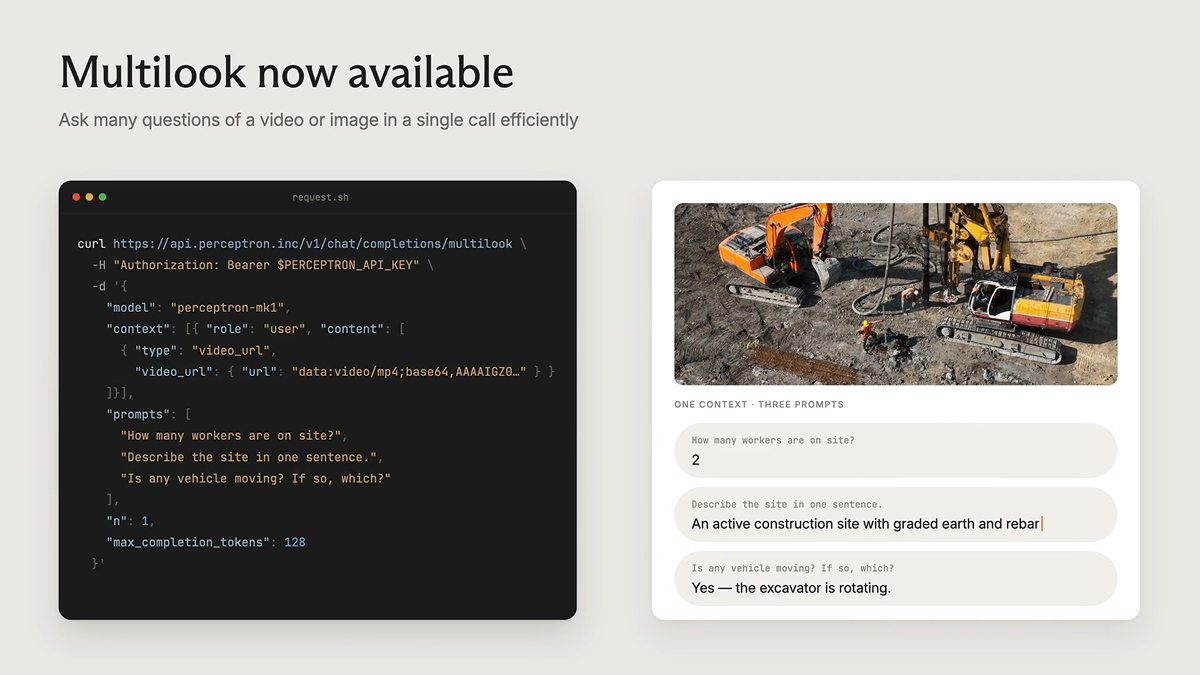
Today we're adding a new way to send video to Perceptron Mk1: frame-by-frame video, decoded on the client. We support this via the video_frames content part in our API. If you've already sampled frames client-side, you can now pass them directly, instead of encoding them into a clip. Each frame carries its own timestamp, and the model sees precisely the frames you send.
Why it matters for existing vision pipelines
The default way to send video to Mk1 is via a single video_url, which our platform decodes and samples at a dynamic frame rate of up to 2 FPS. That's the right behavior when you have a file and want the model to figure out what to look at. But it assumes an encoded video is the starting point. Often it isn't. This assumption breaks when:
- Your frames already exist. Dataloaders, frame extractors, and camera pipelines emit decoded frames, not containers. Re-encoding them into an MP4 for upload, only to have the server decode and resample again, is wasted work on both ends.
Your frames already exist. Dataloaders, frame extractors, and camera pipelines emit decoded frames, not containers. Re-encoding them into an MP4 for upload, only to have the server decode and resample again, is wasted work on both ends.
- You know which frames matter. Server-side sampling is a heuristic. If you've already picked the keyframes (e.g., the two seconds around an event, or one frame per step of a task), handing the model a whole clip cedes that control and hopes the sampler lands on the same frames.
You know which frames matter. Server-side sampling is a heuristic. If you've already picked the keyframes (e.g., the two seconds around an event, or one frame per step of a task), handing the model a whole clip cedes that control and hopes the sampler lands on the same frames.
- Your footage is sparse. A robotics episode stored frame-by-frame, a security camera that fires on motion, a manufacturing line that grabs a frame per part: these aren't smooth 30 FPS clips, and assessing them at a single, fixed frame rate distorts what actually happened. Instead, you may want to toggle between low and high FPS sampling.
Your footage is sparse. A robotics episode stored frame-by-frame, a security camera that fires on motion, a manufacturing line that grabs a frame per part: these aren't smooth 30 FPS clips, and assessing them at a single, fixed frame rate distorts what actually happened. Instead, you may want to toggle between low and high FPS sampling.
The video_frames content part removes the round-trip. You send the frames you want the model to see, each with the timestamp it occurred at, and the gateway treats that as the video.
When to use it
video_frames is most valuable anywhere the frames already exist or the selection has to be exact:
- Client-side sampling pipelines. Feed the frames straight from your client without a re-encode round-trip.
Client-side sampling pipelines. Feed the frames straight from your client without a re-encode round-trip.
- Sparse keyframes. Send only the moments that matter, a handful of frames around an event, instead of paying to upload and decode the whole clip.
Sparse keyframes. Send only the moments that matter, a handful of frames around an event, instead of paying to upload and decode the whole clip.
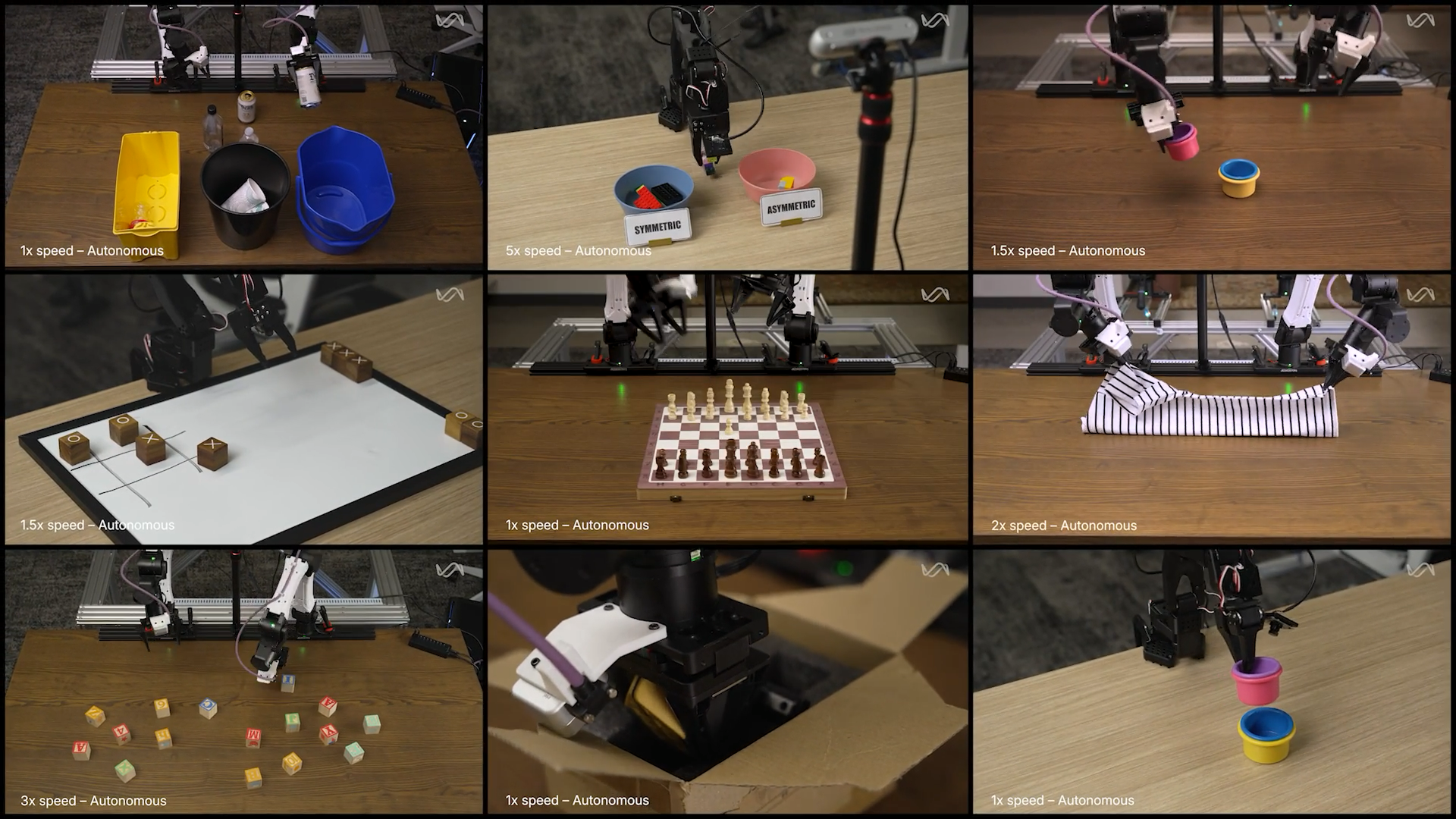
- Robotics and teleoperation. Episodes are stored frame-by-frame across cameras; pass them as-is, with the timestamps the policy recorded, for success detection and subtask analysis.
Robotics and teleoperation. Episodes are stored frame-by-frame across cameras; pass them as-is, with the timestamps the policy recorded, for success detection and subtask analysis.
- Edge and streaming. Cameras emit frames, not containers. Forward them directly as they arrive.
Edge and streaming. Cameras emit frames, not containers. Forward them directly as they arrive.
How it works
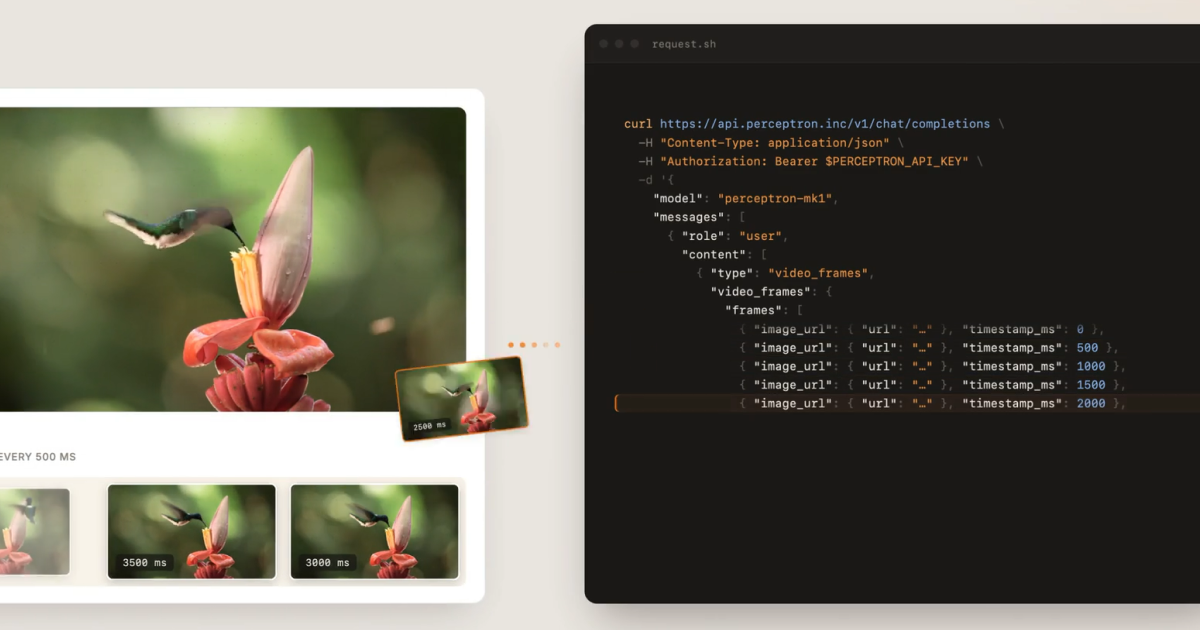
Pass a video_frames content part in place of a single video_url. Each frame is an image_url (an HTTP(S) URL or a base64 data URL) plus a timestamp_ms offset from the start of the clip. Provide at least two frames, ordered by monotonically non-decreasing timestamp_ms:
The frames collectively become one logical video, and the timestamps give Mk1 the temporal structure it needs to reason over. The same temporal grounding, captioning, and Q&A you'd run on a clip work here, too. video_frames now joins video_url and the Files API's video_file_id as a third way to hand Mk1 a video, whichever shape your media already lives in.
Control over what the model sees
video_frames puts you in charge of exactly what the model sees:
- Authoritative frames without resampling. The gateway does not resample your frames by target FPS or silently drop any server-side. You retain full control.
Authoritative frames without resampling. The gateway does not resample your frames by target FPS or silently drop any server-side. You retain full control.
- Millisecond timestamps. Every frame carries a timestamp_ms offset, a non-negative integer that must be non-decreasing across the array. You can specify sampled frames with millisecond-precision.
Millisecond timestamps. Every frame carries a timestamp_ms offset, a non-negative integer that must be non-decreasing across the array. You can specify sampled frames with millisecond-precision.
- Frames treated as image parts. Frame URLs follow the same format as image_url content: HTTP(S) URLs and base64 data URLs, standard image MIME types, with redirects and private hosts rejected. Each frame counts as one media unit toward the per-request cap of 256.
Frames treated as image parts. Frame URLs follow the same format as image_url content: HTTP(S) URLs and base64 data URLs, standard image MIME types, with redirects and private hosts rejected. Each frame counts as one media unit toward the per-request cap of 256.
Performance
Because the gateway doesn't download or decode a clip, time-to-first-token for video_frames tracks how many frames you send, not how long the source footage was. video_url latency grows with decode work, which increases with clip length and resolution.
Internal benchmark on Perceptron staging (time-to-first-token, single request, frames delivered as image URLs the gateway fetches):
720p
10s
2.6s
2.1s
720p
30s
4.5s
3.6s
720p
7.6s
4.9s
720p
14.4s
4.0s
720p
19.5s
4.3s
1080p
10s
4.9s
3.6s
1080p
30s
6.2s
3.5s
1080p
12.0s
3.5s
1080p
24.4s
4.3s
1080p
41.5s
4.0s
video_frames stays in the 2–5 second range across clip lengths, while video_url ranges from about 5 seconds (10 s) to about 42 seconds (10 min) at 1080p. video_frames is faster across the board, and the gap widens with length and resolution. First-token latency varies with frame count, resolution, content, and network, and the source here was low-motion, which understates video_url's decode cost.
A note on frame delivery: these numbers send each frame as an image URL the gateway fetches. Sending the same frames inline as base64 data URLs performed similarly in our benchmarks. We recommend image URLs, since they keep request bodies small and avoid the overhead of embedding large binary payloads in every request.
The video_frames content part is available today on the Perceptron Platform
API endpoint: api.perceptron.inc/v1/chat/completions
Model: perceptron-mk1
The Road Ahead
video_frames is part of a broader push to make the Perceptron Platform meet your media where it already lives, whether that's a file you upload once, a URL you host, or frames you've already decoded. Perceptron Mk1 brings frontier video and embodied reasoning into a single API call; integrating Mk1 into your existing pipelines should be simple. More to come.