It’s official: Integration plumbing no longer needs to be case-by-case
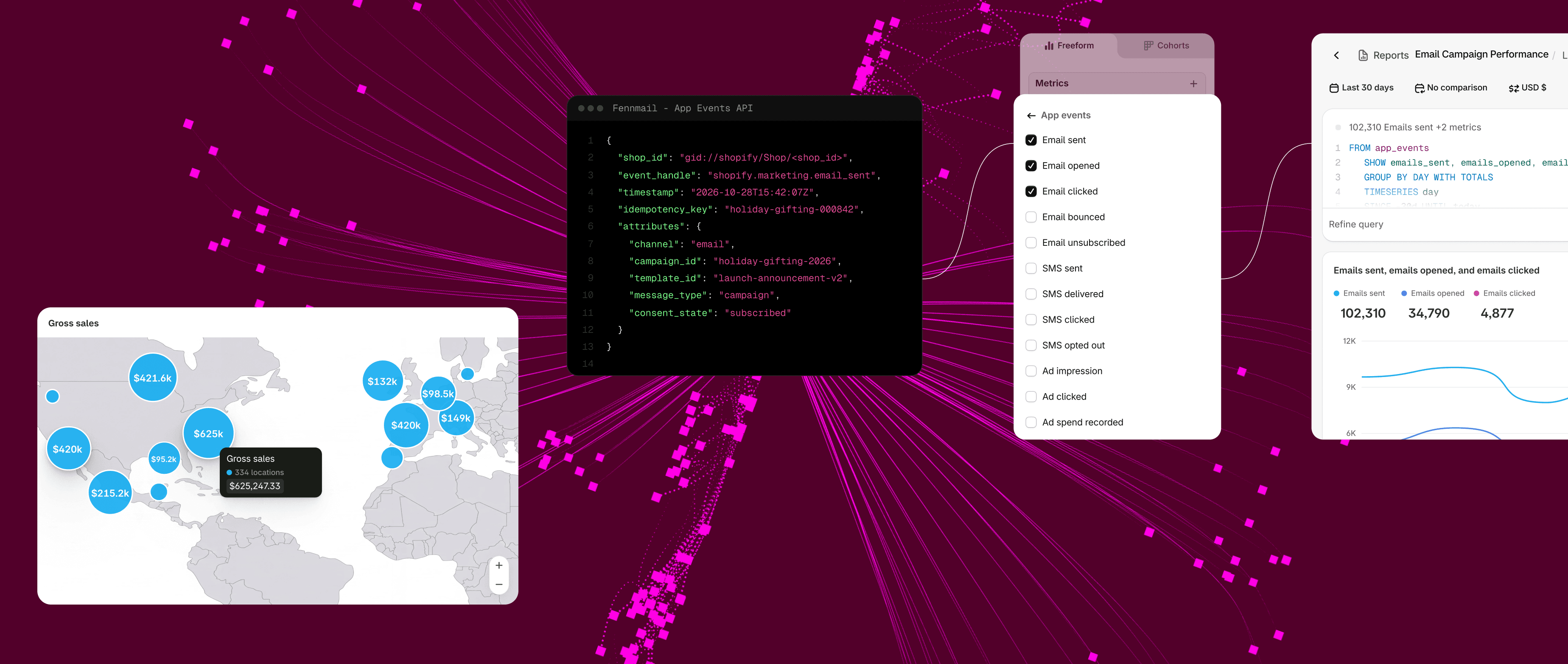
Behind every amazing shopping experience, there’s a great ecosystem running every single detail: The ERP that owns pricing, the OMS that owns fulfillment, the PIM, the CRM, the tax engine, the payment providers, and the search and promotions services that make the catalog open for the shopper experience.
But ensuring that systems communicate with each other in real time hasn’t always been a smooth process. For many companies, integrating and wiring these systems to deliver an outstanding experience has been a challenge.
Fortunately, what was once a major issue for both our enterprise customers and partners can now be handled more effectively and with a much shorter time-to-value:
The Commerce Integration Layer is now generally available, and centralizes integration logic behind touchpoints — storefronts, mobile apps and AI agents — through a unified layer hosted and maintained by commercetools.
One hosted Experience API that storefronts, mobile apps and AI agents all connect through, with CLI tooling, a Merchant Center UI, Platform Insights and managed hosting. That’s included on commercetools Sphere at no extra cost. As a result, you can model your integrations once, and every subsequent experience consumes them through the same API.
The new Commerce Integration Layer skill is the companion to that launch. As an addition to our commercetools for Builders library, the skill helps teams implement the layer itself, so the first build starts from a well-known pattern rather than a blank repository.
Using them together, you can wire a customer-facing experience in days rather than months.
Leveraging Integrations skills makes everyone’s lives easier
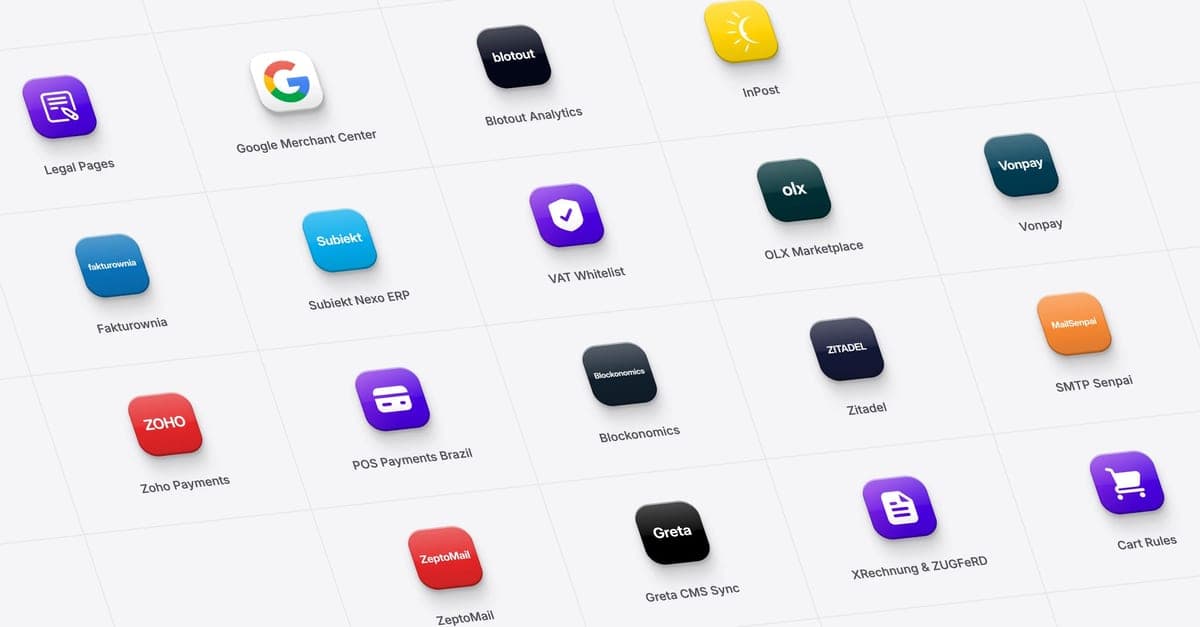
Over recent releases, the Integrations group in the commercetools for Builders library has grown to cover the common connections an enterprise implementation needs:
- Payments, tax and order management.
- PIM, CRM and promotions.
- Email, gift cards, search and analytics.
- Marketplace models for multi-seller businesses, and a guided path for the systems specific to a given business.
The skills run where engineering teams already work — Claude Code, Cursor and the rest of the modern dev workflow — on the same Sphere platform, the same APIs and the same certifications enterprises already rely on.
Alongside them, Foundations gets the project set up and the commerce model right the first time, and the Migrations skills compress the discovery and mapping that normally precede any build.
What does this mean for our partners
Our partners know that AI is changing the way we develop and deliver solutions. It’s redefining the way we work.
These resources — the Commerce Integration Layer and its accompanying skill — were built to enable our partners, especially system integrators, to navigate increased market pressure to simplify the integration journey.
Instead of managing integrations on a case-by-case basis and maintaining a forked BFF per project, every fix and new capability automatically lands in every client project. At the same time, the frontend, vertical logic and deep integrations stay with the SI — and stay differentiating.
Our partner IONA, a leading digital consultancy in the Nordics that’s been a trusted partner for years, agrees. Mikko Mantila, CEO and Founder, said on the use of the Commerce Integration Layer, “On future builds, the backend foundation we’d normally spend the first weeks constructing is simply there, so we can start on customer-facing features immediately.”
Put the Layer under your next launch
Integrations have traditionally been delivered on a case-by-case basis. But it doesn’t have to be this way. It can be standardized to the point that you can leverage it across every new build without having to integrate new solutions from scratch. The result isn’t just technical: It’s a faster time-to-value and faster ROI. There’s no better way to keep both CTOs and CFOs happy.
Our recommendation: Make the Commerce Integration Layer the default in your next build, and use the accompanying Commerce Integration Layer skill to create it faster.
The layer you set up for that first experience becomes the blueprint for the ones after it, including the agentic surfaces still on your roadmap.
Install the commercetools Commerce Integration Layer skill and explore our other skills, guides and tools in the commercetools for Builders library, or contact our team for more information.