Strategy
Wondering how to get verified on Instagram? Compare free review and Meta Verified, check costs, and see what to do if your request is denied.
- Also available in
- Français
- Italiano
- Español
- Deutsch
What does Instagram verification mean?
Instagram verification is the process of getting a blue checkmark badge that appears next to your username on the platform. The verification badge signals to other users on the platform that an account really belongs to the user, artist, brand, or organization it represents.
If you’re looking to enhance your presence while pursuing verification, consider brainstorming unique Instagram username ideas that reflect your brand identity.
Your favorite celebrity probably has a blue checkmark on their account:
Brands with a strong social media following usually have a verified badge too:
But there are actually two types of verification: traditional verification and paid.
Originally, verification was only available to “notable and unique” people or brands. The process of awarding that coveted blue checkmark was shrouded in mystery, and verification was usually restricted to celebrities and big brand names.
These days, users can also pay for verification through Meta Verified. That means anyone can get a verified badge on their Instagram or Facebook accounts.
Whichever route you take, the payoff is the same:
- Legitimacy and trust: The verification process requires a government-issued ID, so having a verified badge establishes your account authenticity and helps the community know it’s the real you. People are more likely to follow, message, and do business with an account they can confirm is genuine.
- Impersonation protection: Fake accounts exist for all kinds of reasons, from scams to parodies. A badge sets your account apart from impersonators, and Meta Verified adds proactive account monitoring to help protect your account from impersonators or hackers.
- Visibility and performance: Verified accounts appear at or near the top of comments and search results when people type in a business name. They also appear as a recommended business to follow in the Feed, which can translate into more followers, website clicks, and conversions.
- Extra features: Verified accounts get access to perks like exclusive stickers on Instagram Stories and Reels to help their content stand out.
No matter which method an account used to get verified, the blue checkmark looks the same. That means it’s impossible to know whether it was awarded to a user through traditional means or if they’re paying for the Meta Verified service.
Bonus: 14 Time-Saving Hacks for Instagram Power Users. Get the list of secret shortcuts Hootsuite’s own social media team uses to create thumb-stopping content.
Who can get verified on Instagram?
Anyone can request a verified badge on Instagram. Though the requirements are slightly different for each type of verification.
Traditional verification requirements
If you want to go through the traditional verification process for your Instagram profile, you can apply for the blue badge if you’re a notable public figure, celebrity, or brand, and you meet the eligibility criteria.
Instagram’s criteria is a bit vague, but here’s what we do know.
In addition to following Instagram’s Terms of Use and Community Guidelines, your account also needs to be:
- Authentic: It must represent a real person, registered business, or entity.
- Unique: Only one account per person or business may be verified, with exceptions for language-specific accounts. Instagram generally doesn’t verify general interest accounts.
- Complete: Your account must be public and complete. That means you must have a bio, profile photo, and active account when applying.
- Notable: Your account must represent a well-known, highly searched-for person, brand, or entity.
What counts as “notable” to one person may not be notable to another, which is why verification used to be out of reach for most Instagram users.
But don’t despair. There’s now another option: Subscribing to Meta Verified.
Meta Verified requirements
Getting a blue tick through Meta Verified is much more simple.
Here’s what you need to subscribe:
- Be at least 18 years old
- Be located in a country that offers Meta Verified
- Have a public or private profile that’s associated with your full name, aligns with naming standards, and has a profile picture that includes your face
- Meet minimum activity requirements, such as prior posting history
- A government-issued ID or driver’s license
- Two-factor authentication enabled on your profile
- Follow Instagram’s Terms of Use and Community Guidelines
Meta Verified is also available for businesses globally, and the requirements and pricing differ from individual subscriptions. Business plans are sold in tiers, with higher tiers bundling extras like enhanced support and additional profile features. Pricing varies by country, currency, and whether you subscribe through the app or on the web, so check the price shown in your own account before committing.
If you’re relatively confident you meet the eligibility requirements for traditional verification, or you’re ready to splurge on paid Meta Verified, read on.
Traditional verification vs. Meta Verified: Which is right for you?
The right path depends on how well-known your brand or name already is. Traditional verification is free but hard to get, while Meta Verified (the most costly social media subscription) is open to almost anyone willing to pay a monthly fee.
Feature
Traditional verification
Meta Verified
Cost
Free
From $11.99/month on the web ($14.99/month on iOS and Android) for individuals, with tiered business plans
Eligibility
Notable public figures, celebrities, brands, and organizations
Anyone 18+ with a valid government-issued ID and a qualifying profile
Application process
Submit a form with authenticity and notability documentation
Timeline
Typically a decision within 30 days
Usually quick once your ID is reviewed
Badge appearance
Blue checkmark
Blue checkmark (identical)
Additional benefits
Badge and search visibility
Proactive impersonation monitoring, account support, exclusive stickers
Availability
Global
Select countries, still expanding
If you’re regularly mentioned in the press or searched for by name, apply for traditional verification first since it costs nothing. If not, Meta Verified is the faster and more realistic route.
How to get verified on Instagram in 5 steps
Want to try for traditional verification? Follow these five steps to request verification for your business account. Keep in mind you can only request traditional verification using the mobile app, not the desktop version.
- Go to your Instagram profile
- Tap the hamburger menu icon
- Tap Business tools and controls
- Tap Request verification
- Fill out the form and submit
Step 1: Go to your Instagram profile
First things first, open your Instagram app and make sure you’re logged into the account you want to verify. Then, tap your profile photo in the bottom right corner of the app to head to your Instagram profile.
Step 2: Tap the hamburger menu icon
From there, tap the hamburger menu icon (three parallel lines) in the top right corner of your profile.
This takes you to all of your Instagram settings.
Step 3: Tap business tools and controls
Scroll down in the settings until you see the For professionals section. Then tap Business tools and controls.
Step 4: Tap request verification
Scroll to the bottom of this section to find the blue Request verification link and tap it.
Step 5: Fill out the form
Next, you’ll have to fill out the available form to request verification for your professional account.
You’ll have to confirm both authenticity and notability with documentation. The information you’ll need to provide include:
- 1-2 identification documents for your business, like a driver’s license, passport, ID card, tax filing, utility bill, or articles of incorporation.
- The category and country of your notability, as well as any names that you or your business is known by.
- Additional social media accounts that showcase your notability.
While many of the form fields are listed as “optional,” we recommend filling out as much as you can to increase your chances of receiving verification.
Once you’ve completed the form, tap the Submit button at the bottom.
After submitting, keep the following in mind:
- Just because you request verification doesn’t mean the platform will grant it.
- Submitting a verification request multiple times before getting a decision will cancel your application.
- Getting verified on Instagram doesn’t mean your Facebook Page will also receive verification, so you’ll have to submit a request on both platforms.
- Once verified, certain accounts (public figures, celebrities, and brands that meet specific account and eligibility requirements) may not change their Instagram username, so make sure you’re happy with the name you’ve chosen.
- If you’ve received verification using false or misleading information, Instagram reserves the right to take action, like removing your verified badge and/or disabling your account.
How to get verified on Instagram with Meta Verified
If you haven’t been able to get verified the traditional way or you don’t qualify, you might instead choose to go the Meta Verified route. With Meta Verified, individuals can pay from $11.99/month on the web (or $14.99/month when signing up through the iOS or Android app) to get the Instagram verification badge along with the other benefits that come with having a verified account. Businesses can subscribe too, with tiered plans that cost more and include extra features.
Step 1: Navigate to verification settings
If you have a business or creator account, get to the verification screen the same way you would for a traditional application: open your profile, tap the hamburger menu icon, tap Business tools and controls, then tap Request verification. The difference is that you won’t fill out the application form.
Step 2: Subscribe to Meta Verified
At the top of the verification request form, you’ll see a Before you start header that prompts users to sign up for Meta Verified if they aren’t a notable individual or prominent brand. Tap this to get started.
Some accounts may have a prompt to join the waitlist before they can sign up. This may be the case for users in countries where the feature isn’t yet available, but many users say they’ve had to wait for a few weeks in the waitlist, even in applicable countries before getting access.
Otherwise, you’ll immediately be hit with a prompt to Unlock benefits.
Tap the button to move onto the next page. Here, you’ll see the price in your area along with some of the perks you’ll get access to.
Tap Continue to move on. If you’re on iPhone, you’ll be prompted to confirm your subscription.
You can also sign up on the Android app or the desktop version. Keep in mind that each platform is billed separately, so verifying both an Instagram and a Facebook account means two subscriptions.
6 tips to improve your chances of getting verified
Ready to earn that blue check? Keep these tips in mind to increase your chances of receiving traditional verification.
1. Optimize your Instagram profile
There are so many areas to fill out in your Instagram profile that can provide even more context behind who you are. Profile optimization is the fastest win here, since it builds trust and credibility before Instagram ever looks at your application.
To do this:
- Upload a high-quality profile photo (or logo if you’re a business)
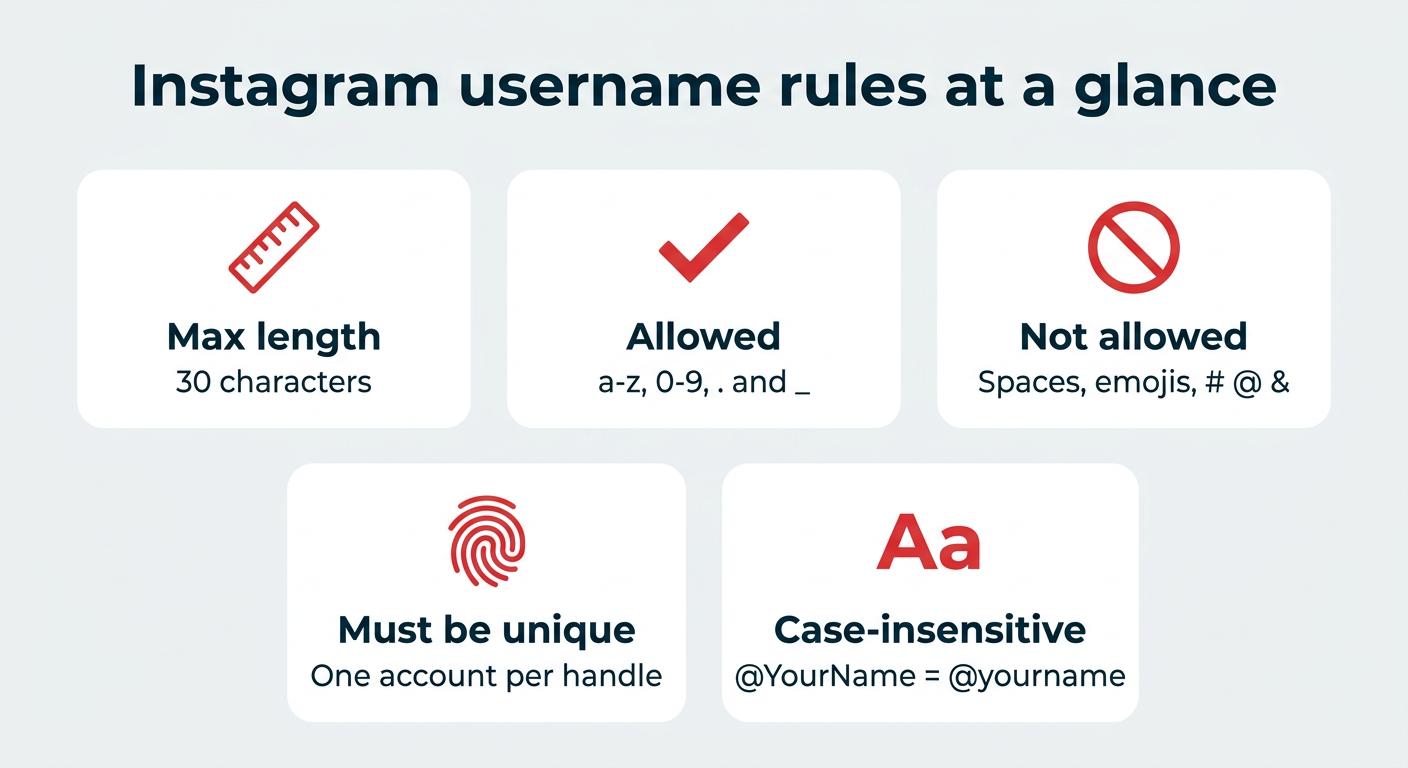
- Use your real name or business name as your username
- Fill out your bio with exactly who you are and what you do
- Input your location (or the location of your flagship store/headquarters)
- If a business account, choose the appropriate business category
- Add a CTA button to help people get in touch with you
- Create Story Highlights that live on your profile
Creating an optimized account makes people more likely to follow you, giving Instagram even more reason to verify you.
2. Post consistently
Instagram wants to reward active accounts, so make sure you’ve got a consistent posting schedule.
More than that, though, make sure that you’re posting consistently often. Sharing a new post once per week may not be enough. Try being active on the platform each day. Scheduling a week of content at once in Hootsuite makes daily posting far easier to sustain.
Try the no. 1 Instagram scheduling tool for free — no strings attached
Get started today and try Hootsuite completely free. Then sit back, relax, and watch your Insta stats skyrocket.
3. Leverage collaborations
According to Sarah Campbell, Instagram Growth Strategist, you’ll want to leverage Instagram collaborations this year. Not only can this improve your growth on the platform overall, but it can help your chances of getting verified.
By partnering with other credible and notable accounts, you’re further solidifying your position. Campbell shares that collaborations can lead to shared audiences, boosting your Instagram follower count, but that they also boost credibility.
4. Be authentic
While authenticity (being a legitimate person or business) is a prerequisite for verification, that’s not exactly what we mean here. We mean that you should showcase who you really are as a legitimate person or business.
In practice, that looks like posting behind-the-scenes content from your workspace, introducing real team members instead of leaning on stock photos, using your real name or registered business name, and keeping your bio consistent with how you’re described elsewhere online. Be real with your audience so the platform can easily see that you are who you say you are.
5. Build your presence outside Instagram
Traditional verification hinges on notability, and Instagram looks beyond your profile to judge it. The application itself asks for links to articles and other accounts, which tells you how much off-platform signals matter.
A few ways to strengthen that footprint:
- Earn coverage in credible news outlets, trade publications, or industry podcasts
- Keep active, consistent profiles on your other major social platforms
- Make sure your website, press page, and business listings use the same name and branding
- Work toward a Google Knowledge Panel, which signals that your name is widely searched
The more searchable your name or brand is off Instagram, the easier it is to prove notability on it.
6. Avoid third-party verification services
Only Meta can grant an Instagram verification badge, so any service promising to get you verified for a fee is either selling you nothing or putting your account at risk. Many of these offers are phishing attempts designed to collect your login details or ID documents.
Stick to the two legitimate paths: the in-app verification request form or a Meta Verified subscription purchased through Instagram, Facebook, or your app store. If an agency or DM claims to have an inside connection at Meta, treat it as a scam and report it.
Common myths about Instagram verification
A lot of bad advice circulates about how the blue checkmark works. Here are the misconceptions worth clearing up before you apply.
- Myth: You need 10,000 followers. Instagram doesn’t publish any minimum follower count for traditional verification. A small account that’s widely written about can qualify, while a large account nobody searches for may not.
- Myth: A third party can get you verified. No agency, growth service, or individual can grant verification. Only Meta decides, and paying an outside service usually means losing money or exposing your account credentials.
- Myth: Verified accounts get more algorithmic reach. The badge doesn’t boost how often your posts are shown in the Feed. It can improve how you appear in search and comments, which is visibility, not ranking.
- Myth: You can buy an already-verified account. Buying or transferring accounts violates Instagram’s Terms of Use and can get the account disabled, badge included.
- Myth: Verification is permanent. Instagram can remove a badge if you break its rules, change your account to something unrecognizable, or stop paying for Meta Verified.
What to do if your Instagram verification request is denied
A denial isn’t permanent, and you can apply again as soon as you receive a decision. Instagram doesn’t explain its reasoning, but most rejections come down to one of a few things: unclear or incomplete documentation, a profile that’s missing a bio or photo, a name that doesn’t match your ID or press coverage, or not enough evidence that you’re widely searched for.
Here’s how to approach your next attempt:
- Wait for the decision, then reapply. Submitting again before you hear back cancels your application, so let the process finish first.
- Strengthen your documentation. Swap weak proof for official records like articles of incorporation, tax filings, or a government ID that exactly matches the name on your profile.
- Add better notability evidence. Fill in every optional field with links to recent news coverage, interviews, or verified profiles on other platforms.
- Tighten your profile. Make sure the account is public, complete, and actively posting before you try again.
- Consider Meta Verified. If notability is the sticking point, a subscription gets you the same badge without the approval hurdle.
In short, treat a denial as a documentation problem first and a notability problem second, and decide whether the paid route is a better fit for where your brand is today.
FAQ: How to get verified on Instagram
How many followers do you need to get verified on Instagram?
There’s no minimum follower count you need to hit to be eligible for verification. However, traditional verification is set aside for notable accounts, so it’s likely that you’ll want to grow your followers and off-platform presence before you request verification.
How do I get a blue check on Instagram?
You can get a blue check on Instagram either by applying for free traditional verification or by subscribing to Meta Verified. Traditional verification requires proof that you’re a notable person or brand, while Meta Verified only asks for a government-issued ID and a monthly payment.
How much does it cost to get verified on Instagram?
Getting verified on Instagram is free through traditional verification. Accounts that don’t qualify can sign up for Meta Verified instead, which starts at $11.99/month for individuals when you subscribe on the web, or $14.99/month through the iOS or Android app, with higher tiered pricing for businesses and some variation by country.
How long does it take to get verified on Instagram?
Instagram typically notifies verification applicants of a decision within 30 days. Meta Verified is usually much faster, since approval depends on an ID check rather than a notability review.
Can a regular person get verified on Instagram?
Yes, a regular person can get verified on Instagram through Meta Verified, which is open to anyone who meets the basic eligibility requirements and pays the monthly subscription fee. Traditional verification remains limited to accounts Instagram considers notable.
Can I get verified on Instagram with 1,000 followers?
Yes, you can apply for Instagram verification with 1,000 followers because there is no minimum follower count requirement. Your odds still depend on notability, so press coverage and search demand for your name matter more than audience size.
What happens if my Instagram verification request is denied?
If your Instagram verification request is denied, you can apply again with stronger documentation or subscribe to Meta Verified instead. See the section above on handling a denial for the specific steps to take before reapplying.
Can I apply for verification multiple times?
Yes, you can apply for verification multiple times. However, you’ll need to wait until you hear a decision before applying again, or your application can be cancelled.
Does Instagram verification help with reach or the algorithm?
Instagram verification does not directly boost your algorithmic reach or guarantee more impressions on your content. What it does improve is visibility in search results and comment threads, plus the credibility that makes people more likely to follow and engage.
Can I lose my Instagram verification badge?
Yes, Instagram can remove your verification badge if you violate the platform’s Terms of Use or Community Guidelines, or if you obtained verification using false or misleading information. Meta Verified badges also go away if you cancel your subscription.
Is Meta Verified available for business accounts?
Yes, Meta Verified is available for business accounts, though pricing and features differ from personal account subscriptions. Business plans are tiered, so review the options shown in your account to see which features and price apply in your country.
Save time managing your social media marketing strategy with Hootsuite. Publish and schedule posts, find relevant conversions, measure results, and more â all from one dashboard. Try it free today.
The #1 social media tool
Create. Schedule. Publish. Engage. Measure. Win.
By Chloe West
Chloe West is a digital marketer and freelance writer, focusing on topics surrounding social media, content, and digital marketing. She's based in Charleston, SC, and when she's not working, you'll find her playing card games or watering her plants.
The #1 social media tool
Create. Schedule. Publish. Engage. Measure. Win.