Back
By Rick Kuo | June 25,2024
Monitors
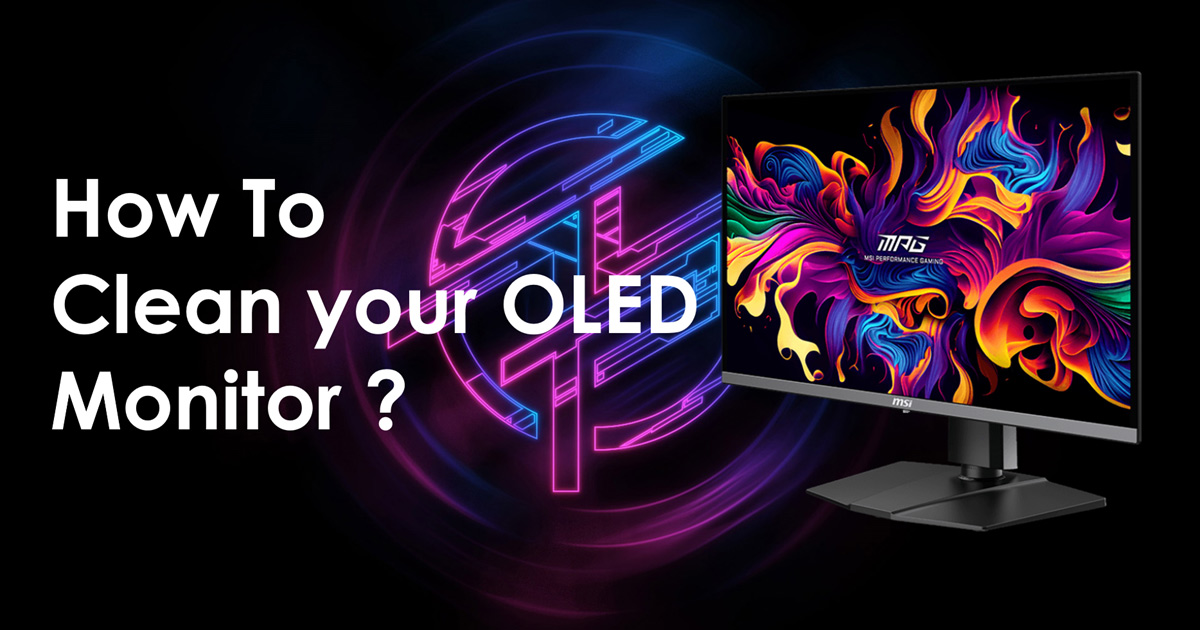
People generally clean or refresh electronic devices to extend their product life for long-term use. MSI already offers a 3-year burn-in warranty for OLED panels, but we want users to enjoy their monitors even longer. To help, we’ve created this guide on how to correctly clean an OLED monitor. Cleaning methods vary slightly depending on the OLED panel type. Here’s how to properly clean QD-OLED, WOLED, and IJP OLED displays.
*Actual warranty policy is subject to regional MSI policy.
Dirt, Smudges, and Fingerprints Impact the Viewing Experience
Over time, your monitor may have dirt, smudges, and fingerprints, which can negatively affect your viewing experience, especially on HDR displays and true black displays.
Dirt, Smudges, Fingerprints on OLED monitor
The Method of Cleaning QD-OLED
Using the right cloth, cleaning solution, and wiping technique are all essential. Here are our recommended cleaning steps for QD-OLED panels. Before you start cleaning, make sure you have the following items ready:
- Three soft, high-quality microfiber or anti-dust cloths
- 70% ethanol or 70% IPA(Isopropyl Alcohol)
- An ethanol wipe (optional)
Follow these steps to clean your QD-OLED screen:
- Disconnect the power cable from the monitor. Unplug the power cord to ensure safety.
- Remove external dust or foreign matter. Use a dry cloth to gently sweep away dust. Clean in one direction to reduce the risk of scratches. Avoid back and forth or circular wiping.
- Next, wipe the screen using a second, clean cloth. Remove fingerprints or oil stains with 70% ethanol or 70% IPA. Do not spray the solvent directly on the screen. Instead, spray it onto the cloth, then clean the screen surface in one direction. Avoid using paper towels, as they can leave lint.
- Wait for the screen to dry completely. Avoid touching the screen while it dries to prevent new stains or fingerprints. Finally, wipe the screen completely dry with a third, clean microfiber.
Noted: For the best results, always use a microfiber cloth.
Regular Maintenance
Now that you know how to clean your OLED monitor correctly, you can perform regular cleanings to extend its life. You don’t need to clean your monitor daily; weekly or monthly maintenance is sufficient.
Important: This tutorial is for MSI OLED monitor products only. Using unapproved cleaners or solvents could harm the panel. Additionally, improper cleaning may invalidate warranties in some cases, so follow these instructions carefully to avoid issues.
For more MSI monitor knowledge or tutorials, you can visit our Monitor Lab for the latest information.Monitor Lab: Link
Stay up to date with the latest hardware, tips and news
Please check the box if you would like to receive our latest news and updates.By clicking here, you consent to the processing of your personal data by [Micro-Star International Co., LTD.] to send you information about [MSI’s products, services and upcoming events]. Please note that you can unsubscribe from the MSI Newsletters here at any time.
Further details of our data processing activities are available in the MSI Privacy Policy