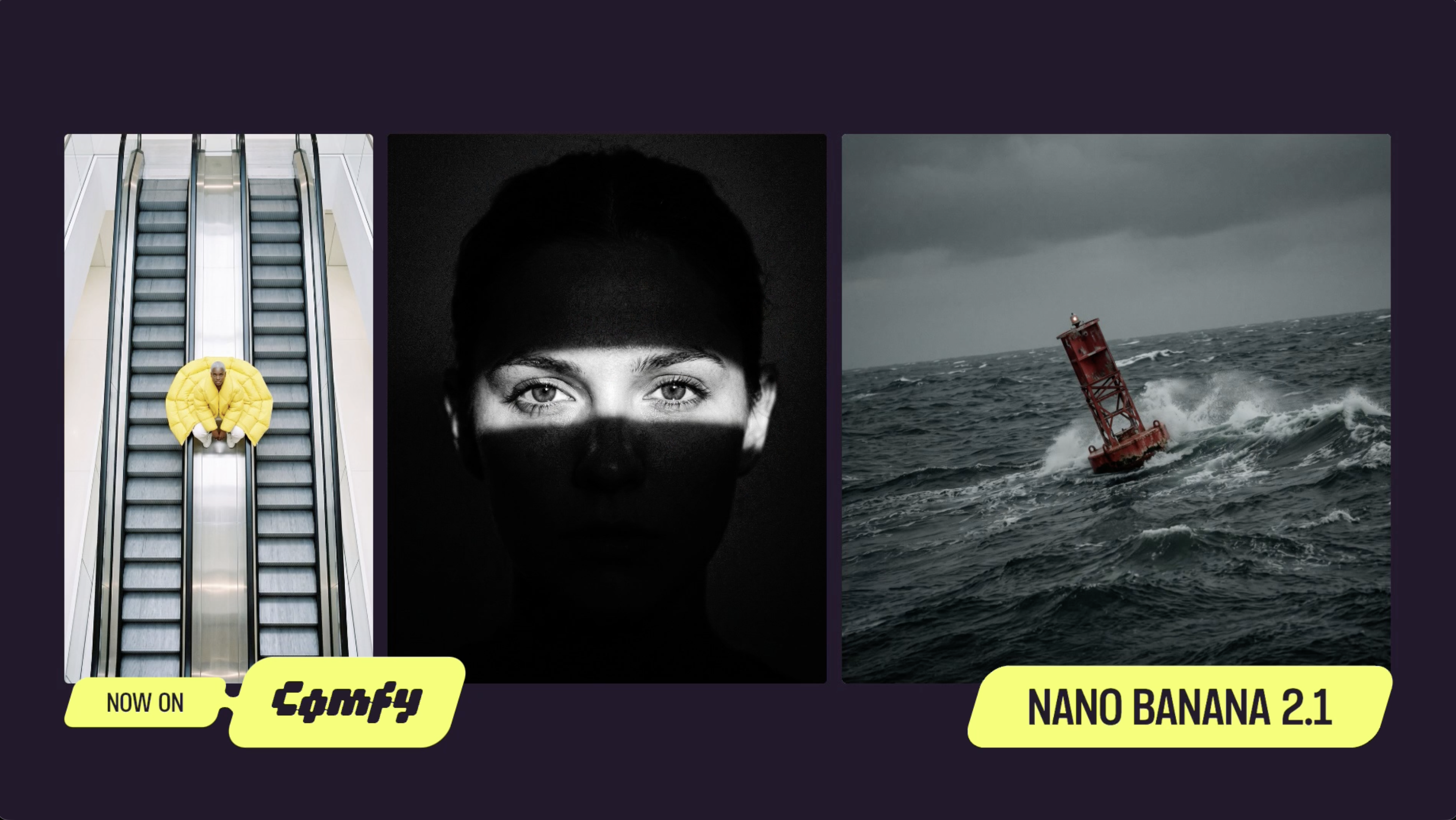
Gemini Nano Banana 2.1 is Google’s image generation and editing model, and the successor to Nano Banana 2. It is built to balance price and performance. Give it a prompt and up to 14 reference images, and it returns a finished image at up to 4K.
If Nano Banana 2 is already the default in your graph, Gemini Nano Banana 2.1 drops into the same slot. The resolution tiers carry over, the aspect ratio list gains 9:21, and each run costs less.
- Three thinking levels. Minimal, Medium and High. Use Minimal to explore quickly, High for dense layouts and prompts that stack several constraints, and Medium when you want something in between. Higher levels take longer and use more tokens.
Three thinking levels. Minimal, Medium and High. Use Minimal to explore quickly, High for dense layouts and prompts that stack several constraints, and Medium when you want something in between. Higher levels take longer and use more tokens.
- Up to 14 reference images. Pass products, characters, style references and backgrounds in a single prompt. Give each one a clear job in the prompt.
Up to 14 reference images. Pass products, characters, style references and backgrounds in a single prompt. Give each one a clear job in the prompt.
- Search grounding. The model can pull from Google Search and image search, which helps with real landmarks, niche objects and specific real-world details.
Search grounding. The model can pull from Google Search and image search, which helps with real landmarks, niche objects and specific real-world details.
- Text that renders as written. Signage, multi-line notices, exact alphanumeric strings, cursive handwriting and Japanese come back as specified. Spell out every word you want in the image.
Text that renders as written. Signage, multi-line notices, exact alphanumeric strings, cursive handwriting and Japanese come back as specified. Spell out every word you want in the image.
- Targeted and multi-turn edits. Recolors, material swaps, object removal and text replacement land without disturbing the rest of the frame, and edits can build on each other across turns.
Targeted and multi-turn edits. Recolors, material swaps, object removal and text replacement land without disturbing the rest of the frame, and edits can build on each other across turns.
- Seamless tiling. Tileable textures and patterns wrap cleanly at the edges.
Seamless tiling. Tileable textures and patterns wrap cleanly at the edges.
- Flexible output. 1K, 2K and 4K, from 1:1 through 21:9 and 9:21, plus 4:1, 1:4, 8:1 and 1:8 for banners and long panoramas.Try Nano Banana 2.1 Today
Flexible output. 1K, 2K and 4K, from 1:1 through 21:9 and 9:21, plus 4:1, 1:4, 8:1 and 1:8 for banners and long panoramas.
- Update ComfyUI to the latest version, or open Comfy Cloud.
Update ComfyUI to the latest version, or open Comfy Cloud.
- Double-click the canvas and search for “Gemini Nano Banana 2.1”, or load the ready-made workflow from the Template Library.
Double-click the canvas and search for “Gemini Nano Banana 2.1”, or load the ready-made from the Template Library.
- Set resolution, aspect ratio and thinking level, add your prompt and any reference images, and run.
Set resolution, aspect ratio and thinking level, add your prompt and any reference images, and run.
As always, enjoy creating!
No posts